Google Slides em todas as telas. cada tela.
Transmita apresentações do Google Slides para telas de sinalização digital com troca automática de slides, sincronização na nuvem e total fidelidade visual.
Apresentações Que Se Atualizam Sozinhas
O Google Slides é a ferramenta colaborativa de apresentações usada por milhões de equipes. O Hangar.Media exibe apresentações do Slides em telas de sinalização digital com transições automáticas de slides e sincronização ao vivo. Edite a apresentação em qualquer dispositivo e a tela de sinalização digital reflete as alterações em minutos. Vários membros da equipe podem atualizar o deck simultaneamente e a tela incorpora cada mudança.
O que você pode fazer com cada tela.
Três capacidades que tornam esta integração essencial para a sua rede de sinalização digital.
Edite em Qualquer Lugar, Exiba em Todo Lugar
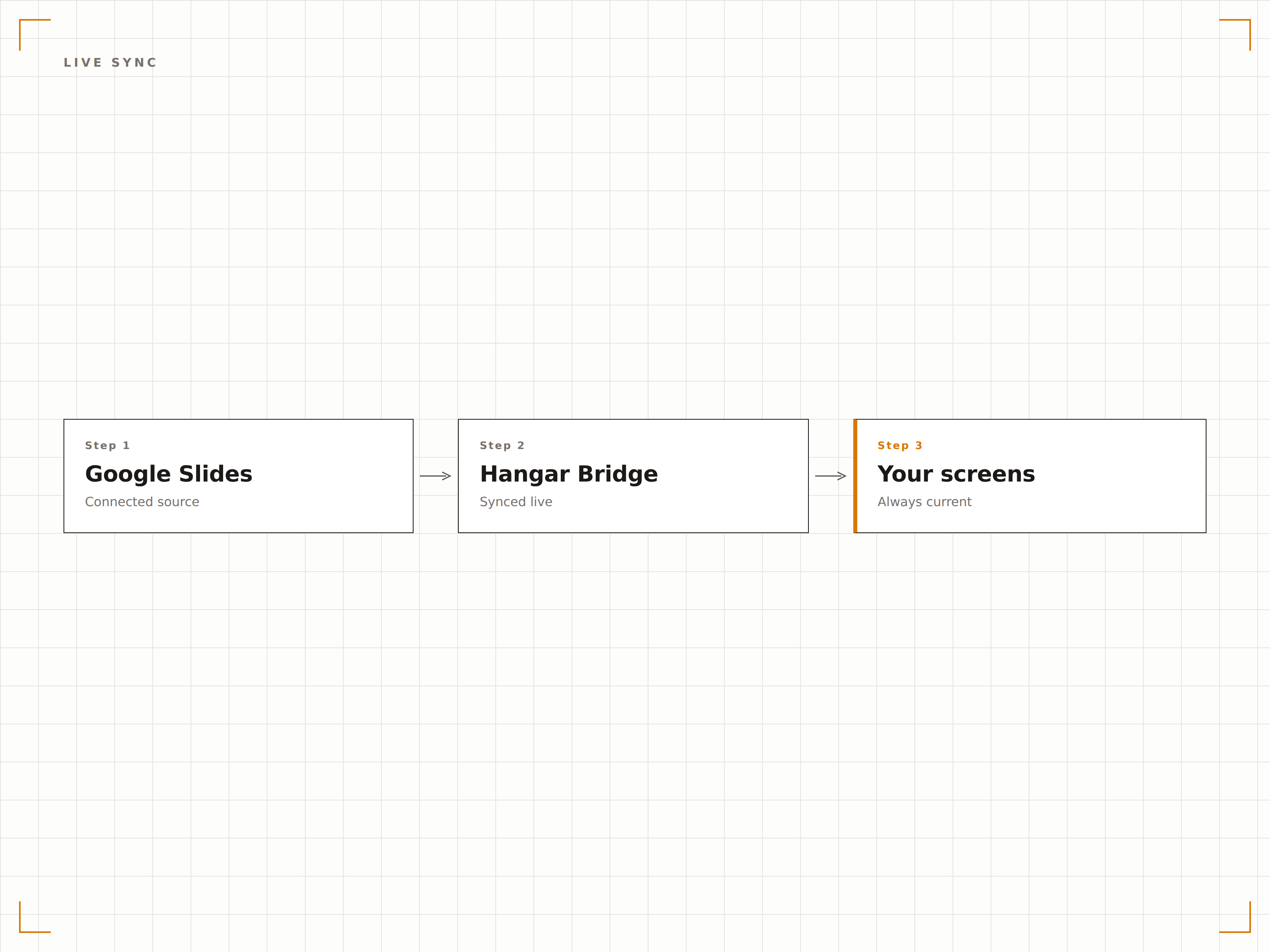
O Google Slides é colaborativo por natureza. Vários editores podem atualizar a apresentação pelos navegadores ou celulares, e a tela de sinalização sincroniza automaticamente a versão mais recente. Sem uploads de arquivos, sem atualizações manuais.
Edite no celular, veja na parede.
Edição colaborativa refletida na tela
Sem necessidade de upload manual de arquivos ou atualização
Alterações sincronizadas em minutos após a edição
Transições Automáticas de Slides
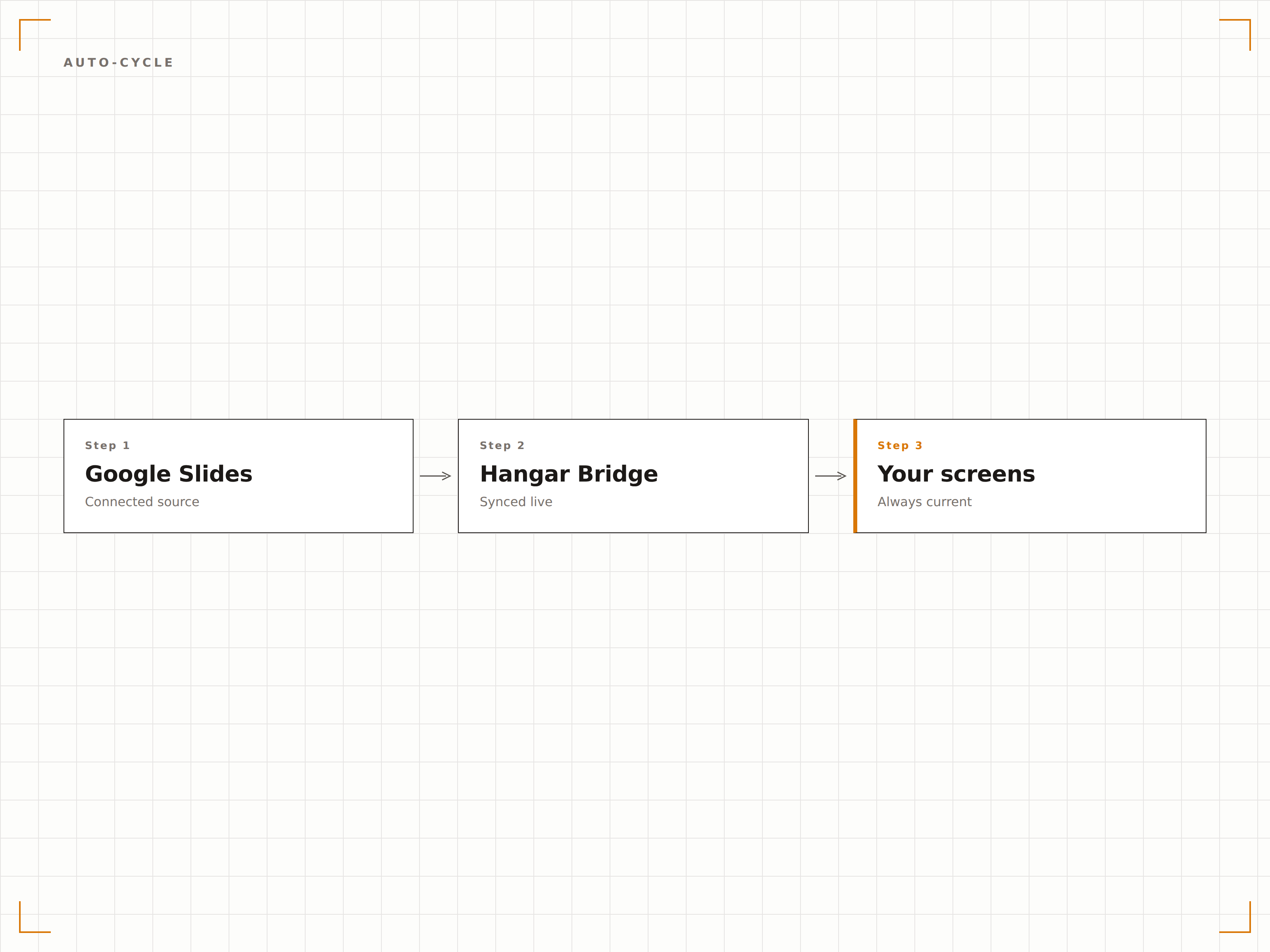
As apresentações percorrem os slides automaticamente no intervalo escolhido. Defina 10 segundos para uma rotação rápida ou 60 segundos para slides mais detalhados. As transições são suaves e a apresentação fica em loop contínuo.
Slides que se apresentam sozinhos, o dia todo, todos os dias.
Tempo de exibição ajustável por slide
Efeitos de transição suaves
Reprodução em loop contínuo
Configuração Simples por Link
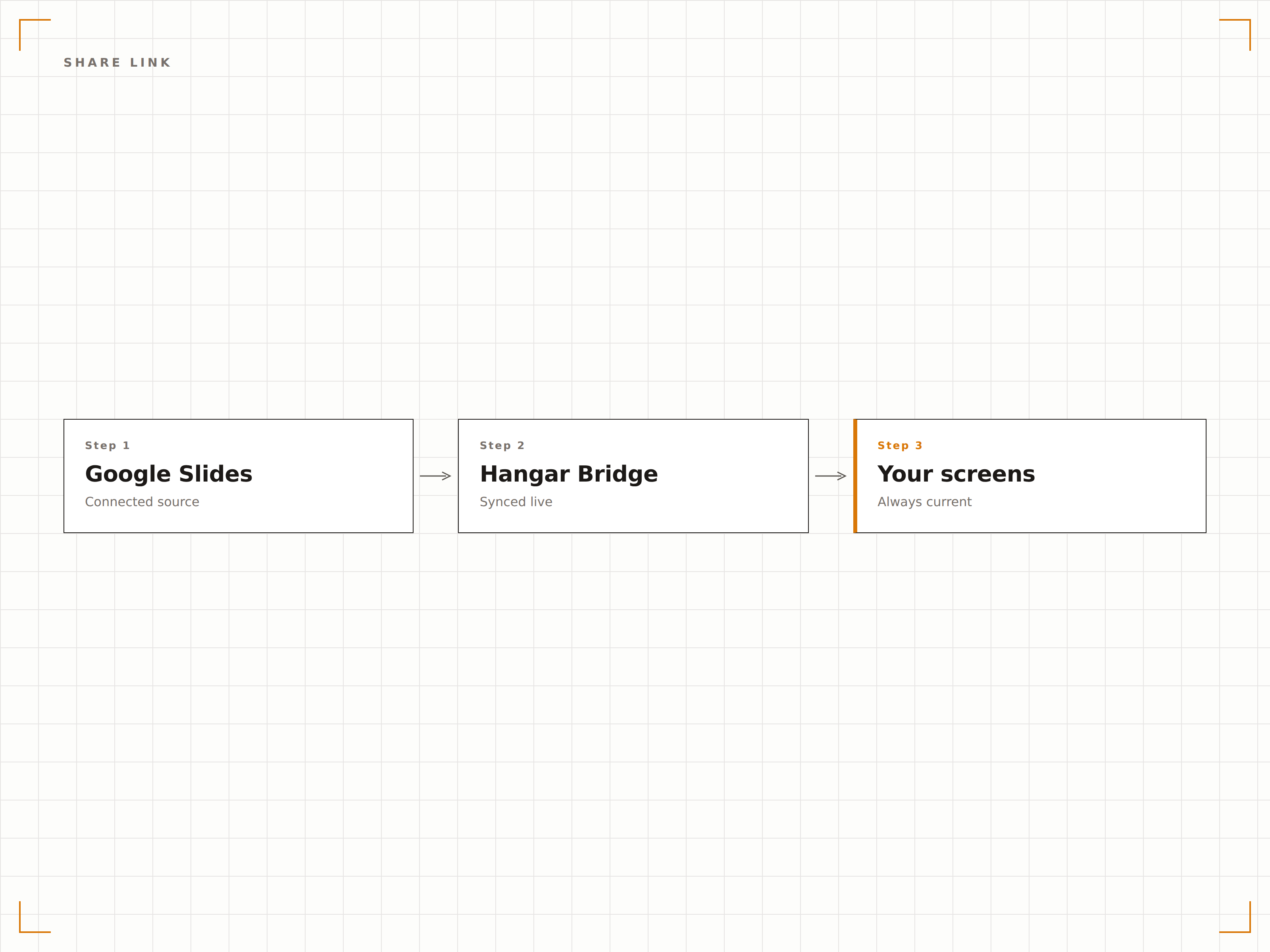
Copie o link de compartilhamento do Google Slides e cole no Hangar.Media. Se a apresentação estiver compartilhada para qualquer pessoa com o link visualizar, nenhuma configuração de API é necessária. A apresentação aparece na tela em menos de um minuto.
Copie o link, cole e exiba. Simples assim.
Integração por link de compartilhamento
Sem necessidade de configuração de API do Google
No ar em menos de 60 segundos
Quatro etapas para telas conectadas.
Da configuração ao conteúdo ao vivo em minutos, não dias.
Compartilhar Apresentação
No Google Slides, configure o compartilhamento para que qualquer pessoa com o link possa visualizar e copie a URL de compartilhamento.
Adicionar ao Hangar.Media
Cole a URL do Google Slides no gerenciador de conteúdo do Hangar.Media.
Configurar Reprodução
Defina os intervalos de transição de slides, configurações de loop e escalonamento de exibição para suas telas de destino.
Publicar
Atribua às suas telas e a apresentação do Google Slides começa a ser reproduzida automaticamente.
Feito para cada setor.
Veja como diferentes segmentos utilizam esta integração para gerar resultados.
Deck de Boas-Vindas no Lobby
Exiba uma apresentação institucional no lobby com visão geral da empresa, conquistas e informações sobre a equipe para visitantes e convidados.
EducaçãoSlides de Informações para Alunos
Exiba apresentações com informações para alunos em telas de áreas comuns com eventos do campus, prazos e comunicados que a equipe pode atualizar de forma colaborativa.
VarejoTreinamento e Integração
Exiba slides de treinamento de produtos e apresentações de integração em telas nos bastidores para educação contínua e consulta da equipe.
SaúdeSlides de Educação ao Paciente
Exiba apresentações de educação em saúde nas salas de espera com informações que a equipe clínica pode atualizar de forma colaborativa via Google Slides.
Perguntas frequentes. Respostas diretas respostas.
Preciso de uma conta do Google Workspace?
Não. O Google Slides é gratuito com qualquer conta Google. Configure sua apresentação para que qualquer pessoa com o link possa visualizar e cole o link no Hangar.Media. Contas do Google Workspace também funcionam com controles de compartilhamento adicionais.
Várias pessoas podem editar a apresentação e ver as mudanças na tela?
Sim. O Google Slides oferece edição colaborativa em tempo real. Todas as alterações feitas por qualquer editor são sincronizadas com a tela de sinalização no próximo ciclo de atualização, normalmente em 5 a 15 minutos.
E os vídeos incorporados nos slides?
Vídeos do YouTube incorporados e mídias vinculadas no Google Slides são suportados. Os vídeos são reproduzidos automaticamente quando o slide correspondente aparece na tela, desde que a reprodução automática esteja habilitada nas configurações de exibição.
Posso usar o Google Slides junto com outros conteúdos?
Sim. Apresentações do Google Slides podem ser adicionadas a qualquer playlist do Hangar.Media junto com vídeos, dashboards, feeds de redes sociais e outros tipos de conteúdo em uma rotação.
Um preço. A plataforma completa.
É assim que acreditamos que a sinalização digital deve funcionar. Editor de conteúdo, gerenciamento de telas e mais de 200 integrações de aplicativos — tudo incluído desde o primeiro dia.
14 dias grátis, até 3 telas — sem cartão.