Votre boutique Shopify sur vos écrans.
Intégrez votre catalogue produits Shopify dans votre espace physique. Affichez produits, prix, avis et disponibilités de votre boutique Shopify sur vos écrans d'affichage dynamique en magasin, pour une expérience omnicanale fluide du online au offline.
Connectez votre boutique en ligne à vos écrans physiques
L'intégration Shopify importe l'intégralité de votre catalogue produits depuis Shopify — titres, descriptions, images, prix, déclinaisons et niveaux de stock. Affichez ces données sur vos écrans en magasin sous forme de vitrines produits, de supports promotionnels ou de lookbooks digitaux. Vos clients retrouvent en magasin les mêmes produits et les mêmes prix qu'en ligne, pour une expérience omnicanale parfaitement cohérente.
Ce que vous pouvez faire avec sur vos écrans.
Trois fonctionnalités qui rendent cette intégration indispensable pour votre réseau d'affichage dynamique.
Des lookbooks digitaux issus de votre catalogue
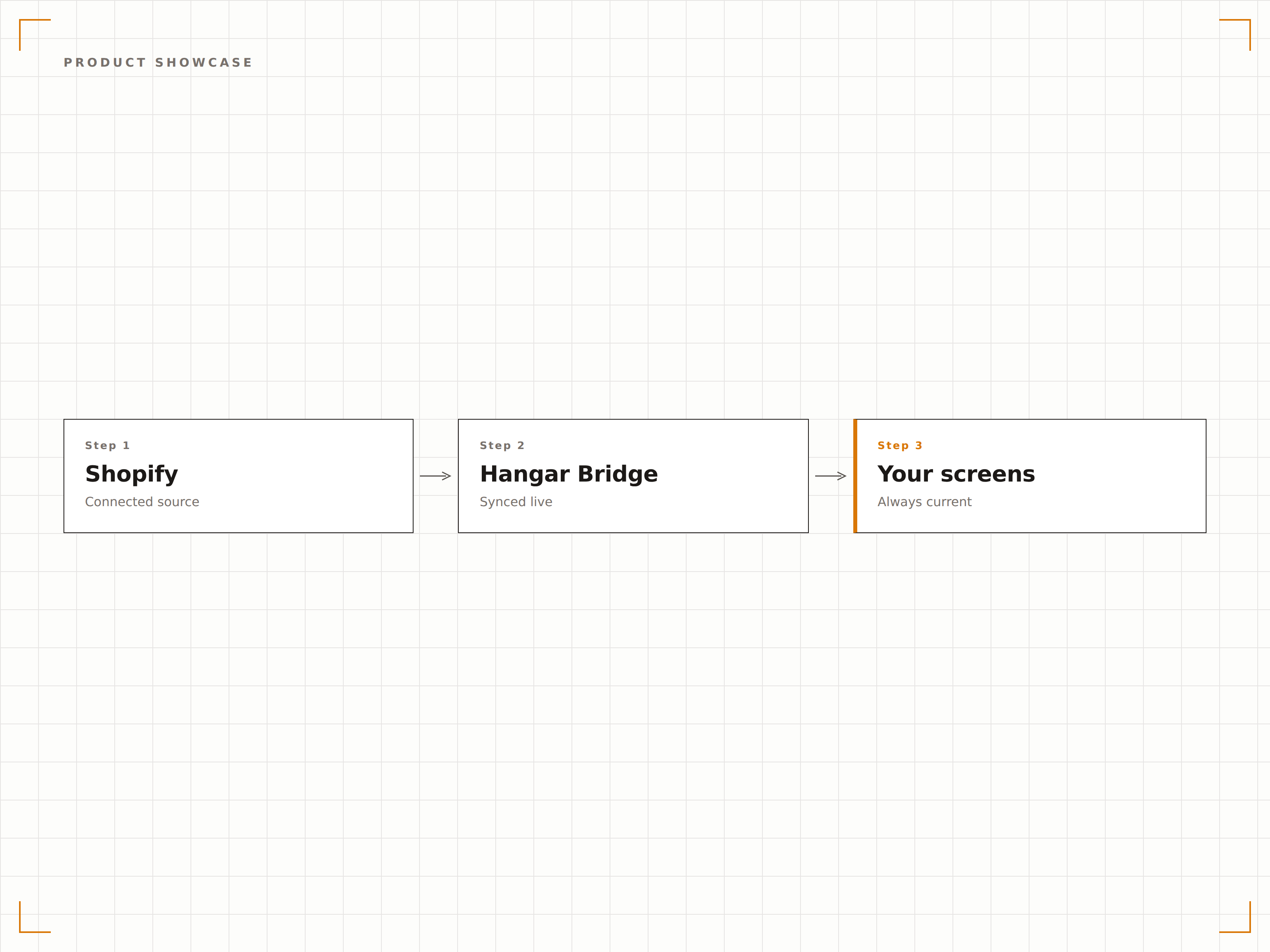
Transformez vos photos produits Shopify en lookbooks digitaux et en vitrines produits percutantes sur vos écrans en magasin. Affichez des visuels hero, des photos lifestyle et des détails produits dans des diaporamas rotatifs qui parcourent vos collections. Les nouveaux produits ajoutés à Shopify apparaissent automatiquement sur vos écrans.
Nos écrans en vitrine affichent les mêmes nouveautés qui viennent d'être mises en ligne sur notre site.
Diaporamas produits générés automatiquement depuis les collections Shopify
Affichage haute résolution des visuels produits avec fonction zoom
Détection des nouveaux produits pour une mise à jour automatique des vitrines
Des prix toujours exacts
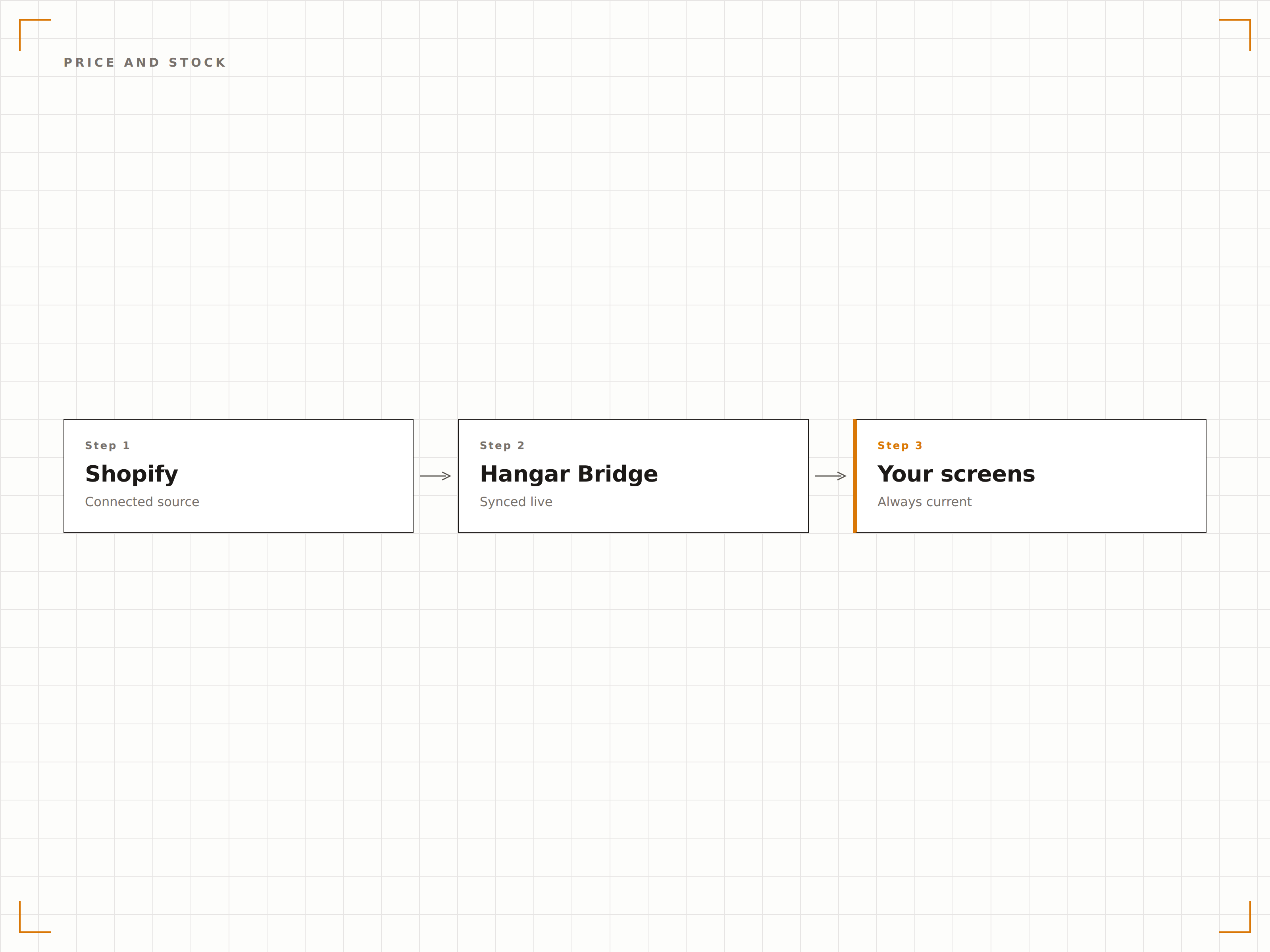
Les modifications de prix et les événements promotionnels créés dans Shopify se reflètent immédiatement sur vos écrans en magasin. Lorsqu'un produit est épuisé en ligne ou en magasin via Shopify POS, l'affichage se met à jour pour indiquer le statut de stock actuel. Les prix promotionnels s'affichent avec le prix d'origine barré.
Les ventes flash que nous lançons sur Shopify apparaissent sur nos écrans en magasin en quelques minutes. Aucune mise à jour manuelle nécessaire.
Synchronisation des prix en temps réel, y compris les prix soldés et les prix barrés
Indicateurs de disponibilité sur les fiches produits
Mise en forme automatique des badges de promotion et des prix barrés
Conversion de l'écran au panier
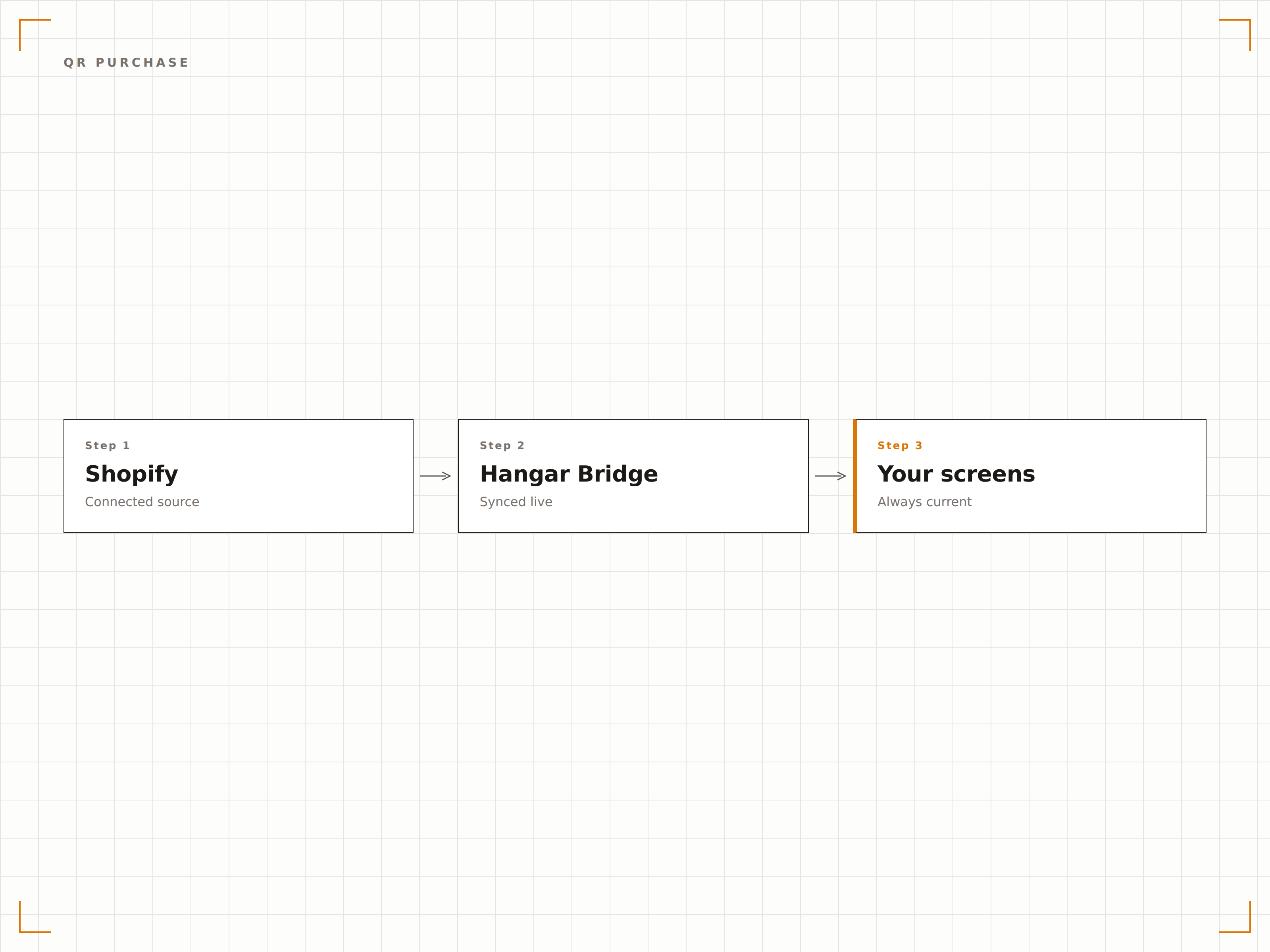
Affichez des QR codes à côté des produits sur l'écran, renvoyant directement vers la page produit de votre boutique Shopify. Les clients scannent pour consulter tous les détails, lire les avis et ajouter au panier depuis leur téléphone. Cela crée un pont entre la navigation sur écran et l'achat mobile.
Les clients scannent le QR code affiché sur l'écran et retrouvent le produit dans leur panier Shopify en quelques secondes.
QR codes générés automatiquement, pointant vers les pages produits Shopify
Liens d'ajout direct au panier pour une conversion rapide
Analyse des scans pour mesurer l'intention d'achat depuis l'écran
Quatre étapes vers écrans connectés.
De la configuration au contenu en direct en quelques minutes, pas en jours.
Installez l'application Shopify Hangar.Media
Installez le connecteur Hangar.Media depuis le Shopify App Store et autorisez l'accès à votre catalogue produits et à vos données de stock.
Sélectionnez les collections à afficher
Choisissez les collections, tags ou groupes de produits Shopify qui doivent apparaître sur vos écrans d'affichage dynamique en magasin.
Concevez vos présentations produits
Choisissez parmi les modèles de vitrine produit, de lookbook digital ou d'affichage promotionnel, et personnalisez-les avec votre identité de marque.
Publiez sur vos écrans en magasin
Publiez le contenu alimenté par Shopify sur vos écrans. Les produits se synchronisent en continu, garantissant que vos affichages correspondent toujours à votre boutique en ligne.
Conçu pour chaque secteur.
Découvrez comment différents secteurs utilisent cette intégration pour obtenir des résultats.
Rayons virtuels en magasin
Les enseignes retail affichent l'intégralité de leur catalogue Shopify sur des écrans en magasin, permettant aux clients de parcourir les articles non disponibles physiquement et de les commander en ligne pour une livraison à domicile, directement depuis le magasin.
BeautéVitrines produits beauté
Les marques de cosmétiques affichent leur gamme de produits Shopify sur des écrans en boutique et en grands magasins, avec des visuels haute qualité, le détail des ingrédients et des QR codes pour l'achat mobile.
HôtellerieAffichage produits en boutique d'hôtel
Les boutiques d'hôtels affichent leur catalogue de produits Shopify sur les écrans du lobby avec les prix et stocks en cours, permettant aux clients de parcourir les articles et de les commander depuis leur chambre.
DivertissementAffichage de merchandising en salle
Les salles de concert et les arènes sportives affichent leurs produits dérivés gérés sur Shopify sur les écrans des concourses, avec prix et niveaux de stock en temps réel, stimulant les ventes avant et pendant les événements.
Questions fréquentes. Réponses directes : réponses.
Cette intégration fonctionne-t-elle avec Shopify POS ainsi qu'avec la boutique en ligne ?
Oui. L'intégration s'appuie sur votre catalogue Shopify, partagé entre votre boutique en ligne et Shopify POS. Les niveaux de stock reflètent l'inventaire combiné en ligne et en magasin.
Puis-je afficher les avis clients sur les écrans ?
Oui. Si vous utilisez une application d'avis compatible Shopify, Hangar.Media peut récupérer et afficher les notes en étoiles et les extraits d'avis à côté des informations produits sur vos écrans.
Comment les variantes produits s'affichent-elles sur l'écran ?
Les variantes produits — taille, couleur et matière — peuvent être présentées sous forme d'options sélectionnables sur les écrans interactifs, ou sous forme de fourchette de prix sur les affichages passifs. Vous contrôlez le format d'affichage des variantes par modèle.
Puis-je filtrer les produits affichés sur chaque écran ?
Oui. Vous pouvez filtrer par collection Shopify, tag produit, type de produit, fournisseur ou tranche de prix. Différents écrans peuvent afficher différentes sélections de produits issus du même magasin Shopify.
Un seul tarif. La plateforme complète.
C'est ainsi que nous pensons que l'affichage dynamique devrait fonctionner. Éditeur de contenu, gestion des écrans et plus de 200 intégrations d'applications — tout inclus dès le premier jour.
14 jours gratuits, jusqu'à 3 écrans — sans carte bancaire.