Sua loja Shopify nas suas telas.
Leve o catálogo de produtos da sua loja Shopify para o seu espaço físico. Exiba produtos, preços, avaliações e disponibilidade da sua loja Shopify em sinalização digital no ponto de venda para uma experiência omnichannel integrada do online ao offline.
Conecte sua loja online às telas físicas
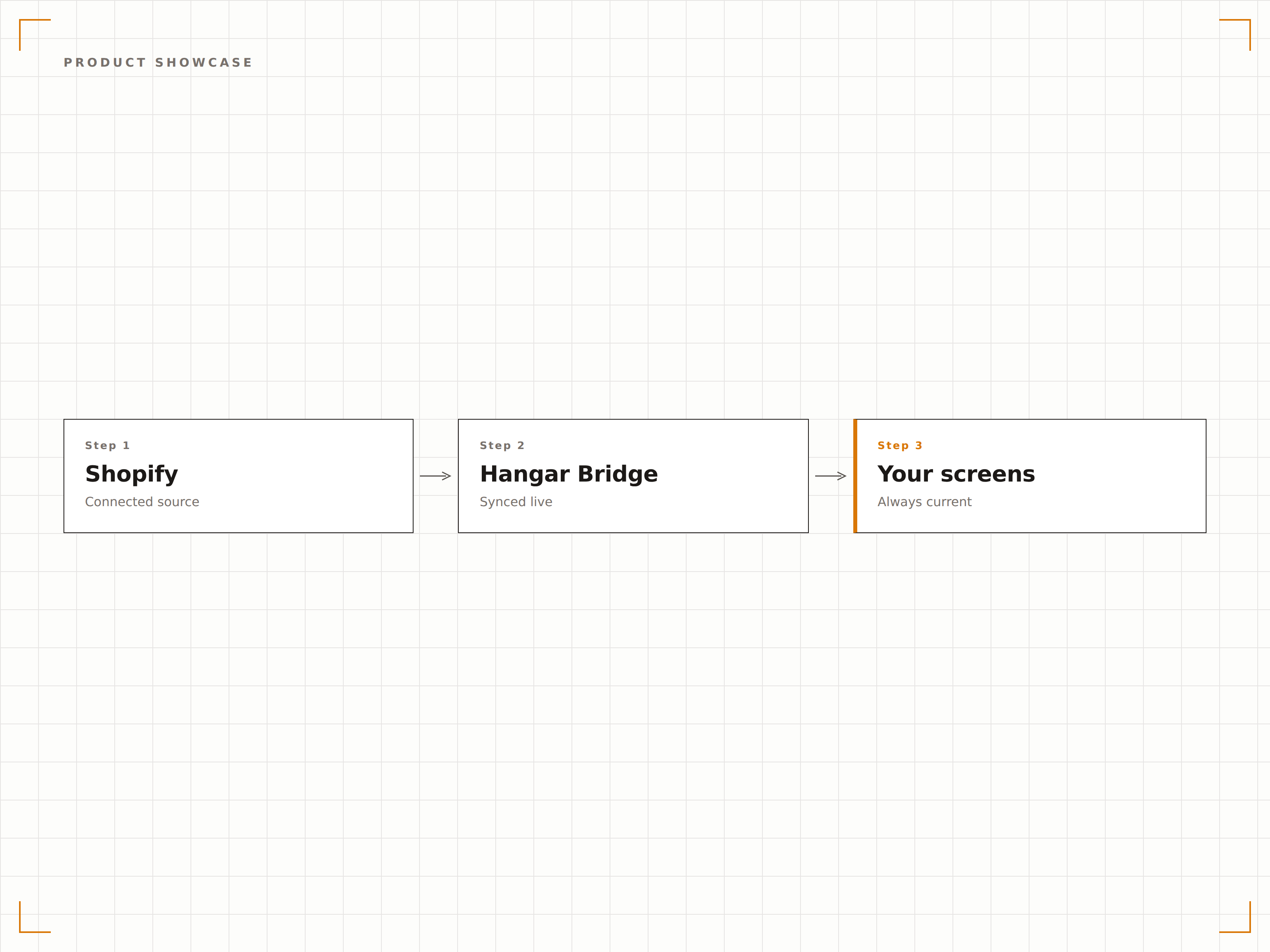
A integração com o Shopify importa seu catálogo completo de produtos, incluindo títulos, descrições, imagens, preços, variantes e níveis de estoque. Exiba essas informações nas telas da loja como vitrines de produtos, displays promocionais ou lookbooks digitais. Os clientes encontram os mesmos produtos e preços tanto na loja física quanto online, proporcionando uma experiência omnichannel consistente.
O que você pode fazer com nas suas telas.
Três capacidades que tornam esta integração essencial para a sua rede de sinalização digital.
Lookbooks digitais a partir do seu catálogo
Transforme as fotos de produtos do seu Shopify em lookbooks digitais e vitrines impressionantes nas telas da loja. Exiba imagens principais, fotografias de lifestyle e detalhes dos produtos em slideshows rotativos que percorrem as coleções. Novos produtos adicionados ao Shopify aparecem nas telas automaticamente.
Nossas telas na vitrine exibem os mesmos lançamentos que acabaram de entrar no ar no nosso site.
Slideshows de produtos gerados automaticamente a partir de coleções do Shopify
Exibição de imagens de produtos em alta resolução com zoom
Detecção de novos produtos para atualização automática da vitrine
Preços sempre precisos
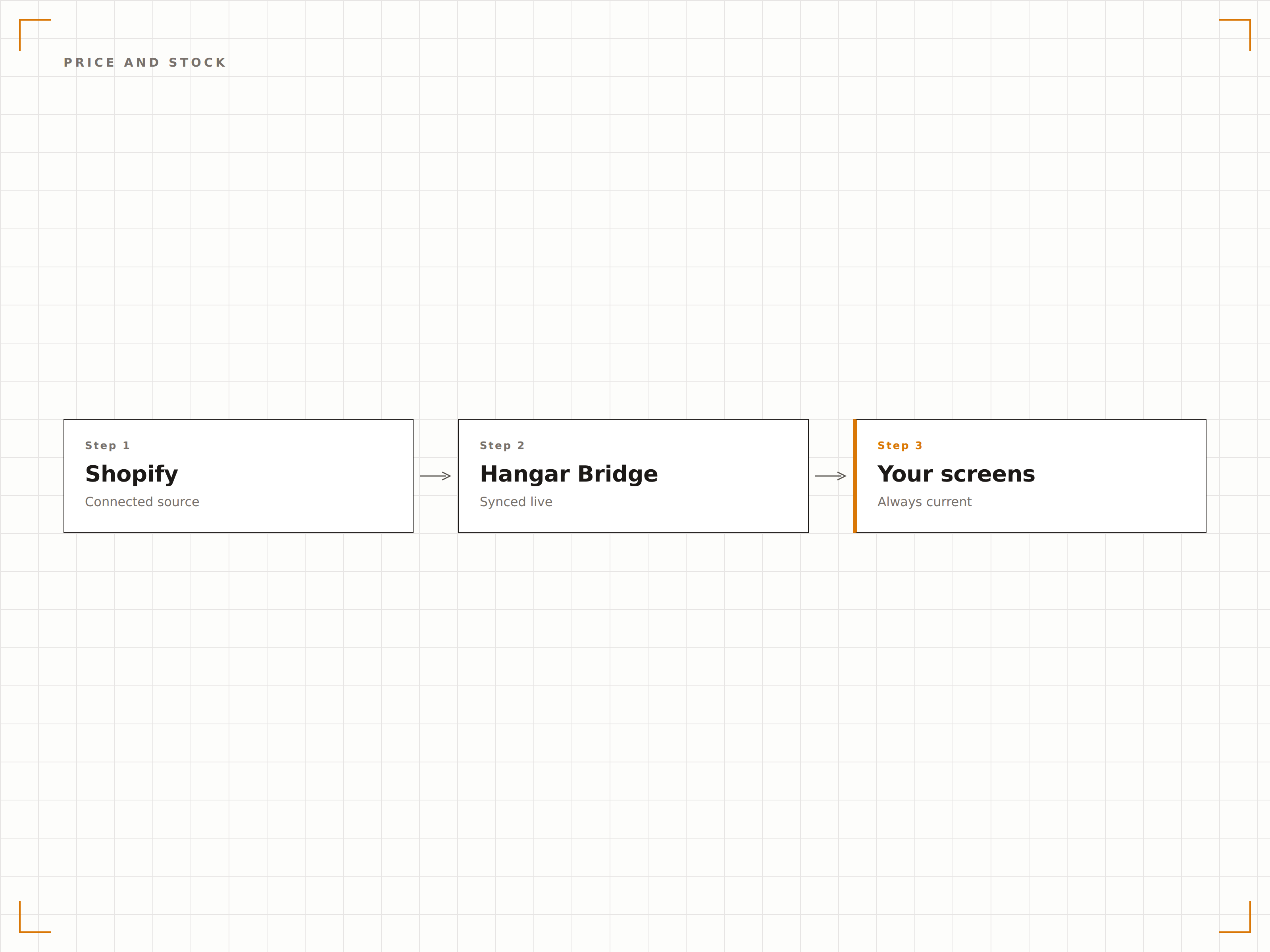
Alterações de preço e promoções criadas no Shopify são refletidas imediatamente nas suas telas na loja. Quando um produto esgota online ou na loja física via Shopify POS, o display é atualizado para mostrar o status atual do estoque. Preços promocionais são exibidos com o preço original riscado.
Promoções relâmpago que lançamos no Shopify aparecem nas telas da nossa loja em minutos. Sem necessidade de atualizações separadas.
Sincronização de preços em tempo real, incluindo preços promocionais e preços de comparação
Indicadores de disponibilidade de estoque nos displays de produtos
Formatação automática de selo de promoção e preço riscado
Conversão da tela para o carrinho
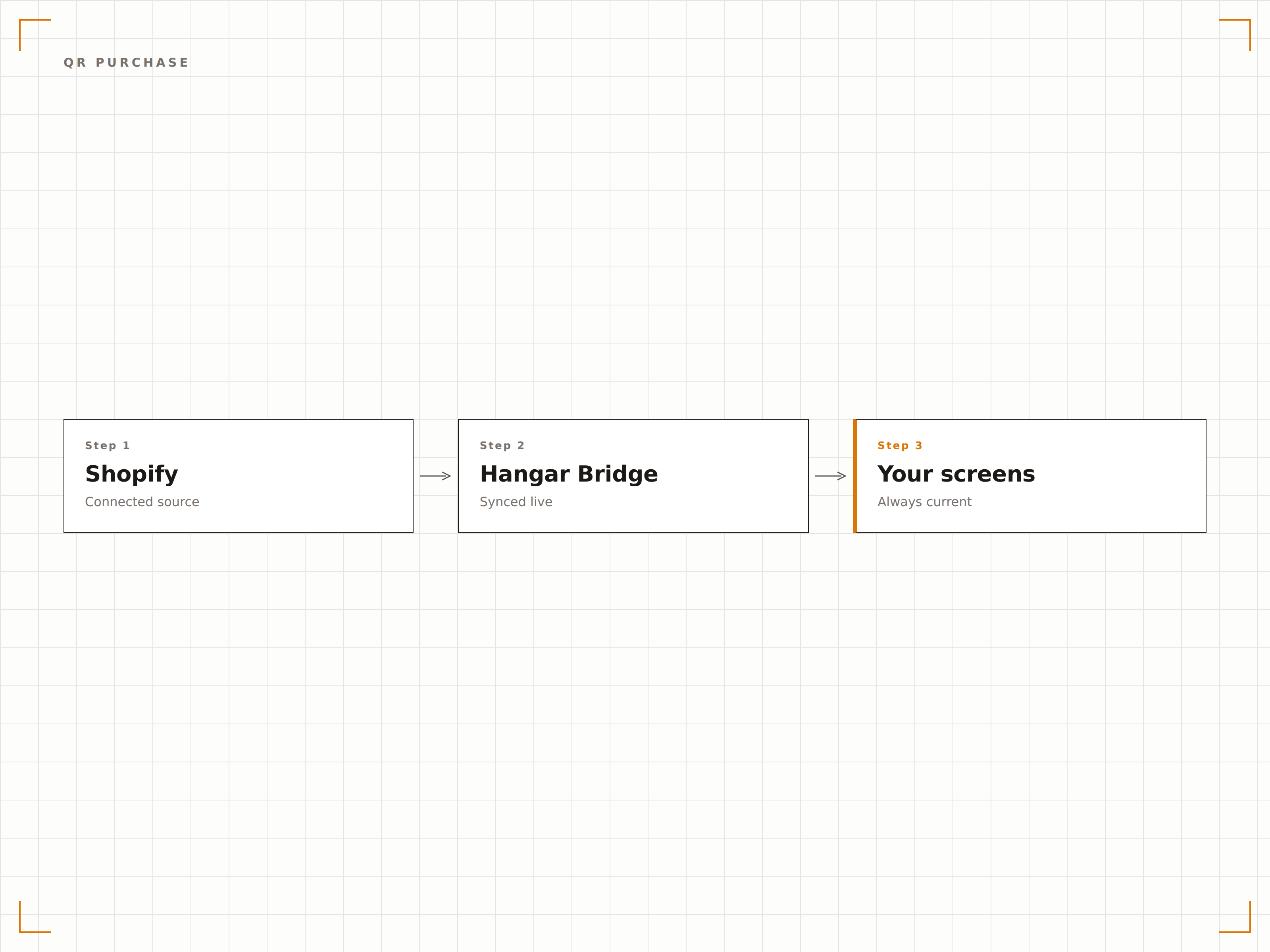
Exiba QR codes ao lado dos produtos na tela com links diretos para a página do produto na sua loja Shopify. Os clientes escaneiam para ver todos os detalhes, ler avaliações e adicionar ao carrinho pelo celular. Isso conecta a navegação nas telas à compra pelo dispositivo móvel.
Os clientes escaneiam o QR code na tela e têm o produto no carrinho do Shopify em segundos.
QR codes gerados automaticamente com links para as páginas de produtos no Shopify
Links diretos para adicionar ao carrinho com rapidez
Análise de escaneamentos para medir a intenção de compra a partir das telas
Quatro etapas para telas conectadas.
Da configuração ao conteúdo ao vivo em minutos, não dias.
Instale o aplicativo Shopify do Hangar.Media
Instale o conector do Hangar.Media pela Shopify App Store e autorize o acesso ao seu catálogo de produtos e dados de estoque.
Selecione coleções para exibição
Escolha quais coleções, tags ou grupos de produtos do Shopify devem aparecer nas suas telas de sinalização digital na loja.
Crie o visual dos seus produtos
Escolha entre templates de vitrine de produtos, lookbook digital ou display promocional e personalize com a identidade visual da sua marca.
Publique nas telas da loja
Publique o conteúdo integrado ao Shopify nas suas telas. Os produtos sincronizam continuamente, garantindo que os displays sempre reflitam sua loja online.
Feito para cada setor.
Veja como diferentes segmentos utilizam esta integração para gerar resultados.
Displays de corredor infinito na loja
Varejistas exibem seu catálogo completo do Shopify em telas na loja para que os clientes possam navegar por itens que não estão fisicamente em estoque e fazer pedidos online para entrega em casa diretamente da loja.
BelezaVitrines de produtos de beleza
Marcas de cosméticos exibem sua linha de produtos Shopify em telas de boutiques e lojas de departamento com imagens de alta qualidade, detalhes de ingredientes e QR codes para compra pelo celular.
HotelariaDisplays de produtos para lojas de presentes em hotéis
Lojas de presentes de hotéis exibem seu catálogo de produtos Shopify em telas do lobby com preços e estoque atualizados, permitindo que os hóspedes naveguem e façam pedidos direto do quarto.
EntretenimentoDisplays de merchandise em venues
Casas de shows e arenas esportivas exibem merchandise gerenciado pelo Shopify em telas dos corredores com preços e níveis de estoque em tempo real, impulsionando as vendas antes e durante os eventos.
Perguntas frequentes. Respostas diretas respostas.
Isso funciona com o Shopify POS além da loja online
Sim. A integração busca dados do seu catálogo Shopify, que é compartilhado entre sua loja online e o Shopify POS. Os níveis de estoque refletem o estoque combinado online e físico.
Posso exibir avaliações de clientes nas telas
Sim. Se você utiliza um aplicativo de avaliações compatível com Shopify, o Hangar.Media pode buscar e exibir classificações por estrelas e trechos de avaliações ao lado das informações dos produtos nas suas telas.
Como as variantes de produto aparecem na tela
Variantes de produto, incluindo tamanho, cor e material, podem ser exibidas como opções selecionáveis em telas interativas ou como uma faixa de preço em displays passivos. Você controla o formato de exibição das variantes por template.
Posso filtrar quais produtos aparecem em cada tela
Sim. Você pode filtrar por coleção, tag, tipo de produto, fornecedor ou faixa de preço do Shopify. Telas diferentes podem exibir seleções de produtos diferentes da mesma loja Shopify.
Um preço. A plataforma completa.
É assim que acreditamos que a sinalização digital deve funcionar. Editor de conteúdo, gerenciamento de telas e mais de 200 integrações de aplicativos — tudo incluído desde o primeiro dia.
14 dias grátis, até 3 telas — sem cartão.