Il tuo store Shopify sui tuoi schermi.
Porta il catalogo prodotti di Shopify nel tuo spazio fisico. Mostra prodotti, prezzi, recensioni e disponibilità del tuo store Shopify sulla segnaletica digitale in negozio, per un'esperienza online-to-offline senza soluzione di continuità.
Collega il tuo store online agli schermi fisici
L'integrazione con Shopify importa l'intero catalogo prodotti da Shopify, inclusi titoli, descrizioni, immagini, prezzi, varianti e livelli di inventario. Visualizza questi dati sugli schermi in negozio come vetrine prodotto, display promozionali o lookbook digitali. I clienti trovano in negozio gli stessi prodotti e prezzi che vedrebbero online, garantendo un'esperienza omnichannel coerente e uniforme.
Cosa puoi fare con sui tuoi schermi.
Tre funzionalità che rendono questa integrazione indispensabile per la tua rete di segnaletica digitale.
Lookbook digitali dal tuo catalogo
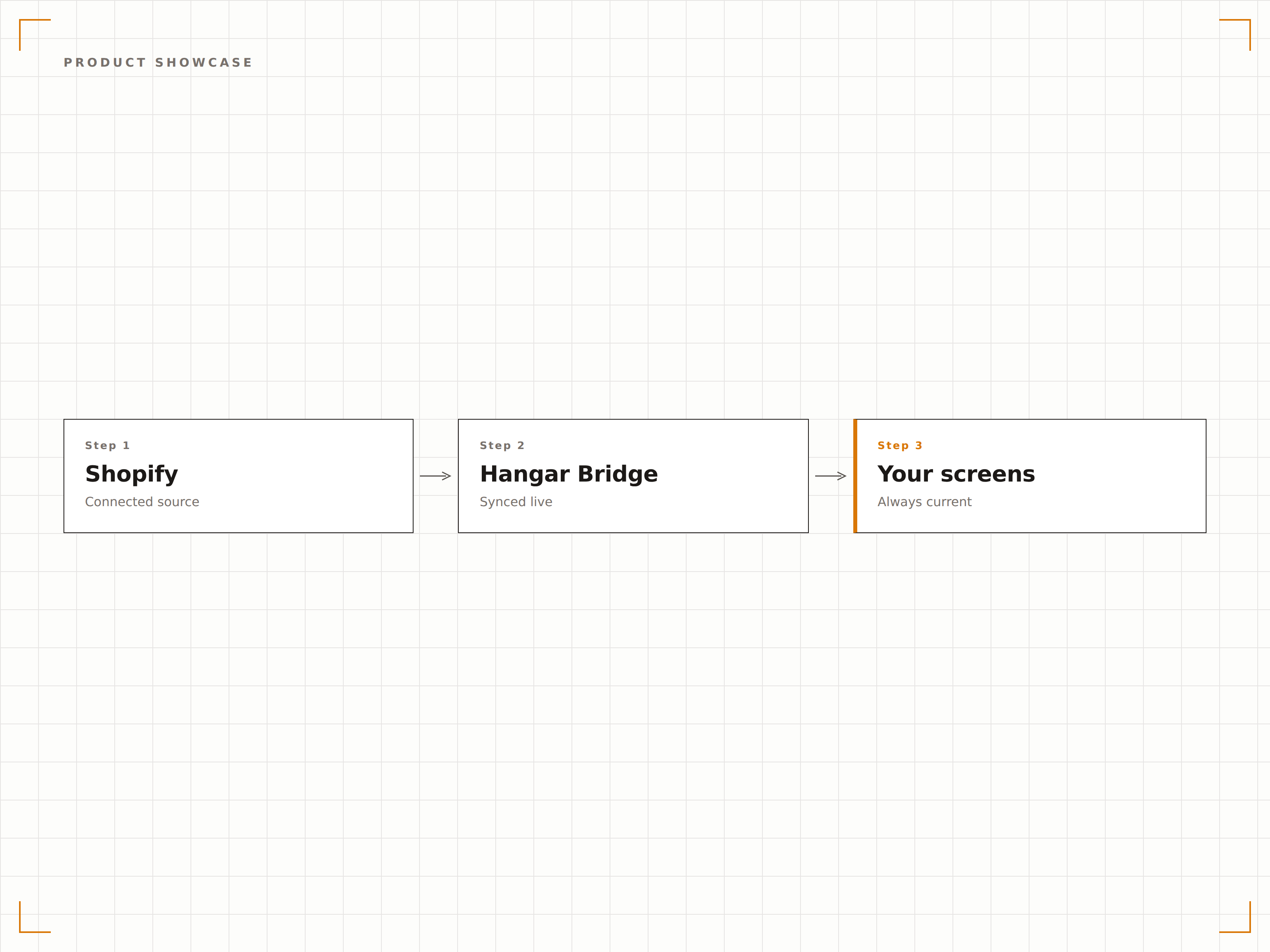
Trasforma le foto prodotto del tuo Shopify in straordinari lookbook digitali e vetrine prodotto sugli schermi in negozio. Mostra immagini hero, fotografia lifestyle e dettagli di prodotto in slideshow rotazionali che scorrono tra le collezioni. I nuovi prodotti aggiunti a Shopify appaiono automaticamente sugli schermi.
I nostri schermi in vetrina mostrano le stesse novità appena pubblicate sul nostro sito.
Slideshow di prodotti generati automaticamente dalle collezioni Shopify
Visualizzazione di immagini prodotto ad alta risoluzione con funzione zoom
Rilevamento automatico dei nuovi prodotti per aggiornare la vetrina
Prezzi sempre aggiornati
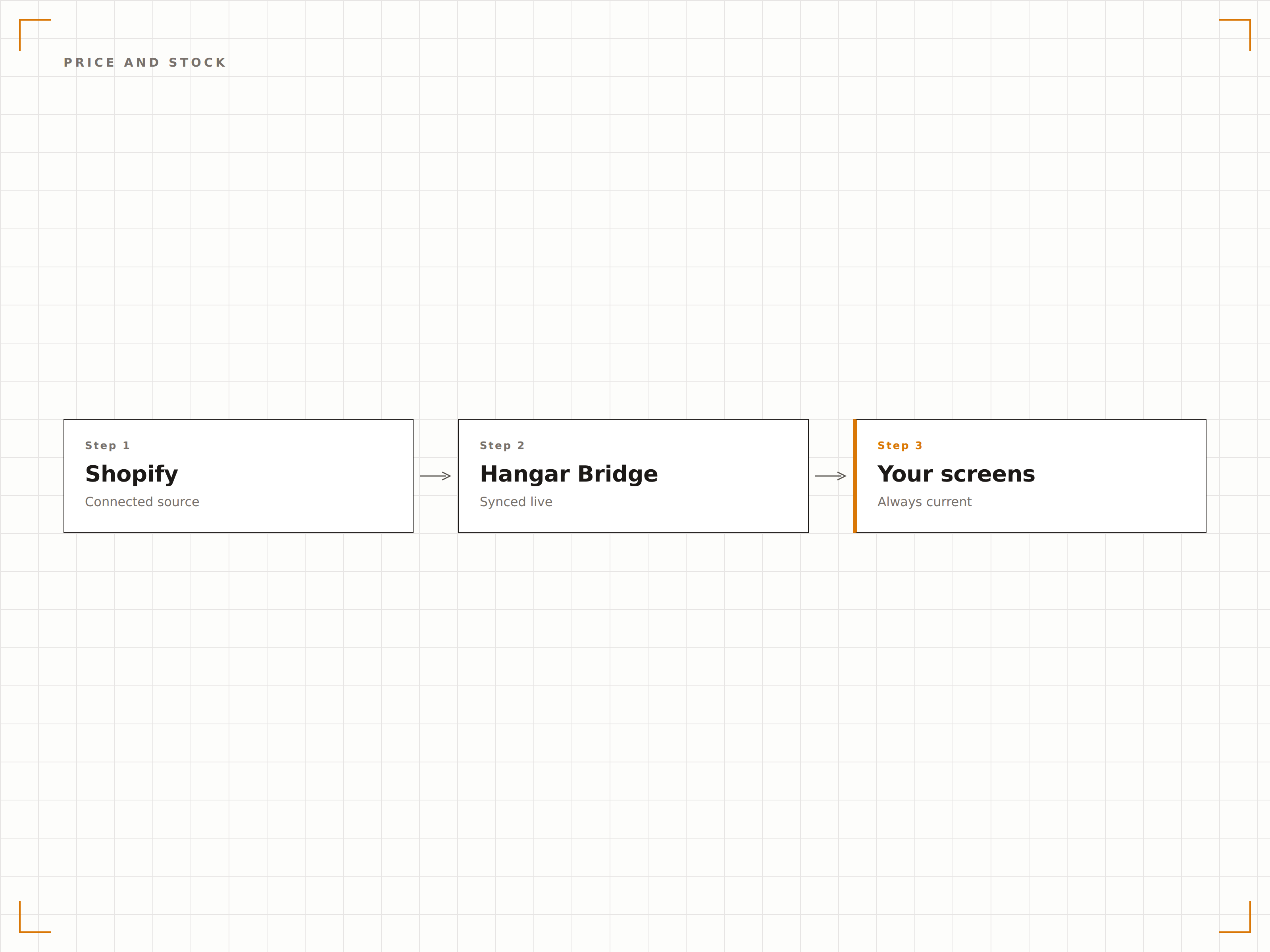
Le variazioni di prezzo e le promozioni create su Shopify si riflettono immediatamente sui tuoi schermi in negozio. Quando un prodotto si esaurisce online o in negozio tramite Shopify POS, il display si aggiorna per mostrare la disponibilità attuale. I prezzi scontati vengono visualizzati con il prezzo originale barrato.
Le flash sale che lanciamo su Shopify compaiono sui nostri schermi in negozio nel giro di pochi minuti. Nessun aggiornamento separato necessario.
Sincronizzazione prezzi in tempo reale, inclusi prezzi scontati e prezzi di confronto
Indicatori di disponibilità in stock sui display prodotto
Formattazione automatica del badge saldo e del prezzo barrato
Conversione dallo schermo al carrello
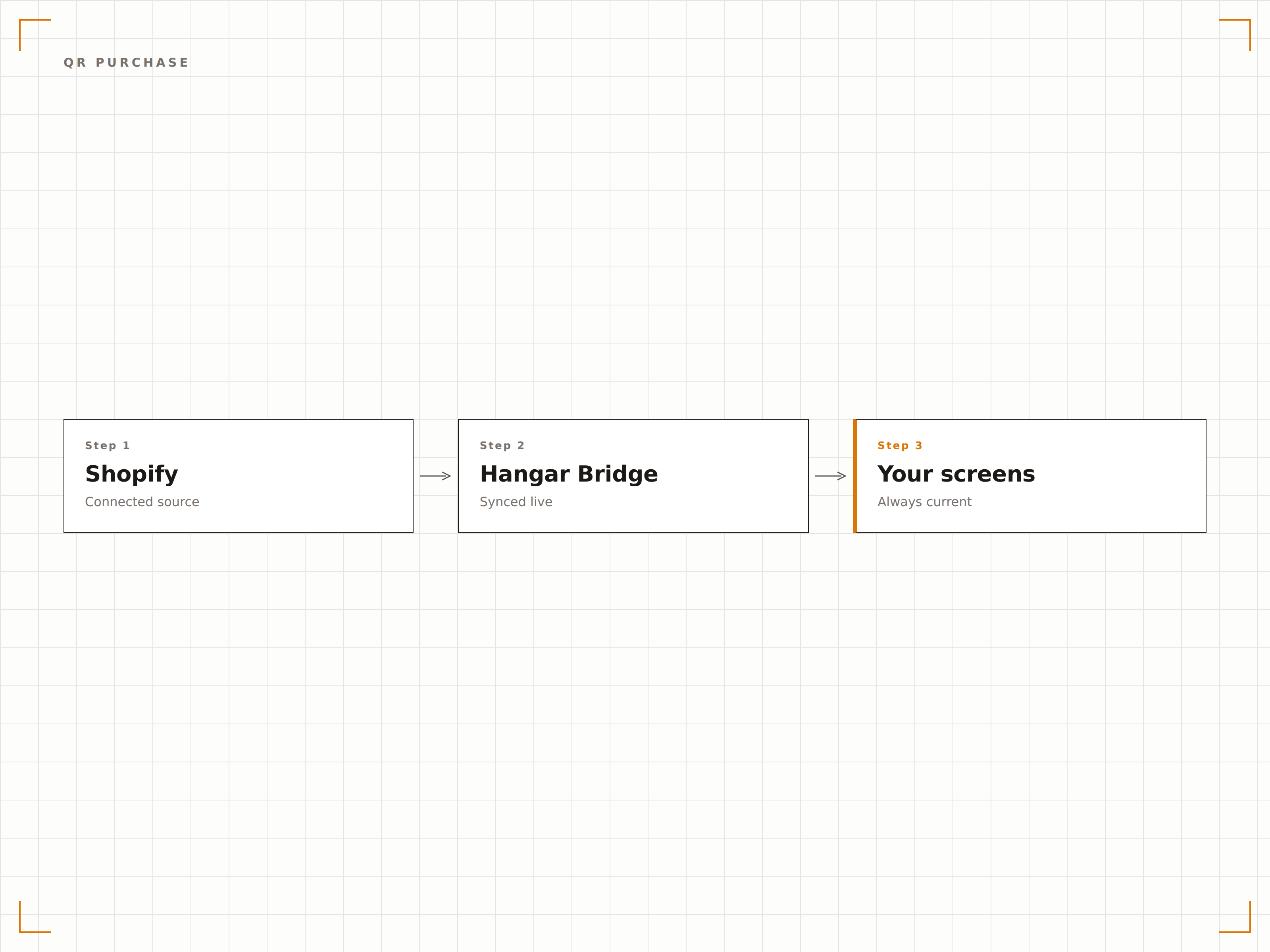
Mostra codici QR accanto ai prodotti sullo schermo, con link diretti alla pagina prodotto nel tuo store Shopify. I clienti scansionano per vedere tutti i dettagli, leggere le recensioni e aggiungere al carrello dal proprio smartphone. Questo colma il divario tra la navigazione sullo schermo e l'acquisto da mobile.
I clienti inquadrano il codice QR dallo schermo e hanno il prodotto nel carrello Shopify in pochi secondi.
Codici QR generati automaticamente con link alle pagine prodotto Shopify
Deep link diretti per aggiungere al carrello e velocizzare la conversione
Analisi delle scansioni per misurare l'intenzione di acquisto dallo schermo
Quattro passaggi verso schermi connessi.
Dalla configurazione ai contenuti live in minuti, non giorni.
Installa l'app Shopify di Hangar.Media
Installa il connettore Hangar.Media dall'App Store di Shopify e autorizza l'accesso al tuo catalogo prodotti e ai dati di inventario.
Seleziona le collezioni da visualizzare
Scegli quali collezioni, tag o gruppi di prodotti Shopify devono apparire sui tuoi schermi di segnaletica digitale in negozio.
Progetta i tuoi display prodotto
Scegli tra i template per vetrina prodotti, lookbook digitale o display promozionale e personalizzali con il tuo stile di brand.
Pubblica sugli schermi in negozio
Pubblica i contenuti basati su Shopify sui tuoi schermi. I prodotti si sincronizzano in modo continuo, garantendo che i display rispecchino sempre il tuo store online.
Costruito per ogni settore.
Scopri come diversi settori utilizzano questa integrazione per ottenere risultati concreti.
Display endless aisle in negozio
I retailer mostrano l'intero catalogo Shopify su schermi in negozio, così i clienti possono sfogliare articoli non fisicamente disponibili e ordinare online per la consegna a domicilio direttamente dal punto vendita.
BeautyVetrine per prodotti beauty
I brand cosmetici mostrano la propria linea prodotti Shopify su schermi di boutique e grandi magazzini con immagini di alta qualità, dettagli sugli ingredienti e codici QR per l'acquisto da mobile.
HospitalityDisplay prodotti per gift shop di hotel
I gift shop degli hotel mostrano il catalogo merchandise Shopify sugli schermi della lobby con prezzi aggiornati e disponibilità, permettendo agli ospiti di sfogliare e ordinare articoli dalla propria camera.
EntertainmentDisplay merchandise per venue
Le venue di concerti e gli impianti sportivi mostrano il merchandise gestito su Shopify sugli schermi dei corridoi con prezzi e livelli di stock in tempo reale, incentivando le vendite prima e durante gli eventi.
Domande frequenti. Risposte dirette risposte.
Funziona anche con Shopify POS oltre che con lo store online?
Sì. L'integrazione attinge dal tuo catalogo Shopify, condiviso tra il tuo store online e Shopify POS. I livelli di inventario riflettono le giacenze combinate online e in negozio.
Posso mostrare le recensioni dei clienti sugli schermi?
Sì. Se utilizzi un'app di recensioni compatibile con Shopify, Hangar.Media può recuperare e mostrare valutazioni a stelle ed estratti di recensioni accanto alle informazioni sui prodotti sui tuoi schermi.
Come appaiono le varianti di prodotto sullo schermo?
Le varianti di prodotto, tra cui taglia, colore e materiale, possono essere visualizzate come opzioni selezionabili su schermi interattivi oppure come fascia di prezzo su display passivi. Puoi controllare il formato di visualizzazione delle varianti per ogni template.
Posso filtrare quali prodotti vengono mostrati su ogni schermo?
Sì. Puoi filtrare per collezione Shopify, tag prodotto, tipo di prodotto, fornitore o fascia di prezzo. Schermi diversi possono mostrare selezioni di prodotti diverse dallo stesso store Shopify.
Un prezzo. L'intera piattaforma.
Così pensiamo che la segnaletica digitale dovrebbe funzionare. Editor di contenuti, gestione degli schermi e oltre 200 integrazioni di app — tutto incluso fin dal primo giorno.
14 giorni gratis, fino a 3 schermi — senza carta.