Datos de Dynamics 365 en la pared.
Muestra pipelines de Dynamics 365 CRM, paneles de atención al cliente y datos ERP en pantallas de señalización digital para una inteligencia de negocio accesible a todo el equipo.
Inteligencia CRM y ERP en Pantalla
Microsoft Dynamics 365 combina las capacidades de CRM y ERP en una plataforma unificada. Hangar.Media muestra los paneles de Dynamics 365 en pantallas de señalización digital para que los equipos de ventas vean su pipeline, los equipos de servicio vean sus colas de casos y los equipos de operaciones vean los datos de la cadena de suministro. Todo impulsado por la autenticación de Azure AD y actualizado automáticamente a lo largo del día.
Lo que puedes hacer con en la pared.
Tres capacidades que hacen esencial esta integración para tu red de señalización digital.
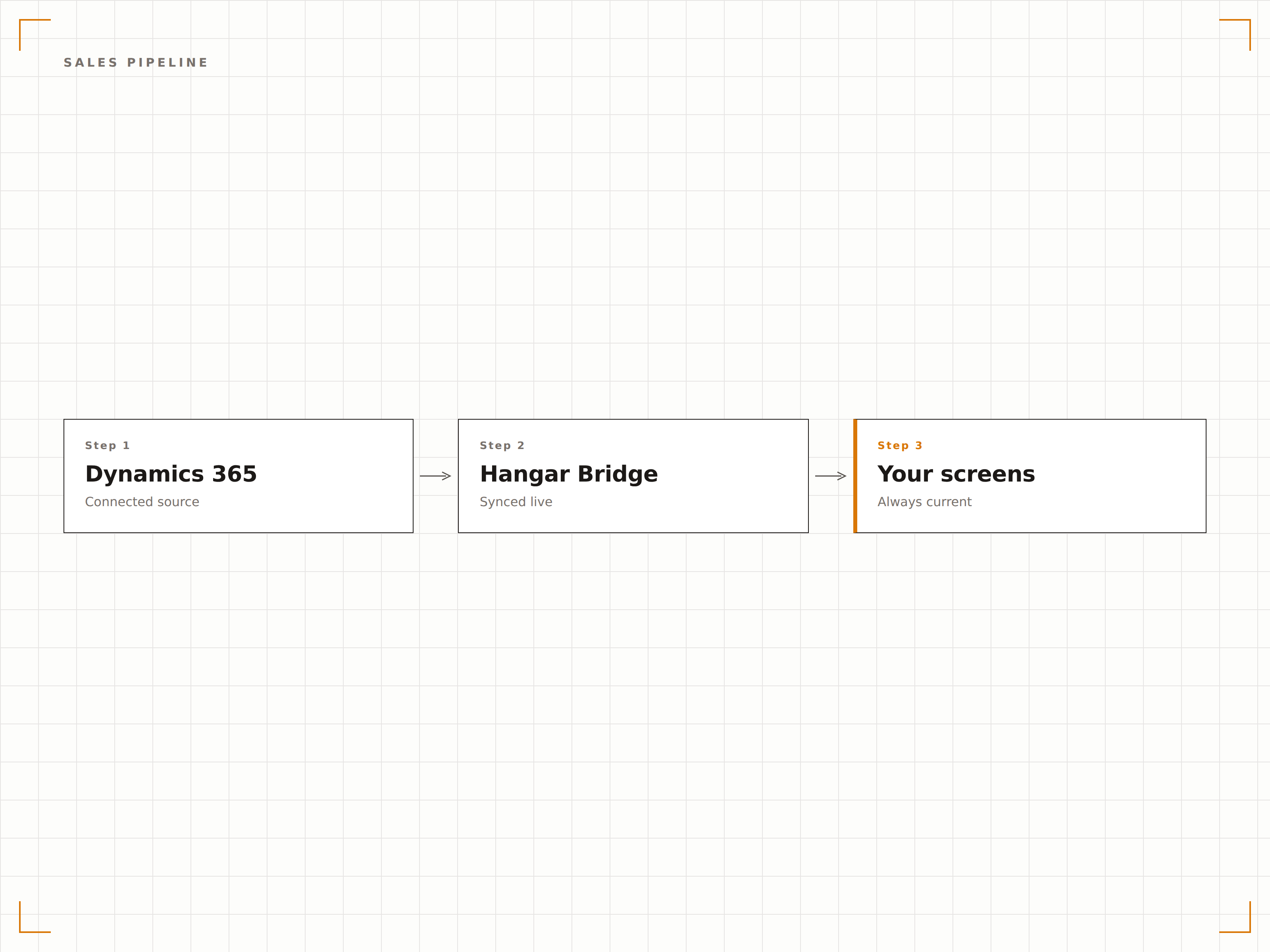
Pipeline de CRM en Pantalla
Muestra los datos del pipeline de Dynamics 365 Sales en pantallas de señalización digital con etapas de negocio, importes previstos y tasas de cierre. Los equipos de ventas ven el estado de su pipeline de un vistazo, y los managers consultan el rendimiento del equipo sin necesidad de generar informes manuales.
El estado del pipeline, visible desde cada puesto en el área de ventas.
Visualización del embudo por etapa de negocio
Comparación de previsión frente a resultados reales
Métricas de tasa de cierre y velocidad de ventas
Dashboard de Atención al Cliente
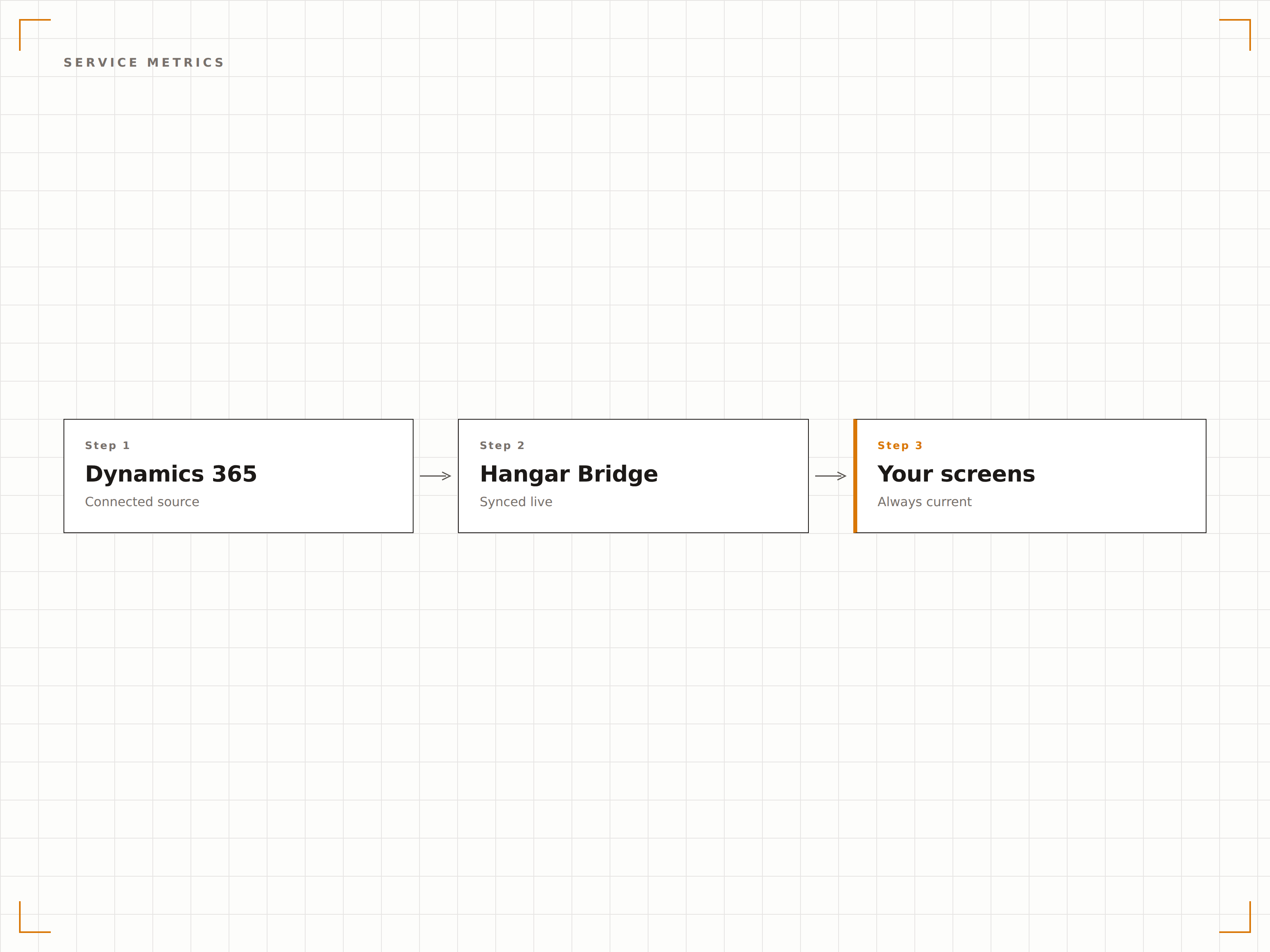
Transmite a las pantallas del área de atención al cliente las colas de casos, los tiempos de resolución y el cumplimiento de SLA de Dynamics 365 Service. Agentes y managers visualizan la carga de trabajo actual, los casos prioritarios y las métricas de rendimiento del equipo.
Indicadores de calidad del servicio, en primer plano para todo el equipo.
Visualización de la cola de casos activos
Indicadores de cumplimiento de SLA
Seguimiento del tiempo medio de resolución
Información de ERP en Pantalla
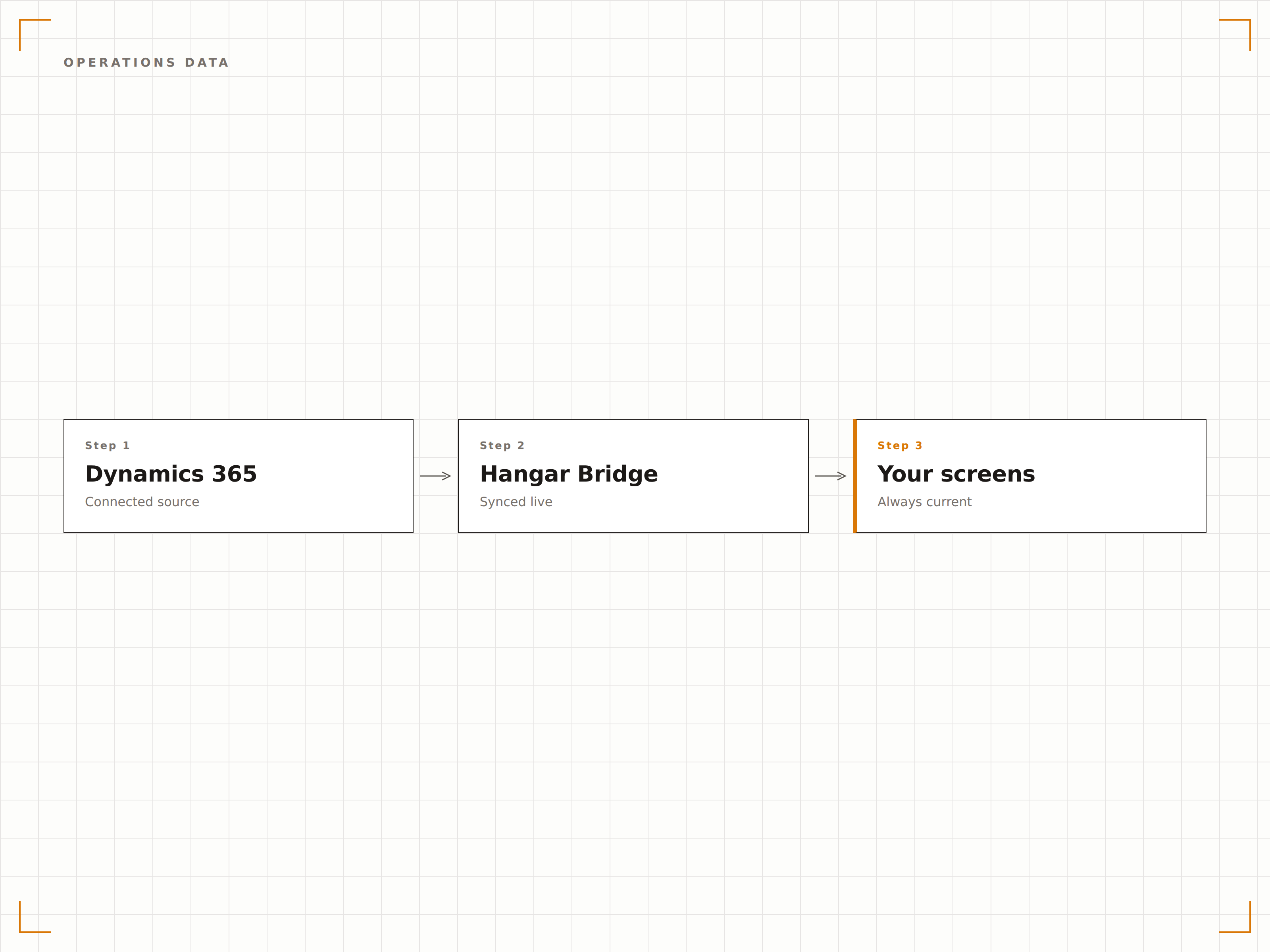
Muestra en pantallas de almacén y áreas de operaciones los datos de Dynamics 365 Finance and Operations, incluyendo niveles de inventario, órdenes de compra y estado de producción. Mantén a los equipos operativos informados sin necesidad de consultas constantes al sistema.
Los datos de operaciones, donde el equipo de operaciones realmente trabaja.
Dashboards de niveles de inventario
Seguimiento del estado de órdenes de compra
Visibilidad del calendario de producción
Cuatro pasos hacia pantallas conectadas.
Desde la configuración hasta contenido en vivo en minutos, no en días.
Conecta Dynamics 365
Autentícate con Azure AD y otorga a Hangar.Media acceso de lectura a tu entorno de Dynamics 365.
Selecciona los dashboards
Elige qué dashboards, vistas o páginas personalizadas de Dynamics 365 mostrar en las pantallas de señalización digital.
Configura la visualización
Define los intervalos de actualización, el escalado de pantalla y la rotación entre múltiples vistas de Dynamics 365.
Publica
Asigna el contenido de Dynamics 365 a las pantallas del área de ventas, el centro de atención al cliente y las áreas de operaciones.
Diseñado para cada sector.
Descubre cómo distintas industrias utilizan esta integración para obtener resultados.
Dashboard del Área de Ventas
Muestra el pipeline de Dynamics 365 Sales, los rankings y el cumplimiento de cuotas en pantallas distribuidas por el área de ventas para impulsar la motivación y la transparencia.
RetailInventario y Cadena de Suministro
Visualiza los niveles de inventario, el estado de órdenes de compra y las métricas de cadena de suministro de Dynamics 365 en pantallas del almacén y el centro de distribución.
FinancieroMétricas de Atención al Cliente
Muestra las colas de casos de atención al cliente, los tiempos de respuesta y las métricas de satisfacción de clientes de Dynamics 365 en pantallas del área de servicios al cliente.
SaludCola de Atención a Pacientes
Muestra las colas de consultas de pacientes, las métricas de respuesta y los datos de nivel de servicio de Dynamics 365 en pantallas de las áreas administrativas de centros de salud.
Preguntas frecuentes. Respuestas directas: respuestas.
¿Qué módulos de Dynamics 365 son compatibles?
Hangar.Media puede mostrar dashboards de Dynamics 365 Sales, Customer Service, Finance, Supply Chain Management y otros módulos. Cualquier dashboard web de Dynamics 365 accesible desde un navegador puede visualizarse en pantallas de señalización digital.
¿Cómo funciona la autenticación?
Hangar.Media se conecta a Dynamics 365 mediante autenticación de Azure AD con una entidad de servicio o una cuenta de usuario delegado. Los controles de acceso basados en roles de Dynamics 365 determinan qué datos puede mostrar la pantalla de señalización digital.
¿Puedo mostrar vistas personalizadas de Dynamics 365?
Sí. Las vistas personalizadas, dashboards y páginas de aplicaciones basadas en modelos de Dynamics 365 pueden mostrarse en pantallas de señalización digital. Crea vistas de señalización dedicadas con diseños simplificados para una legibilidad óptima en pantallas grandes.
¿Con qué frecuencia se actualizan los datos?
Hangar.Media recarga el dashboard de Dynamics 365 en el intervalo que elijas, normalmente cada 5 a 30 minutos. La actualidad de los datos depende de los ciclos de sincronización y actualización de tu entorno de Dynamics 365.
Un precio. La plataforma completa.
Así es como creemos que debe funcionar la señalización digital. Editor de contenido, gestión de pantallas y más de 200 integraciones de aplicaciones — todo incluido desde el primer día.
14 días gratis, hasta 3 pantallas — sin tarjeta.