I dati di Dynamics 365, sul muro. a portata di sguardo.
Visualizza pipeline CRM di Dynamics 365, dashboard del servizio clienti e dati ERP su schermi di segnaletica digitale per una business intelligence condivisa con tutto il team.
CRM ed ERP Intelligence sullo Schermo
Microsoft Dynamics 365 unisce le funzionalità CRM ed ERP in un'unica piattaforma. Hangar.Media visualizza le dashboard di Dynamics 365 su schermi di segnaletica digitale, così i team di vendita monitorano la propria pipeline, i team di assistenza gestiscono le code di ticket e i team operativi tengono sotto controllo i dati della supply chain. Il tutto alimentato dall'autenticazione Azure AD e aggiornato automaticamente nel corso della giornata.
Cosa puoi fare con a portata di sguardo.
Tre funzionalità che rendono questa integrazione indispensabile per la tua rete di segnaletica digitale.
Pipeline CRM in Evidenza
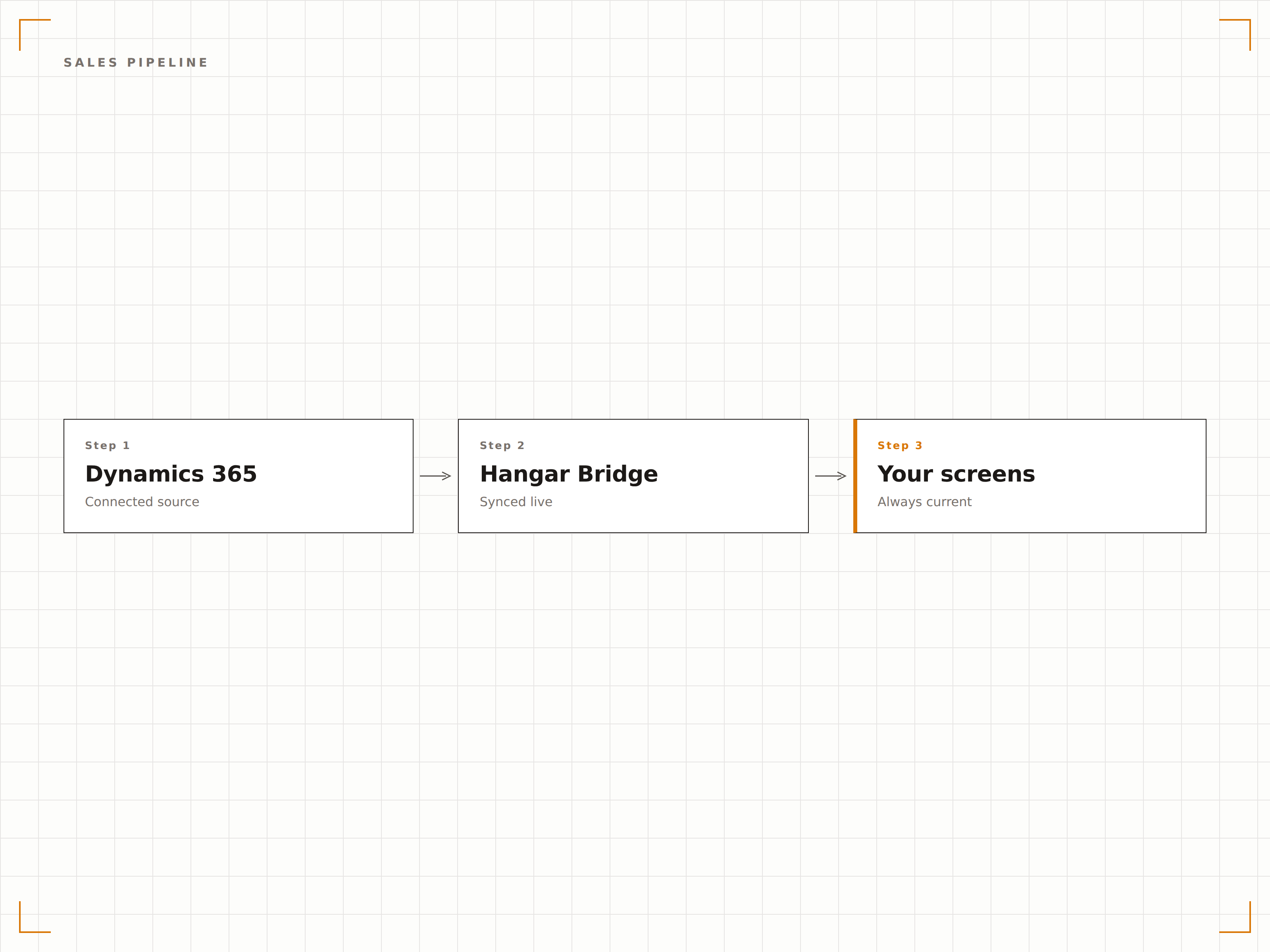
Mostra i dati della pipeline di Dynamics 365 Sales su schermi di segnaletica digitale con fasi delle trattative, importi previsionali e win rate. I team di vendita hanno la situazione della pipeline sempre sotto controllo, e i manager monitorano le performance del team senza dover generare report manuali.
La salute della pipeline visibile da ogni scrivania del reparto vendite.
Visualizzazione a imbuto per fase di trattativa
Confronto previsione vs. risultato effettivo
Metriche di win rate e velocità
Dashboard Customer Service
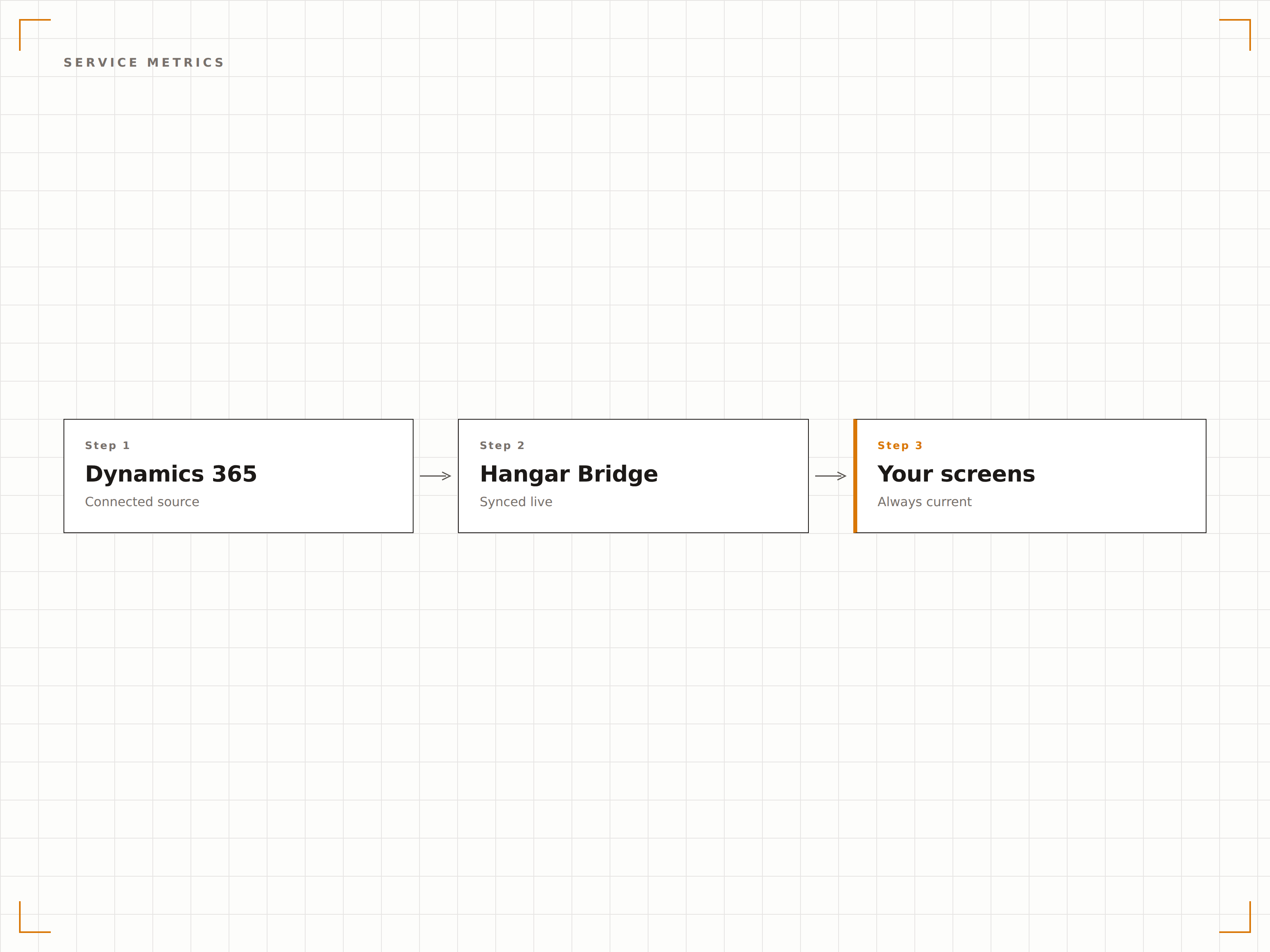
Trasmetti su schermi nell'area customer service le code dei casi di Dynamics 365 Service, i tempi di risoluzione e la conformità agli SLA. Agenti e manager vedono il carico di lavoro attuale, i casi prioritari e le metriche di performance del team.
Metriche sulla qualità del servizio, sempre in primo piano per il team.
Visualizzazione della coda dei casi attivi
Indicatori di conformità agli SLA
Monitoraggio del tempo medio di risoluzione
Insight ERP su Schermo
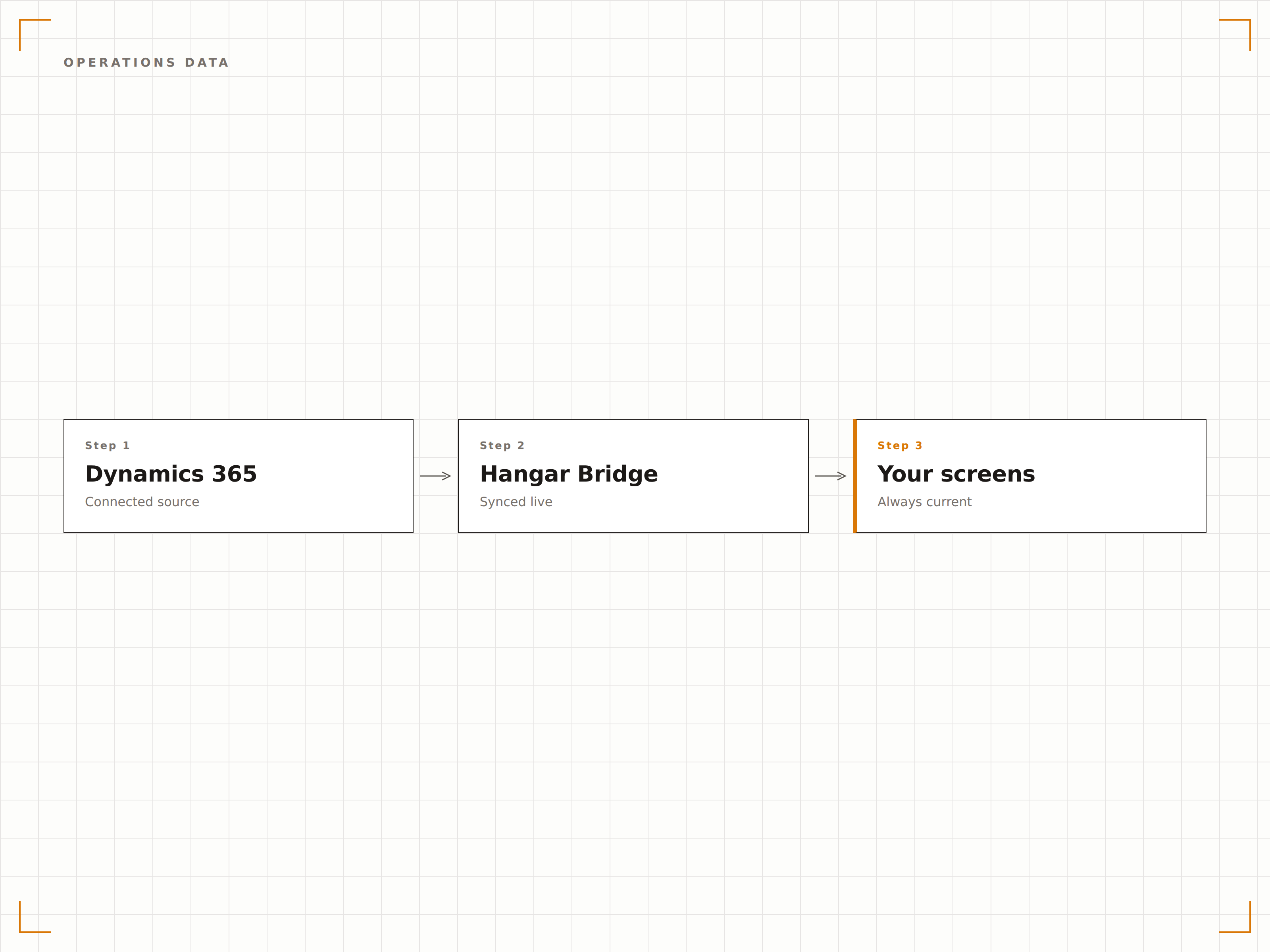
Visualizza i dati di Dynamics 365 Finance and Operations — livelli di inventario, ordini di acquisto e stato della produzione — su schermi in magazzino e nelle aree operative. Tieni i team operativi sempre informati, senza continui accessi al sistema.
I dati operativi dove il team operativo lavora davvero.
Dashboard dei livelli di inventario
Monitoraggio dello stato degli ordini di acquisto
Visibilità sui programmi di produzione
Quattro passaggi verso schermi connessi.
Dalla configurazione ai contenuti live in minuti, non giorni.
Connetti Dynamics 365
Autenticati con Azure AD e concedi a Hangar.Media l'accesso in lettura al tuo ambiente Dynamics 365.
Seleziona le Dashboard
Scegli quali dashboard, viste o pagine personalizzate di Dynamics 365 visualizzare sugli schermi di segnaletica digitale.
Configura la Visualizzazione
Imposta gli intervalli di aggiornamento, la scalatura dello schermo e la rotazione tra più viste di Dynamics 365.
Pubblica
Assegna i contenuti di Dynamics 365 agli schermi dell'area vendite, del centro assistenza e delle aree operative.
Costruito per ogni settore.
Scopri come diversi settori utilizzano questa integrazione per ottenere risultati concreti.
Dashboard Reparto Vendite
Mostra pipeline di vendita, classifiche e raggiungimento delle quote di Dynamics 365 su schermi distribuiti nel reparto vendite, per motivazione e trasparenza.
RetailInventario e Supply Chain
Visualizza livelli di inventario, stato degli ordini di acquisto e metriche della supply chain di Dynamics 365 su schermi in magazzino e nel centro di distribuzione.
FinanceMetriche del Servizio Clienti
Mostra code dei casi di assistenza, tempi di risposta e metriche di soddisfazione dei clienti da Dynamics 365 su schermi nell'area servizi clienti.
HealthcareCoda del Servizio Pazienti
Visualizza code delle richieste dei pazienti, metriche di risposta e dati sui livelli di servizio da Dynamics 365 su schermi nelle aree amministrative sanitarie.
Domande frequenti. Risposte dirette risposte.
Quali moduli di Dynamics 365 sono supportati?
Hangar.Media può visualizzare dashboard da Dynamics 365 Sales, Customer Service, Finance, Supply Chain Management e altri moduli. Qualsiasi dashboard web di Dynamics 365 accessibile tramite browser può essere mostrata su schermi di segnaletica digitale.
Come funziona l'autenticazione?
Hangar.Media si connette a Dynamics 365 tramite autenticazione Azure AD con un service principal o un account utente delegato. I controlli di accesso basati sui ruoli in Dynamics 365 determinano quali dati può visualizzare lo schermo di segnaletica digitale.
Posso visualizzare viste personalizzate di Dynamics 365?
Sì. Viste personalizzate, dashboard e pagine di app model-driven in Dynamics 365 possono essere visualizzate su schermi di segnaletica digitale. Crea viste dedicate per la segnaletica con layout semplificati per una leggibilità ottimale su grandi schermi.
Con quale frequenza vengono aggiornati i dati?
Hangar.Media ricarica la dashboard di Dynamics 365 all'intervallo da te scelto, in genere ogni 5-30 minuti. L'aggiornamento dei dati dipende dalla sincronizzazione e dai programmi di aggiornamento di Dynamics 365.
Un prezzo. L'intera piattaforma.
Così pensiamo che la segnaletica digitale dovrebbe funzionare. Editor di contenuti, gestione degli schermi e oltre 200 integrazioni di app — tutto incluso fin dal primo giorno.
14 giorni gratis, fino a 3 schermi — senza carta.