Les données Dynamics 365, sur vos murs. sur le mur.
Affichez les pipelines Dynamics 365 CRM, les tableaux de bord du service client et les données ERP sur des écrans d'affichage dynamique pour une intelligence métier accessible à toute l'équipe.
Intelligence CRM et ERP sur écran
Microsoft Dynamics 365 réunit les fonctionnalités CRM et ERP au sein d'une plateforme unifiée. Hangar.Media affiche les tableaux de bord Dynamics 365 sur des écrans d'affichage dynamique, permettant aux équipes commerciales de suivre leur pipeline, aux équipes support de consulter leurs files d'attente, et aux équipes opérationnelles de visualiser les données de leur chaîne d'approvisionnement. Le tout sécurisé par l'authentification Azure AD et actualisé automatiquement tout au long de la journée.
Ce que vous pouvez faire avec sur le mur.
Trois fonctionnalités qui rendent cette intégration indispensable pour votre réseau d'affichage dynamique.
Pipeline CRM à l'affichage
Affichez les données du pipeline Dynamics 365 Sales sur des écrans d'affichage dynamique montrant les étapes des deals, les montants prévisionnels et les taux de conversion. Les équipes commerciales visualisent l'état de leur pipeline en un coup d'œil, et les managers suivent la performance de leur équipe sans générer de rapports manuels.
L'état du pipeline visible depuis chaque poste de travail en salle des ventes.
Visualisation de l'entonnoir par étape de deal
Comparaison prévisions / réalisé
Indicateurs de taux de conversion et de vélocité
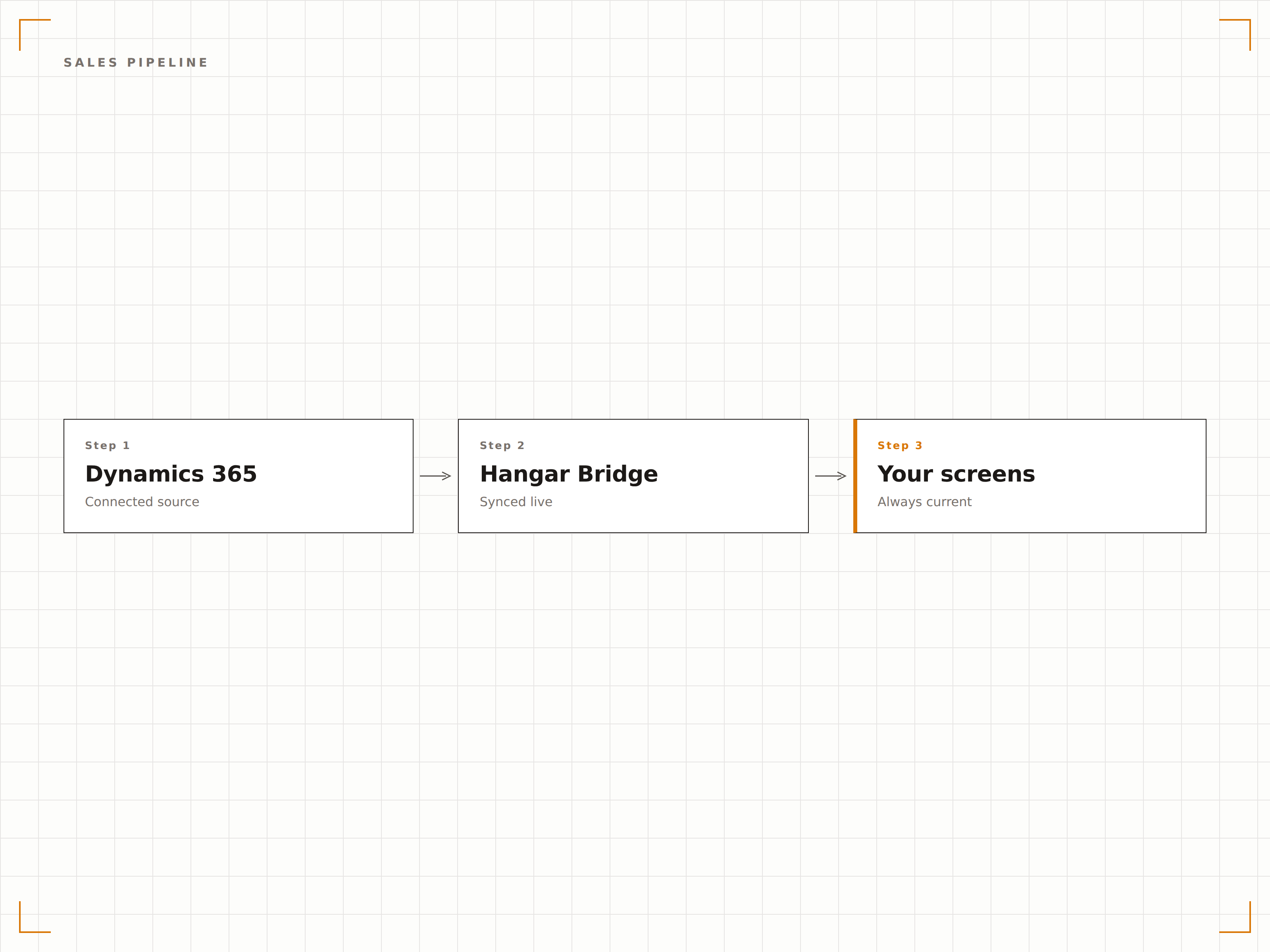
Tableau de bord Service Client
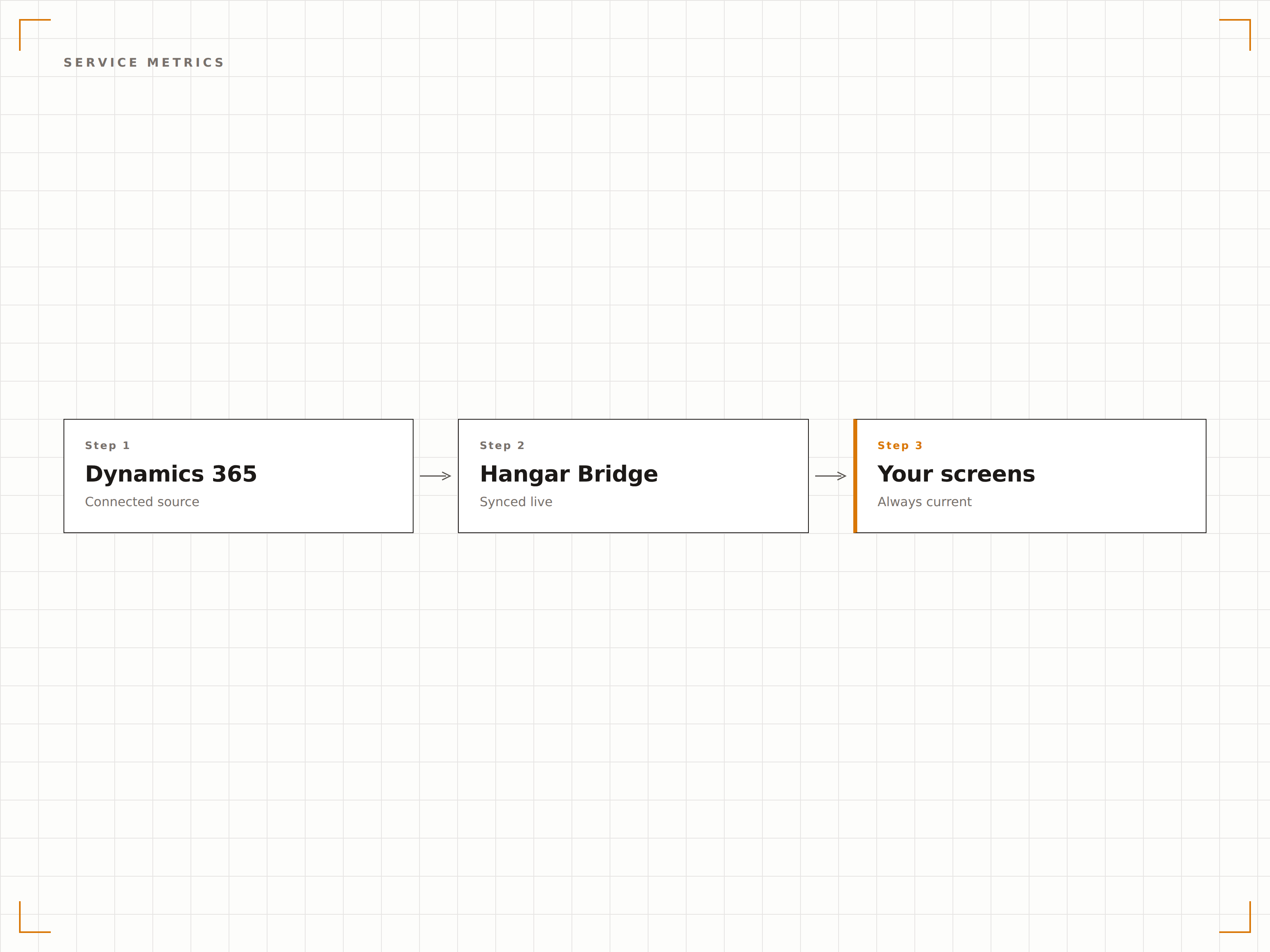
Diffusez les files d'attente de dossiers Dynamics 365 Service, les temps de résolution et la conformité SLA sur les écrans de votre espace service client. Agents et managers visualisent la charge de travail en cours, les dossiers prioritaires et les indicateurs de performance de l'équipe.
Les indicateurs de qualité de service, au premier plan pour toute l'équipe.
Affichage de la file d'attente des dossiers actifs
Indicateurs de conformité SLA
Suivi du temps de résolution moyen
Insights ERP à l'écran
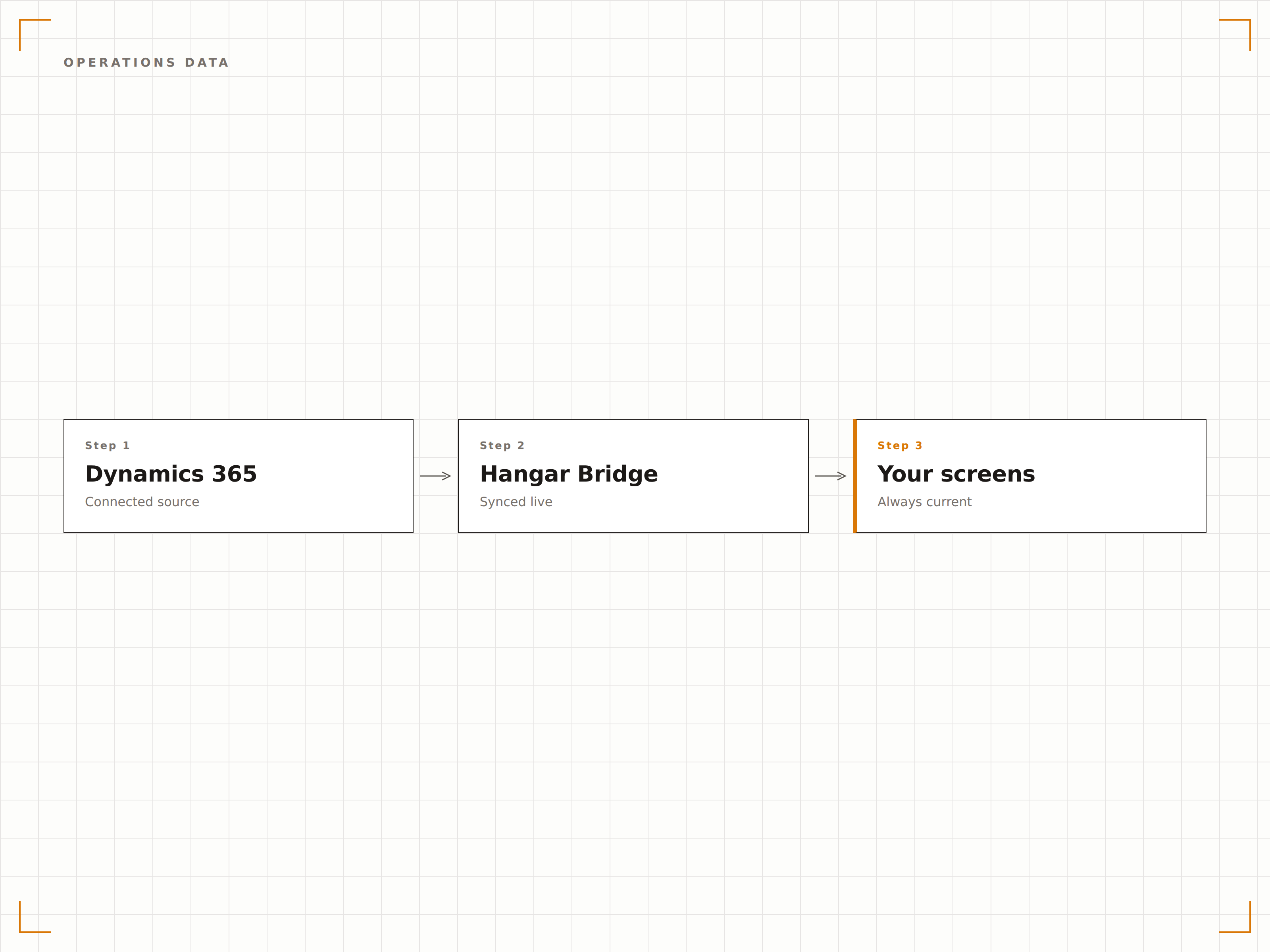
Affichez les données Dynamics 365 Finance and Operations — niveaux de stock, bons de commande et statut de production — sur les écrans de vos entrepôts et zones opérationnelles. Tenez vos équipes informées sans recourir à des vérifications système permanentes.
Les données opérationnelles là où l'équipe travaille réellement.
Tableaux de bord des niveaux de stock
Suivi du statut des bons de commande
Visibilité sur le planning de production
Quatre étapes vers écrans connectés.
De la configuration au contenu en direct en quelques minutes, pas en jours.
Connecter Dynamics 365
Authentifiez-vous via Azure AD et accordez à Hangar.Media un accès en lecture à votre environnement Dynamics 365.
Sélectionner les tableaux de bord
Choisissez les tableaux de bord, vues ou pages personnalisées Dynamics 365 à afficher sur vos écrans d'affichage dynamique.
Configurer l'affichage
Définissez les intervalles d'actualisation, la mise à l'échelle de l'affichage et la rotation entre plusieurs vues Dynamics 365.
Publier
Assignez le contenu Dynamics 365 aux écrans de la salle des ventes, du centre de service et des zones opérationnelles.
Conçu pour chaque secteur.
Découvrez comment différents secteurs utilisent cette intégration pour obtenir des résultats.
Tableau de bord salle des ventes
Affichez le pipeline Dynamics 365 Sales, les classements et l'atteinte des quotas sur les écrans de la salle des ventes pour stimuler la motivation et la transparence.
CommerceStocks et chaîne d'approvisionnement
Affichez les niveaux de stock Dynamics 365, le statut des bons de commande et les indicateurs de chaîne d'approvisionnement sur les écrans de l'entrepôt et du centre de distribution.
FinanceMétriques de service client
Affichez les files d'attente de dossiers, les temps de réponse et les indicateurs de satisfaction client issus de Dynamics 365 sur les écrans de l'espace services clients.
SantéFile d'attente patients
Affichez les files d'attente de demandes patients, les indicateurs de réponse et les données de niveau de service issus de Dynamics 365 sur les écrans des zones administratives de santé.
Questions fréquentes. Réponses directes : réponses.
Quels modules Dynamics 365 sont pris en charge ?
Hangar.Media peut afficher les tableaux de bord de Dynamics 365 Sales, Customer Service, Finance, Supply Chain Management et d'autres modules. Tout tableau de bord web Dynamics 365 accessible via un navigateur peut être affiché sur des écrans d'affichage dynamique.
Comment fonctionne l'authentification ?
Hangar.Media se connecte à Dynamics 365 via l'authentification Azure AD avec un principal de service ou un compte utilisateur délégué. Les contrôles d'accès basés sur les rôles dans Dynamics 365 déterminent quelles données l'affichage dynamique peut présenter.
Puis-je afficher des vues Dynamics 365 personnalisées ?
Oui. Les vues personnalisées, les tableaux de bord et les pages d'applications pilotées par modèle dans Dynamics 365 peuvent être affichés sur des écrans d'affichage dynamique. Créez des vues dédiées à l'affichage dynamique avec des mises en page simplifiées pour une lisibilité optimale sur grand écran.
À quelle fréquence les données sont-elles actualisées ?
Hangar.Media recharge le tableau de bord Dynamics 365 à l'intervalle de votre choix, généralement toutes les 5 à 30 minutes. La fraîcheur des données dépend de la synchronisation et des planifications de mise à jour de votre environnement Dynamics 365.
Un seul tarif. La plateforme complète.
C'est ainsi que nous pensons que l'affichage dynamique devrait fonctionner. Éditeur de contenu, gestion des écrans et plus de 200 intégrations d'applications — tout inclus dès le premier jour.
14 jours gratuits, jusqu'à 3 écrans — sans carte bancaire.