Pedidos de Olo, visibles en tus pantallas. visible en tus pantallas.
Conecta los pedidos en línea de Olo con tu señalización digital. Muestra notificaciones de pedidos listos en las pantallas del área de recogida, exhibe menús digitales sincronizados desde Olo y mantén a la cocina informada con pantallas de cola de pedidos.
Los pedidos en línea se encuentran con las pantallas en tienda
Olo impulsa los pedidos en línea y móviles para cientos de marcas de restaurantes. La integración de Hangar.Media con Olo tiende un puente entre los pedidos digitales y la experiencia de recogida en tienda. Muestra notificaciones de pedidos listos en las pantallas del área de recogida para que los clientes sepan cuándo su comida está esperando. Sincroniza los datos del menú de Olo con los tableros de menú digital para mantener la coherencia entre los precios en línea y en tienda. Muestra las colas de pedidos de cocina en las pantallas del área trasera.
Lo que puedes hacer con visible en tus pantallas.
Tres capacidades que hacen esencial esta integración para tu red de señalización digital.
Notificaciones de pedido listo en pantalla
Cuando un pedido de Olo se marca como listo para retirar, el nombre del cliente o el número de pedido aparece en la pantalla del área de retiro. Los clientes ven su pedido en la lista y saben que deben acercarse al mostrador. La pantalla elimina los pedidos ya retirados, manteniendo la lista actualizada y fácil de consultar.
Los clientes con pedidos en línea consultan la pantalla, ven su nombre y recogen su comida. Sin aglomeraciones en el mostrador.
Visualización del nombre del cliente o número de pedido en la lista de listos
Eliminación automática tras un tiempo de espera de retiro ajustable
Opción de notificación de audio cuando se agregan nuevos pedidos
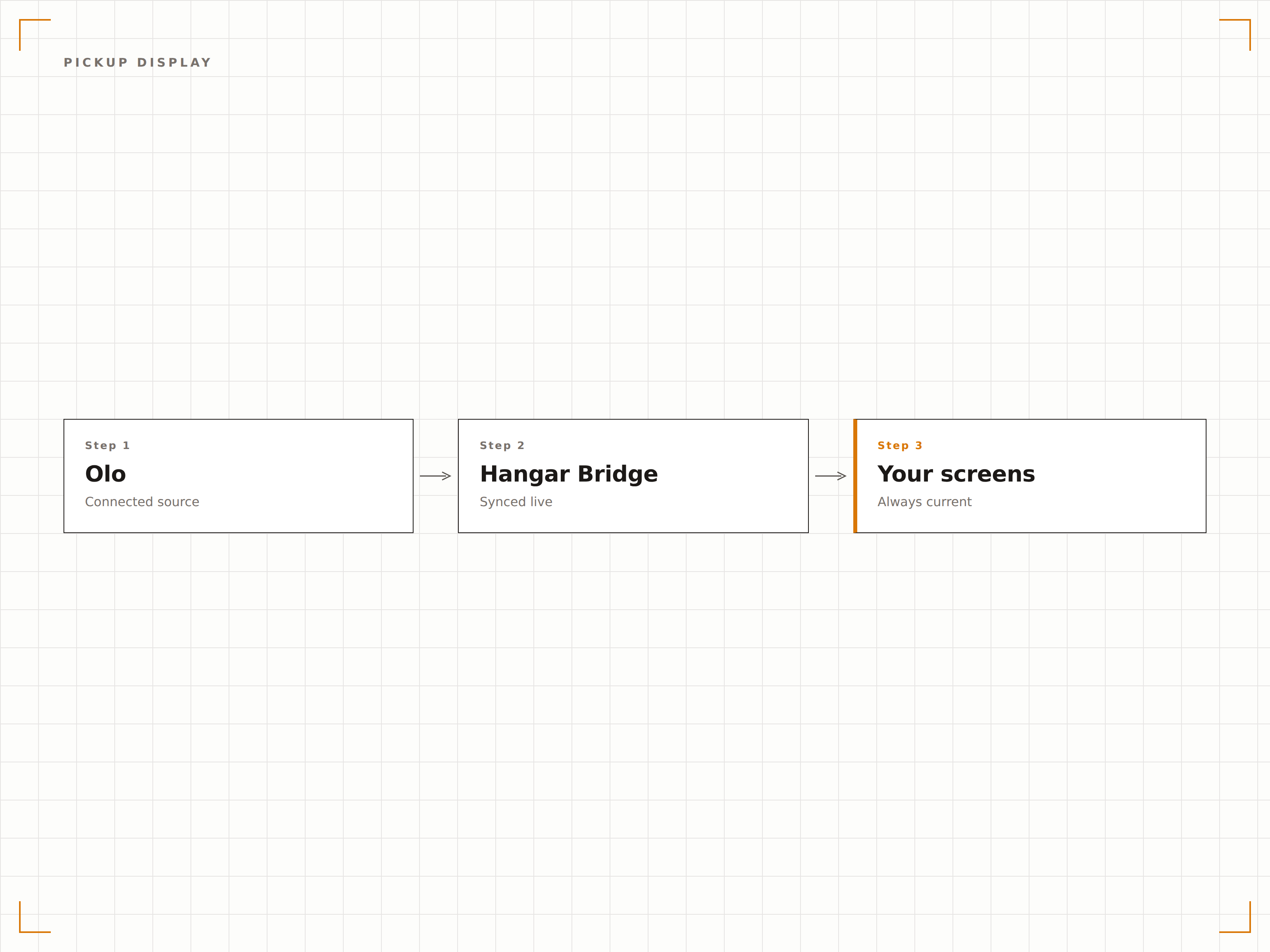
El mismo menú en línea y en pantalla
Olo gestiona el menú que los clientes ven al realizar pedidos en línea. La integración de Hangar.Media lleva estos mismos datos de menú a tus menús digitales en tienda. Los cambios de precio, los nuevos artículos y los artículos eliminados se mantienen consistentes entre la aplicación de pedidos de Olo y los menús físicos del restaurante.
Nuestros menús en tienda y nuestra página de pedidos en Olo siempre muestran los mismos precios. Sin más confusión para los clientes.
Sincronización de artículos, precios y descripciones desde Olo
Consistencia de precios promocionales entre el canal en línea y el canal en tienda
Sincronización de imágenes y categorías para menús visuales
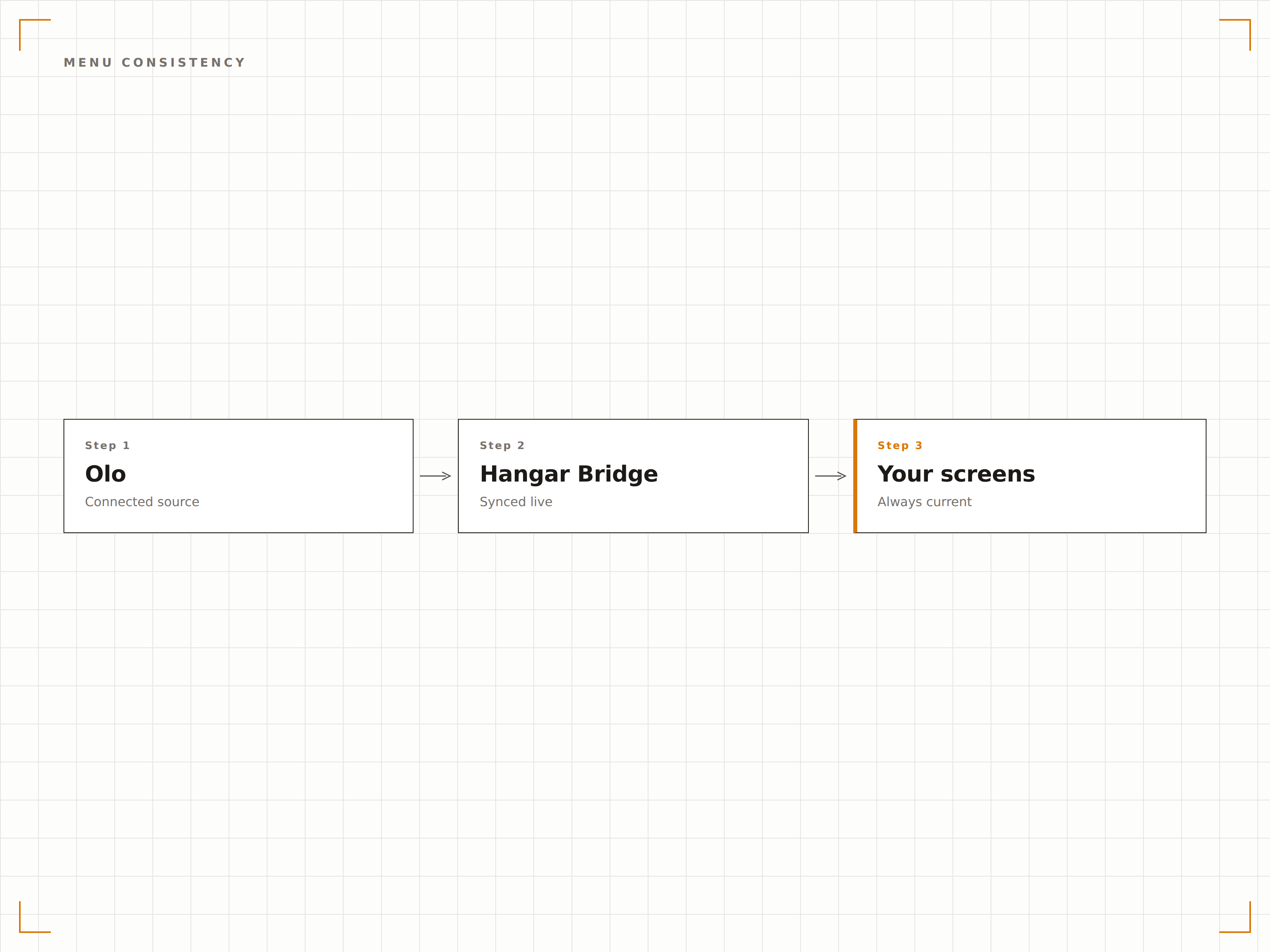
Pedidos en línea en las pantallas de cocina
Muestra los pedidos entrantes de Olo en las pantallas de cocina junto con los pedidos presenciales del POS. El personal de cocina ve una cola de pedidos unificada sin importar si el pedido llegó desde el mostrador, el autoservicio o la aplicación de Olo. Esto reduce los pedidos perdidos y optimiza el flujo de trabajo en cocina.
La cocina ve todos los pedidos en una sola pantalla. No importa si llegaron desde Olo o desde el mostrador.
Cola de pedidos unificada desde Olo y el POS
Ordenamiento por prioridad y tiempo prometido
Identificación del origen del pedido por código de color
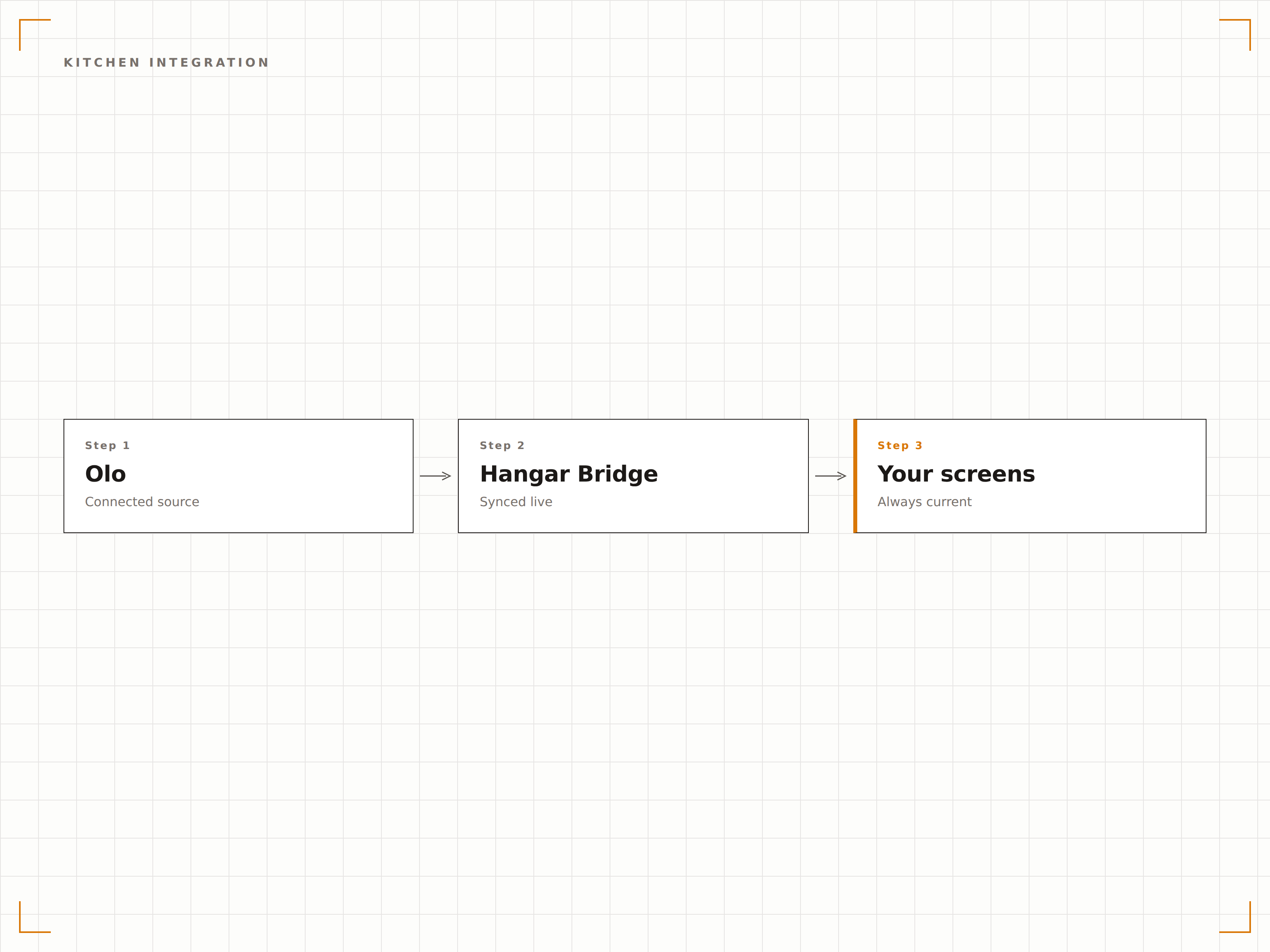
Cuatro pasos hacia pantallas conectadas.
Desde la configuración hasta contenido en vivo en minutos, no en días.
Conecta tu cuenta de Olo
Autoriza a Hangar.Media para acceder a tu API de pedidos de Olo. Configura qué restaurantes y canales de datos deseas conectar.
Configura las pantallas de retiro
Define el diseño de la pantalla del área de retiro con el formato de lista de pedidos listos, la configuración de visualización del nombre del cliente y los ajustes de notificación de audio.
Sincroniza los datos del menú
Asigna las categorías del menú de Olo a las zonas de diseño de tu menú digital. Activa la sincronización continua para mantener los menús en tienda alineados con los menús en línea.
Conecta las pantallas de cocina
Opcionalmente, configura pantallas en la parte trasera del local para mostrar los pedidos entrantes de Olo junto con los pedidos del POS en una cola de cocina unificada.
Diseñado para cada sector.
Descubre cómo distintas industrias utilizan esta integración para obtener resultados.
Gestión de retiro en restaurantes de servicio rápido
Los restaurantes de servicio rápido que usan Olo muestran notificaciones de pedido listo en las pantallas del área de retiro, para que los clientes con pedidos móviles recojan su comida rápidamente sin aglomerarse en el mostrador.
HosteleríaEstado de pedidos en autoservicio
Los restaurantes con carriles de autoservicio muestran el estado de los pedidos de retiro en la acera de Olo en pantallas exteriores, para que los clientes sepan cuándo está listo su pedido sin necesidad de entrar al local.
EntretenimientoRetiro de pedidos móviles en estadios
Los recintos deportivos que usan Olo para pedidos móviles de concesiones muestran notificaciones de retiro listo en las pantallas del pasillo cerca de las ventanillas de retiro, para guiar a los aficionados hacia su comida.
CorporativoCoordinación de pedidos de almuerzo en oficinas
Las cafeterías corporativas que usan Olo para pedidos anticipados de almuerzo muestran notificaciones de pedido listo en las pantallas de la cafetería, para que los empleados recojan sus comidas de forma eficiente.
Preguntas frecuentes. Respuestas directas: respuestas.
¿La integración muestra el estado de los pedidos en tiempo real?
Sí. Las actualizaciones de estado de pedidos de Olo se reflejan en las pantallas en tiempo real. Cuando un pedido pasa de en preparación a listo para retirar, la pantalla de retiro se actualiza en cuestión de segundos.
¿Puedo mostrar los pedidos de Olo en las pantallas de cocina junto con los pedidos del POS?
Sí. La pantalla de cocina combina los pedidos de Olo con los pedidos del POS en una sola cola. Cada pedido está codificado por color según su origen, para que el personal de cocina identifique el canal de un vistazo mientras trabaja desde una lista unificada.
¿La sincronización del menú incluye los precios promocionales de Olo?
Sí. Los precios promocionales y las ofertas por tiempo limitado configurados en Olo se sincronizan con tus menús digitales. Cuando la promoción finaliza en Olo, los precios estándar se restauran automáticamente en tus pantallas.
¿Las notificaciones de retiro pueden incluir el nombre del cliente?
Sí. Puedes elegir mostrar el nombre del cliente, el número de pedido o ambos en la pantalla de retiro. Para ubicaciones donde la privacidad es prioritaria, está disponible el modo de solo número de pedido.
Un precio. La plataforma completa.
Así es como creemos que debe funcionar la señalización digital. Editor de contenido, gestión de pantallas y más de 200 integraciones de aplicaciones — todo incluido desde el primer día.
14 días gratis, hasta 3 pantallas — sin tarjeta.