Les commandes Olo, visibles sur vos écrans. visible sur vos écrans.
Connectez les commandes en ligne Olo à votre affichage dynamique. Affichez des notifications de commande prête sur les écrans de la zone de retrait, diffusez des menus numériques synchronisés depuis Olo et tenez la cuisine informée grâce aux affichages de file d'attente des commandes.
Les commandes en ligne rencontrent les écrans en magasin
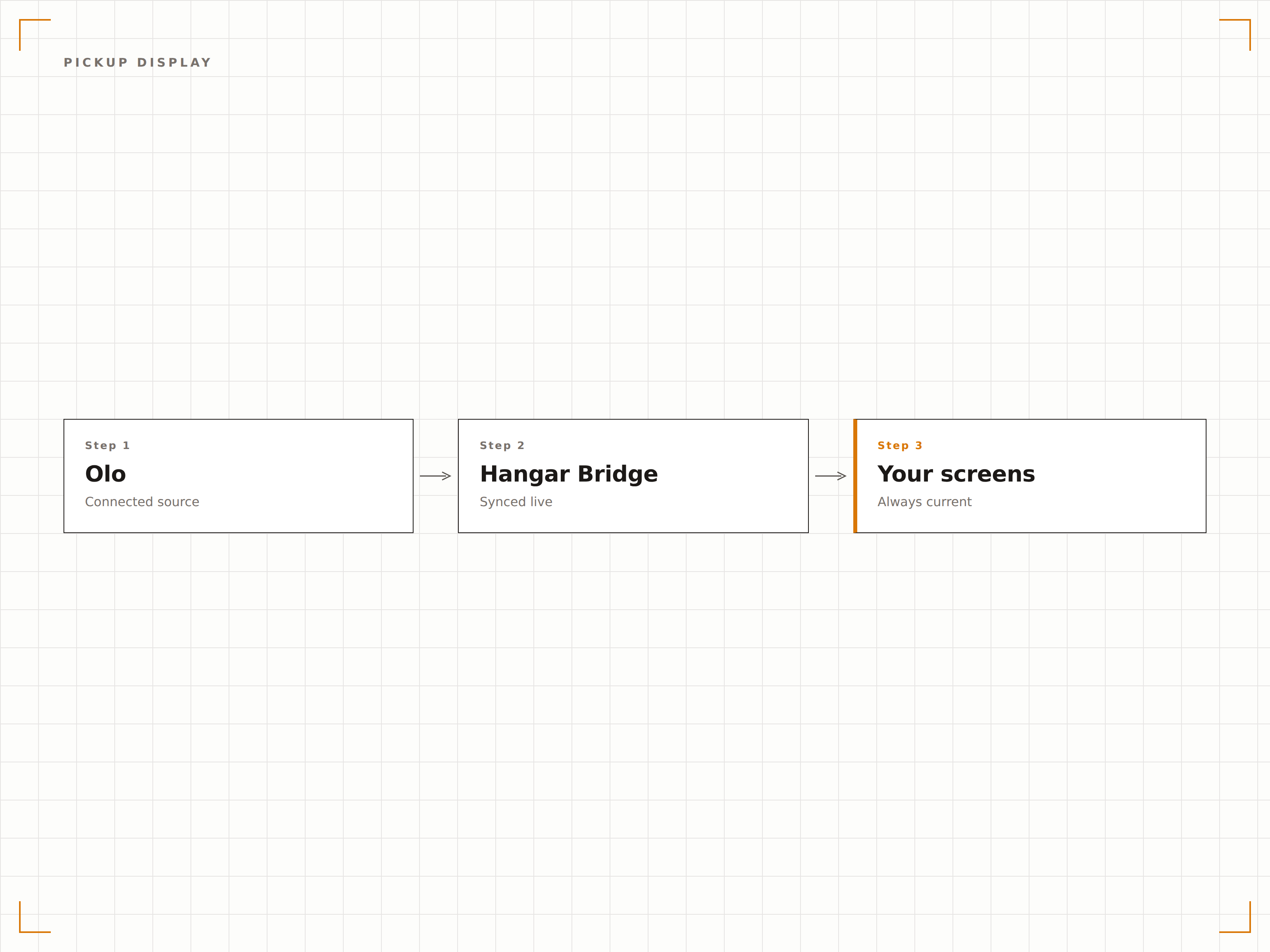
Olo est la solution de commande en ligne et mobile pour des centaines d'enseignes de restauration. L'intégration Olo de Hangar.Media comble le fossé entre la commande digitale et l'expérience de retrait en magasin. Affichez des notifications de commande prête sur les écrans de la zone de retrait afin que les clients sachent quand leur repas est disponible. Synchronisez les données de menu Olo avec vos tableaux de menu numériques pour garantir la cohérence des prix entre le online et le magasin. Diffusez les files d'attente de commandes en cuisine sur les écrans en arrière-boutique.
Ce que vous pouvez faire avec visible sur vos écrans.
Trois fonctionnalités qui rendent cette intégration indispensable pour votre réseau d'affichage dynamique.
Notifications de commande prête sur écran
Lorsqu'une commande Olo est marquée prête à retirer, le nom du client ou le numéro de commande apparaît sur l'écran de la zone de retrait. Les clients voient leur commande affichée et savent qu'ils peuvent se présenter au comptoir. L'écran efface les commandes récupérées, maintenant la liste à jour et facile à parcourir.
Les clients qui commandent en ligne consultent l'écran, voient leur nom et récupèrent leur commande. Fini l'encombrement au comptoir.
Affichage du nom du client ou du numéro de commande sur la liste des commandes prêtes
Suppression automatique après un délai de retrait ajustable
Option de notification sonore à l'ajout de nouvelles commandes
Même menu en ligne et sur écran
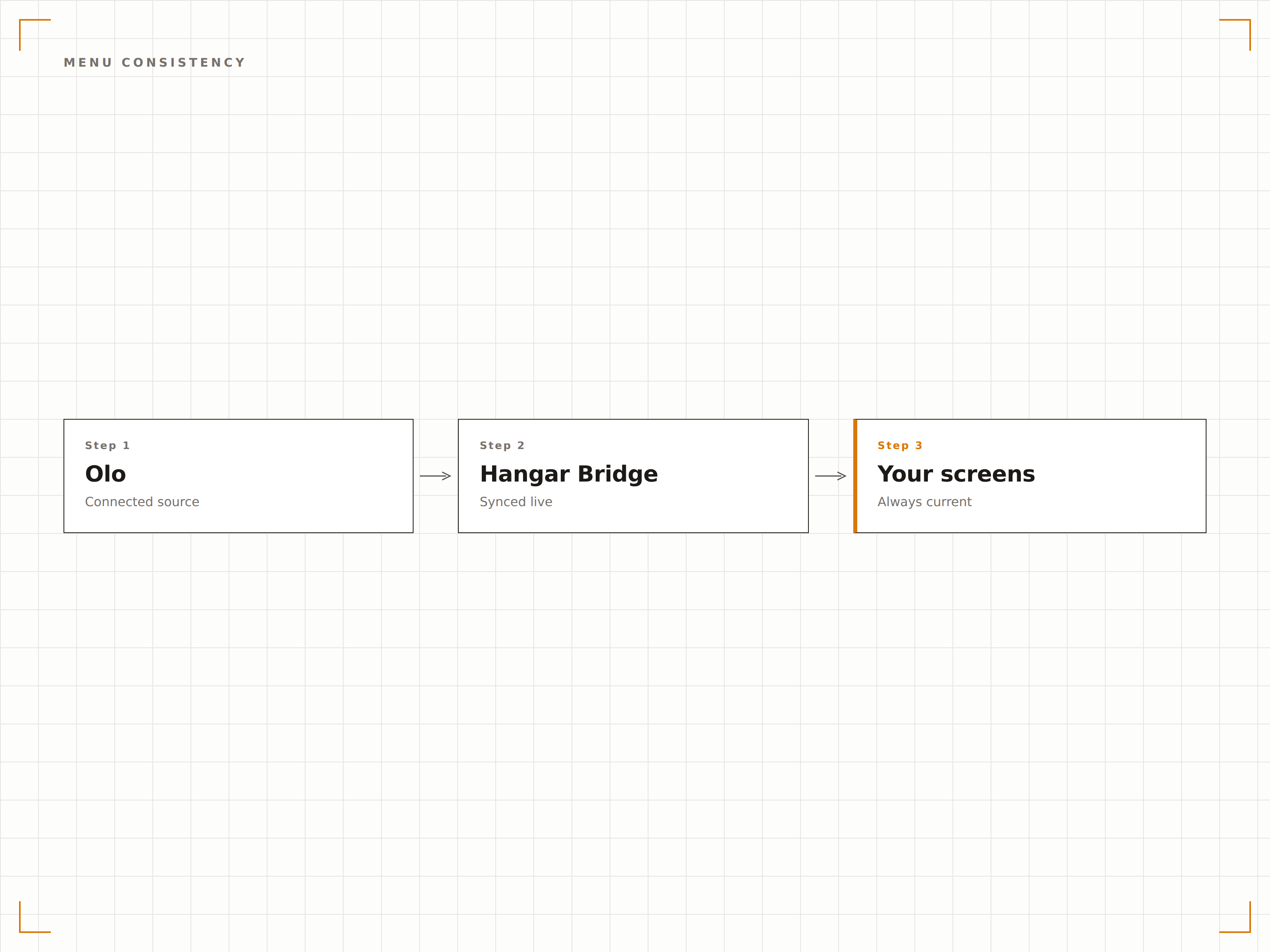
Olo gère le menu que les clients voient lors de leurs commandes en ligne. L'intégration Hangar.Media récupère ces mêmes données de menu pour les afficher sur vos menus numériques en salle. Les modifications de prix, les nouveaux articles et les articles supprimés restent cohérents entre l'application de commande Olo et les menus physiques du restaurant.
Nos bornes en salle et notre page de commande Olo affichent toujours les mêmes prix. Fini la confusion chez les clients.
Synchronisation des articles, prix et descriptions depuis Olo
Cohérence des tarifs promotionnels entre la commande en ligne et la vente en salle
Synchronisation des images et des catégories pour les menus visuels
Commandes en ligne sur les écrans cuisine
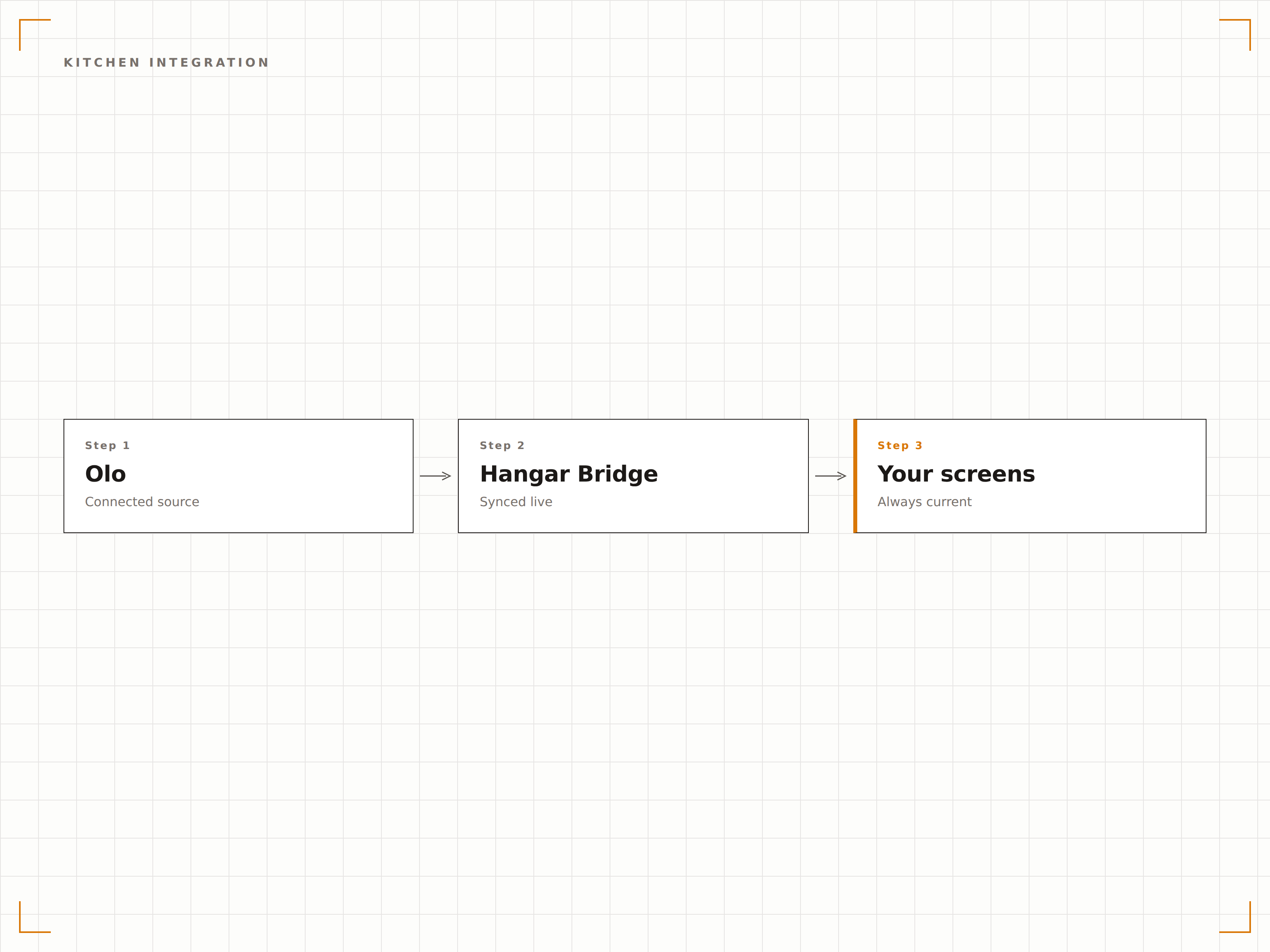
Affichez les commandes Olo entrantes sur les écrans cuisine en arrière-salle, aux côtés des commandes caisse en direct. Le personnel de cuisine dispose d'une file de commandes unifiée, quelle que soit l'origine de la commande — comptoir, drive ou application Olo. Cela réduit les commandes manquées et optimise le flux de travail en cuisine.
La cuisine voit toutes les commandes sur un seul écran. Peu importe si elles viennent d'Olo ou du comptoir.
File de commandes unifiée depuis Olo et la caisse
Tri par priorité et par heure promise
Identification de la source de commande par code couleur
Quatre étapes vers écrans connectés.
De la configuration au contenu en direct en quelques minutes, pas en jours.
Connectez votre compte Olo
Autorisez Hangar.Media à accéder à votre API de commande Olo. Définissez les restaurants et les canaux de données à connecter.
Configurez les écrans de retrait
Paramétrez la mise en page de l'écran de zone de retrait : format de la liste des commandes prêtes, affichage du nom du client et paramètres de notification sonore.
Synchronisez les données de menu
Associez les catégories de menu Olo aux zones de mise en page de vos menus numériques. Activez la synchronisation continue pour maintenir la cohérence entre les bornes en salle et les menus en ligne.
Connectez les écrans cuisine
Configurez optionnellement les écrans en arrière-cuisine pour afficher les commandes Olo entrantes aux côtés des commandes caisse dans une file cuisine unifiée.
Conçu pour chaque secteur.
Découvrez comment différents secteurs utilisent cette intégration pour obtenir des résultats.
Gestion des retraits en restauration rapide
Les restaurants rapides utilisant Olo affichent les notifications de commande prête sur les écrans de la zone de retrait, permettant aux clients ayant commandé sur mobile de récupérer leur repas rapidement sans encombrer le comptoir.
RestaurationStatut des commandes au drive
Les restaurants dotés d'un drive affichent le statut des commandes Olo en retrait en bordure de voie sur des écrans extérieurs, afin que les clients sachent quand leur commande est prête sans entrer dans l'établissement.
DivertissementRetrait de commandes mobiles en stade
Les enceintes sportives utilisant Olo pour les commandes de restauration mobile affichent les notifications de commande prête sur les écrans des concourses, près des fenêtres de retrait, pour guider les spectateurs vers leur commande.
EntrepriseCoordination des déjeuners commandés au bureau
Les cafétérias d'entreprise utilisant Olo pour la pré-commande de déjeuners affichent les notifications de commande prête sur les écrans de la cafétéria, permettant aux employés de récupérer efficacement leurs repas pré-commandés.
Questions fréquentes. Réponses directes : réponses.
L'intégration affiche-t-elle le statut des commandes en temps réel
Oui. Les mises à jour du statut des commandes Olo s'affichent sur les écrans en temps réel. Lorsqu'une commande passe de « en préparation » à « prête à retirer », l'écran de retrait se met à jour en quelques secondes.
Puis-je afficher les commandes Olo sur les écrans cuisine aux côtés des commandes caisse
Oui. L'écran cuisine fusionne les commandes Olo et les commandes caisse en une file unique. Chaque commande est codée par couleur selon sa source, permettant au personnel de cuisine d'identifier le canal d'un coup d'œil tout en travaillant depuis une liste unifiée.
La synchronisation du menu inclut-elle les tarifs promotionnels Olo
Oui. Les tarifs promotionnels et les offres à durée limitée définis dans Olo se synchronisent avec vos menus numériques. Lorsque la promotion prend fin dans Olo, les tarifs standard réapparaissent automatiquement sur vos écrans.
Les notifications de retrait peuvent-elles inclure le nom du client
Oui. Vous pouvez choisir d'afficher le prénom du client, le numéro de commande, ou les deux sur l'écran de retrait. Pour les établissements sensibles à la confidentialité, un mode numéro de commande uniquement est disponible.
Un seul tarif. La plateforme complète.
C'est ainsi que nous pensons que l'affichage dynamique devrait fonctionner. Éditeur de contenu, gestion des écrans et plus de 200 intégrations d'applications — tout inclus dès le premier jour.
14 jours gratuits, jusqu'à 3 écrans — sans carte bancaire.