Ordini Olo, visibili sui tuoi schermi. visibile sui tuoi schermi.
Collega Olo all'ordinazione online con la tua segnaletica digitale. Mostra le notifiche di ordine pronto sugli schermi dell'area di ritiro, visualizza i menu digitali sincronizzati da Olo e tieni la cucina aggiornata con i display della coda ordini.
Gli ordini online incontrano gli schermi in-store
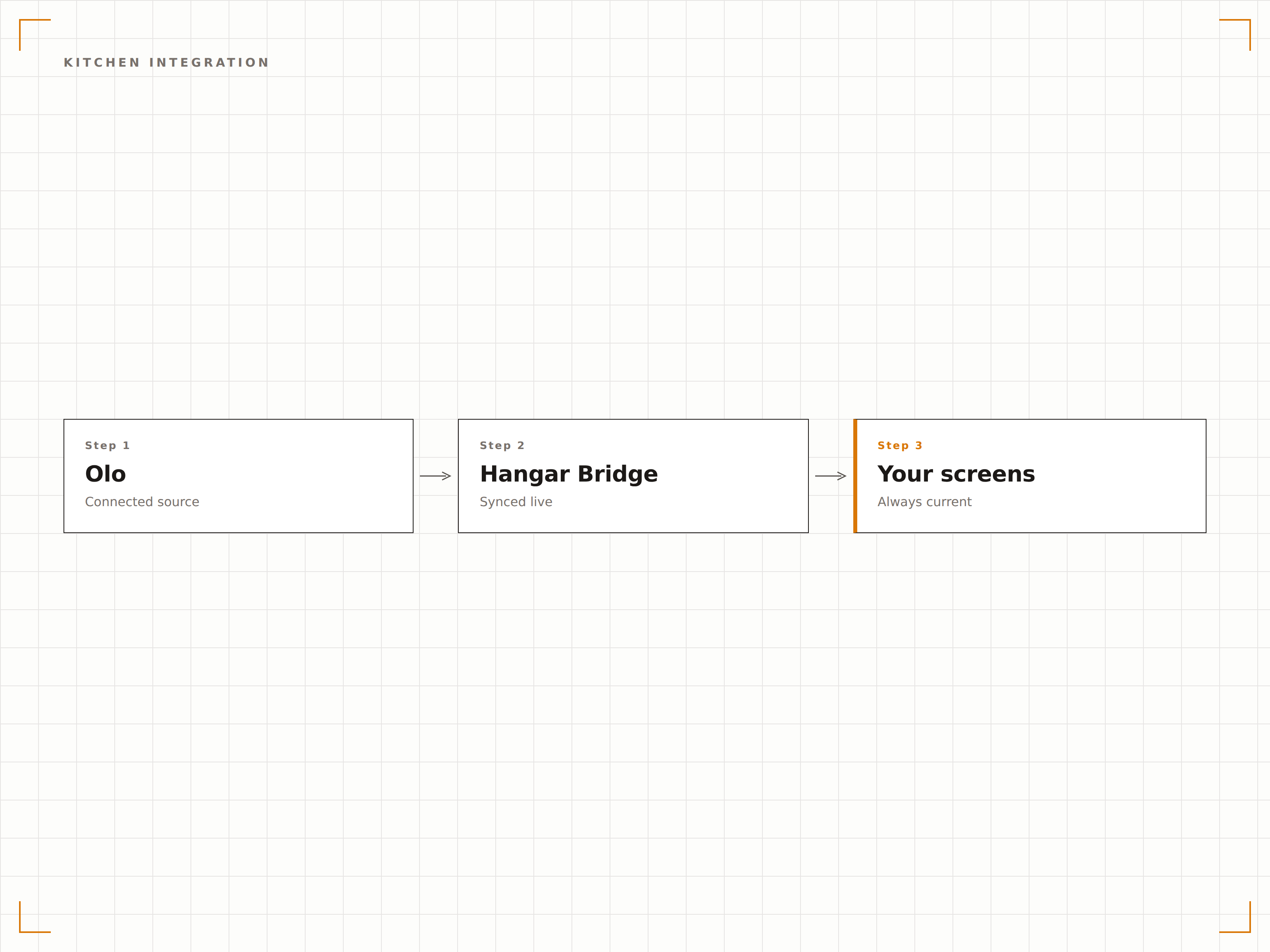
Olo gestisce l'ordinazione online e mobile per centinaia di brand della ristorazione. L'integrazione Hangar.Media con Olo colma il divario tra l'ordinazione digitale e l'esperienza di ritiro in-store. Mostra le notifiche di ordine pronto sugli schermi dell'area di ritiro, così i clienti sanno quando il loro cibo è pronto. Sincronizza i dati del menu Olo con i menu board digitali per garantire la coerenza dei prezzi tra online e in-store. Visualizza le code degli ordini in cucina sui display nel retro del locale.
Cosa puoi fare con visibile sui tuoi schermi.
Tre funzionalità che rendono questa integrazione indispensabile per la tua rete di segnaletica digitale.
Notifiche di ordine pronto sullo schermo
Quando un ordine Olo viene contrassegnato come pronto per il ritiro, il nome del cliente o il numero d'ordine appare sullo schermo dell'area di ritiro. I clienti vedono il proprio ordine nell'elenco e sanno quando avvicinarsi al bancone. Lo schermo rimuove gli ordini già ritirati, mantenendo la lista aggiornata e facile da consultare.
I clienti con ordini online controllano lo schermo, vedono il proprio nome e ritirano il cibo. Nessuna ressa al bancone.
Visualizzazione del nome del cliente o del numero d'ordine nella lista pronti
Rimozione automatica dopo un timeout di ritiro regolabile
Opzione di notifica audio all'aggiunta di nuovi ordini
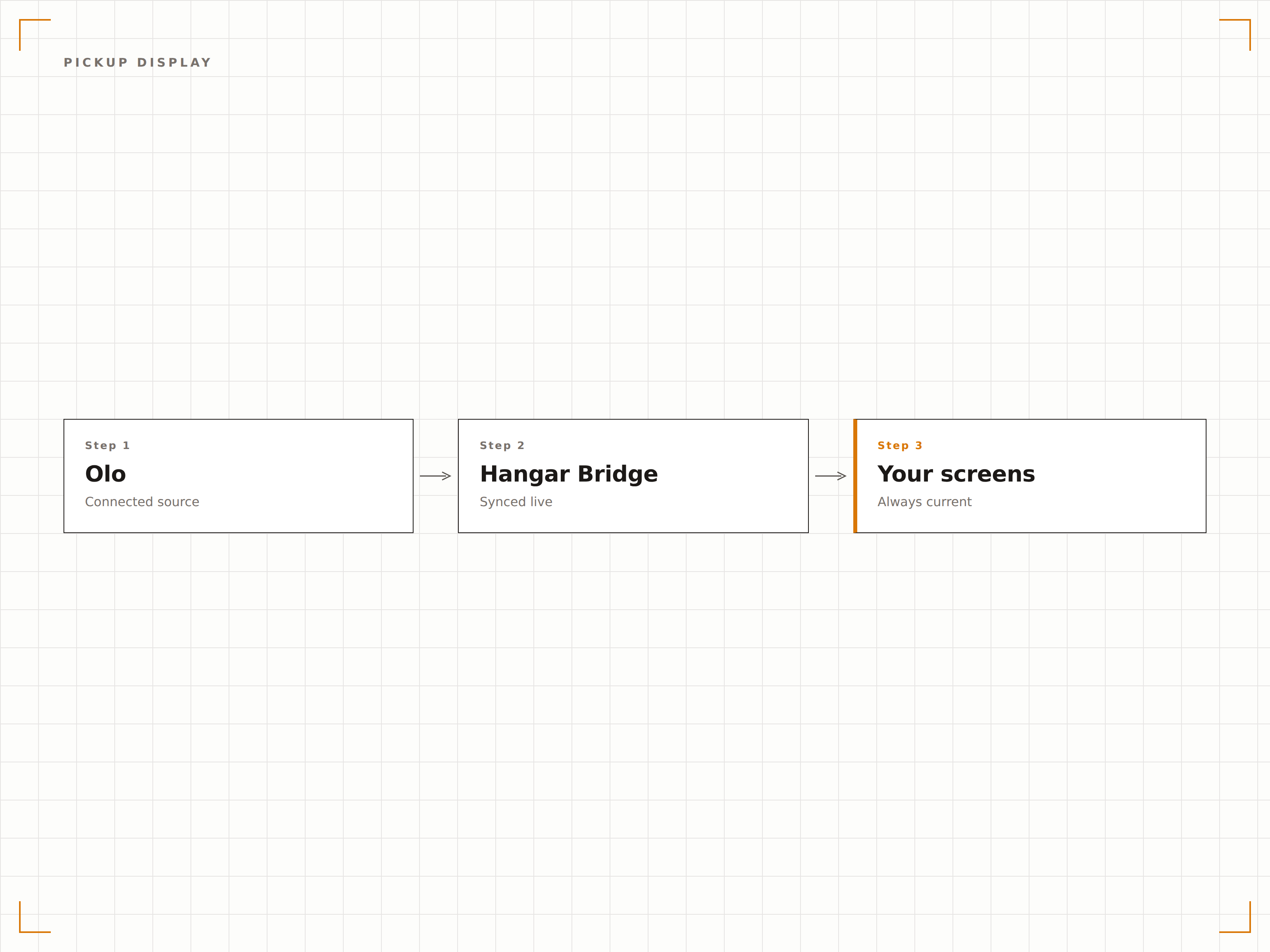
Stesso menu online e sullo schermo
Olo gestisce il menu che i clienti vedono quando ordinano online. L'integrazione Hangar.Media trasferisce gli stessi dati del menu ai tuoi menu board digitali in sede. Modifiche ai prezzi, nuove voci e voci rimosse rimangono coerenti tra l'app Olo e i menu board fisici nel ristorante.
I nostri menu board in sede e la nostra pagina Olo mostrano sempre gli stessi prezzi. Niente più confusione per i clienti.
Sincronizzazione di voci, prezzi e descrizioni del menu da Olo
Coerenza dei prezzi promozionali tra online e in sede
Sincronizzazione di immagini e categorie per menu board visivi
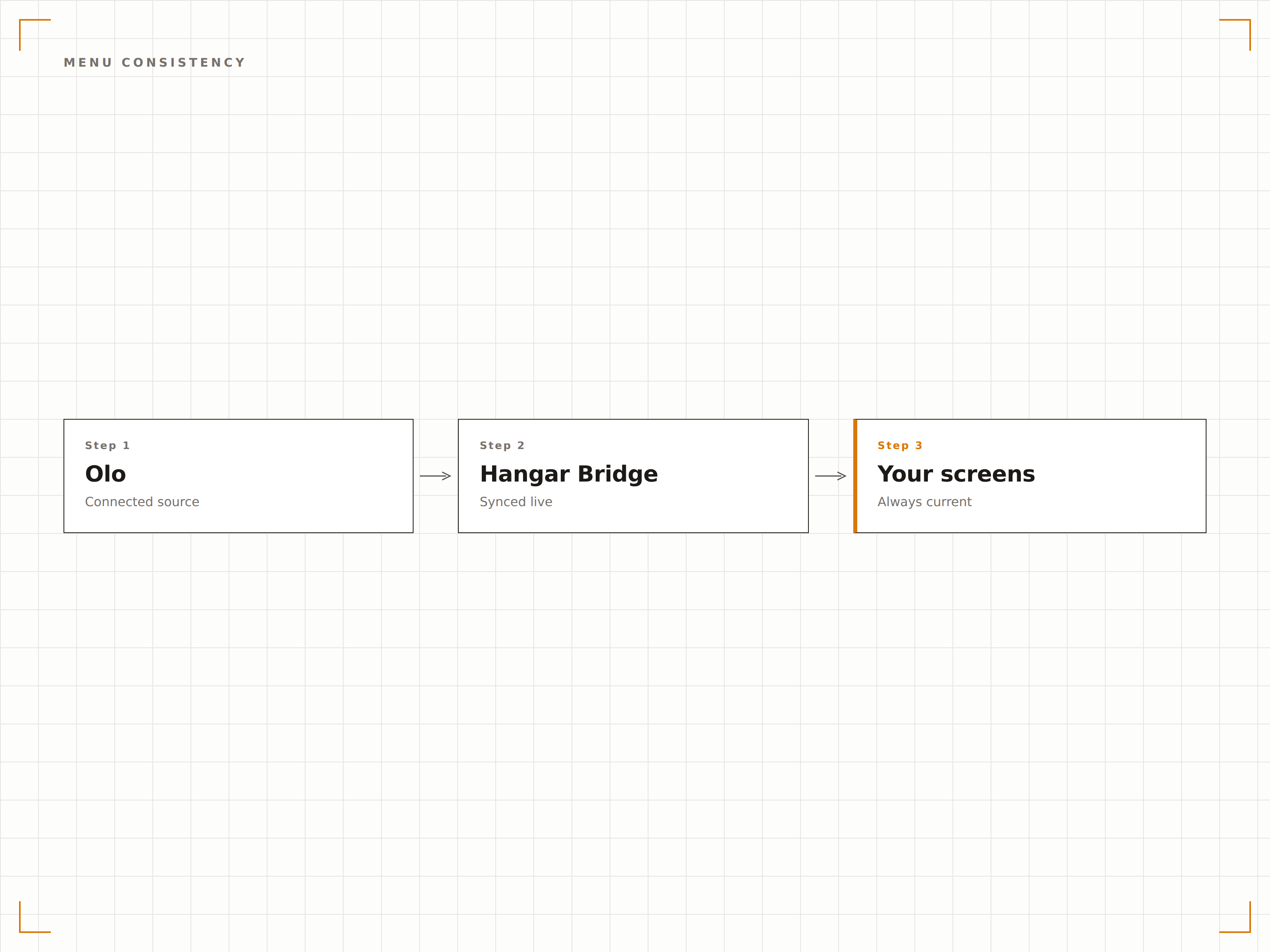
Ordini online sugli schermi della cucina
Mostra gli ordini Olo in arrivo sugli schermi della cucina nel retro del locale, insieme agli ordini walk-in del POS. Il personale di cucina visualizza una coda ordini unificata indipendentemente dal fatto che l'ordine provenga dal bancone, dal drive-through o dall'app Olo. Questo riduce gli ordini mancati e ottimizza il flusso di lavoro in cucina.
La cucina vede tutti gli ordini su un unico schermo. Non importa se arrivano da Olo o dal bancone.
Coda ordini unificata da Olo e POS
Ordinamento per priorità e orario promesso
Identificazione della fonte dell'ordine tramite codice colore
Quattro passaggi verso schermi connessi.
Dalla configurazione ai contenuti live in minuti, non giorni.
Collega il tuo account Olo
Autorizza Hangar.Media ad accedere alla tua API Olo Ordering. Configura quali ristoranti e canali dati connettere.
Configura gli schermi di ritiro
Imposta il layout dello schermo nell'area di ritiro con la formattazione della lista ordini pronti, le impostazioni di visualizzazione del nome del cliente e le impostazioni delle notifiche audio.
Sincronizza i dati del menu
Associa le categorie del menu Olo alle zone del layout del tuo menu board digitale. Attiva la sincronizzazione continua per mantenere i menu in sede coerenti con quelli online.
Collega gli schermi della cucina
Facoltativamente, configura gli schermi nel retro del locale per mostrare gli ordini Olo in arrivo insieme agli ordini POS in una coda cucina unificata.
Costruito per ogni settore.
Scopri come diversi settori utilizzano questa integrazione per ottenere risultati concreti.
Gestione ritiri fast-casual
I ristoranti fast-casual che utilizzano Olo mostrano le notifiche di ordine pronto sugli schermi dell'area di ritiro, così i clienti con ordini mobile ritirano il cibo rapidamente senza affollare il bancone.
RistorazioneStato degli ordini drive-through
I ristoranti con corsie drive-through mostrano lo stato degli ordini curbside pickup di Olo su schermi esterni, così i clienti sanno quando il loro ordine è pronto senza dover entrare nel locale.
IntrattenimentoRitiro ordini mobile negli stadi
I palazzetti sportivi che utilizzano Olo per gli ordini mobile alle concessioni mostrano le notifiche di ritiro pronto sugli schermi del concorso vicino alle finestre di ritiro, guidando i tifosi verso il loro cibo.
CorporateCoordinamento ordini pranzo in ufficio
Le mense aziendali che utilizzano Olo per il pre-ordine del pranzo mostrano le notifiche di ordine pronto sugli schermi della mensa, così i dipendenti ritirano i pasti preordinati in modo efficiente.
Domande frequenti. Risposte dirette risposte.
L'integrazione mostra lo stato degli ordini in tempo reale
Sì. Gli aggiornamenti sullo stato degli ordini da Olo arrivano sugli schermi in tempo reale. Quando un ordine passa da in preparazione a pronto per il ritiro, lo schermo di ritiro si aggiorna in pochi secondi.
Posso mostrare gli ordini Olo sugli schermi della cucina insieme agli ordini POS
Sì. Lo schermo della cucina unisce gli ordini Olo con quelli del POS in un'unica coda. Ogni ordine è contraddistinto da un colore in base alla fonte, così il personale di cucina può identificare il canale a colpo d'occhio lavorando da un'unica lista unificata.
La sincronizzazione del menu include i prezzi promozionali di Olo
Sì. I prezzi promozionali e le offerte a tempo limitato impostati in Olo si sincronizzano con i tuoi menu board digitali. Quando la promozione termina in Olo, i prezzi standard tornano automaticamente sugli schermi.
Le notifiche di ritiro possono includere il nome del cliente
Sì. Puoi scegliere di visualizzare il nome del cliente, il numero d'ordine o entrambi sullo schermo di ritiro. Per le sedi sensibili alla privacy, è disponibile la modalità solo numero d'ordine.
Un prezzo. L'intera piattaforma.
Così pensiamo che la segnaletica digitale dovrebbe funzionare. Editor di contenuti, gestione degli schermi e oltre 200 integrazioni di app — tutto incluso fin dal primo giorno.
14 giorni gratis, fino a 3 schermi — senza carta.