Pedidos do Olo, visíveis nas suas telas. visível nas suas telas.
Conecte o Olo ao seu sistema de sinalização digital. Exiba notificações de pedido pronto nas telas da área de retirada, mostre cardápios digitais sincronizados com o Olo e mantenha a cozinha informada com painéis de fila de pedidos.
Pedidos online encontram as telas da loja
O Olo é a plataforma de pedidos online e mobile para centenas de redes de restaurantes. A integração do Hangar.Media com o Olo une o mundo dos pedidos digitais à experiência de retirada na loja. Exiba notificações de pedido pronto nas telas da área de retirada para que os clientes saibam quando sua comida está esperando. Sincronize os dados de cardápio do Olo com os painéis de cardápio digital para manter a consistência de preços entre o online e a loja física. Mostre as filas de pedidos da cozinha nos painéis de área interna.
O que você pode fazer com visível nas suas telas.
Três capacidades que tornam esta integração essencial para a sua rede de sinalização digital.
Notificações de pedido pronto na tela
Quando um pedido do Olo é marcado como pronto para retirada, o nome do cliente ou o número do pedido aparece na tela da área de retirada. Os clientes visualizam seu pedido na lista e sabem que devem se dirigir ao balcão. A tela remove automaticamente os pedidos já retirados, mantendo a lista atualizada e fácil de consultar.
Os clientes com pedidos online consultam a tela, veem seu nome e retiram o pedido. Sem aglomeração no balcão.
Exibição do nome do cliente ou número do pedido na lista de prontos
Remoção automática após tempo de retirada configurável
Opção de notificação sonora ao receber novos pedidos
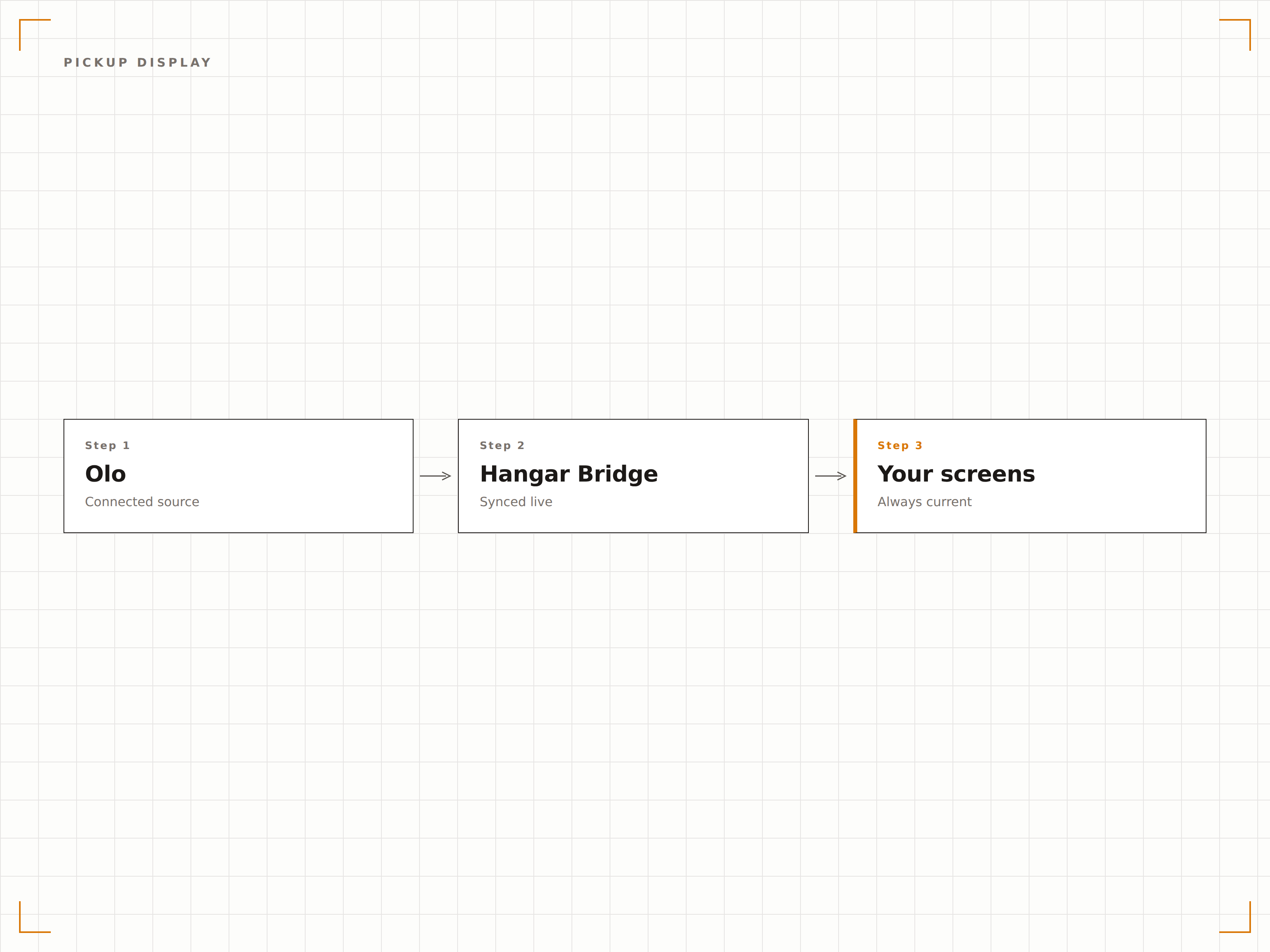
Mesmo cardápio online e na tela
O Olo gerencia o cardápio que os clientes visualizam ao fazer pedidos online. A integração do Hangar.Media replica esses mesmos dados de cardápio nos painéis de cardápio digital da sua loja. Alterações de preço, novos itens e itens removidos permanecem consistentes entre o aplicativo de pedidos do Olo e os painéis de cardápio físicos no restaurante.
Nossos painéis na loja e nossa página de pedidos no Olo sempre exibem os mesmos preços. Sem mais confusão para o cliente.
Sincronização de itens, preços e descrições do Olo
Consistência de preços promocionais entre o online e a loja física
Sincronização de imagens e categorias para painéis de cardápio visuais
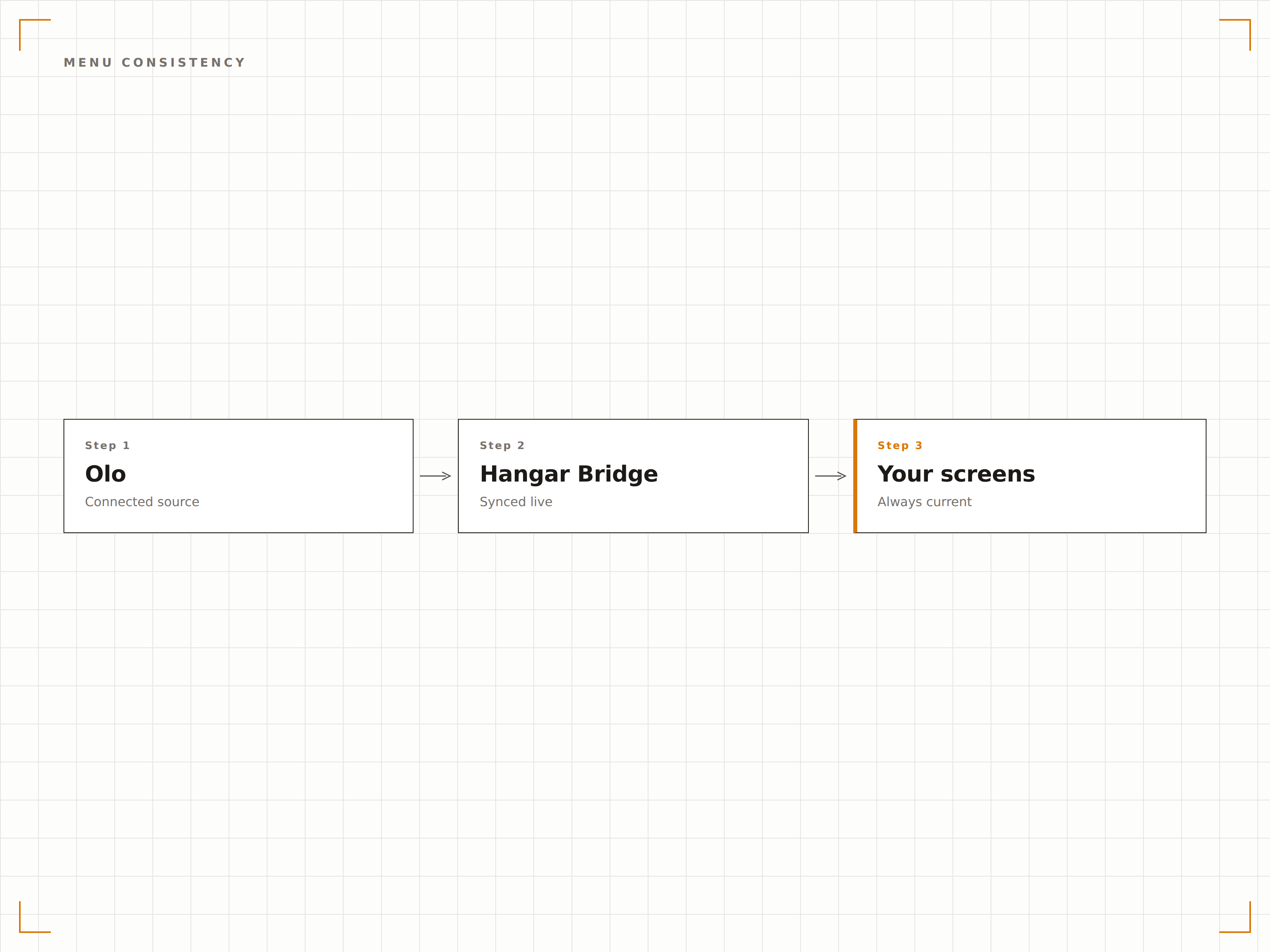
Pedidos online nas telas da cozinha
Exiba os pedidos recebidos do Olo nas telas de cozinha no fundo da loja junto com os pedidos presenciais do PDV. A equipe da cozinha visualiza uma fila de pedidos unificada, independentemente de o pedido ter vindo do balcão, do drive-through ou do aplicativo Olo. Isso reduz pedidos perdidos e otimiza o fluxo de trabalho da cozinha.
A cozinha vê todos os pedidos em uma única tela. Não importa se veio do Olo ou do balcão.
Fila de pedidos unificada com origens do Olo e do PDV
Ordenação por prioridade e horário prometido
Identificação da origem do pedido por código de cores
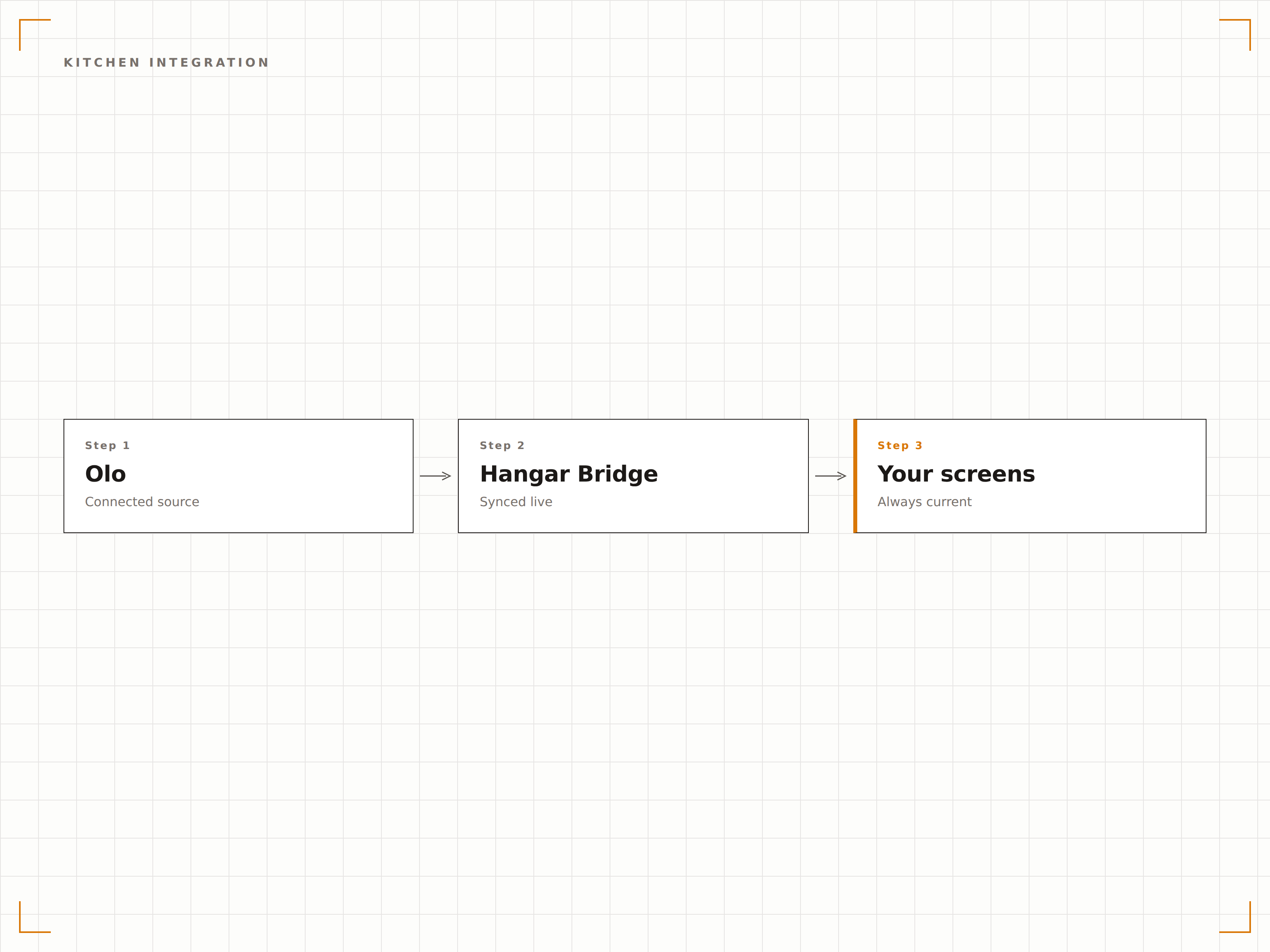
Quatro etapas para telas conectadas.
Da configuração ao conteúdo ao vivo em minutos, não dias.
Conecte sua conta Olo
Autorize o Hangar.Media a acessar a API de Pedidos do Olo. Configure quais restaurantes e canais de dados serão conectados.
Configure as telas de retirada
Defina o layout da tela da área de retirada com a formatação da lista de pedidos prontos, as configurações de exibição do nome do cliente e as opções de notificação sonora.
Sincronize os dados do cardápio
Mapeie as categorias do cardápio do Olo para as zonas de layout dos seus painéis de cardápio digital. Ative a sincronização contínua para manter os painéis na loja alinhados com os cardápios online.
Conecte as telas da cozinha
Opcionalmente, configure telas no fundo da loja para exibir os pedidos recebidos do Olo junto com os pedidos do PDV em uma fila unificada de cozinha.
Feito para cada setor.
Veja como diferentes segmentos utilizam esta integração para gerar resultados.
Gestão de retirada em fast-casual
Restaurantes fast-casual que utilizam o Olo exibem notificações de pedido pronto nas telas da área de retirada para que clientes com pedidos mobile retirem sua comida rapidamente sem aglomerar o balcão.
HospitalidadeStatus de pedidos no drive-through
Restaurantes com drive-through exibem o status dos pedidos de retirada na calçada do Olo em telas externas para que os clientes saibam quando o pedido está pronto sem precisar entrar no restaurante.
EntretenimentoRetirada de pedidos mobile em estádios
Arenas esportivas que utilizam o Olo para pedidos mobile de lanchonetes exibem notificações de pedido pronto nas telas dos corredores próximos às janelas de retirada para guiar os torcedores até sua comida.
CorporativoCoordenação de pedidos de almoço em escritórios
Refeitórios corporativos que utilizam o Olo para pré-pedidos de almoço exibem notificações de pedido pronto nas telas do refeitório para que os colaboradores retirem suas refeições pré-encomendadas com eficiência.
Perguntas frequentes. Respostas diretas respostas.
A integração exibe o status dos pedidos em tempo real
Sim. As atualizações de status de pedidos do Olo chegam às telas em tempo real. Quando um pedido passa de em preparo para pronto para retirada, a tela de retirada é atualizada em segundos.
Posso exibir pedidos do Olo nas telas da cozinha junto com os pedidos do PDV
Sim. A tela da cozinha unifica os pedidos do Olo com os pedidos do PDV em uma única fila. Cada pedido é identificado por cor de acordo com a origem, permitindo que a equipe da cozinha visualize o canal de entrada de forma rápida enquanto trabalha a partir de uma lista unificada.
A sincronização do cardápio inclui os preços promocionais do Olo
Sim. Preços promocionais e ofertas por tempo limitado configurados no Olo são sincronizados com os seus painéis de cardápio digital. Quando a promoção é encerrada no Olo, os preços padrão retornam automaticamente nas suas telas.
As notificações de retirada podem incluir o nome do cliente
Sim. Você pode optar por exibir o primeiro nome do cliente, o número do pedido ou ambos na tela de retirada. Para locais com maior exigência de privacidade, o modo somente número do pedido está disponível.
Um preço. A plataforma completa.
É assim que acreditamos que a sinalização digital deve funcionar. Editor de conteúdo, gerenciamento de telas e mais de 200 integrações de aplicativos — tudo incluído desde o primeiro dia.
14 dias grátis, até 3 telas — sem cartão.