Los menús de Toast en vivo en tus pantallas.
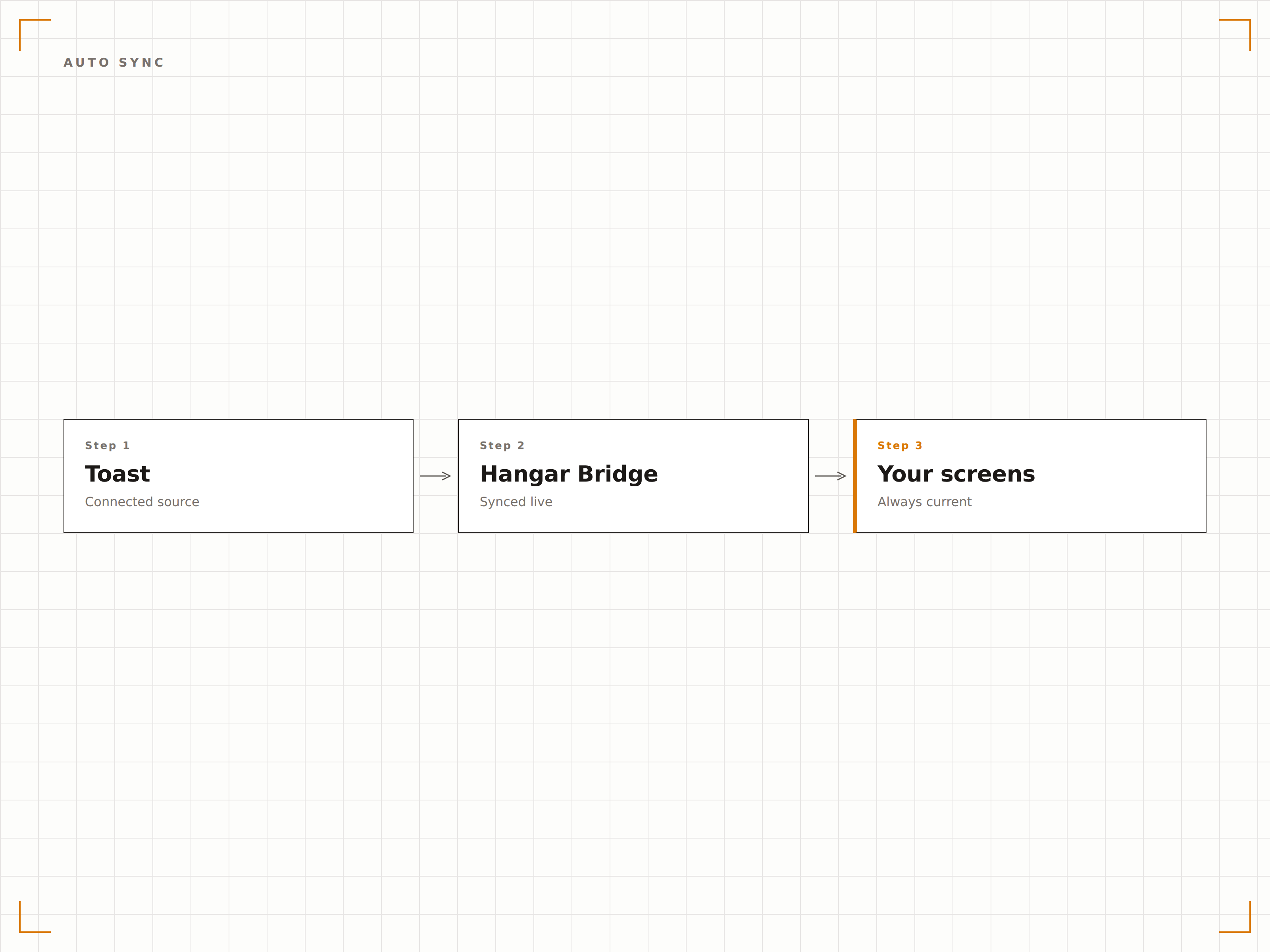
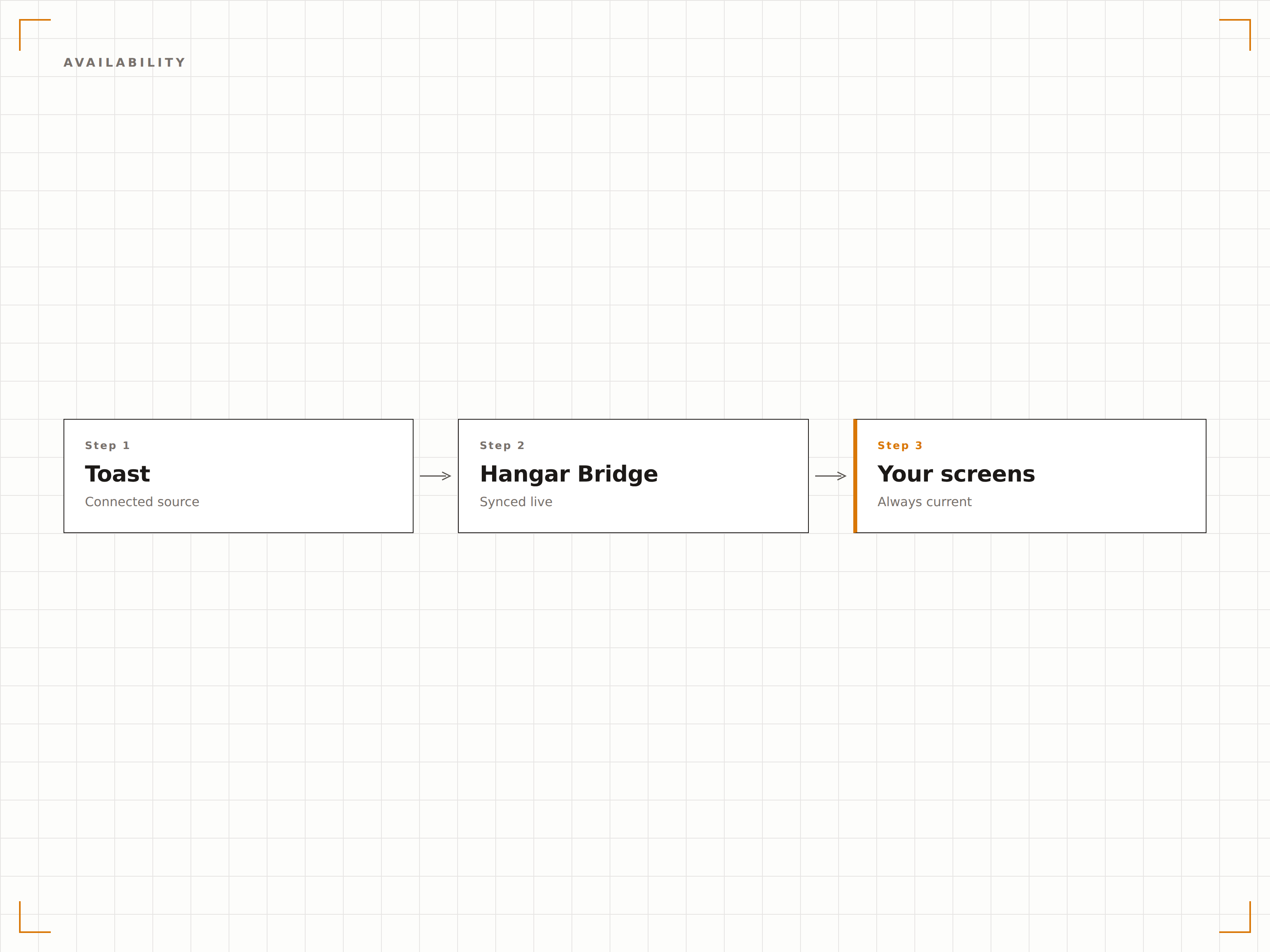
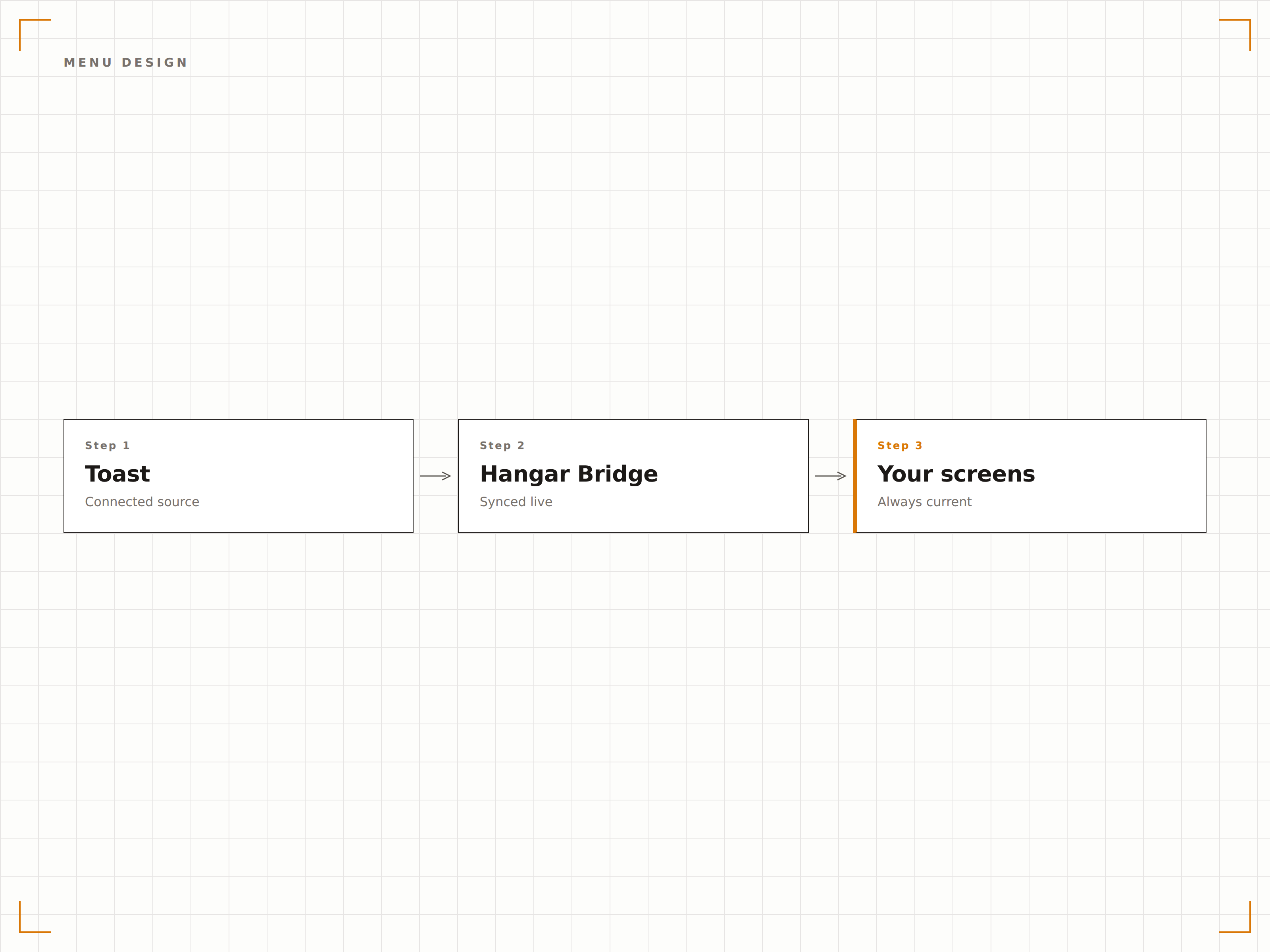
Conecta Toast POS a tu señalización digital de Hangar.Media y permite que los cambios de menú, actualizaciones de precios y disponibilidad de artículos se sincronicen automáticamente con tus tableros de menú, pantallas de autoservicio y pantallas de cocina.
Tu menú de Toast impulsa tus pantallas
La integración con Toast extrae la estructura completa de tu menú, precios, modificadores y datos de disponibilidad directamente desde tu cuenta de Toast POS. Cuando actualizas un precio, agregas un nuevo artículo o marcas algo como agotado en Toast, tus tableros de menú digital se actualizan automáticamente. Sin duplicación de datos, sin precios desactualizados, sin actualizaciones manuales de pantallas.
Lo que puedes hacer con en vivo en tus pantallas.
Tres capacidades que hacen esencial esta integración para tu red de señalización digital.
Una única fuente de verdad para los menús
Gestiona tu menú en Toast y deja que Hangar.Media se encargue de la visualización. Cada cambio que realices en el panel de Toast —ya sea un aumento de precio, un nuevo elemento de temporada o un plato eliminado— se refleja automáticamente en tus pantallas en cuestión de minutos. El personal nunca más tendrá que actualizar manualmente los tableros de menú digital.
Actualizamos los precios del almuerzo en Toast y todos los tableros de menú en tres locales se actualizaron antes de la hora pico del almuerzo.
Reconocimiento bidireccional de los cambios en el menú de Toast
Sincronización de categorías, elementos, modificadores y precios
Ventanas de sincronización programadas para un control preciso del momento de actualización
Oculta lo que no puedes vender
Cuando un elemento del menú se marca como agotado o se da de baja en Toast, desaparece automáticamente de tus tableros de menú digital. Esto evita la frustración de los clientes al pedir elementos no disponibles y ahorra al personal tener que explicar repetidamente qué hay y qué no hay disponible.
En el momento en que la cocina da de baja un elemento, desaparece del tablero de menú. Los clientes nunca lo verán.
Ocultamiento instantáneo de elementos agotados en los tableros de menú
Restauración automática cuando los elementos vuelven a estar disponibles
Indicadores visuales para elementos con bajo stock, ajustables por umbral
Tableros de menú atractivos generados desde los datos del POS
Los datos del menú de Toast se integran en las plantillas de tableros de menú de Hangar.Media, diseñadas para maximizar la legibilidad y el atractivo visual. Elige entre diseños de cuadrícula clásica, formatos de lista desplazable o diseños con pestañas por categoría. Añade fotografía de alimentos, conteo de calorías e iconos de alérgenos junto con los datos del POS.
Nuestros tableros de menú parecen obra de una agencia de diseño profesional, pero se actualizan solos desde Toast.
Plantillas de tableros de menú prediseñadas para restaurantes
Colocación personalizada de fotografía de alimentos por elemento o categoría
Compatibilidad con insignias de alérgenos, información dietética y calorías
Cuatro pasos hacia pantallas conectadas.
Desde la configuración hasta contenido en vivo en minutos, no en días.
Conecta tu cuenta de Toast
Autoriza a Hangar.Media para acceder a los datos de tu Toast POS a través de la API segura de socios de Toast. No se comparten contraseñas.
Asigna categorías del menú a zonas de pantalla
Asigna grupos y categorías del menú de Toast a secciones del diseño de tu tablero de menú digital. Configura qué elementos aparecen en cada zona.
Elige una plantilla de tablero de menú
Selecciona una plantilla de diseño para tu tablero de menú y personalízala con tu identidad de marca, fotografías y ajustes de diseño.
Publica y automatiza
Publica los tableros de menú en tus pantallas. A partir de ese momento, todos los cambios realizados en el menú de Toast aparecen automáticamente en las pantallas.
Diseñado para cada sector.
Descubre cómo distintas industrias utilizan esta integración para obtener resultados.
Tableros de menú digital para restaurantes
Los restaurantes de servicio completo y de servicio rápido sincronizan sus menús de Toast con tableros de menú digital montados en pared y en mostrador, que siempre muestran los precios actuales y los elementos disponibles.
EntretenimientoMenús de puestos de estadios
Los puestos de comida en recintos deportivos que utilizan Toast POS muestran menús digitales que actualizan los precios según la tarifa del evento y ocultan los elementos agotados durante los partidos de alta afluencia.
EducaciónMenús de comedores universitarios
Los comedores universitarios que usan Toast sincronizan los menús rotativos diarios, la información nutricional y las etiquetas de alérgenos con los tableros digitales en cada estación de servicio.
CorporativoPantallas de cafeterías corporativas
Las cafeterías corporativas que utilizan Toast muestran los especiales del día, menús de precio fijo y guarniciones disponibles en las pantallas de la cafetería, con actualizaciones automáticas cuando los elementos se agotan.
Preguntas frecuentes. Respuestas directas: respuestas.
¿La integración requiere hardware de Toast POS?
Necesitas una cuenta activa de Toast POS con la API de socios habilitada. La integración se conecta a los servicios en la nube de Toast, por lo que no se requiere ninguna configuración de hardware específica en el lado de Toast.
¿Con qué rapidez aparecen los cambios del menú en las pantallas?
Los cambios en el menú realizados en Toast suelen aparecer en tus pantallas de Hangar.Media en un plazo de 2 a 5 minutos. Las actualizaciones de productos agotados pueden configurarse para una sincronización casi instantánea en cambios de disponibilidad urgentes.
¿Puedo mostrar menús diferentes para el desayuno, el almuerzo y la cena?
Sí. Hangar.Media admite programación por franjas horarias. Puedes configurar diferentes diseños de tableros de menú o filtros de categorías para cada período de comida. Los tableros de menú cambian automáticamente según la hora del día.
¿Funciona con múltiples ubicaciones de restaurantes Toast?
Sí. Cada ubicación de Toast puede conectarse de forma independiente, con sus propios datos de menú alimentando sus propias pantallas. Un grupo de restaurantes con múltiples locales gestiona todas las ubicaciones desde un único panel de control de Hangar.Media.
Un precio. La plataforma completa.
Así es como creemos que debe funcionar la señalización digital. Editor de contenido, gestión de pantallas y más de 200 integraciones de aplicaciones — todo incluido desde el primer día.
14 días gratis, hasta 3 pantallas — sin tarjeta.