I menu Toast in diretta sui tuoi schermi.
Collega Toast POS al tuo Hangar.Media per la segnaletica digitale e lascia che le modifiche al menu, gli aggiornamenti dei prezzi e la disponibilità degli articoli si sincronizzino automaticamente con i tuoi menu board, i display drive-through e gli schermi della cucina.
Il tuo menu Toast alimenta i tuoi schermi
L'integrazione con Toast importa direttamente dal tuo account Toast POS l'intera struttura del menu, i prezzi, i modificatori e i dati di disponibilità. Quando aggiorni un prezzo, aggiungi una nuova voce o contrassegni un articolo come esaurito in Toast, i tuoi menu board digitali si aggiornano automaticamente. Nessuna duplicazione dei dati, nessun prezzo obsoleto, nessun aggiornamento manuale degli schermi.
Cosa puoi fare con in diretta sui tuoi schermi.
Tre funzionalità che rendono questa integrazione indispensabile per la tua rete di segnaletica digitale.
Un'unica fonte di verità per i menu
Gestisci il tuo menu in Toast e lascia che Hangar.Media si occupi della visualizzazione. Ogni modifica apportata nel pannello di controllo Toast — che si tratti di un aumento di prezzo, di una nuova voce stagionale o di un piatto rimosso — si trasferisce automaticamente sui tuoi schermi in pochi minuti. Il personale non dovrà mai più aggiornare manualmente i menu board digitali.
Abbiamo modificato i prezzi del pranzo in Toast e ogni menu board nelle tre sedi si è aggiornato prima dell'ora di punta.
Rilevamento bidirezionale delle modifiche al menu di Toast
Sincronizzazione di categorie, voci, modificatori e prezzi
Finestre di sincronizzazione pianificate per un aggiornamento controllato
Nascondi ciò che non puoi vendere
Quando una voce di menu viene contrassegnata come esaurita o tolta dal menu in Toast, scompare automaticamente dai tuoi menu board digitali. Questo evita la frustrazione dei clienti che ordinano voci non disponibili e risparmia al personale il compito di spiegare ripetutamente cosa è disponibile e cosa non lo è.
Nel momento in cui la cucina toglie una voce dal menu, questa scompare dal menu board. I clienti non la vedranno mai.
Rimozione istantanea delle voci esaurite dai menu board
Ripristino automatico quando le voci vengono nuovamente contrassegnate come disponibili
Indicatori visivi per le voci a bassa disponibilità, regolabili tramite soglia
Menu board straordinari dai dati del POS
I dati del menu Toast alimentano i template di menu board di Hangar.Media, progettati per la leggibilità e l'appetibilità. Scegli tra layout a griglia classica, formati a lista scorrevole o design con schede per categoria. Aggiungi fotografie dei piatti, conteggio delle calorie e icone degli allergeni accanto ai dati del POS.
I nostri menu board sembrano realizzati da un'agenzia di design professionale, ma si aggiornano da soli tramite Toast.
Template di menu board pre-progettati per ristoranti
Posizionamento personalizzato delle fotografie per voce o categoria
Supporto per badge di allergeni, indicazioni dietetiche e calorie
Quattro passaggi verso schermi connessi.
Dalla configurazione ai contenuti live in minuti, non giorni.
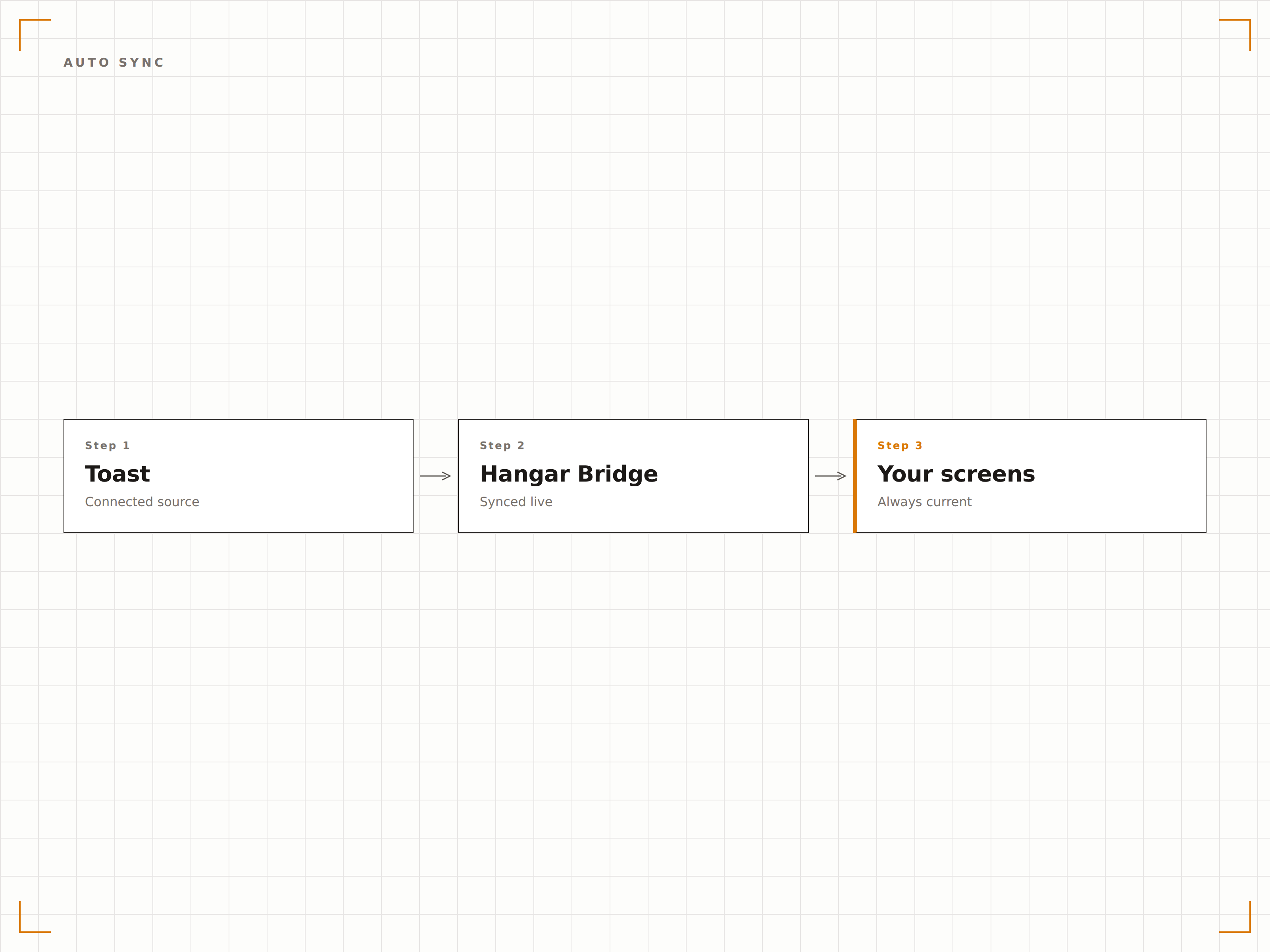
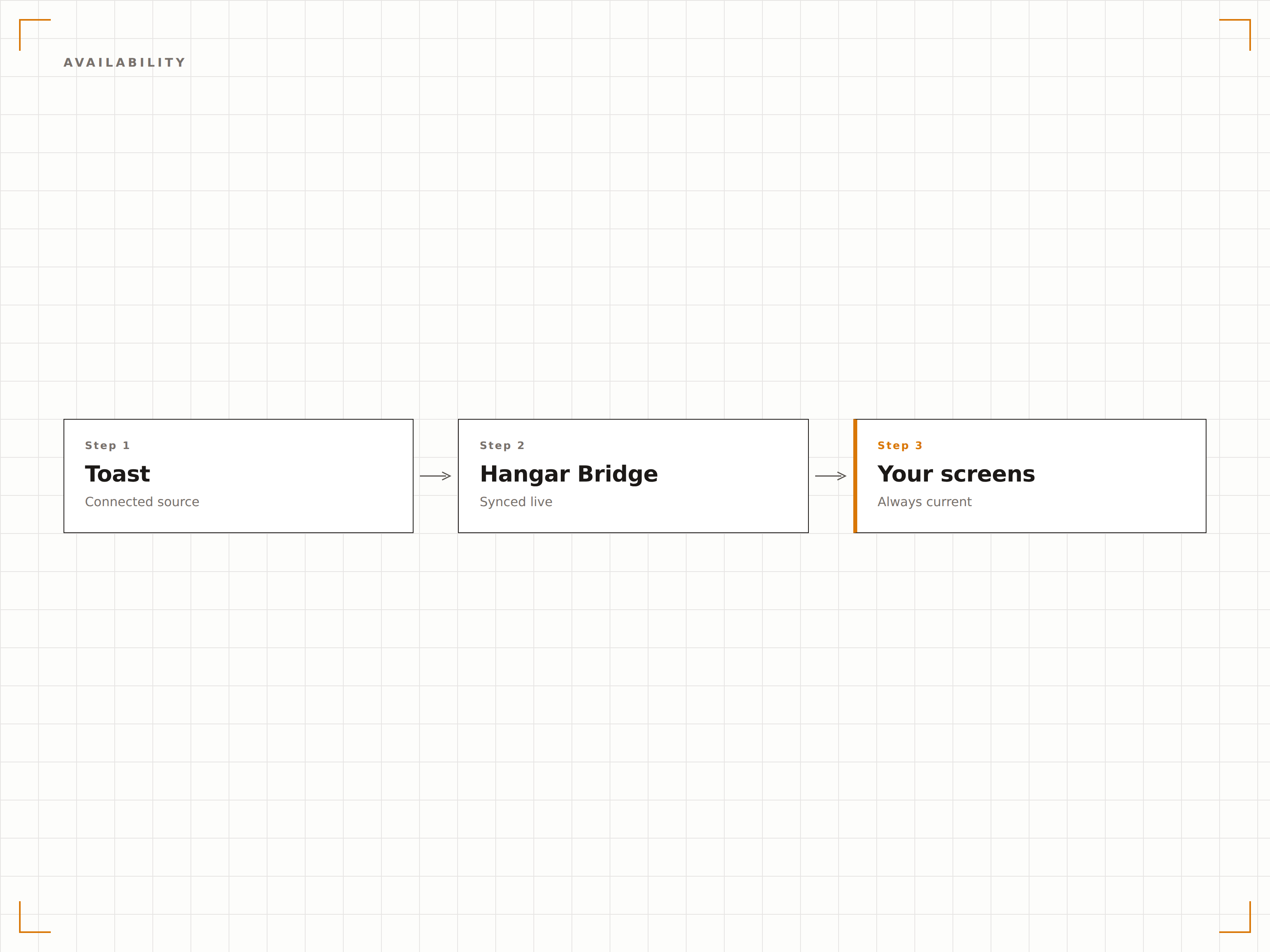
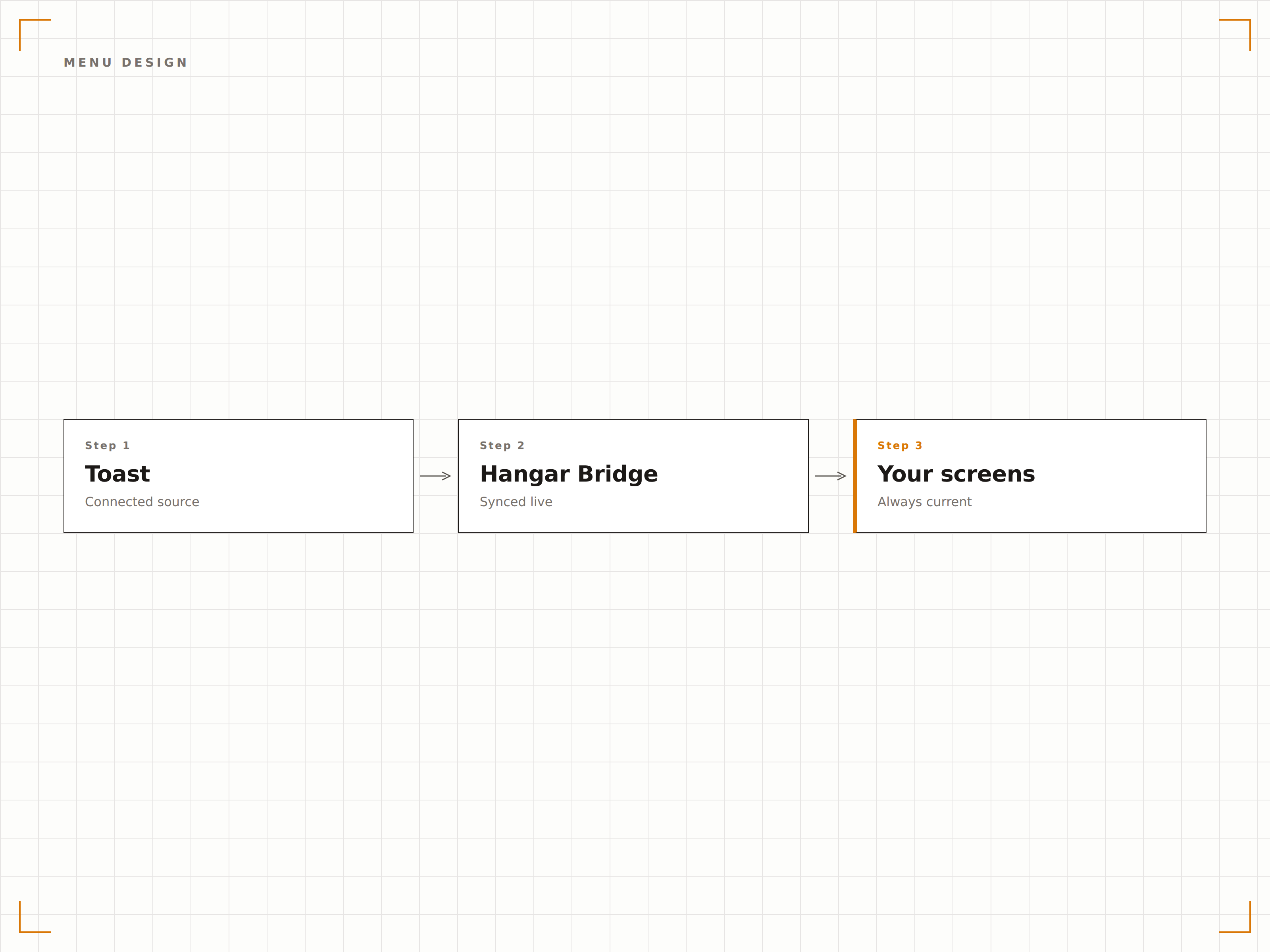
Collega il tuo account Toast
Autorizza Hangar.Media ad accedere ai dati del tuo Toast POS tramite la sicura Toast Partner API. Nessuna password viene condivisa.
Mappa le categorie di menu nelle zone dello schermo
Assegna i gruppi e le categorie di menu di Toast alle sezioni del layout del tuo menu board digitale. Configura quali voci appaiono in ciascuna zona.
Scegli un template per il menu board
Seleziona un template di design per il menu board e personalizzalo con il tuo branding, le fotografie e le impostazioni di layout.
Pubblica e automatizza
Pubblica i menu board sui tuoi schermi. Da questo momento in poi, tutte le modifiche al menu effettuate in Toast appariranno automaticamente sugli schermi.
Costruito per ogni settore.
Scopri come diversi settori utilizzano questa integrazione per ottenere risultati concreti.
Menu board digitali per ristoranti
I ristoranti a servizio completo e fast-casual sincronizzano i loro menu Toast con menu board digitali a parete e da banco che mostrano sempre prezzi aggiornati e voci disponibili.
IntrattenimentoMenu per punti di ristoro negli stadi
I punti di ristoro nei palazzetti sportivi che utilizzano Toast POS mostrano menu digitali che aggiornano i prezzi per le tariffe specifiche degli eventi e nascondono le voci esaurite durante le partite ad alto afflusso.
IstruzioneMenu per mense universitarie
Le mense universitarie che utilizzano Toast sincronizzano i menu giornalieri a rotazione, le informazioni nutrizionali e le etichette degli allergeni con i pannelli digitali presso ogni postazione di servizio.
AziendaleDisplay per mense aziendali
Le mense aziendali che utilizzano Toast mostrano i piatti del giorno, i menu a prezzo fisso e i contorni disponibili sugli schermi della mensa, con aggiornamenti automatici quando le voci si esauriscono.
Domande frequenti. Risposte dirette risposte.
L'integrazione richiede hardware Toast POS
È necessario un account Toast POS attivo con la Partner API abilitata. L'integrazione si connette ai servizi cloud di Toast, quindi non è richiesta alcuna configurazione hardware specifica sul lato Toast.
Con quale rapidità le modifiche al menu appaiono sugli schermi
Le modifiche al menu effettuate in Toast appaiono generalmente sugli schermi Hangar.Media entro 2-5 minuti. Gli aggiornamenti di esaurimento scorte possono essere configurati per una sincronizzazione quasi istantanea, per le variazioni di disponibilità più urgenti.
Posso mostrare menu diversi per colazione, pranzo e cena
Sì. Hangar.Media supporta la programmazione per fasce orarie. Puoi configurare layout di menu board o filtri per categoria diversi per ogni periodo del pasto. I menu board cambiano automaticamente in base all'orario del giorno.
Funziona con più sedi di ristoranti Toast
Sì. Ogni sede Toast può essere collegata in modo indipendente, con i propri dati di menu che alimentano i propri schermi. Un gruppo di ristoranti multi-sede gestisce tutte le location da un unico pannello di controllo Hangar.Media.
Un prezzo. L'intera piattaforma.
Così pensiamo che la segnaletica digitale dovrebbe funzionare. Editor di contenuti, gestione degli schermi e oltre 200 integrazioni di app — tutto incluso fin dal primo giorno.
14 giorni gratis, fino a 3 schermi — senza carta.