Vos menus Toast en direct sur vos écrans.
Connectez Toast POS à votre solution d'affichage dynamique Hangar.Media et laissez les modifications de menu, les mises à jour de prix et la disponibilité des articles se synchroniser automatiquement sur vos tableaux de menu, vos affichages drive et vos écrans de cuisine.
Votre menu Toast alimente vos écrans
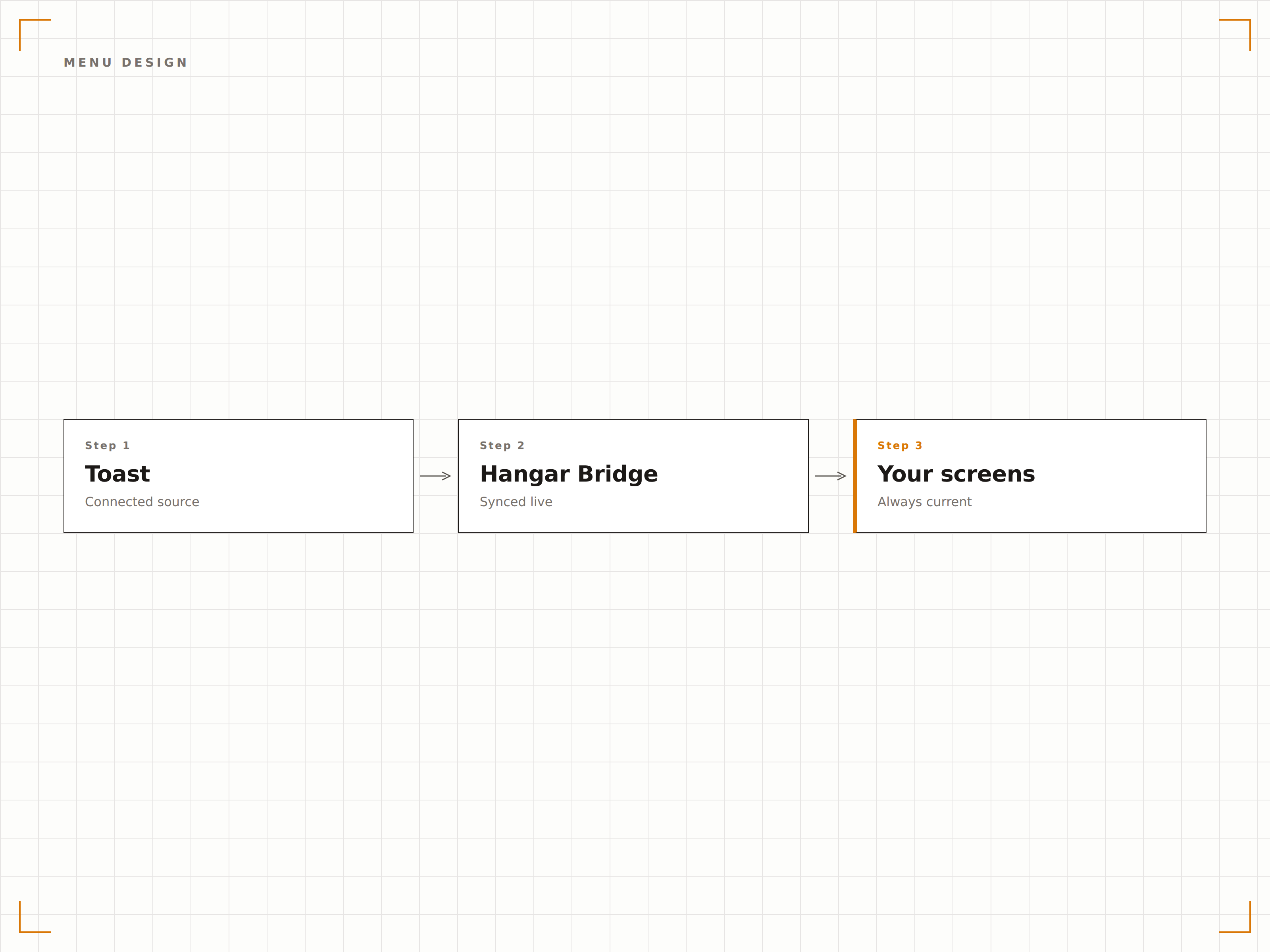
L'intégration Toast importe l'intégralité de votre structure de menu, vos tarifs, vos modificateurs et vos données de disponibilité directement depuis votre compte Toast POS. Lorsque vous modifiez un prix, ajoutez un nouvel article ou signalez une rupture de stock dans Toast, vos tableaux de menu en affichage dynamique se mettent à jour automatiquement. Aucune saisie en double, aucun prix obsolète, aucune mise à jour manuelle des écrans.
Ce que vous pouvez faire avec en direct sur vos écrans.
Trois fonctionnalités qui rendent cette intégration indispensable pour votre réseau d'affichage dynamique.
Une source de vérité unique pour vos menus
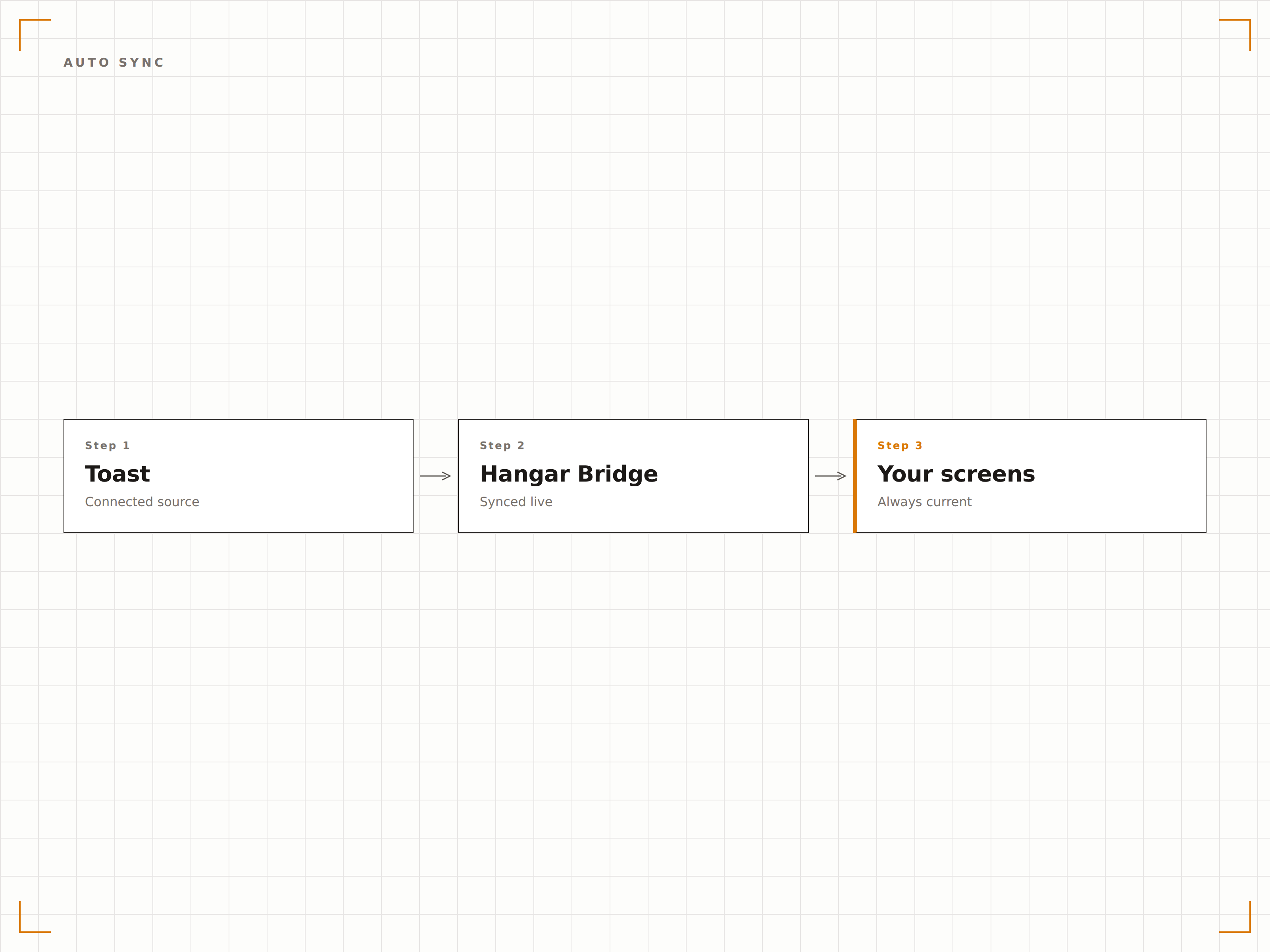
Gérez votre menu dans Toast et laissez Hangar.Media s'occuper de l'affichage. Chaque modification apportée dans le tableau de bord Toast — qu'il s'agisse d'une hausse de prix, d'un nouvel article saisonnier ou d'un plat retiré — se répercute automatiquement sur vos écrans en quelques minutes. Le personnel n'a plus jamais besoin de mettre à jour manuellement les tableaux de menu numériques.
Nous avons modifié les prix du déjeuner dans Toast et chaque tableau de menu dans nos trois établissements s'est mis à jour avant le coup de feu du midi.
Prise en compte bidirectionnelle des modifications de menu Toast
Synchronisation des catégories, articles, modificateurs et prix
Fenêtres de synchronisation planifiées pour un contrôle précis des mises à jour
Masquez ce que vous ne pouvez pas vendre
Lorsqu'un article est marqué en rupture de stock ou 86é dans Toast, il disparaît automatiquement de vos tableaux de menu numériques. Cela évite la frustration des clients qui commandent des articles indisponibles et épargne au personnel d'avoir à expliquer sans cesse ce qui est ou n'est pas disponible.
Dès qu'un article est 86é en cuisine, il disparaît du tableau de menu. Les clients ne le voient jamais.
Masquage instantané des articles en rupture de stock sur les tableaux de menu
Restauration automatique lorsque les articles sont de nouveau disponibles
Indicateurs visuels pour les articles en stock limité, ajustables par seuil
Des tableaux de menu élégants à partir des données POS
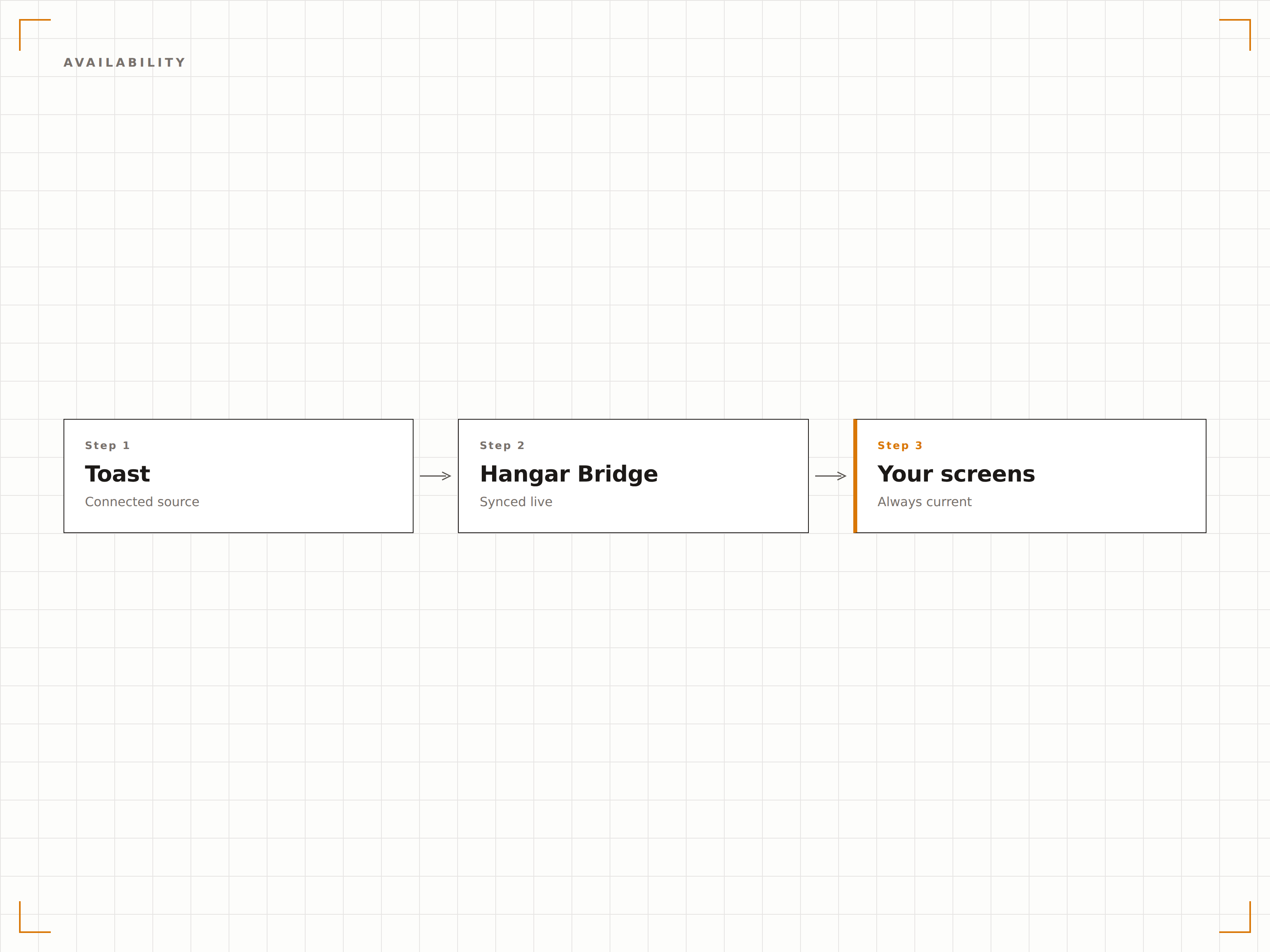
Les données de menu Toast alimentent les modèles de tableaux de menu Hangar.Media, conçus pour la lisibilité et l'appétence visuelle. Choisissez parmi des mises en page en grille classique, des formats en liste défilante ou des designs à onglets par catégorie. Ajoutez des photos culinaires, le nombre de calories et des icônes d'allergènes aux côtés des données POS.
Nos tableaux de menu ont l'air d'avoir été conçus par une agence de design professionnelle, mais ils se mettent à jour automatiquement depuis Toast.
Modèles de tableaux de menu prêts à l'emploi pour les restaurants
Placement personnalisé de photos culinaires par article ou par catégorie
Prise en charge des badges allergènes, régimes alimentaires et calories
Quatre étapes vers écrans connectés.
De la configuration au contenu en direct en quelques minutes, pas en jours.
Connectez votre compte Toast
Autorisez Hangar.Media à accéder à vos données Toast POS via l'API Partenaire Toast sécurisée. Aucun mot de passe n'est partagé.
Associez les catégories de menu aux zones d'écran
Attribuez les groupes et catégories de menu Toast aux sections de votre tableau de menu numérique. Définissez les articles qui apparaissent dans chaque zone.
Choisissez un modèle de tableau de menu
Sélectionnez un modèle de design pour votre tableau de menu et personnalisez-le avec votre identité visuelle, vos photos et vos paramètres de mise en page.
Publiez et automatisez
Publiez les tableaux de menu sur vos écrans. À partir de ce moment, toutes les modifications de menu effectuées dans Toast apparaissent automatiquement sur vos écrans.
Conçu pour chaque secteur.
Découvrez comment différents secteurs utilisent cette intégration pour obtenir des résultats.
Tableaux de menu numériques pour la restauration
Les restaurants à service complet et les fast-casuals synchronisent leurs menus Toast avec des tableaux de menu numériques muraux et de comptoir qui affichent toujours les prix actuels et les articles disponibles.
DivertissementMenus des buvettes de stade
Les buvettes de salles de sport équipées de Toast POS affichent des menus numériques qui mettent à jour les prix selon la tarification événementielle et masquent les articles épuisés lors des matchs à forte affluence.
ÉducationMenus des restaurants universitaires
Les restaurants universitaires utilisant Toast synchronisent leurs menus tournants quotidiens, informations nutritionnelles et étiquettes d'allergènes sur des tableaux numériques à chaque station de service.
EntrepriseAffichages des cafétérias d'entreprise
Les cafétérias d'entreprise équipées de Toast affichent les plats du jour, les menus à prix fixe et les accompagnements disponibles sur les écrans de cafétéria, avec des mises à jour automatiques lorsque les articles viennent à manquer.
Questions fréquentes. Réponses directes : réponses.
L'intégration nécessite-t-elle du matériel Toast POS
Vous devez disposer d'un compte Toast POS actif avec l'API Partenaire activée. L'intégration se connecte aux services cloud de Toast, aucune configuration matérielle spécifique n'est donc requise côté Toast.
Combien de temps faut-il pour que les modifications de menu apparaissent sur les écrans
Les modifications de menu effectuées dans Toast apparaissent généralement sur vos écrans Hangar.Media en 2 à 5 minutes. Les mises à jour de rupture de stock peuvent être configurées pour une synchronisation quasi instantanée, idéale pour les changements de disponibilité urgents.
Puis-je afficher des menus différents pour le petit-déjeuner, le déjeuner et le dîner
Oui. Hangar.Media prend en charge la programmation par plage horaire. Vous pouvez configurer différentes mises en page de tableaux de menu ou des filtres de catégories pour chaque période de repas. Les tableaux de menu basculent automatiquement en fonction de l'heure de la journée.
Fonctionne-t-il avec plusieurs établissements Toast
Oui. Chaque établissement Toast peut être connecté indépendamment, avec ses propres données de menu alimentant ses propres écrans. Un groupe de restauration multi-sites gère l'ensemble de ses établissements depuis un tableau de bord Hangar.Media unique.
Un seul tarif. La plateforme complète.
C'est ainsi que nous pensons que l'affichage dynamique devrait fonctionner. Éditeur de contenu, gestion des écrans et plus de 200 intégrations d'applications — tout inclus dès le premier jour.
14 jours gratuits, jusqu'à 3 écrans — sans carte bancaire.