Menus do Toast ao vivo nas suas telas.
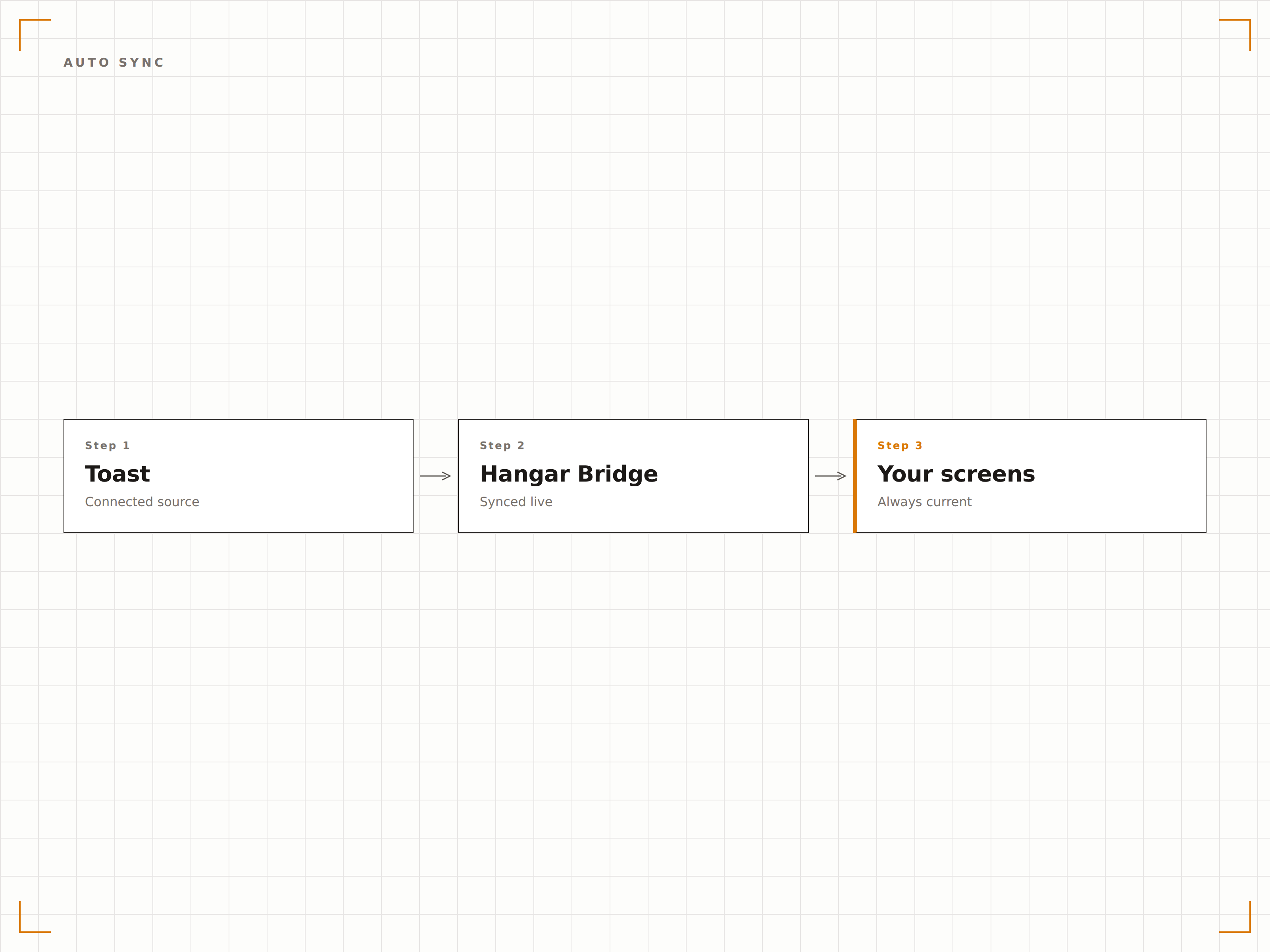
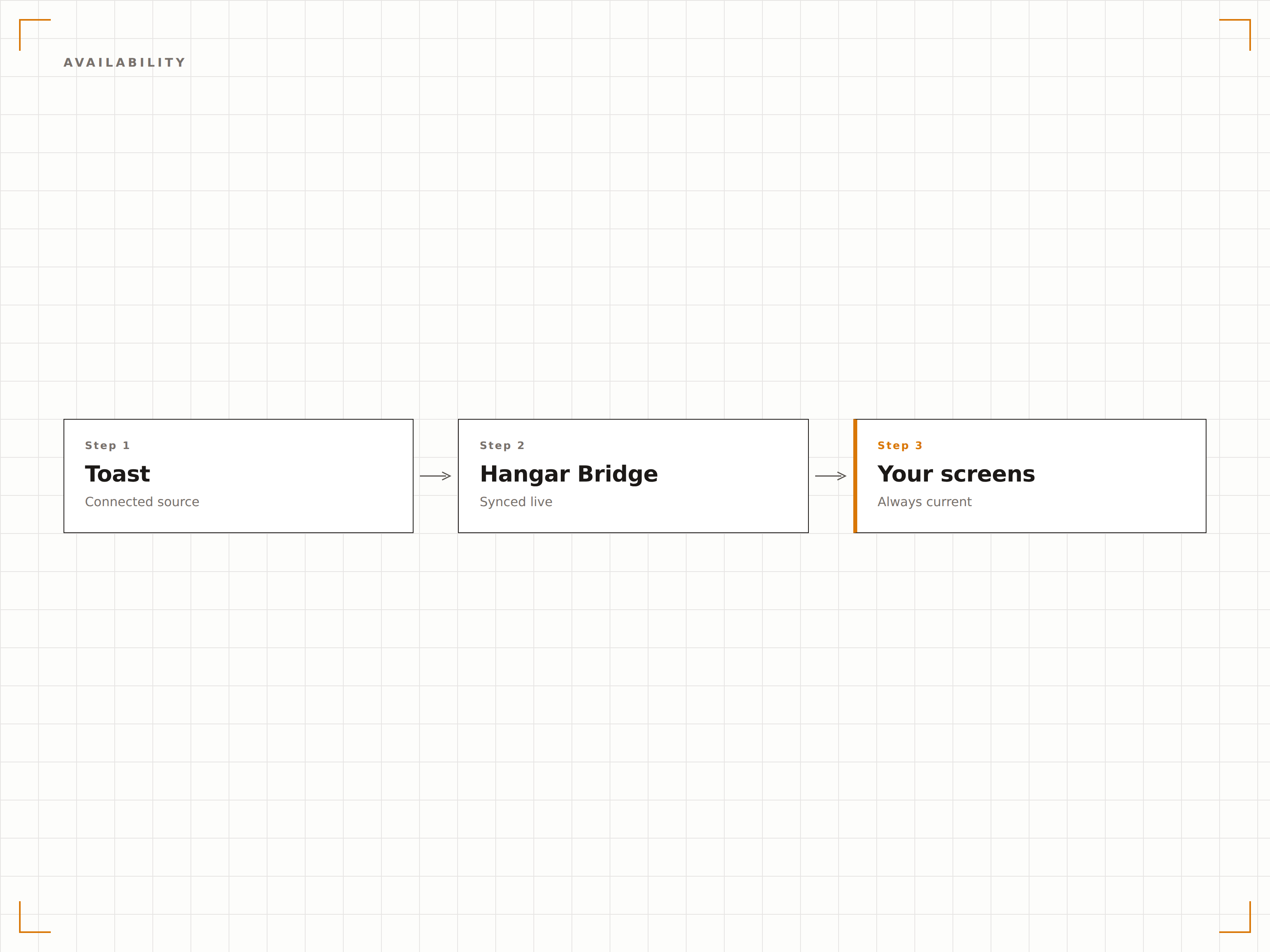
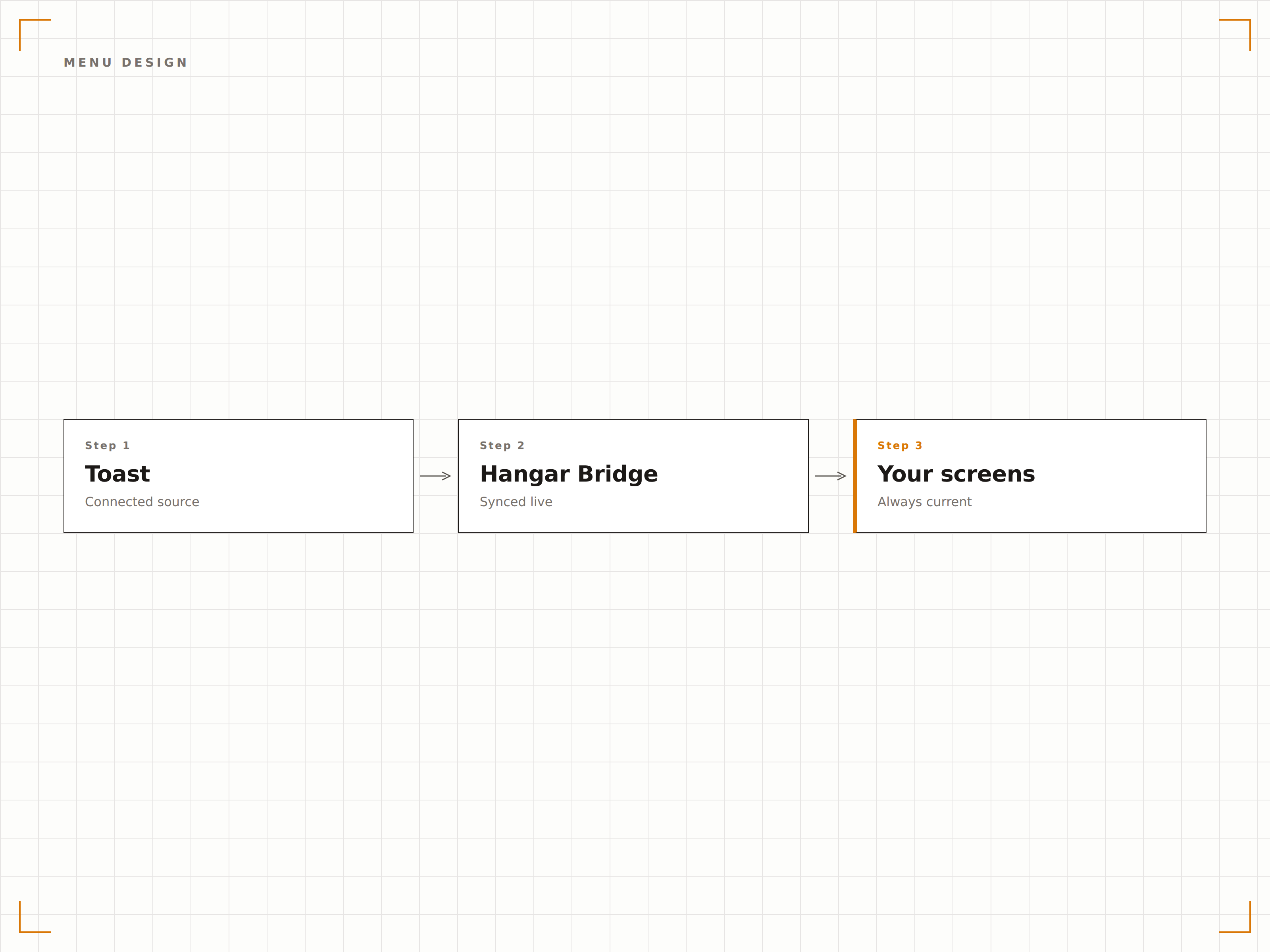
Conecte o Toast POS ao seu Hangar.Media de sinalização digital e deixe que alterações no cardápio, atualizações de preços e disponibilidade de itens sincronizem automaticamente com seus painéis de cardápio, displays de drive-through e telas de cozinha.
Seu cardápio do Toast alimenta suas telas
A integração com o Toast importa toda a estrutura do seu cardápio, preços, modificadores e dados de disponibilidade diretamente da sua conta Toast POS. Quando você atualiza um preço, adiciona um novo item ou marca algo como esgotado no Toast, seus painéis de cardápio digital são atualizados automaticamente. Sem duplicação de dados, sem preços desatualizados, sem atualizações manuais nas telas.
O que você pode fazer com ao vivo nas suas telas.
Três capacidades que tornam esta integração essencial para a sua rede de sinalização digital.
Uma única fonte de verdade para os menus
Gerencie seu menu no Toast e deixe o Hangar.Media cuidar da exibição. Cada alteração feita no painel do Toast — seja um aumento de preço, um novo item sazonal ou um prato removido — é refletida automaticamente nas suas telas em minutos. A equipe nunca mais precisará atualizar manualmente os painéis de menu digital.
Alteramos os preços do almoço no Toast e todos os painéis de menu nas três unidades foram atualizados antes do rush do almoço.
Monitoramento bidirecional de alterações no menu do Toast
Sincronização de categorias, itens, modificadores e preços
Janelas de sincronização agendadas para controle do momento de atualização
Oculte o que você não pode vender
Quando um item de menu é marcado como esgotado ou retirado no Toast, ele desaparece automaticamente dos seus painéis de menu digital. Isso evita a frustração dos clientes ao pedir itens indisponíveis e poupa a equipe de explicar repetidamente o que está ou não disponível.
No momento em que a cozinha retira um item, ele desaparece do painel de menu. Os clientes nunca chegam a vê-lo.
Ocultação instantânea de itens esgotados nos painéis de menu
Restauração automática quando os itens voltam a estar disponíveis
Indicadores visuais para itens com baixo estoque, ajustáveis por limite
Painéis de menu incríveis gerados a partir dos dados do PDV
Os dados do menu do Toast alimentam os templates de painel de menu do Hangar.Media, desenvolvidos para legibilidade e apelo visual. Escolha entre layouts em grade clássica, formatos de lista com rolagem ou designs com abas por categoria. Adicione fotografias de alimentos, contagem de calorias e ícones de alérgenos junto aos dados do PDV.
Nossos painéis de menu parecem ter sido criados por uma agência de design profissional, mas se atualizam sozinhos a partir do Toast.
Templates de painel de menu pré-desenhados para restaurantes
Posicionamento personalizado de fotografia de alimentos por item ou categoria
Suporte a badges de alérgenos, restrições alimentares e calorias
Quatro etapas para telas conectadas.
Da configuração ao conteúdo ao vivo em minutos, não dias.
Conecte sua conta Toast
Autorize o Hangar.Media a acessar os dados do seu Toast POS por meio da API de Parceiros segura do Toast. Nenhuma senha é compartilhada.
Mapeie categorias de menu para zonas de tela
Atribua grupos e categorias do menu Toast a seções do layout do seu painel de menu digital. Configure quais itens aparecem em cada zona.
Escolha um template de painel de menu
Selecione um template de design para painel de menu e personalize-o com sua identidade visual, fotografias e configurações de layout.
Publique e automatize
Publique os painéis de menu nas suas telas. A partir desse momento, todas as alterações de menu feitas no Toast aparecem nas telas automaticamente.
Feito para cada setor.
Veja como diferentes segmentos utilizam esta integração para gerar resultados.
Painéis de menu digital para restaurantes
Restaurantes de serviço completo e fast-casual sincronizam seus menus do Toast com painéis de menu digital fixados na parede ou no balcão, exibindo sempre os preços atuais e os itens disponíveis.
EntretenimentoMenus de quiosques em estádios
Quiosques de alimentação em arenas esportivas que utilizam o Toast POS exibem menus digitais que atualizam preços para precificação específica de eventos e ocultam itens esgotados durante jogos com grande público.
EducaçãoMenus de refeitórios universitários
Refeitórios universitários que utilizam o Toast sincronizam menus rotativos diários, informações nutricionais e rótulos de alérgenos com painéis digitais em cada estação de serviço.
CorporativoDisplays de refeitórios corporativos
Refeitórios corporativos que utilizam o Toast exibem pratos do dia, menus executivos e acompanhamentos disponíveis nas telas do refeitório, com atualizações automáticas quando os itens se esgotam.
Perguntas frequentes. Respostas diretas respostas.
A integração exige hardware do Toast POS
Você precisa de uma conta ativa no Toast POS com a API de Parceiros habilitada. A integração se conecta aos serviços em nuvem do Toast, portanto nenhuma configuração de hardware específica é necessária no lado do Toast.
Com que rapidez as alterações de menu aparecem nas telas
Alterações de menu feitas no Toast geralmente aparecem nas telas do Hangar.Media em 2 a 5 minutos. Atualizações de itens esgotados podem ser configuradas para sincronização quase instantânea em mudanças de disponibilidade sensíveis ao tempo.
Posso exibir menus diferentes para café da manhã, almoço e jantar
Sim. O Hangar.Media suporta agendamento por período do dia. Você pode configurar diferentes layouts de painel de menu ou filtros de categoria para cada refeição. Os painéis de menu alternam automaticamente com base no horário do dia.
Funciona com múltiplas unidades de restaurante no Toast
Sim. Cada unidade do Toast pode ser conectada de forma independente, com seus próprios dados de menu alimentando suas próprias telas. Um grupo de restaurantes com múltiplas unidades gerencia todos os locais a partir de um único painel do Hangar.Media.
Um preço. A plataforma completa.
É assim que acreditamos que a sinalização digital deve funcionar. Editor de conteúdo, gerenciamento de telas e mais de 200 integrações de aplicativos — tudo incluído desde o primeiro dia.
14 dias grátis, até 3 telas — sem cartão.