Gérez vos files d'attente visuellement sur écran.
Affichez en temps réel le statut de la file d'attente, les numéros en cours d'appel, les temps d'attente estimés et les affectations aux guichets sur votre affichage dynamique. Réduisez la perception du temps d'attente et tenez vos clients informés.
Transformez l'attente en une expérience maîtrisée
L'intégration de gestion des files d'attente connecte votre affichage dynamique aux systèmes de tickets et aux flux de travail des guichets de service. Les écrans affichent les numéros en cours d'appel, les mises à jour de position en file, les temps d'attente estimés et les affectations aux guichets. Entre chaque appel, les écrans diffusent du contenu promotionnel ou des messages d'information qui maintiennent l'engagement des clients en attente et réduisent la perception du temps d'attente.
Ce que vous pouvez faire avec visuellement sur écran.
Trois fonctionnalités qui rendent cette intégration indispensable pour votre réseau d'affichage dynamique.
Affichages d'appel clairs et lisibles
Lorsqu'un agent de guichet appelle le client suivant, l'écran affiche le numéro de ticket et le guichet assigné avec une mise en surbrillance visuelle et un signal sonore optionnel. L'affichage est conçu pour être visible depuis l'ensemble de la salle d'attente, avec de grandes polices et un contraste élevé.
L'écran affichant le numéro en cours est visible depuis chaque siège de notre salle d'attente, et le signal sonore attire immédiatement l'attention.
Affichage grand format du numéro de ticket et du guichet
Options de signal sonore et d'annonce par synthèse vocale
Durée d'affichage et animations de transition réglables
Définissez les attentes grâce aux temps estimés
Le système calcule les temps d'attente estimés en fonction de la longueur actuelle de la file et de la durée moyenne de service. Les clients voient leur position dans la file et un temps d'attente approximatif, ce qui réduit l'anxiété et les abandons. Les estimations se mettent à jour en temps réel à mesure que la file avance.
L'affichage des temps d'attente estimés a réduit de près de moitié les réclamations de nos clients concernant l'attente.
Calcul dynamique du temps d'attente basé sur la vitesse de service historique
Affichage de la position en file d'attente par ticket
Recalcul automatique au fur et à mesure que les clients sont servis
De la publicité entre les appels de file d'attente
Les écrans de file d'attente n'ont pas besoin d'afficher des numéros en permanence. Entre les appels, l'écran peut diffuser du contenu promotionnel, des informations sur les services ou du divertissement pour maintenir l'engagement des clients. Lorsque le numéro suivant est appelé, le contenu se met en pause et l'affichage de la file d'attente reprend la priorité.
Nous diffusons des promotions produits entre les appels de file d'attente, et les clients les regardent vraiment au lieu de fixer leur téléphone.
Playlists de contenu intercalé entre les événements de file d'attente
Priorité absolue pour les annonces d'appel
Ratio contenu/file d'attente réglable
Quatre étapes vers écrans connectés.
De la configuration au contenu en direct en quelques minutes, pas en jours.
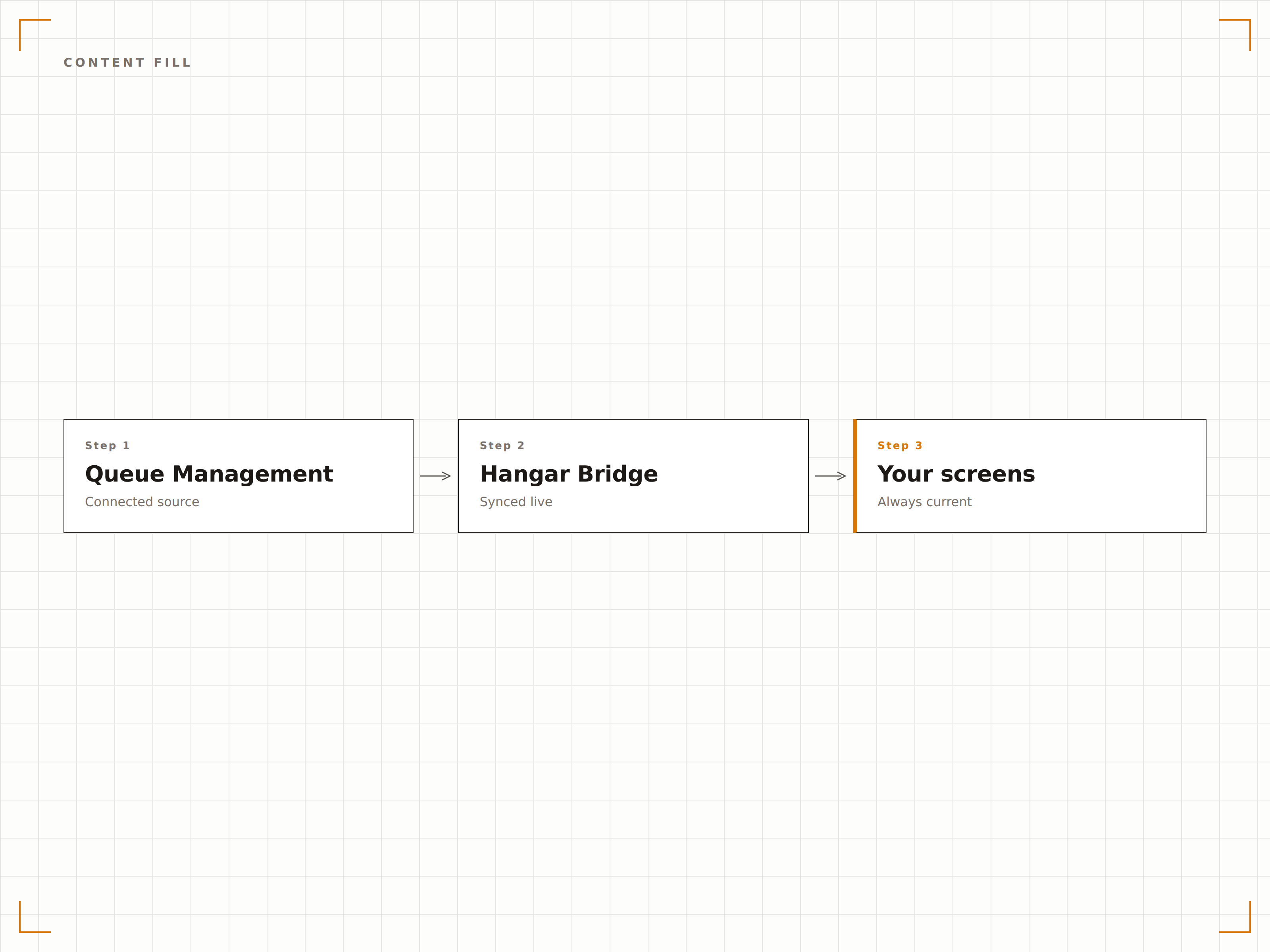
Connectez votre système de file d'attente
Intégrez votre matériel ou logiciel de billetterie existant via API, webhook ou connexion directe à la base de données. Hangar.Media propose également une option d'imprimante de tickets intégrée.
Configurez vos guichets de service
Définissez les noms, numéros et catégories de vos guichets de service. Associez chaque guichet à l'affichage de file d'attente afin que les clients sachent où se rendre lorsqu'ils sont appelés.
Concevez l'affichage de la file d'attente
Choisissez parmi des modèles d'affichage de file d'attente prédéfinis ou personnalisez la mise en page avec votre identité visuelle. Ajoutez des playlists de contenu intercalé pour les moments entre les appels.
Publiez et formez votre personnel
Publiez l'affichage de file d'attente sur les écrans de la salle d'attente et formez le personnel des guichets au workflow d'appel via le tableau de bord web ou un bouton d'appel physique.
Conçu pour chaque secteur.
Découvrez comment différents secteurs utilisent cette intégration pour obtenir des résultats.
Affichages de file d'attente en agence bancaire
Les agences bancaires affichent les numéros en cours et les affectations de guichet sur les écrans du hall, tout en diffusant des promotions de produits financiers pendant l'attente pour favoriser les conversations de vente croisée.
SantéGestion des salles d'attente en clinique
Les cliniques médicales affichent les positions en file d'attente et les temps d'attente estimés sur les écrans des salles d'attente, réduisant ainsi les sollicitations à l'accueil et améliorant l'expérience d'arrivée des patients.
Secteur publicFiles d'attente dans les services publics
Les préfectures, centres de délivrance de permis et autres services publics affichent l'état de la file d'attente et le routage vers les guichets pour gérer efficacement un flux important de visiteurs.
CommerceFiles d'attente aux comptoirs de service et en pharmacie
Les comptoirs de service en grande surface et les pharmacies utilisent des affichages de file d'attente pour appeler les clients tout en diffusant des promotions pertinentes et des informations santé pendant l'attente.
Questions fréquentes. Réponses directes : réponses.
Puis-je utiliser mon matériel de billetterie existant
Oui. Hangar.Media s'intègre avec les systèmes de gestion de files d'attente les plus répandus via des connexions API et webhook. Si votre système peut envoyer un appel HTTP lorsqu'un numéro est appelé, il peut piloter l'affichage de file d'attente Hangar.Media.
Le système inclut-il une imprimante de tickets
Hangar.Media peut piloter une imprimante de tickets connectée pour l'émission de numéros de file d'attente de base. Pour bénéficier de toutes les fonctionnalités de gestion des files d'attente, nous recommandons de l'intégrer à un système dédié et d'utiliser Hangar.Media pour la partie affichage.
Puis-je afficher des files d'attente différentes sur des écrans différents
Oui. Chaque écran peut afficher la file d'attente d'une catégorie de service différente. Vous pouvez également afficher une vue consolidée de toutes les files d'attente sur un seul écran, avec chaque catégorie de service dans sa propre section.
Que se passe-t-il si le système de file d'attente se déconnecte
En cas de perte de connexion avec le système de file d'attente, l'écran affiche le dernier état connu de la file avec un indicateur de statut. Le système se reconnecte automatiquement dès que le service de file d'attente est rétabli.
Un seul tarif. La plateforme complète.
C'est ainsi que nous pensons que l'affichage dynamique devrait fonctionner. Éditeur de contenu, gestion des écrans et plus de 200 intégrations d'applications — tout inclus dès le premier jour.
14 jours gratuits, jusqu'à 3 écrans — sans carte bancaire.