Gestisci le code visivamente sullo schermo.
Mostra sugli schermi di segnaletica digitale lo stato della coda in tempo reale, il numero in servizio, i tempi di attesa stimati e l'assegnazione agli sportelli. Riduci il tempo di attesa percepito e tieni i clienti sempre informati.
Trasforma l'attesa in un'esperienza gestita
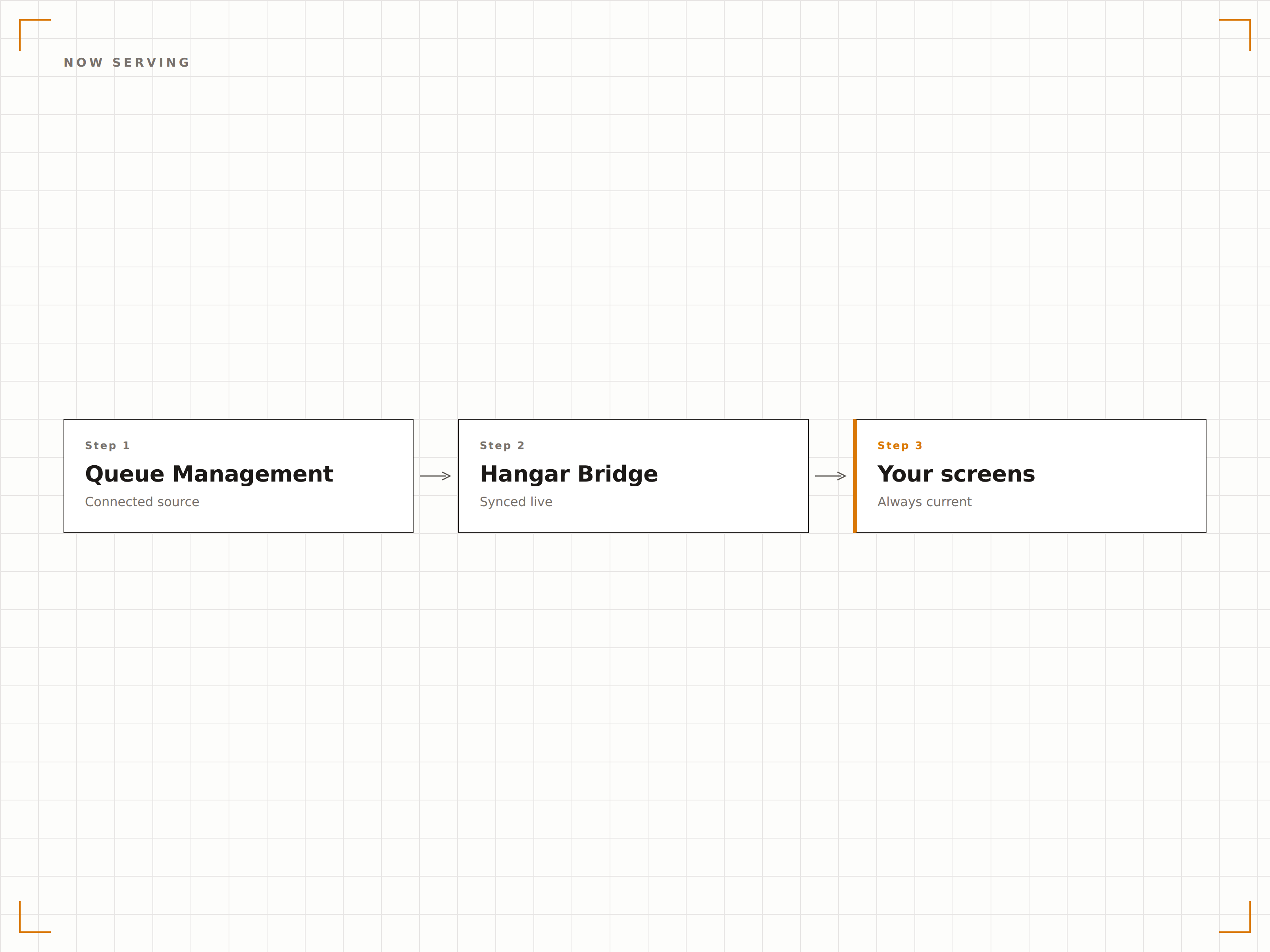
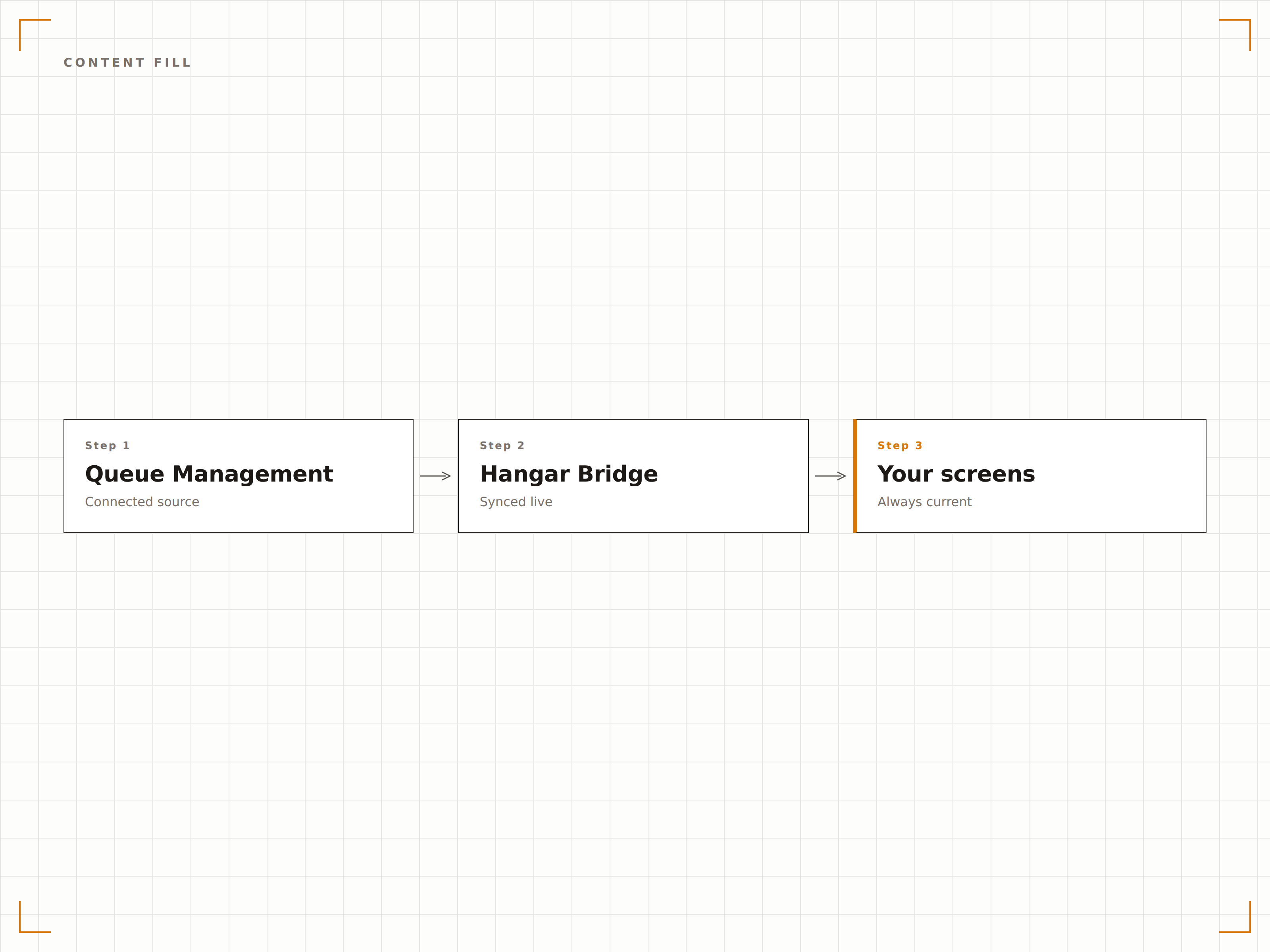
L'integrazione con il sistema di gestione delle code collega la tua segnaletica digitale ai sistemi di ticketing e ai flussi di lavoro degli sportelli. Gli schermi mostrano il numero in servizio, gli aggiornamenti sulla posizione in coda, i tempi di attesa stimati e le assegnazioni agli sportelli. Tra una chiamata e l'altra, gli schermi visualizzano contenuti promozionali o messaggi informativi che mantengono i clienti coinvolti e riducono il tempo di attesa percepito.
Cosa puoi fare con visivamente sullo schermo.
Tre funzionalità che rendono questa integrazione indispensabile per la tua rete di segnaletica digitale.
Display di chiamata avanzamento chiari
Quando un operatore di banco chiama il cliente successivo, lo schermo mostra il numero del biglietto e il banco assegnato con un'evidenziazione visiva e un segnale acustico opzionale. Il display è progettato per essere visibile da tutta la sala d'attesa, con caratteri grandi e alto contrasto.
Lo schermo "in servizio ora" è visibile da ogni posto nella nostra sala d'attesa e il segnale acustico cattura immediatamente l'attenzione.
Visualizzazione del numero di biglietto e del banco in formato grande
Opzioni di segnale acustico e annuncio text-to-speech
Durata di visualizzazione e animazioni di transizione regolabili
Gestisci le aspettative con i tempi stimati
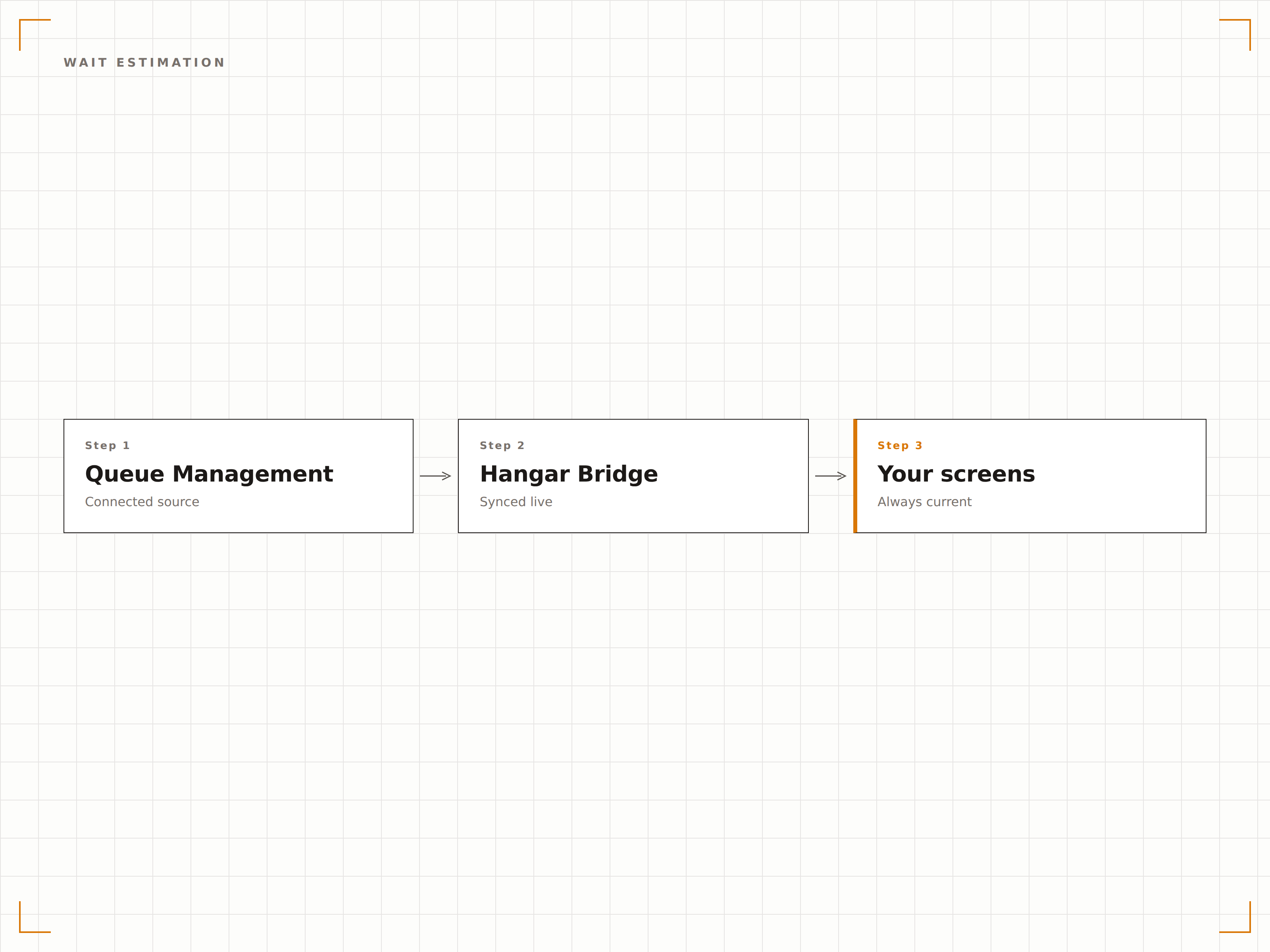
Il sistema calcola i tempi di attesa stimati in base alla lunghezza attuale della coda e alla durata media del servizio. I clienti vedono la propria posizione in coda e un tempo di attesa approssimativo, riducendo l'ansia e il tasso di abbandono. Le stime si aggiornano in tempo reale con l'avanzamento della coda.
Mostrare i tempi di attesa stimati ha ridotto di quasi la metà i reclami dei clienti sull'attesa.
Calcolo dinamico del tempo di attesa basato sulla velocità storica del servizio
Visualizzazione della posizione in coda per ogni biglietto
Ricalcolo automatico man mano che i clienti vengono serviti
Pubblicità tra le chiamate di coda
Gli schermi di coda non devono mostrare numeri in continuazione. Tra un evento di chiamata avanzamento e l'altro, lo schermo può visualizzare contenuti promozionali, informazioni sui servizi o intrattenimento per mantenere i clienti coinvolti. Quando viene chiamato il numero successivo, il contenuto si mette in pausa e il display di coda torna in primo piano.
Mostriamo promozioni di prodotti tra una chiamata e l'altra e i clienti le guardano davvero, invece di fissare il telefono.
Playlist di contenuti intercalati tra gli eventi di coda
Override prioritario per gli annunci di chiamata avanzamento
Rapporto regolabile tra contenuti e tempo di coda
Quattro passaggi verso schermi connessi.
Dalla configurazione ai contenuti live in minuti, non giorni.
Collega il tuo sistema di coda
Integra il tuo hardware o software di biglietteria esistente tramite API, webhook o connessione diretta al database. Hangar.Media offre anche un'opzione integrata per la stampante di biglietti.
Configura i banchi di servizio
Definisci i nomi, i numeri e le categorie dei tuoi banchi di servizio. Associa ogni banco al display di coda in modo che i clienti sappiano dove recarsi quando vengono chiamati.
Progetta il display di coda
Scegli tra i template predefiniti per il display di coda o personalizza il layout con il tuo brand. Aggiungi playlist di contenuti intercalati per i momenti tra una chiamata e l'altra.
Pubblica e forma il personale
Pubblica il display di coda sugli schermi delle aree di attesa e forma il personale dei banchi sul flusso di lavoro di chiamata avanzamento tramite la dashboard web o un pulsante fisico.
Costruito per ogni settore.
Scopri come diversi settori utilizzano questa integrazione per ottenere risultati concreti.
Display di coda per filiali bancarie
Le filiali bancarie mostrano i numeri in servizio e le assegnazioni dei banchi sugli schermi della hall, visualizzando al contempo promozioni di prodotti finanziari durante l'attesa per favorire conversazioni di cross-selling.
Settore sanitarioGestione delle sale d'attesa nelle cliniche
Le cliniche mediche mostrano le posizioni in coda dei pazienti e i tempi di attesa stimati sugli schermi delle sale d'attesa, riducendo le richieste allo sportello e migliorando l'esperienza di arrivo del paziente.
Settore pubblicoCode di servizio negli uffici pubblici
Gli uffici della motorizzazione, i centri per i permessi e altri enti di servizio pubblico visualizzano lo stato della coda e l'instradamento ai banchi per gestire in modo efficiente un elevato flusso di visitatori.
Settore retailCode ai banchi di servizio e in farmacia
I banchi di servizio retail e le farmacie utilizzano i display di coda per chiamare i clienti mentre mostrano promozioni pertinenti e informazioni sulla salute durante l'attesa.
Domande frequenti. Risposte dirette risposte.
Posso utilizzare il mio hardware di biglietteria per le code esistente
Sì. Hangar.Media si integra con i principali sistemi di gestione delle code tramite API e connessioni webhook. Se il tuo sistema è in grado di inviare una chiamata HTTP quando viene chiamato un numero, può pilotare il display di coda di Hangar.Media.
Il sistema include una stampante di biglietti
Hangar.Media può pilotare una stampante di biglietti collegata per l'emissione di base dei numeri di coda. Per le funzionalità complete di gestione delle code, consigliamo di integrare un sistema dedicato e di utilizzare Hangar.Media per il componente di visualizzazione.
Posso mostrare code diverse su schermi diversi
Sì. Ogni schermo può visualizzare la coda di una diversa categoria di servizio. È anche possibile mostrare una vista combinata di tutte le code su un unico schermo, con ogni categoria di servizio nella propria sezione.
Cosa succede se il sistema di coda si disconnette
Se la connessione al sistema di coda viene persa, lo schermo visualizza l'ultimo stato noto della coda con un indicatore di stato. Il sistema si riconnette automaticamente quando il servizio di coda viene ripristinato.
Un prezzo. L'intera piattaforma.
Così pensiamo che la segnaletica digitale dovrebbe funzionare. Editor di contenuti, gestione degli schermi e oltre 200 integrazioni di app — tutto incluso fin dal primo giorno.
14 giorni gratis, fino a 3 schermi — senza carta.