Contenuti Google Docs, sullo schermo. on screen.
Visualizza i contenuti di Google Docs su schermi di segnaletica digitale con aggiornamenti in tempo reale mentre i collaboratori modificano il documento.
Documenti che si mostrano da soli
Google Docs è lo strumento di riferimento per la modifica collaborativa dei documenti. Hangar.Media visualizza i Google Docs pubblicati su schermi di segnaletica, così policy, menu, annunci e comunicazioni possono essere gestiti da chiunque abbia accesso in modifica e mostrati automaticamente sugli schermi di tutto l'edificio. Aggiorna il documento e lo schermo si aggiorna di conseguenza.
Cosa puoi fare con on screen.
Tre funzionalità che rendono questa integrazione indispensabile per la tua rete di segnaletica digitale.
Modifica una volta, visualizza ovunque
Quando qualcuno modifica il documento Google, lo schermo della segnaletica recepisce le modifiche al successivo aggiornamento. Le Risorse Umane aggiornano una policy, la mensa aggiorna il menu, il marketing aggiorna l'annuncio — ogni modifica appare sullo schermo senza che nessuno debba toccare il sistema di segnaletica.
Modifica il documento, aggiorna ogni schermo. Zero formazione sulla segnaletica richiesta.
Le modifiche si sincronizzano automaticamente sugli schermi
Qualsiasi editor con accesso al documento può aggiornare
Nessun accesso al sistema di segnaletica richiesto per aggiornare i contenuti
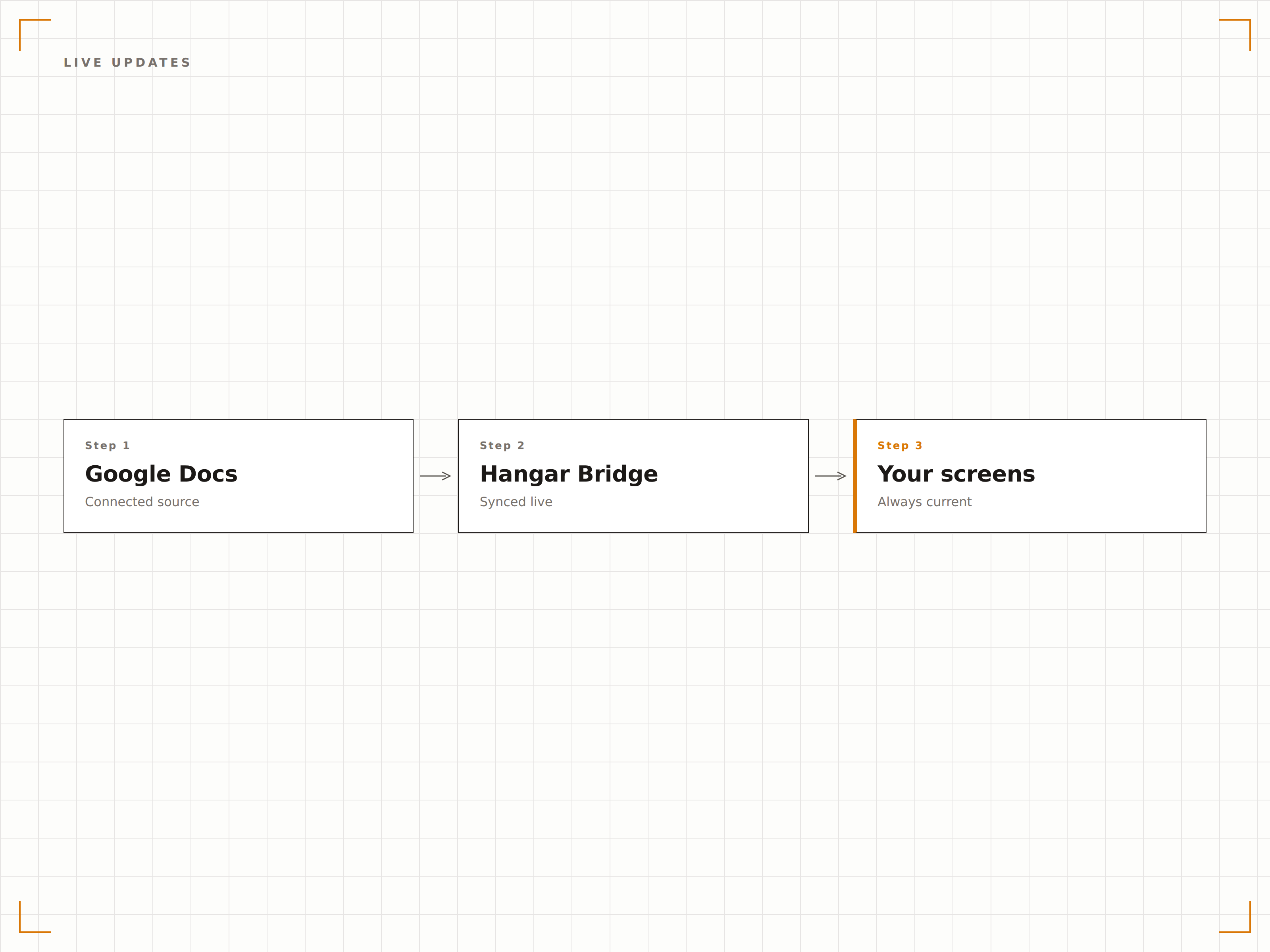
Formattazione completa del documento
La formattazione di Google Docs viene preservata sugli schermi di segnaletica digitale. Titoli, punti elenco, elenchi numerati, tabelle, immagini e colori del testo vengono riprodotti fedelmente. Il documento appare sullo schermo esattamente come appare nel browser.
Ogni titolo, ogni punto elenco, ogni immagine — preservati.
Titoli e stili di testo preservati
Tabelle ed elenchi vengono visualizzati correttamente
Le immagini incorporate vengono visualizzate in piena qualità
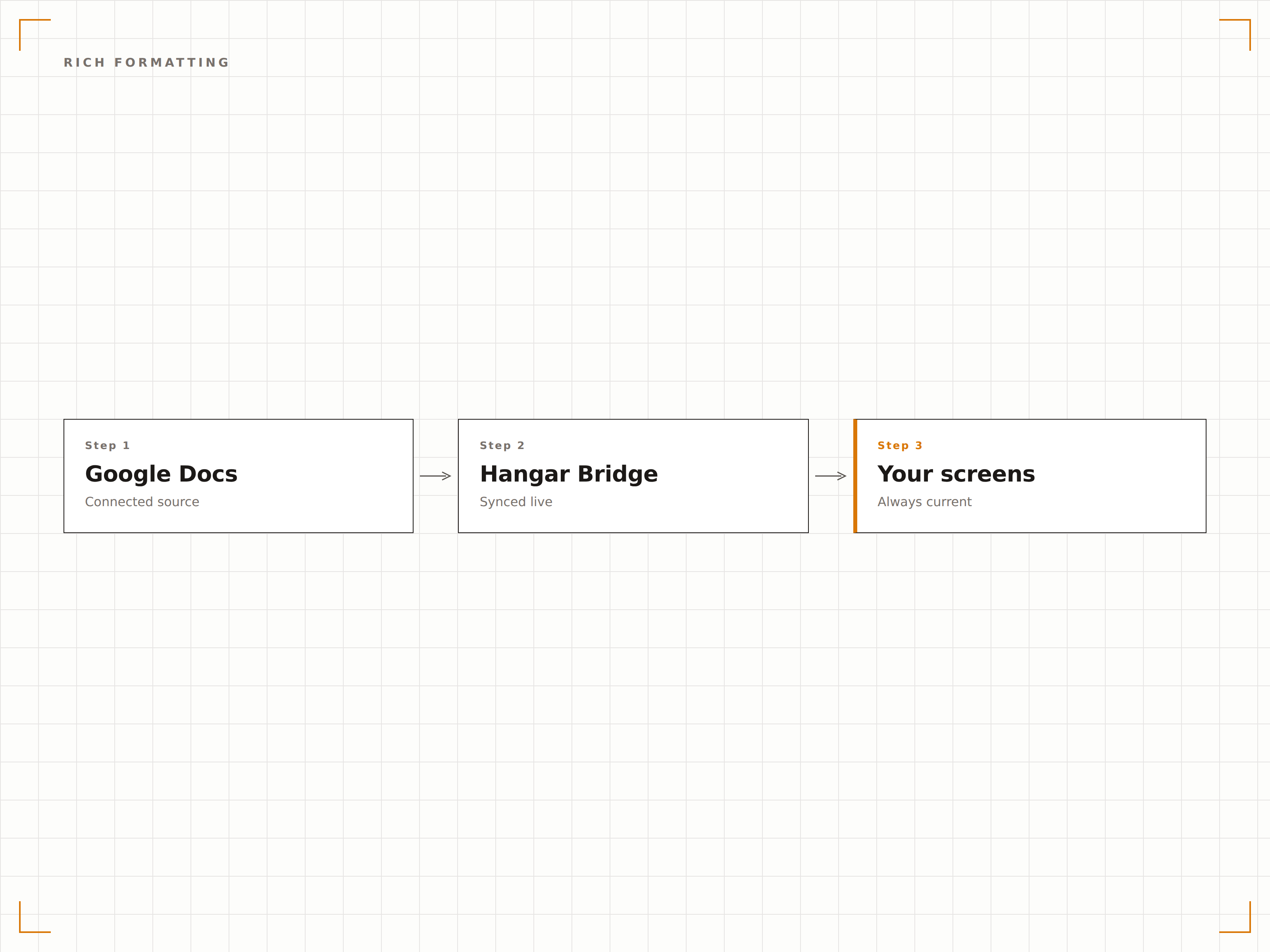
Visualizzazione semplice di documenti pubblicati
I documenti Google possono essere pubblicati sul web con una singola azione dal menu. Incolla l'URL pubblicato in Hangar.Media e il documento viene visualizzato sullo schermo immediatamente. Nessuna configurazione API, nessun intervento di sviluppatori.
Pubblica, incolla, visualizza. Tre passaggi per portare i contenuti sullo schermo.
Pubblicazione sul web con un solo clic
Integrazione tramite URL pubblicato
Nessuna configurazione tecnica richiesta
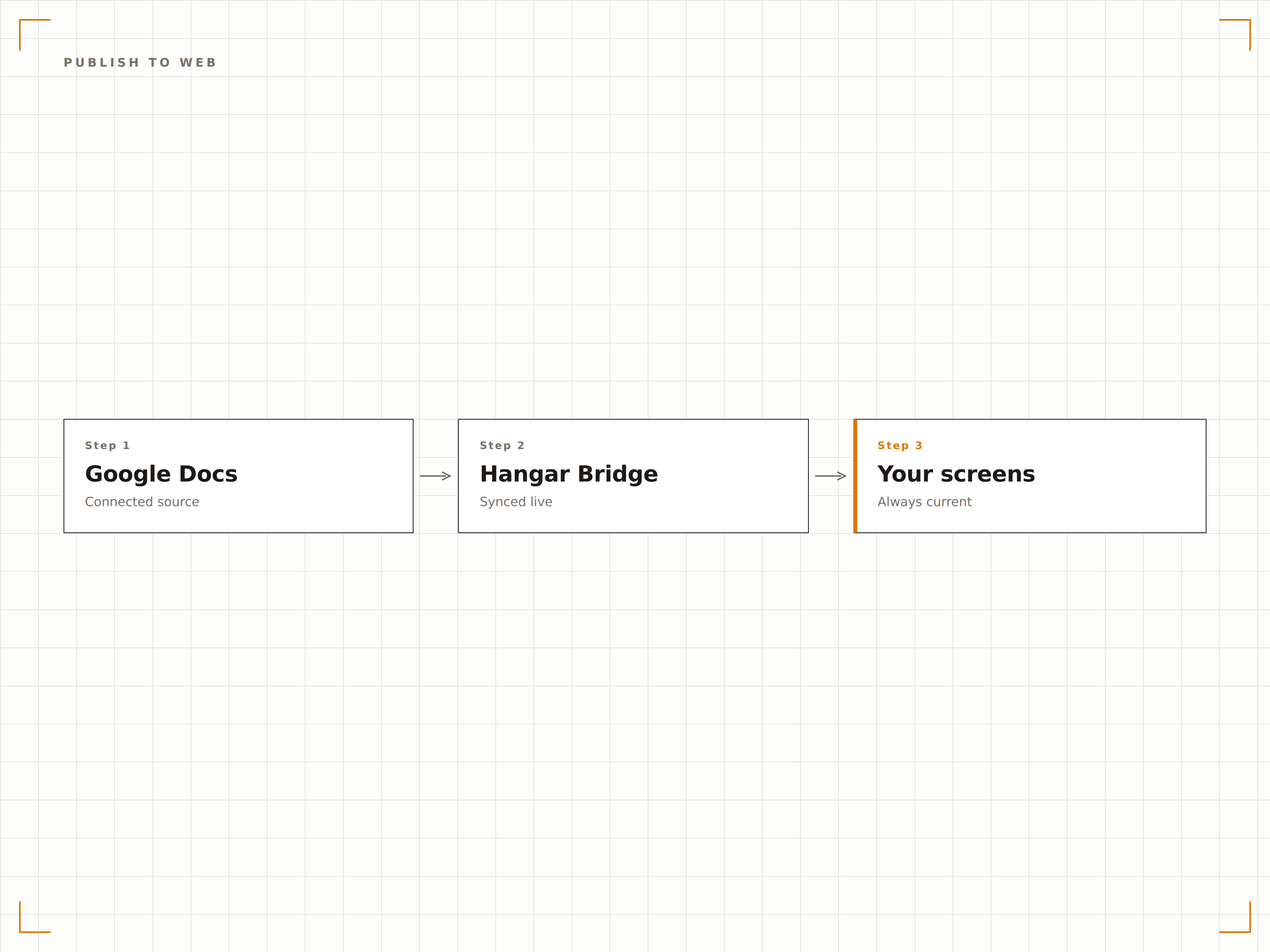
Quattro passaggi verso schermi connessi.
Dalla configurazione ai contenuti live in minuti, non giorni.
Pubblica il documento
In Google Docs, clicca su File, poi Condividi, poi Pubblica sul web, e copia l'URL pubblicato.
Aggiungi a Hangar.Media
Incolla l'URL del documento Google pubblicato nel widget per contenuti web di Hangar.Media.
Configura la visualizzazione
Imposta gli intervalli di aggiornamento, il comportamento di scorrimento per i documenti lunghi e le opzioni di formattazione della visualizzazione.
Pubblica
Assegna agli schermi di destinazione e il contenuto del documento apparirà sui tuoi display di segnaletica.
Costruito per ogni settore.
Scopri come diversi settori utilizzano questa integrazione per ottenere risultati concreti.
Bacheca delle policy aziendali
Visualizza policy aziendali, avvisi di salute e sicurezza e comunicazioni HR da Google Docs su schermi nelle aree comuni e nelle sale pausa.
HospitalityVisualizzazione del menu giornaliero
Mostra il menu giornaliero del ristorante o della mensa da un documento Google su schermi nell'area ristorazione. Il personale di cucina aggiorna il documento e lo schermo del menu si aggiorna automaticamente.
EducationBollettino giornaliero
Visualizza il bollettino scolastico giornaliero da un documento Google su schermi nei corridoi e nelle aree comuni. Il personale amministrativo aggiorna il documento ogni mattina.
HealthcareAvvisi per il personale
Mostra linee guida cliniche, avvisi per il personale e aggiornamenti di reparto da Google Docs su schermi nelle sale relax e nelle sale pausa del personale.
Domande frequenti. Risposte dirette risposte.
Il personale non tecnico può aggiornare i contenuti della segnaletica tramite Google Docs?
Sì. Chiunque abbia accesso in modifica al documento Google può aggiornare i contenuti visualizzati sullo schermo della segnaletica. Non è richiesta alcuna formazione sul sistema di segnaletica. Se sanno scrivere in un documento Google, sanno aggiornare i contenuti della segnaletica.
Come funziona lo scorrimento per i documenti lunghi?
Per i documenti più lunghi di uno schermo, Hangar.Media può scorrere automaticamente il documento a una velocità regolabile. In alternativa, è possibile visualizzare solo la prima pagina o una sezione specifica del documento.
Posso stilizzare il documento per la visualizzazione sulla segnaletica?
Formatta il documento in Google Docs usando titoli, testo in grassetto, caratteri grandi e colori per una migliore leggibilità sulla segnaletica. Lo schermo della segnaletica preserva queste scelte di formattazione. Consigliamo di usare gli stili Titolo 1 e Titolo 2 per i titoli visibili a distanza.
Posso visualizzare più documenti Google su uno schermo?
Sì. Aggiungi più documenti Google pubblicati a una playlist di Hangar.Media e si alterneranno sullo schermo. Ogni documento viene visualizzato per la durata impostata prima che appaia il successivo.
Un prezzo. L'intera piattaforma.
Così pensiamo che la segnaletica digitale dovrebbe funzionare. Editor di contenuti, gestione degli schermi e oltre 200 integrazioni di app — tutto incluso fin dal primo giorno.
14 giorni gratis, fino a 3 schermi — senza carta.