Conteúdo do Google Docs na tela.
Exiba conteúdo do Google Docs em telas de sinalização digital com atualizações em tempo real conforme os colaboradores editam o documento.
Documentos que se Exibem Sozinhos
O Google Docs é a ferramenta preferida para edição colaborativa de documentos. O Hangar.Media exibe Google Docs publicados em telas de sinalização para que políticas, cardápios, comunicados e avisos possam ser mantidos por qualquer pessoa com acesso de edição e exibidos automaticamente nas telas de todo o espaço. Atualize o documento e a tela se atualiza também.
O que você pode fazer com na tela.
Três capacidades que tornam esta integração essencial para a sua rede de sinalização digital.
Edite Uma Vez, Exiba em Todo Lugar
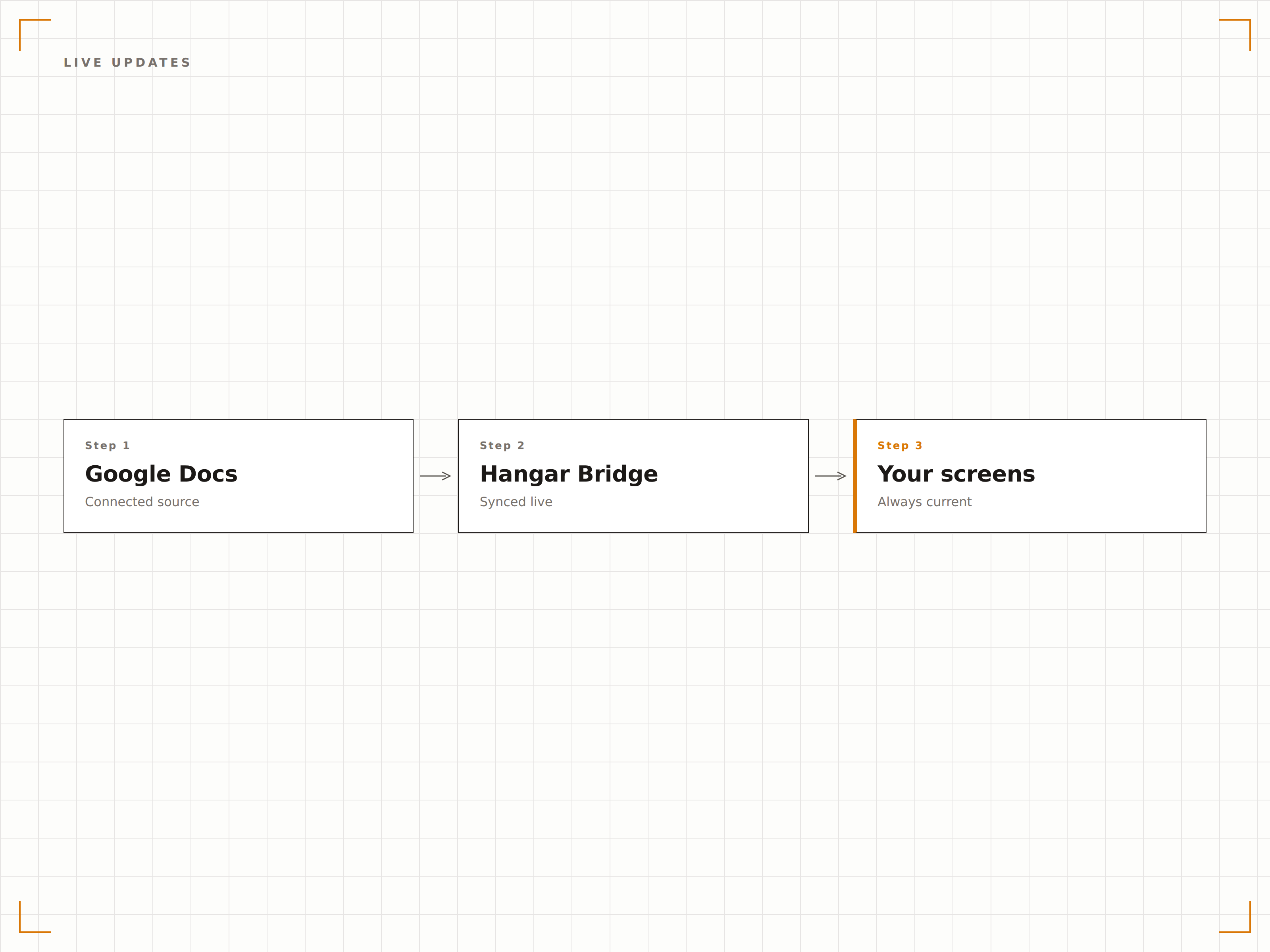
Quando alguém edita o Google Doc, a tela de sinalização capta as alterações na próxima atualização. O RH atualiza uma política, a cantina atualiza o cardápio, o marketing atualiza o comunicado — cada mudança aparece na tela sem que ninguém precise tocar no sistema de sinalização.
Edite o documento e atualize todas as telas. Sem necessidade de treinamento em sinalização.
As alterações sincronizam automaticamente com as telas
Qualquer editor com acesso ao documento pode atualizar
Não é necessário acesso ao sistema de sinalização para atualizar o conteúdo
Formatação Completa do Documento
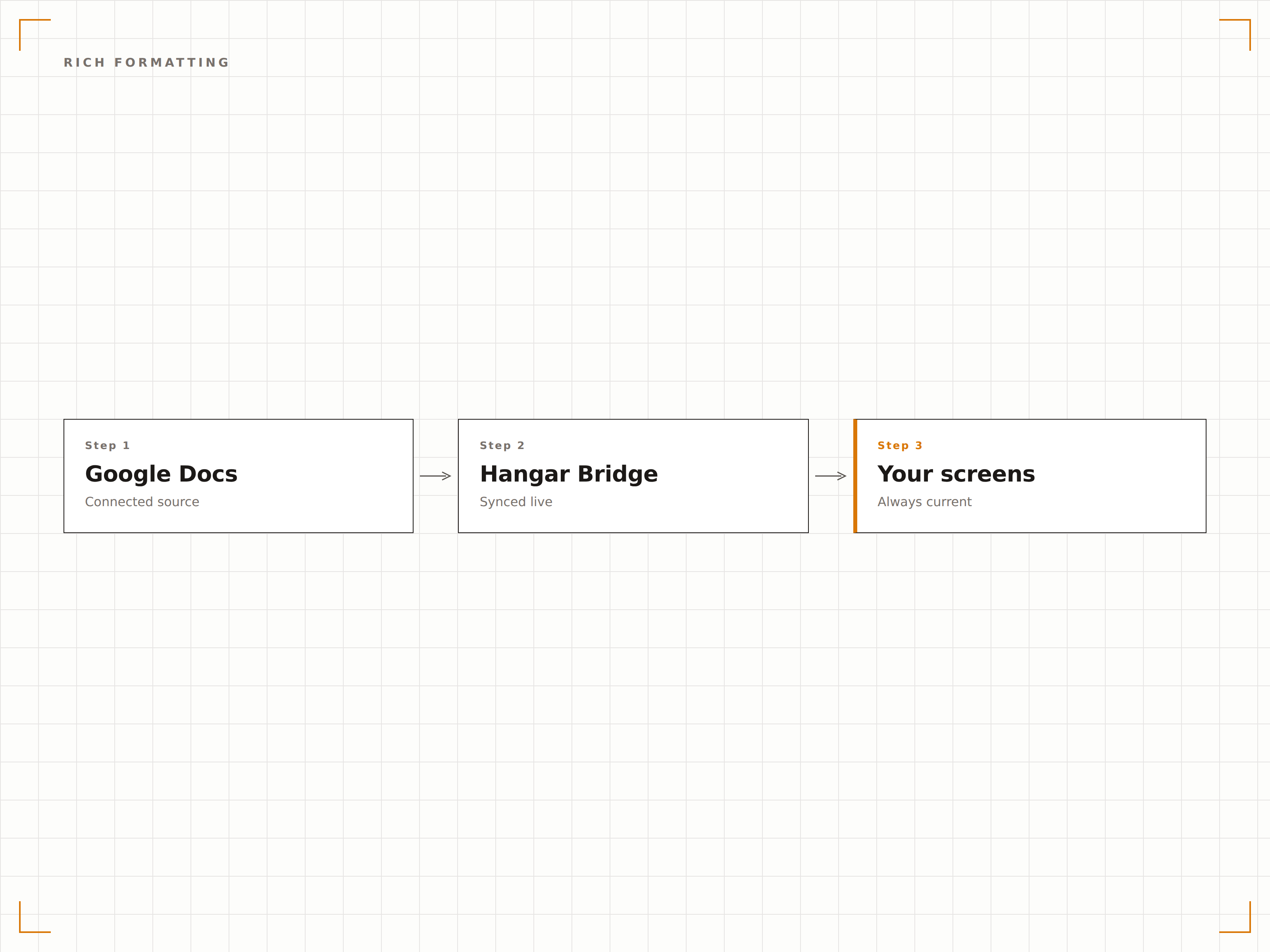
A formatação do Google Docs é preservada nas telas de sinalização. Títulos, marcadores, listas numeradas, tabelas, imagens e cores de texto são todos renderizados com fidelidade. O documento aparece na tela exatamente como aparece no navegador.
Cada título, cada marcador, cada imagem — preservados.
Títulos e estilos de texto preservados
Tabelas e listas renderizadas corretamente
Imagens incorporadas exibidas em alta qualidade
Exibição Simples de Documentos Publicados
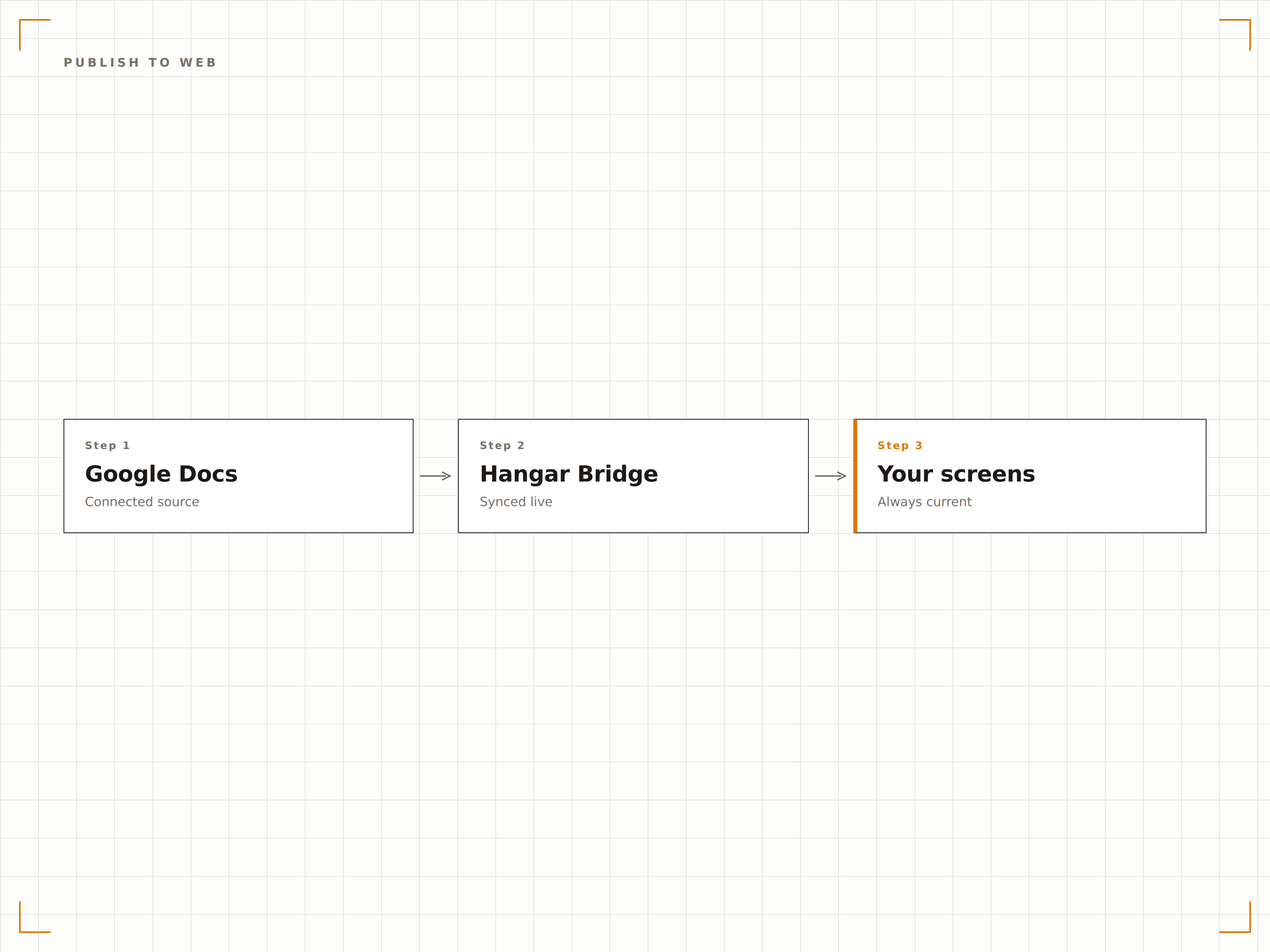
O Google Docs pode ser publicado na web com uma única ação de menu. Cole o URL publicado no Hangar.Media e o documento é exibido na tela imediatamente. Sem configuração de API, sem envolvimento de desenvolvedores.
Publique, cole, exiba. Três etapas para colocar conteúdo na tela.
Publicação na web com um clique
Integração via URL publicado
Sem necessidade de configuração técnica
Quatro etapas para telas conectadas.
Da configuração ao conteúdo ao vivo em minutos, não dias.
Publicar o Documento
No Google Docs, clique em Arquivo, depois em Compartilhar e em Publicar na web, e copie o URL publicado.
Adicionar ao Hangar.Media
Cole o URL do Google Docs publicado no widget de conteúdo web do Hangar.Media.
Configurar a Exibição
Defina os intervalos de atualização, o comportamento de rolagem para documentos longos e as opções de formatação da exibição.
Publicar
Atribua às telas desejadas e o conteúdo do documento aparece nos seus displays de sinalização.
Feito para cada setor.
Veja como diferentes segmentos utilizam esta integração para gerar resultados.
Mural de Avisos de Políticas
Exiba políticas da empresa, avisos de saúde e segurança e comunicados de RH do Google Docs em telas em áreas comuns e salas de descanso.
Hotelaria e AlimentaçãoExibição do Cardápio Diário
Mostre o cardápio diário do restaurante ou cantina a partir de um Google Doc em telas na área de refeições. A equipe da cozinha atualiza o documento e a tela do cardápio é atualizada automaticamente.
EducaçãoBoletim Diário
Exiba o boletim diário da escola a partir de um Google Doc em telas nos corredores e áreas comuns. A equipe administrativa atualiza o documento todas as manhãs.
SaúdeAvisos para Colaboradores
Mostre diretrizes clínicas, avisos para colaboradores e atualizações de departamentos do Google Docs em telas nas salas de descanso e áreas de convivência da equipe.
Perguntas frequentes. Respostas diretas respostas.
Funcionários sem perfil técnico podem atualizar o conteúdo da sinalização pelo Google Docs?
Sim. Qualquer pessoa com acesso de edição ao Google Doc pode atualizar o conteúdo exibido na tela de sinalização. Não é necessário nenhum treinamento no sistema de sinalização. Se a pessoa sabe digitar em um Google Doc, ela já consegue atualizar o conteúdo da sinalização.
Como funciona a rolagem em documentos longos?
Para documentos mais longos do que uma tela, o Hangar.Media pode rolar o documento automaticamente em uma velocidade ajustável. Como alternativa, você pode exibir apenas a primeira página ou uma seção específica do documento.
Posso estilizar o documento para exibição na sinalização?
Formate o documento no Google Docs usando títulos, texto em negrito, fontes grandes e cores para facilitar a leitura na sinalização. A tela de sinalização preserva essas escolhas de formatação. Recomendamos usar os estilos Título 1 e Título 2 para textos visíveis à distância.
Posso exibir vários Google Docs em uma única tela?
Sim. Adicione vários Google Docs publicados a uma playlist do Hangar.Media e eles serão alternados na tela. Cada documento é exibido pelo tempo de duração definido antes que o próximo apareça.
Um preço. A plataforma completa.
É assim que acreditamos que a sinalização digital deve funcionar. Editor de conteúdo, gerenciamento de telas e mais de 200 integrações de aplicativos — tudo incluído desde o primeiro dia.
14 dias grátis, até 3 telas — sem cartão.