Lightspeed-Inventar – live auf jedem Bildschirm.
Verbinden Sie Lightspeed Restaurant oder Retail POS mit Ihrem Digital Signage. Synchronisieren Sie Speisekarten, Produktkataloge, Preise und Lagerbestände mit Bildschirmen, die stets aktuelle und präzise Informationen anzeigen.
Lightspeed-Daten für Ihre Displays
Lightspeed bedient sowohl Gastronomie- als auch Einzelhandelsbetriebe mit separaten POS-Plattformen. Die Hangar.Media-Integration unterstützt sowohl Lightspeed Restaurant als auch Lightspeed Retail und ruft die jeweils relevanten Daten ab. Gastronomiekunden profitieren von der Speisekartensynchronisierung mit Modifikatoren und Gängen. Einzelhandelskunden erhalten eine Produktkatalogsynchronisierung mit Varianten, Preisen und Lagerbeständen.
Was Sie mit live auf jedem Bildschirm. tun können
Drei Funktionen, die diese Integration für Ihr Digital Signage-Netzwerk unverzichtbar machen.
Restaurant- und Retail-Unterstützung
Egal ob Sie ein Restaurant mit Lightspeed Restaurant oder ein Geschäft mit Lightspeed Retail betreiben – die Integration verbindet sich mit der richtigen Plattform und ruft die passenden Daten ab. Restaurantdaten speisen digitale Menütafeln, während Retail-Daten Produktdisplays und Werbebildschirme versorgen.
Wir nutzen Lightspeed Retail für unser Geschäft und Lightspeed Restaurant für unser Café – beide mit dem Signage verbunden.
Lightspeed Restaurant – Menü- und Modifier-Synchronisation
Lightspeed Retail – Produkt-, Varianten- und Inventarsynchronisation
Zentrale Verwaltung in einem einzigen Hangar.Media-Dashboard
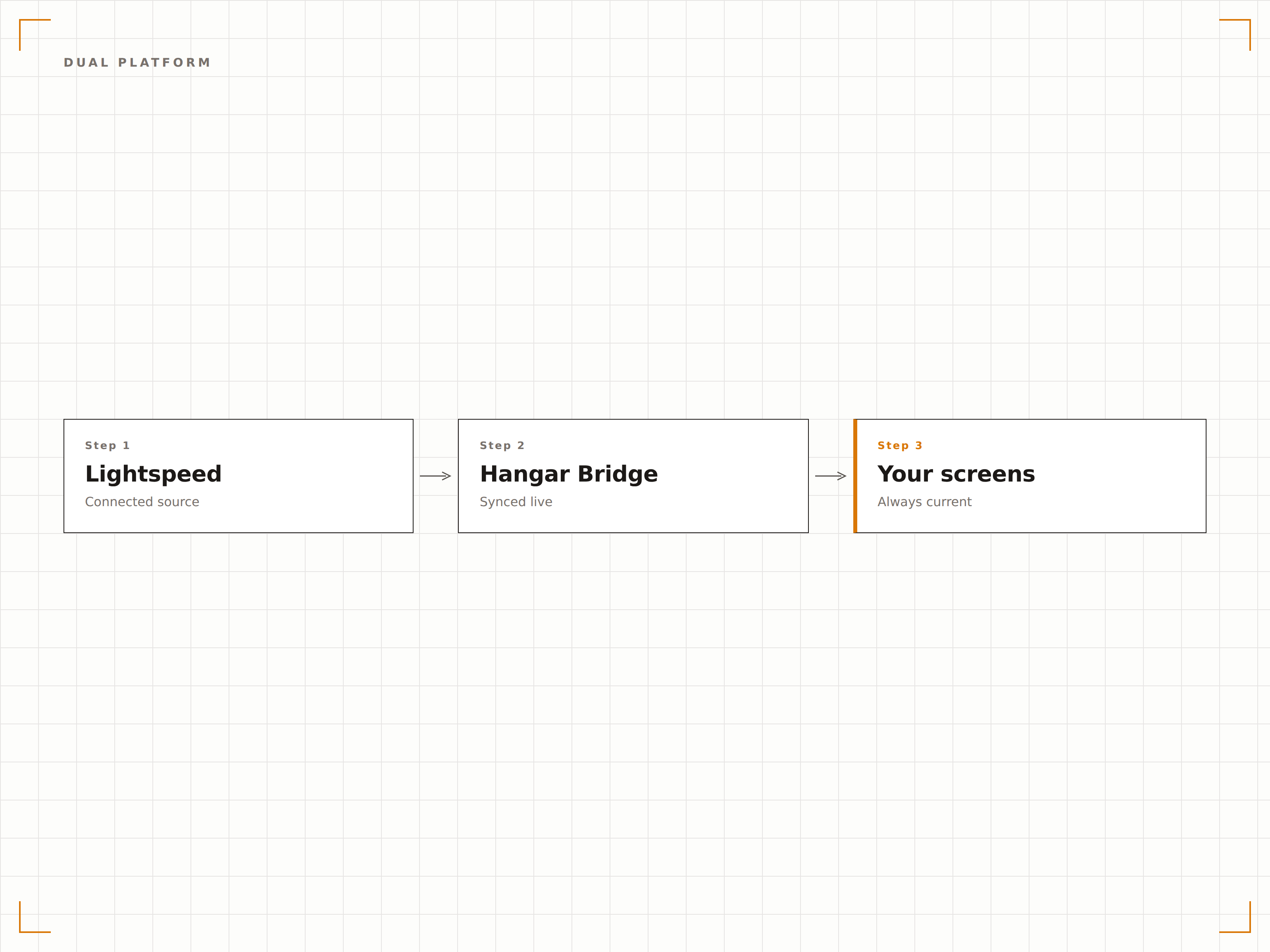
Echte Bestandsdaten auf dem Bildschirm
Für Einzelhandelsstandorte können Sie Echtzeit-Lagerbestände auf mitarbeiterseitigen Bildschirmen oder Verfügbarkeitsindikatoren auf kundenseitigen Displays anzeigen. Wenn der Lagerbestand unter einen Schwellenwert fällt, können Bildschirme Nachbestellungserinnerungen für Mitarbeitende auslösen oder auf alternative Produktaktionen für Kunden umschalten.
Mitarbeiterbildschirme zeigen Lagerbestände, und unsere Kundenbildschirme blenden alles mit Nullbestand aus.
Echtzeit-Bestandsanzeige auf Mitarbeiterbildschirmen
Verfügbarkeitsindikatoren für Kunden
Auslöser für Inhaltsänderungen bei Unterschreitung des Mindestbestands
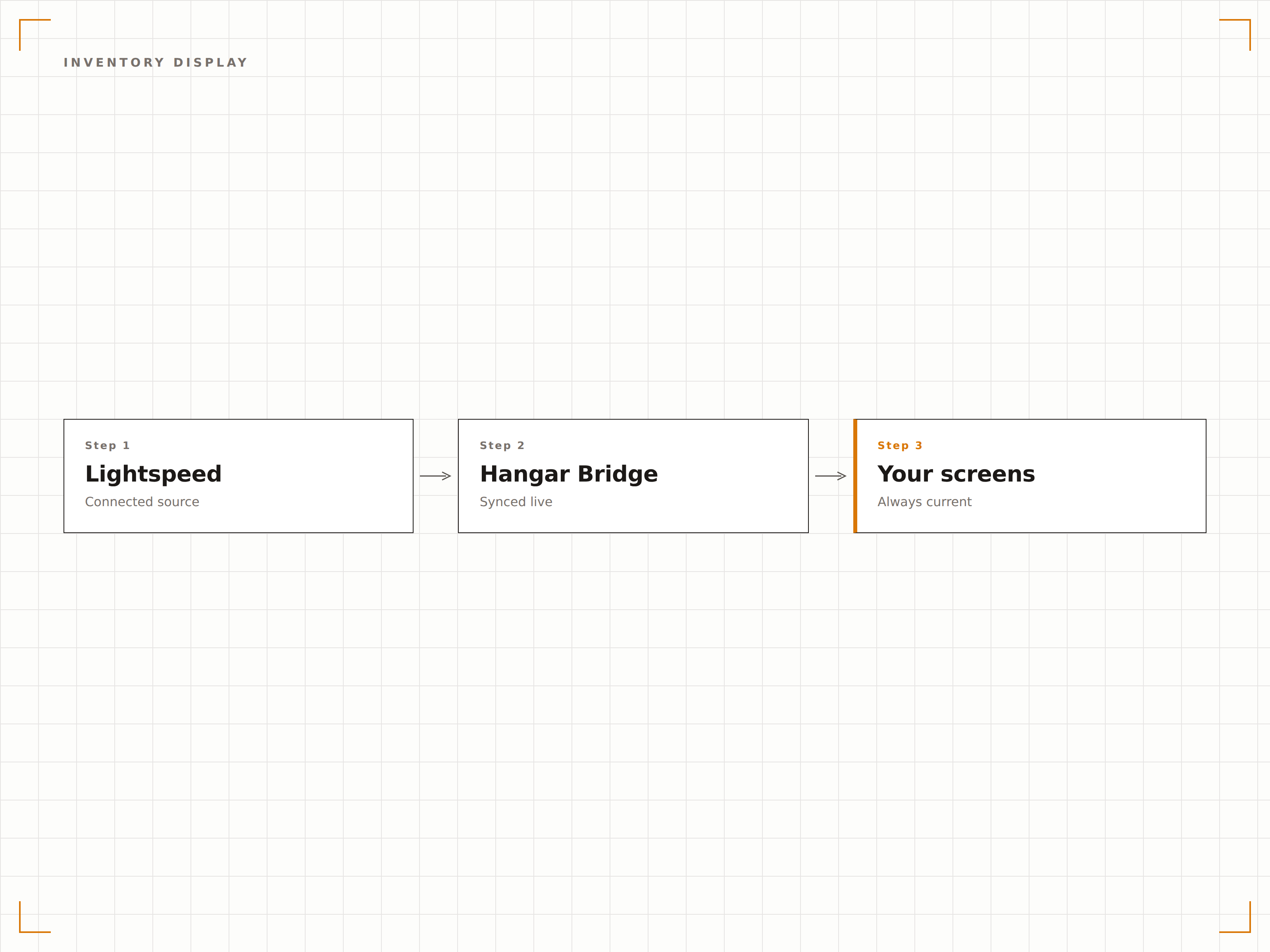
Bildschirme nach Abteilung organisieren
Ordnen Sie Lightspeed-Kategorien, Abteilungen oder Produkttypen bestimmten Bildschirmzonen oder Displays zu. Ein Bekleidungsgeschäft kann Herrenbekleidung auf einem Bildschirm und Damenbekleidung auf einem anderen anzeigen – jeder zieht automatisch aus der entsprechenden Lightspeed-Abteilung.
Jeder Abteilungsbildschirm zeigt nur die eigenen Produkte aus Lightspeed. Die Einrichtung dauerte 10 Minuten.
Zuordnung von Abteilungen zu Bildschirmzonen
Kategoriefilterung pro Display-Standort
Automatische Platzierung neuer Produkte basierend auf der Kategoriezuweisung
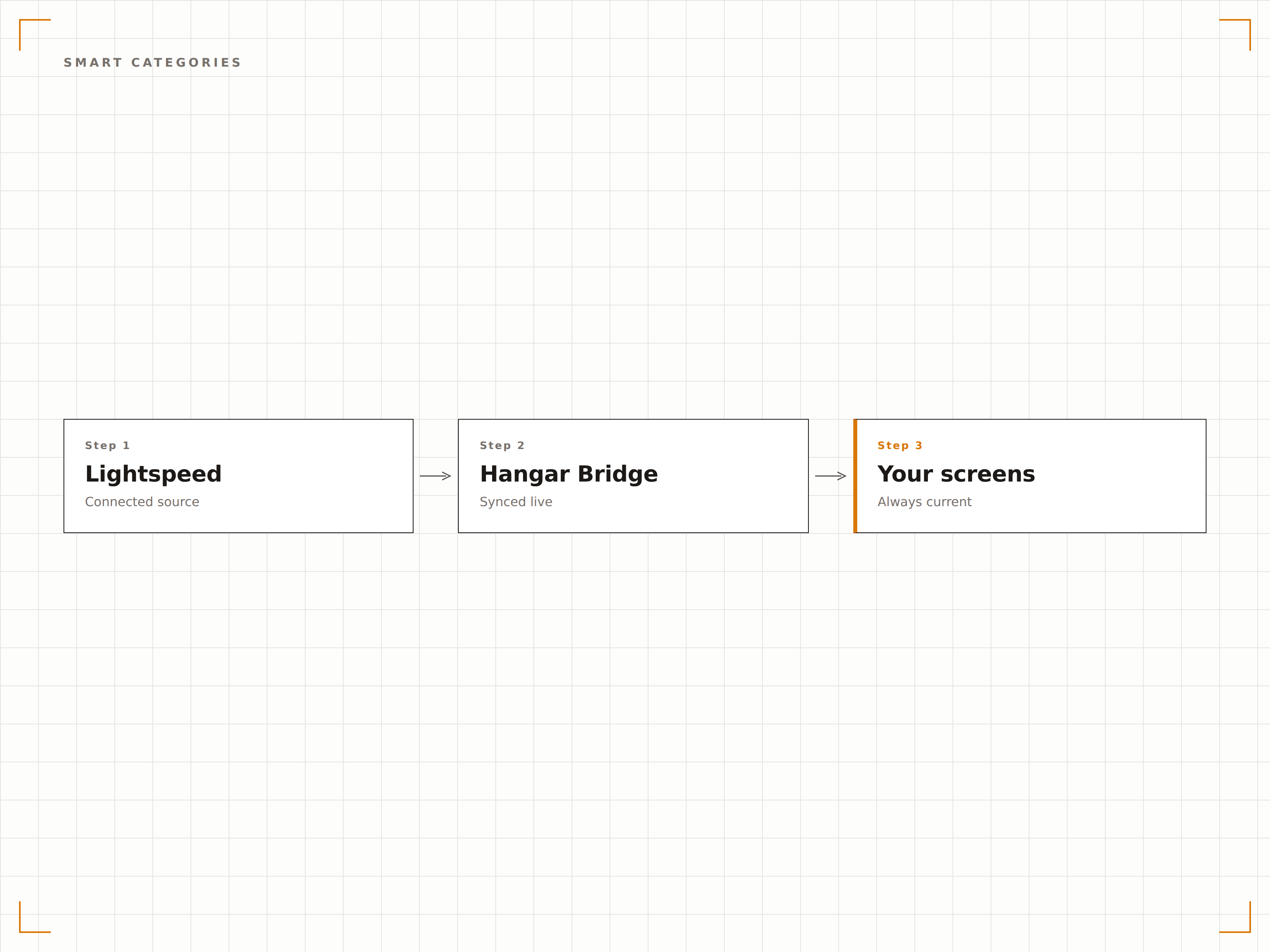
Vier Schritte zu verbundene Bildschirme.
Von der Einrichtung bis zu Live-Inhalten in Minuten, nicht Tagen.
Verbinden Sie Ihr Lightspeed-Konto
Autorisieren Sie Hangar.Media über OAuth für den Zugriff auf Ihr Lightspeed Restaurant- oder Retail-Konto. Das System erkennt automatisch, welche Plattform Sie verwenden.
Datenmapping einrichten
Ordnen Sie Lightspeed-Kategorien, Abteilungen oder Menügruppen den Layoutzonen Ihrer Bildschirme zu. Legen Sie Filterregeln fest, welche Artikel auf welchem Display erscheinen.
Gestalten Sie Ihre Display-Vorlagen
Wählen Sie Menütafel-Vorlagen für Restaurantdaten oder Produktdisplay-Vorlagen für Einzelhandelsdaten. Passen Sie Branding und Layout an.
Live-Synchronisation aktivieren
Aktivieren Sie die Verbindung, und die Bildschirme beginnen sofort, Ihre Lightspeed-Daten anzuzeigen. Änderungen in Lightspeed werden bei jedem Synchronisationszyklus automatisch auf die Bildschirme übertragen.
Entwickelt für jeden Branche.
Erfahren Sie, wie verschiedene Branchen diese Integration nutzen, um Ergebnisse zu erzielen.
Digitale Weinlisten für die gehobene Gastronomie
Restaurants, die Lightspeed Restaurant verwenden, zeigen digitale Weinlisten und Tagesspecials auf Bildschirmen am Tisch oder im Barbereich an, die sich automatisch aktualisieren, wenn sich Jahrgänge ändern oder Flaschen ausverkauft sind.
EinzelhandelProduktdisplays für Bekleidungsgeschäfte
Bekleidungshändler, die Lightspeed Retail verwenden, zeigen ausgewählte Kollektionen, Preise und Grössen-Verfügbarkeit auf Bildschirmen in Umkleidekabinen und Abteilungen an – direkt gespeist aus den POS-Daten.
BeautySpa-Dienstleistungs- und Produktmenüs
Tagesspas und Wellnesszentren, die Lightspeed verwenden, zeigen Behandlungsmenüs und Preise für Einzelhandelsprodukte auf Lobby-Bildschirmen an – mit Echtzeit-Verfügbarkeit und saisonalen Aktionsupdates.
SportPro-Shop-Merchandising-Displays
Golfclubs und Sportanlagen, die Lightspeed Retail verwenden, zeigen Pro-Shop-Waren, Ausrüstungspreise und Verfügbarkeit auf Bildschirmen am Shopeingang an.
Häufige Fragen. Direkte Antworten.
Funktioniert dies sowohl mit Lightspeed Restaurant als auch mit Lightspeed Retail
Ja. Hangar.Media unterstützt beide Plattformen. Bei der Einrichtung erkennt das System automatisch, welches Lightspeed-Produkt Sie verwenden, und konfiguriert die Datensynchronisation entsprechend. Sie können sogar beide verbinden, wenn Sie einen kombinierten Restaurant- und Einzelhandelsbetrieb führen.
Wie oft werden die Inventardaten aktualisiert
Die Inventardaten werden in einem einstellbaren Intervall synchronisiert, in der Regel alle 5 bis 15 Minuten. Für Artikel mit hohem Umschlag können Sie nahezu Echtzeit-Bestandsaktualisierungen über Lightspeed-Webhook-Benachrichtigungen aktivieren.
Kann ich Lightspeed-Produktbilder auf Bildschirmen anzeigen
Ja. Produktbilder, die in Ihrem Lightspeed-Katalog gespeichert sind, werden bei der Synchronisation importiert. Für Artikel ohne Bilder können Sie ergänzende Fotos direkt in der Hangar.Media-Inhaltsbibliothek hochladen.
Ist Multi-Standort-Unterstützung enthalten
Ja. Lightspeed-Konten mit mehreren Standorten können alle Filialen verbinden, wobei Inventar-, Preis- und Menüdaten pro Standort jeden Bildschirm unabhängig versorgen.
Ein Preis. Die gesamte Plattform.
So stellen wir uns Digital Signage vor. Inhaltseditor, Bildschirmverwaltung und 200+ App-Integrationen – alles von Anfang an inklusive.
14 Tage kostenlos, bis zu 3 Bildschirme – keine Kreditkarte erforderlich.