L'inventario Lightspeed, in tempo reale su ogni schermo. live su ogni schermo.
Collega Lightspeed Restaurant o Retail POS alla tua segnaletica digitale. Sincronizza menu, cataloghi prodotti, prezzi e disponibilità di magazzino su schermi che mostrano sempre informazioni aggiornate e precise.
Dati Lightspeed a supporto dei tuoi schermi
Lightspeed serve sia il settore della ristorazione che quello retail con piattaforme POS distinte. L'integrazione Hangar.Media supporta sia Lightspeed Restaurant che Lightspeed Retail, acquisendo i dati pertinenti da ciascuna. Gli utenti del settore ristorazione ottengono la sincronizzazione del menu con modificatori e portate. Gli utenti retail ottengono la sincronizzazione del catalogo prodotti con varianti, prezzi e livelli di inventario.
Cosa puoi fare con live su ogni schermo.
Tre funzionalità che rendono questa integrazione indispensabile per la tua rete di segnaletica digitale.
Supporto per Ristorazione e Retail
Che tu gestisca un ristorante con Lightspeed Restaurant o un negozio con Lightspeed Retail, l'integrazione si connette alla piattaforma giusta e recupera i dati appropriati. I dati della ristorazione alimentano i menu board digitali, mentre i dati del retail alimentano i display prodotti e gli schermi promozionali.
Usiamo Lightspeed Retail per il negozio e Lightspeed Restaurant per il caffè, entrambi collegati alla segnaletica digitale.
Sincronizzazione di menu e modificatori con Lightspeed Restaurant
Sincronizzazione di prodotti, varianti e inventario con Lightspeed Retail
Gestione unificata in un unico dashboard Hangar.Media
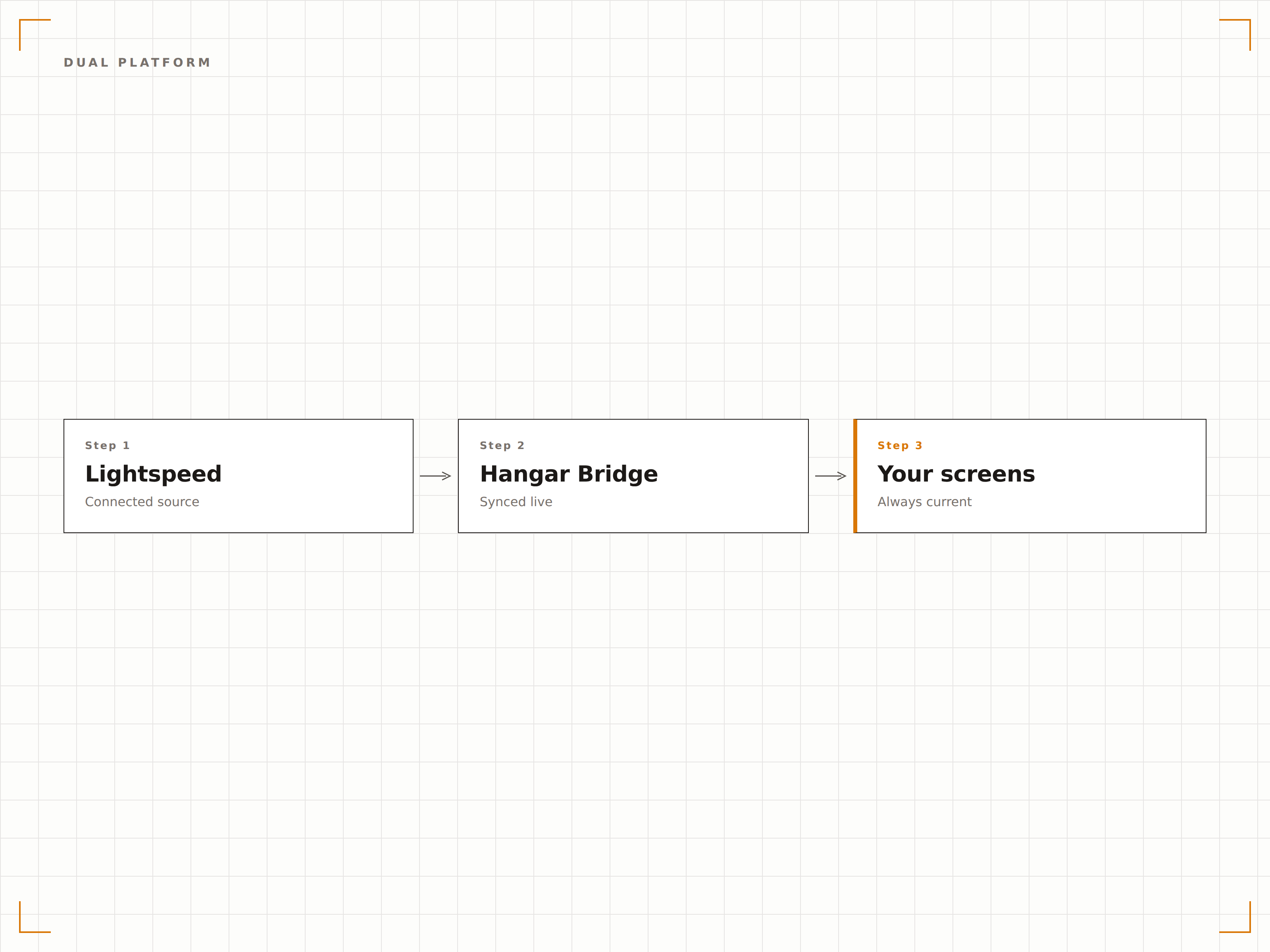
Dati di stock reali sullo schermo
Per i punti vendita retail, mostra le scorte in tempo reale sugli schermi del personale o indicatori di disponibilità sui display rivolti ai clienti. Quando i livelli di stock scendono sotto la soglia impostata, gli schermi possono attivare promemoria di riordino per il personale o passare automaticamente a promozioni di prodotti alternativi per i clienti.
Gli schermi per il personale mostrano le quantità in stock, mentre quelli per i clienti nascondono gli articoli con disponibilità zero.
Visualizzazione delle scorte in tempo reale sugli schermi del personale
Indicatori di disponibilità sui display rivolti ai clienti
Trigger di soglia scorte basse per la modifica dei contenuti
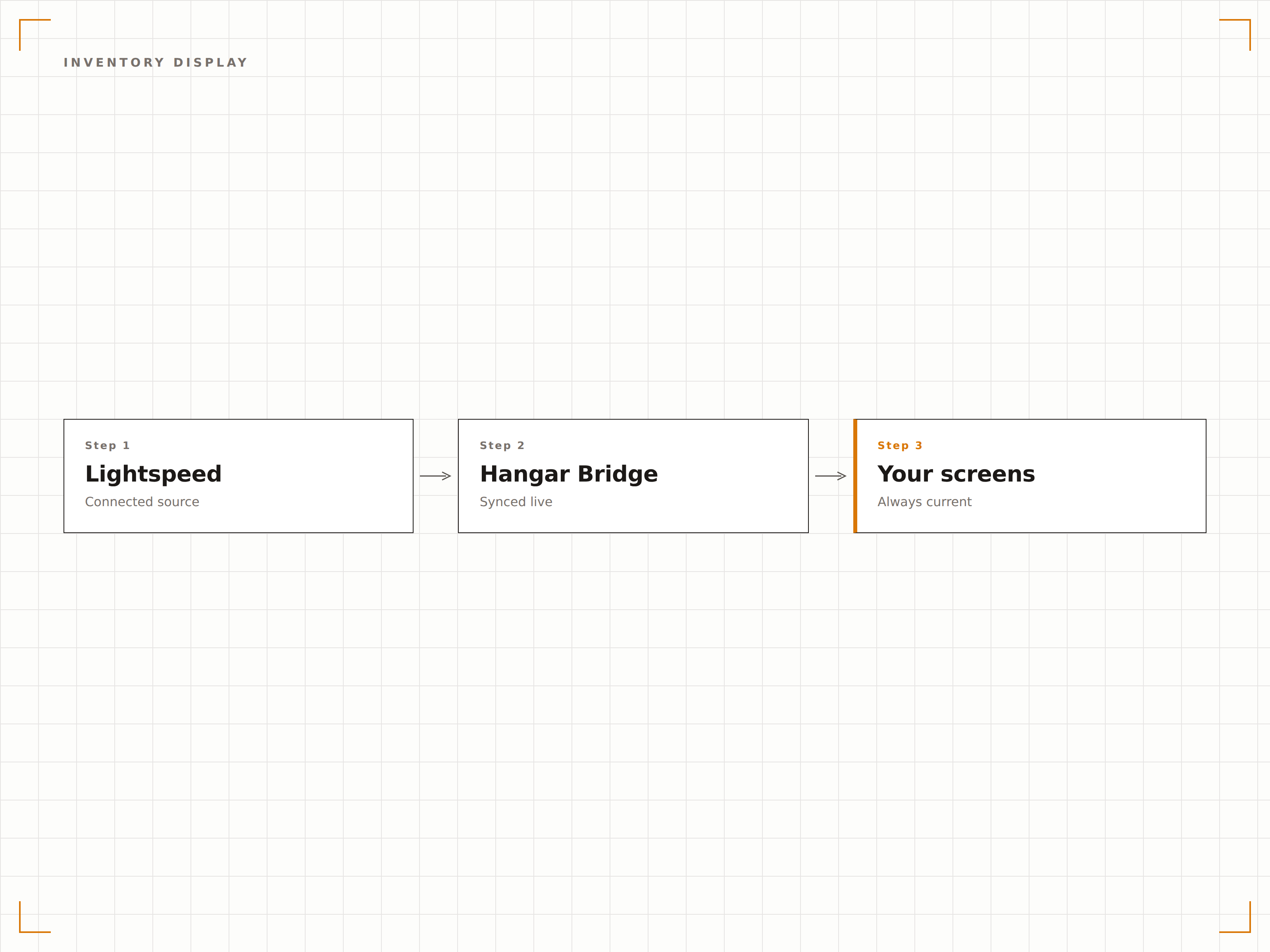
Organizza gli schermi per reparto
Associa categorie, reparti o tipologie di prodotto di Lightspeed a zone o display specifici. Un negozio di abbigliamento può mostrare la moda uomo su uno schermo e la moda donna su un altro, ciascuno alimentato automaticamente dal relativo reparto Lightspeed.
Lo schermo di ogni reparto mostra solo i propri prodotti da Lightspeed. La configurazione ha richiesto 10 minuti.
Mappatura reparto-zona schermo
Filtraggio per categoria in base alla posizione del display
Posizionamento automatico dei nuovi prodotti in base all'assegnazione di categoria
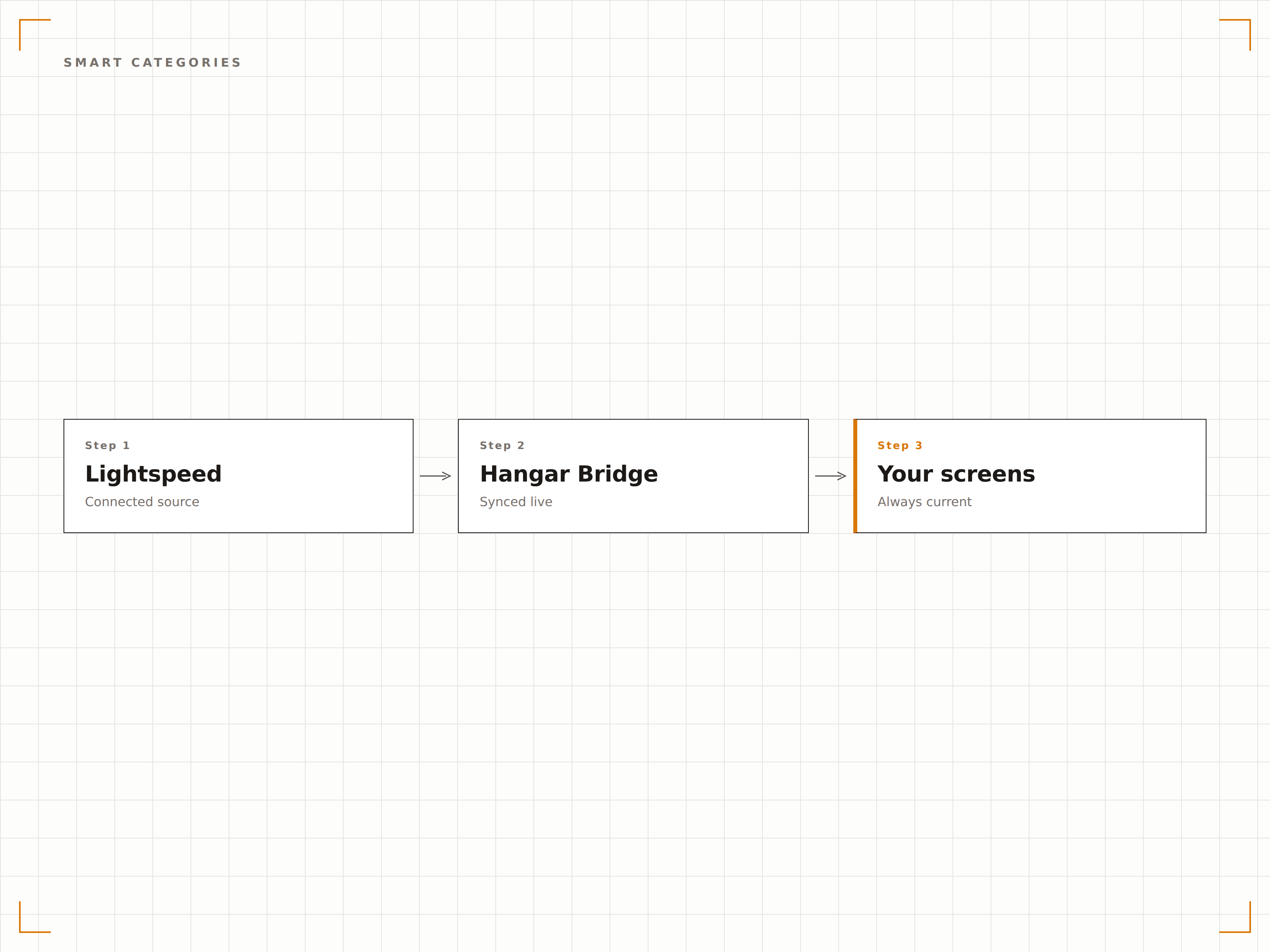
Quattro passaggi verso schermi connessi.
Dalla configurazione ai contenuti live in minuti, non giorni.
Collega il tuo account Lightspeed
Autorizza Hangar.Media ad accedere al tuo account Lightspeed Restaurant o Retail tramite OAuth. Il sistema rileva automaticamente quale piattaforma utilizzi.
Configura la mappatura dei dati
Associa categorie, reparti o gruppi di menu di Lightspeed alle zone del layout degli schermi. Imposta regole di filtraggio per definire quali articoli vengono visualizzati su ogni display.
Progetta i tuoi template di visualizzazione
Scegli template di menu board per i dati della ristorazione o template di visualizzazione prodotti per il retail. Personalizza il branding e il layout.
Attiva la sincronizzazione in tempo reale
Attiva la connessione e gli schermi inizieranno a mostrare i tuoi dati Lightspeed. Le modifiche apportate in Lightspeed si propagano automaticamente agli schermi a ogni ciclo di sincronizzazione.
Costruito per ogni settore.
Scopri come diversi settori utilizzano questa integrazione per ottenere risultati concreti.
Liste dei vini digitali per la ristorazione fine dining
I ristoranti che utilizzano Lightspeed Restaurant mostrano liste dei vini digitali e i piatti del giorno su schermi al tavolo o nell'area bar, che si aggiornano automaticamente quando cambiano le annate o le bottiglie si esauriscono.
RetailDisplay prodotti per negozi di abbigliamento
I retailer di abbigliamento che utilizzano Lightspeed Retail mostrano le collezioni in evidenza, i prezzi e la disponibilità delle taglie su schermi nei camerini e nei reparti, alimentati direttamente dai dati del POS.
BeautyMenu di servizi e prodotti per centri benessere
Day spa e centri wellness che utilizzano Lightspeed mostrano i menu dei trattamenti e i prezzi dei prodotti retail sugli schermi della reception, con disponibilità in tempo reale e aggiornamenti delle promozioni stagionali.
SportsDisplay merchandise per pro shop
Golf club e impianti sportivi che utilizzano Lightspeed Retail mostrano il merchandise del pro shop, i prezzi delle attrezzature e la disponibilità su schermi vicino all'ingresso del negozio.
Domande frequenti. Risposte dirette risposte.
Funziona sia con Lightspeed Restaurant che con Lightspeed Retail
Sì. Hangar.Media supporta entrambe le piattaforme. Durante la configurazione, il sistema rileva automaticamente quale prodotto Lightspeed utilizzi e imposta la sincronizzazione dei dati di conseguenza. Puoi anche collegare entrambe le piattaforme se gestisci un'attività che combina ristorazione e vendita al dettaglio.
Con quale frequenza si aggiornano i dati dell'inventario
I dati dell'inventario si sincronizzano a intervalli regolabili, in genere ogni 5-15 minuti. Per gli articoli ad alta rotazione, puoi abilitare aggiornamenti delle scorte in tempo quasi reale tramite le notifiche webhook di Lightspeed.
Posso visualizzare le immagini dei prodotti Lightspeed sugli schermi
Sì. Le immagini dei prodotti presenti nel catalogo Lightspeed vengono importate durante la sincronizzazione. Per gli articoli privi di immagini, puoi caricare fotografie aggiuntive direttamente nella libreria di contenuti di Hangar.Media.
Il supporto multi-sede è incluso
Sì. Gli account Lightspeed multi-sede possono collegare tutte le location, con dati di inventario, prezzi e menu specifici per ogni punto vendita che alimentano in modo indipendente gli schermi di ciascuna sede.
Un prezzo. L'intera piattaforma.
Così pensiamo che la segnaletica digitale dovrebbe funzionare. Editor di contenuti, gestione degli schermi e oltre 200 integrazioni di app — tutto incluso fin dal primo giorno.
14 giorni gratis, fino a 3 schermi — senza carta.