L'inventaire Lightspeed en direct sur chaque écran.
Connectez Lightspeed Restaurant ou Retail POS à votre affichage dynamique. Synchronisez menus, catalogues produits, tarifs et niveaux de stock sur des écrans qui affichent toujours des informations à jour et précises.
Les données Lightspeed au service de vos affichages
Lightspeed accompagne les restaurateurs et les commerçants avec des plateformes POS distinctes. L'intégration Hangar.Media prend en charge Lightspeed Restaurant et Lightspeed Retail, en extrayant les données pertinentes de chacune. Les utilisateurs Restaurant bénéficient d'une synchronisation des menus avec modificateurs et services. Les utilisateurs Retail profitent d'une synchronisation du catalogue produits avec variantes, tarifs et niveaux de stock.
Ce que vous pouvez faire avec en direct sur chaque écran.
Trois fonctionnalités qui rendent cette intégration indispensable pour votre réseau d'affichage dynamique.
Compatibilité Restaurant et Retail
Que vous exploitiez un restaurant avec Lightspeed Restaurant ou une boutique avec Lightspeed Retail, l'intégration se connecte à la bonne plateforme et récupère les données appropriées. Les données restaurant alimentent les menus boards numériques, tandis que les données retail alimentent les affichages produits et les écrans promotionnels.
Nous utilisons Lightspeed Retail pour notre boutique et Lightspeed Restaurant pour notre café, tous deux connectés à l'affichage dynamique.
Synchronisation des menus et modificateurs Lightspeed Restaurant
Synchronisation des produits, variantes et inventaires Lightspeed Retail
Gestion centralisée dans un seul tableau de bord Hangar.Media
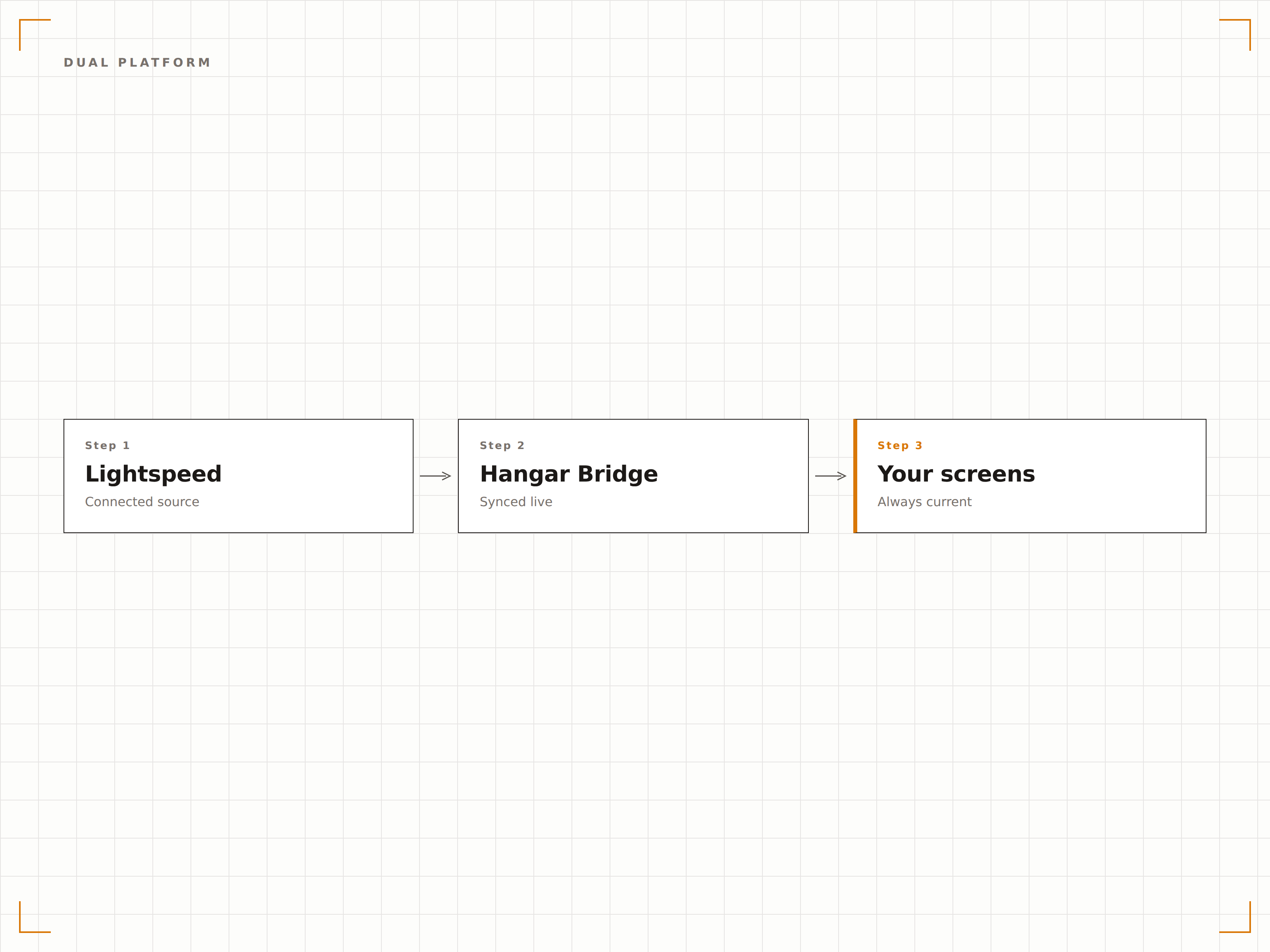
Données de stock en temps réel sur les écrans
Pour les points de vente retail, affichez les niveaux de stock en temps réel sur les écrans du personnel ou des indicateurs de disponibilité sur les écrans clients. Lorsque le stock passe sous le seuil défini, les écrans peuvent déclencher des rappels de réapprovisionnement pour le personnel ou basculer vers des promotions sur des produits alternatifs pour les clients.
Les écrans du personnel affichent les niveaux de stock, tandis que les écrans clients masquent automatiquement tout article en rupture.
Affichage du stock en temps réel sur les écrans du personnel
Indicateurs de disponibilité sur les écrans clients
Déclencheurs de seuil de stock bas pour les changements de contenu
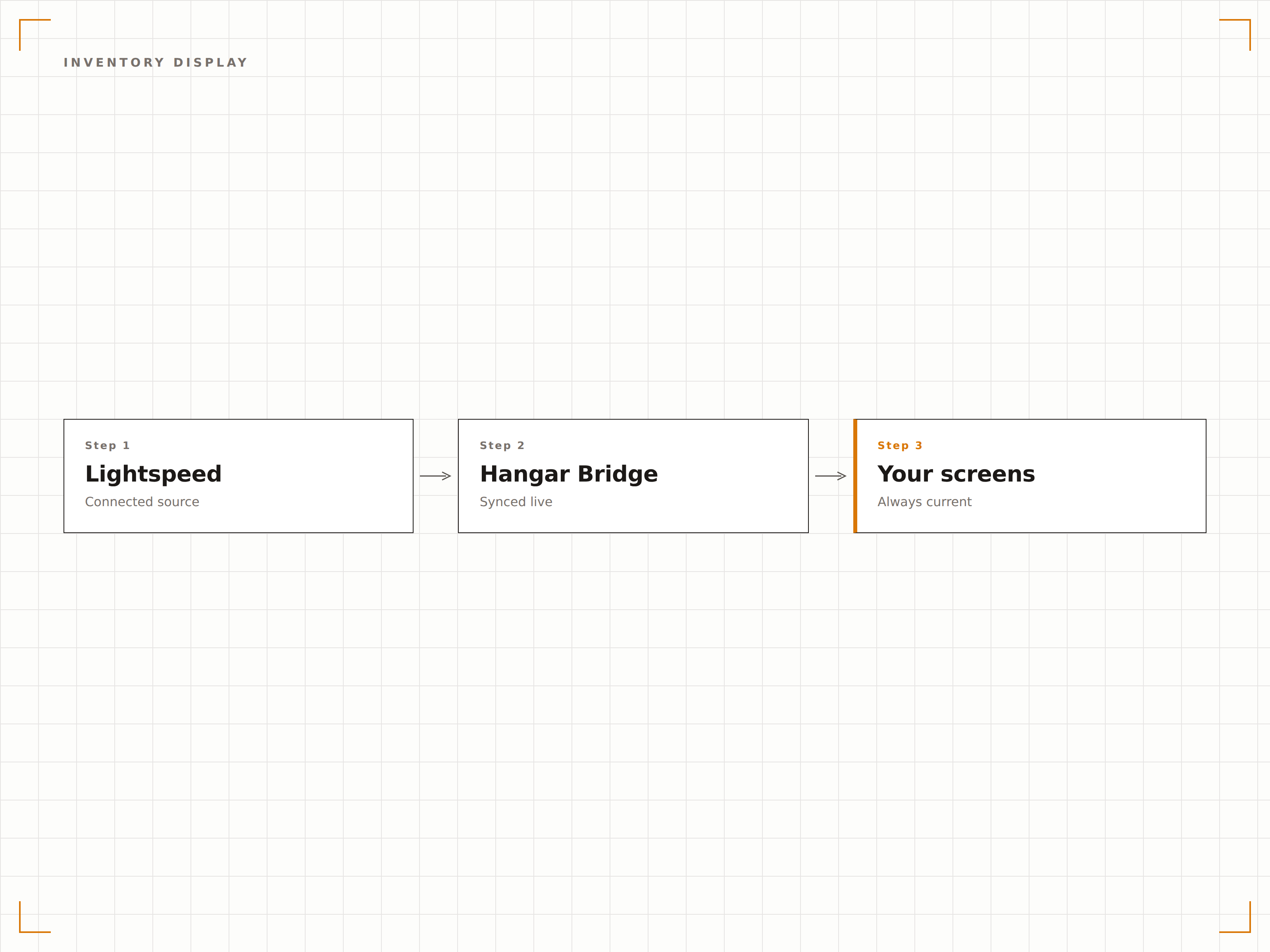
Organisez vos écrans par département
Associez les catégories, départements ou types de produits Lightspeed à des zones ou écrans spécifiques. Une boutique de prêt-à-porter peut afficher les vêtements homme sur un écran et les vêtements femme sur un autre, chacun alimenté automatiquement par le département Lightspeed correspondant.
L'écran de chaque département n'affiche que ses propres produits issus de Lightspeed. La configuration a pris 10 minutes.
Mappage département vers zone d'écran
Filtrage par catégorie selon l'emplacement de l'affichage
Placement automatique des nouveaux produits selon leur catégorie
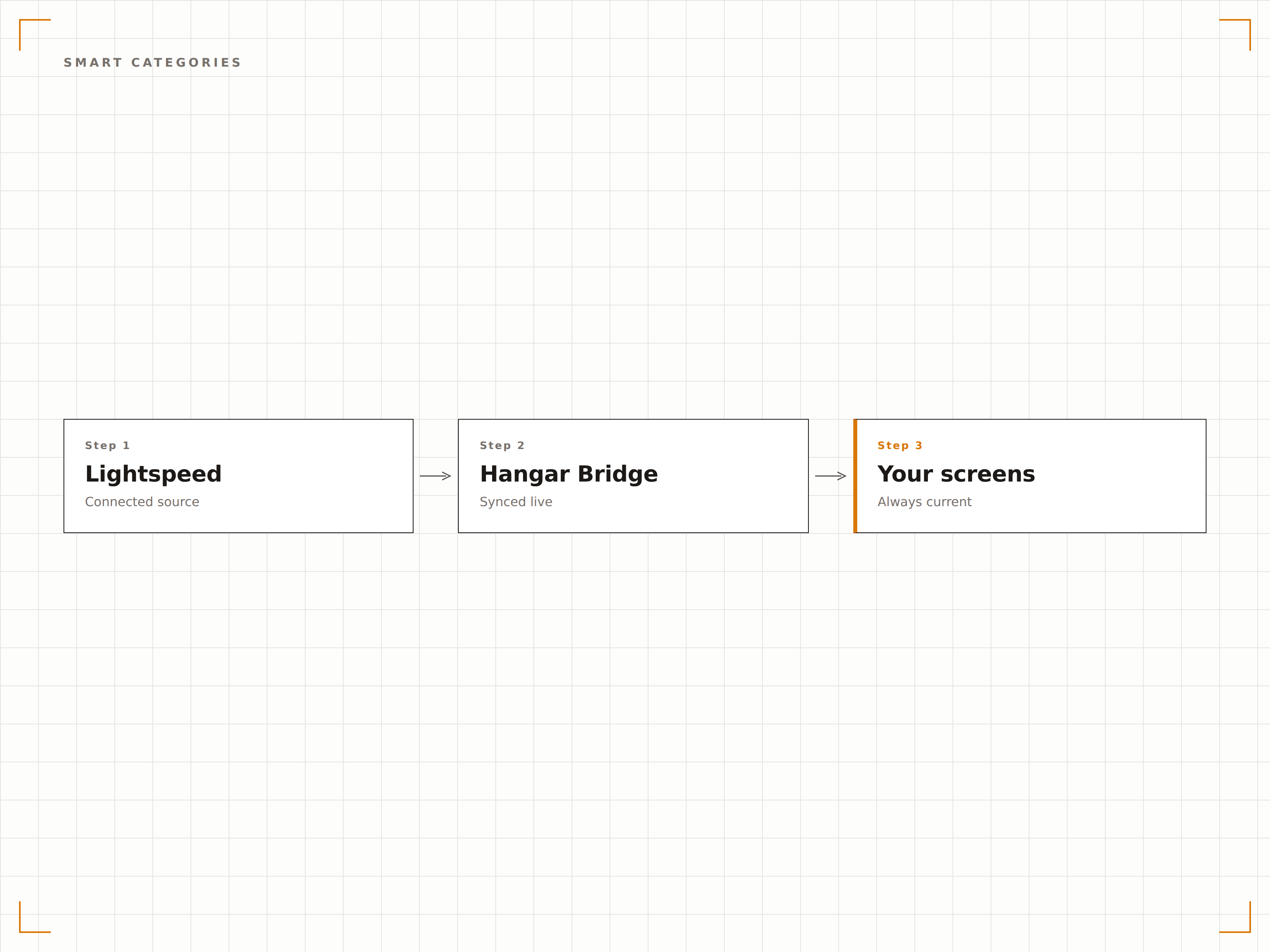
Quatre étapes vers écrans connectés.
De la configuration au contenu en direct en quelques minutes, pas en jours.
Connectez votre compte Lightspeed
Autorisez Hangar.Media à accéder à votre compte Lightspeed Restaurant ou Retail via OAuth. Le système détecte automatiquement la plateforme que vous utilisez.
Configurez le mappage des données
Associez les catégories, départements ou groupes de menu Lightspeed aux zones de mise en page des écrans. Définissez des règles de filtrage pour déterminer quels articles apparaissent sur chaque affichage.
Concevez vos modèles d'affichage
Choisissez des modèles de menu board pour les données restaurant ou des modèles d'affichage produit pour les données retail. Personnalisez l'identité visuelle et la mise en page.
Activez la synchronisation en direct
Activez la connexion et vos écrans commencent immédiatement à afficher vos données Lightspeed. Les modifications effectuées dans Lightspeed se propagent automatiquement sur les écrans à chaque cycle de synchronisation.
Conçu pour chaque secteur.
Découvrez comment différents secteurs utilisent cette intégration pour obtenir des résultats.
Cartes des vins numériques pour la gastronomie
Les restaurants utilisant Lightspeed Restaurant affichent des cartes des vins numériques et les suggestions du jour sur des écrans en salle ou au bar, mis à jour automatiquement lors des changements de millésimes ou des ruptures de stock.
RetailAffichages produits pour boutiques de prêt-à-porter
Les enseignes de prêt-à-porter utilisant Lightspeed Retail affichent leurs collections phares, les prix et les disponibilités par taille sur les écrans des cabines d'essayage et des rayons, alimentés directement par les données de la caisse.
Beauté & bien-êtreMenus de soins et de produits pour spas
Les spas et centres de bien-être utilisant Lightspeed affichent leurs menus de soins et les tarifs de leurs produits retail sur les écrans du hall d'accueil, avec des mises à jour en temps réel des disponibilités et des promotions saisonnières.
SportsAffichages de marchandises pour pro shops
Les clubs de golf et équipements sportifs utilisant Lightspeed Retail affichent les articles du pro shop, les tarifs des équipements et les disponibilités sur les écrans à l'entrée de la boutique.
Questions fréquentes. Réponses directes : réponses.
Cette intégration fonctionne-t-elle avec Lightspeed Restaurant et Lightspeed Retail
Oui. Hangar.Media prend en charge les deux plateformes. Lors de la configuration, le système détecte automatiquement le produit Lightspeed que vous utilisez et paramètre la synchronisation des données en conséquence. Vous pouvez même connecter les deux si vous exploitez à la fois un restaurant et un commerce de détail.
À quelle fréquence les données d'inventaire sont-elles actualisées
Les données d'inventaire se synchronisent à intervalle ajustable, généralement toutes les 5 à 15 minutes. Pour les articles à forte rotation, vous pouvez activer des mises à jour de stock quasi en temps réel grâce aux notifications webhook de Lightspeed.
Puis-je afficher les images produits Lightspeed sur les écrans
Oui. Les images produits stockées dans votre catalogue Lightspeed sont importées lors de la synchronisation. Pour les articles sans image, vous pouvez télécharger des visuels complémentaires directement dans la bibliothèque de contenus Hangar.Media.
La gestion multi-sites est-elle incluse
Oui. Les comptes Lightspeed multi-sites peuvent connecter tous les établissements, chaque emplacement recevant indépendamment ses propres données d'inventaire, de tarification et de menu.
Un seul tarif. La plateforme complète.
C'est ainsi que nous pensons que l'affichage dynamique devrait fonctionner. Éditeur de contenu, gestion des écrans et plus de 200 intégrations d'applications — tout inclus dès le premier jour.
14 jours gratuits, jusqu'à 3 écrans — sans carte bancaire.