El inventario de Lightspeed en vivo en cada pantalla.
Conecta Lightspeed Restaurant o Retail POS a tu señalización digital. Sincroniza menús, catálogos de productos, precios y niveles de stock en pantallas que siempre muestran información actualizada y precisa.
Datos de Lightspeed para impulsar tus pantallas
Lightspeed atiende tanto a negocios de restauración como de retail con plataformas POS independientes. La integración de Hangar.Media es compatible con Lightspeed Restaurant y Lightspeed Retail, extrayendo los datos relevantes de cada una. Los usuarios de restaurantes obtienen sincronización de menús con modificadores y tiempos de servicio. Los usuarios de retail obtienen sincronización del catálogo de productos con variantes, precios y niveles de inventario.
Lo que puedes hacer con en vivo en cada pantalla.
Tres capacidades que hacen esencial esta integración para tu red de señalización digital.
Compatibilidad con Restaurant y Retail
Tanto si gestionas un restaurante con Lightspeed Restaurant como una tienda con Lightspeed Retail, la integración se conecta a la plataforma correcta y extrae los datos correspondientes. Los datos de restaurante alimentan los menús digitales, mientras que los datos de tienda alimentan las pantallas de exhibición de productos y campañas promocionales.
Usamos Lightspeed Retail para nuestra tienda y Lightspeed Restaurant para nuestra cafetería, ambos conectados a la señalización digital.
Sincronización de menús y modificadores de Lightspeed Restaurant
Sincronización de productos, variantes e inventario de Lightspeed Retail
Gestión unificada en un solo panel de Hangar.Media
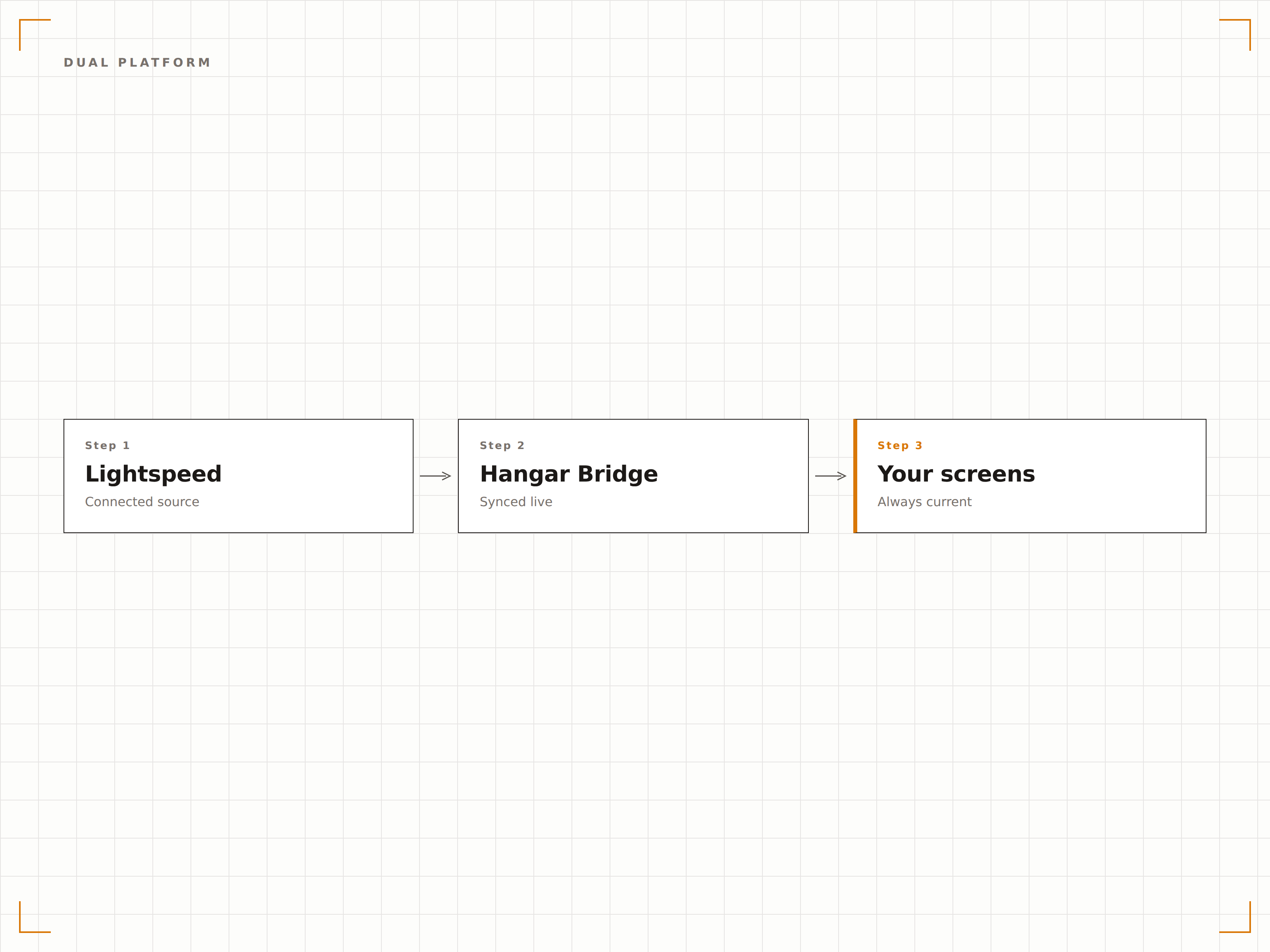
Datos de stock reales en pantalla
Para tiendas, muestra conteos de inventario en tiempo real en pantallas para el personal o indicadores de disponibilidad en pantallas orientadas al cliente. Cuando los niveles de stock caen por debajo del umbral, las pantallas pueden activar recordatorios de reabastecimiento para el personal o cambiar a promociones de productos alternativos para los clientes.
Las pantallas del personal muestran el conteo de stock y las pantallas para clientes ocultan todo lo que tiene inventario en cero.
Visualización del conteo de stock en tiempo real en pantallas para el personal
Indicadores de disponibilidad en pantallas orientadas al cliente
Activadores de umbral de stock bajo para cambios de contenido
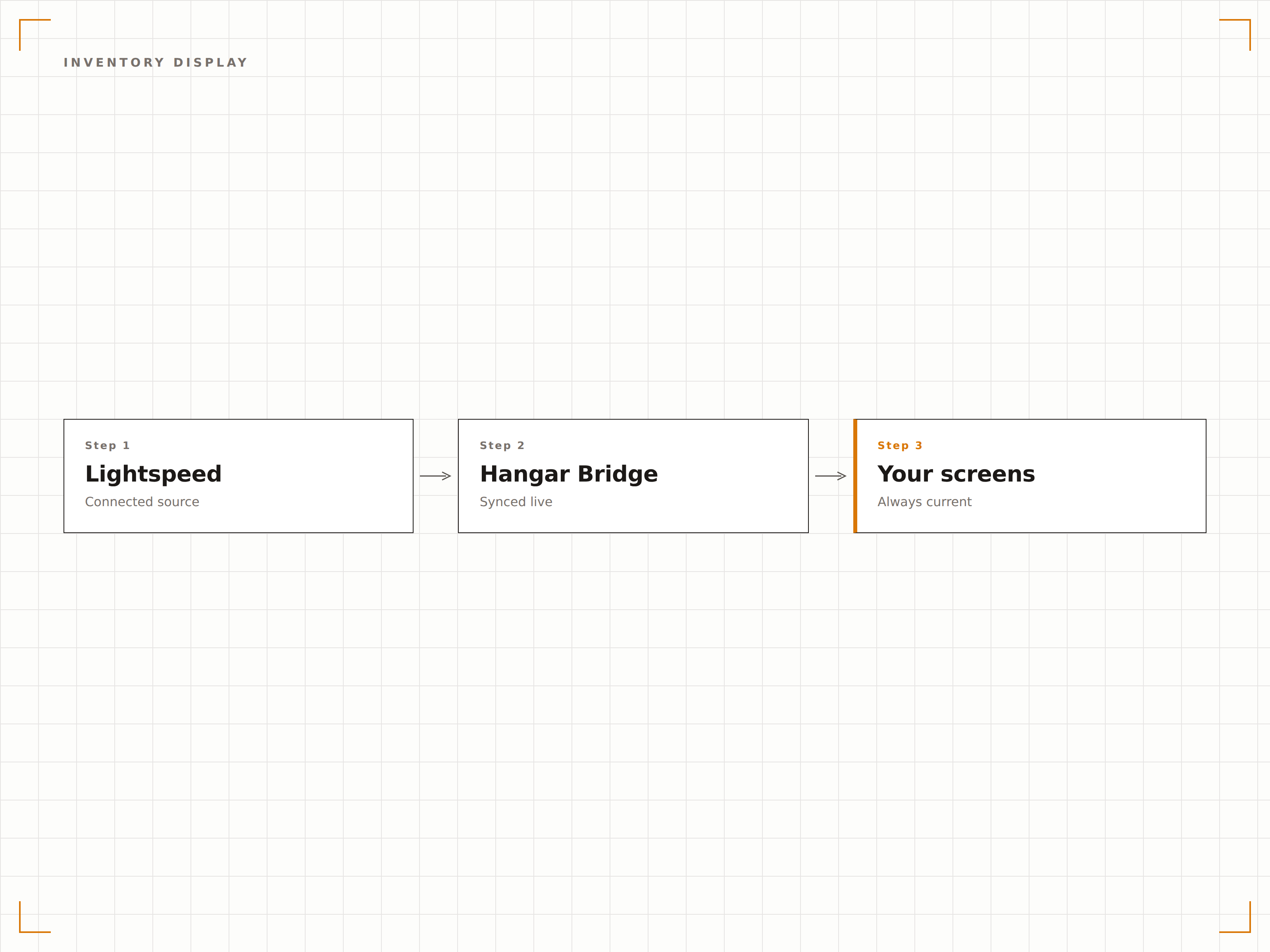
Organiza las pantallas por departamento
Asigna categorías, departamentos o tipos de productos de Lightspeed a zonas o pantallas específicas. Una tienda de ropa puede mostrar ropa de hombre en una pantalla y ropa de mujer en otra, cada una extrayendo datos del departamento correspondiente en Lightspeed de forma automática.
La pantalla de cada departamento muestra únicamente sus propios productos desde Lightspeed. La configuración tomó 10 minutos.
Mapeo de departamentos a zonas de pantalla
Filtrado por categoría según la ubicación de la pantalla
Colocación automática de nuevos productos según la asignación de categoría
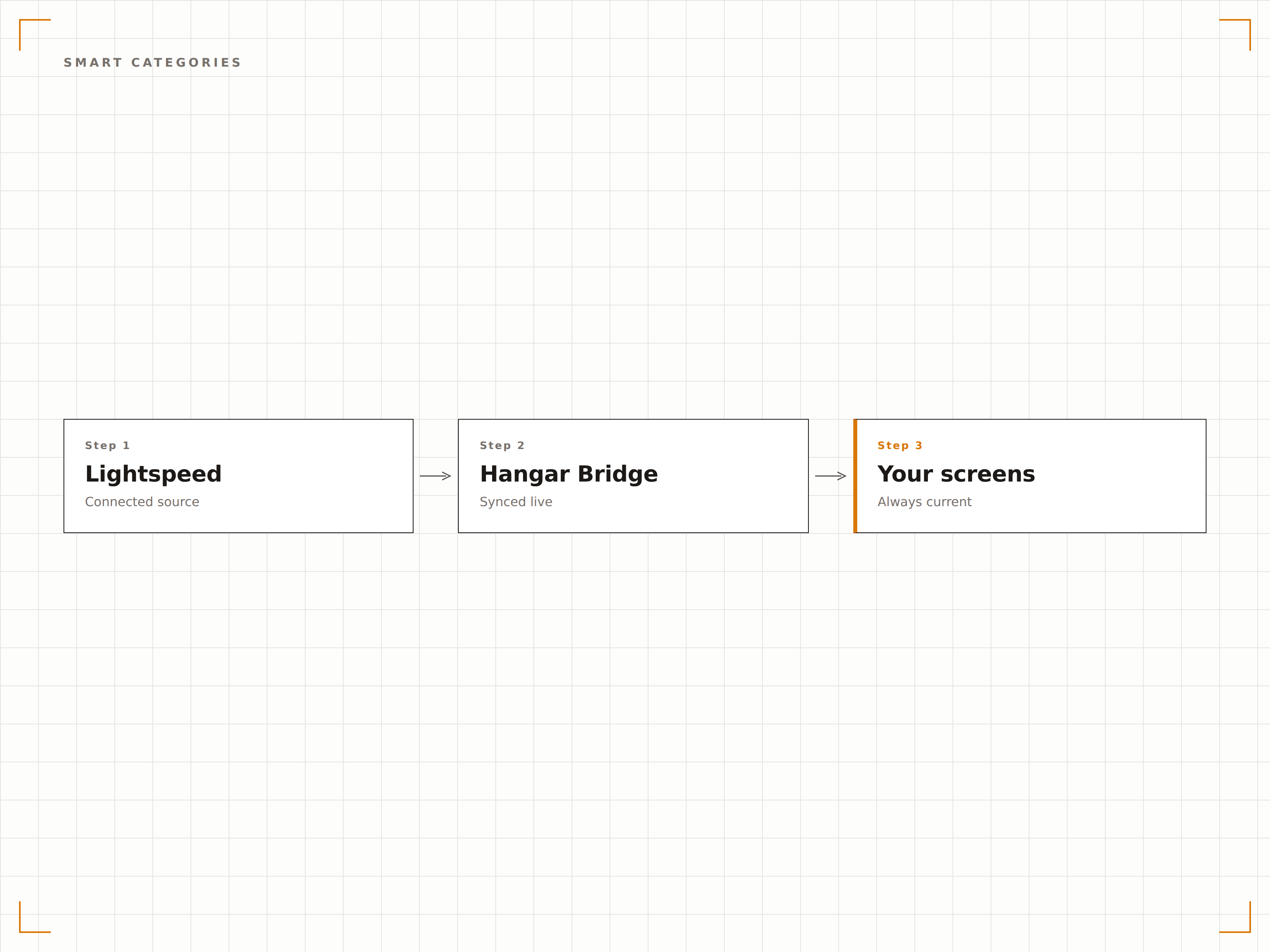
Cuatro pasos hacia pantallas conectadas.
Desde la configuración hasta contenido en vivo en minutos, no en días.
Conecta tu cuenta de Lightspeed
Autoriza a Hangar.Media para acceder a tu cuenta de Lightspeed Restaurant o Retail mediante OAuth. El sistema detecta automáticamente qué plataforma utilizas.
Configura el mapeo de datos
Asigna categorías, departamentos o grupos de menú de Lightspeed a las zonas del diseño de pantalla. Define reglas de filtrado para determinar qué artículos aparecen en cada pantalla.
Diseña tus plantillas de visualización
Elige plantillas de menú digital para datos de restaurante o plantillas de exhibición de productos para datos de tienda. Personaliza la identidad visual y el diseño.
Activa la sincronización en vivo
Activa la conexión y las pantallas comenzarán a mostrar tus datos de Lightspeed. Los cambios en Lightspeed se propagan a las pantallas automáticamente en cada ciclo de sincronización.
Diseñado para cada sector.
Descubre cómo distintas industrias utilizan esta integración para obtener resultados.
Listas de vinos digitales para restaurantes de alta cocina
Los restaurantes que usan Lightspeed Restaurant muestran listas de vinos digitales y especialidades en pantallas junto a la mesa o en la barra, que se actualizan cuando cambian las añadas o se agotan las botellas.
RetailExhibición de productos en tiendas de ropa
Los minoristas de moda que usan Lightspeed Retail muestran colecciones destacadas, precios y disponibilidad de tallas en pantallas de probadores y departamentos, alimentadas directamente desde los datos del POS.
BellezaMenús de servicios y productos para spas
Los spas y centros de bienestar que usan Lightspeed muestran menús de tratamientos y precios de productos en pantallas del lobby, con disponibilidad en tiempo real y actualizaciones de promociones de temporada.
DeportesExhibición de mercancía en tiendas pro
Los clubes de golf e instalaciones deportivas que usan Lightspeed Retail muestran mercancía de la tienda pro, precios de equipos y disponibilidad en pantallas cerca de la entrada de la tienda.
Preguntas frecuentes. Respuestas directas: respuestas.
¿Funciona tanto con Lightspeed Restaurant como con Lightspeed Retail?
Sí. Hangar.Media es compatible con ambas plataformas. Durante la configuración, el sistema detecta qué producto de Lightspeed utilizas y establece la sincronización de datos en consecuencia. Incluso puedes conectar ambas si gestionas una operación combinada de restaurante y tienda.
¿Con qué frecuencia se actualizan los datos de inventario?
Los datos de inventario se sincronizan en intervalos ajustables, generalmente cada 5 a 15 minutos. Para artículos de alta rotación, puedes activar actualizaciones de stock en tiempo casi real mediante las notificaciones webhook de Lightspeed.
¿Puedo mostrar imágenes de productos de Lightspeed en las pantallas?
Sí. Las imágenes de productos almacenadas en tu catálogo de Lightspeed se importan durante la sincronización. Para los artículos sin imágenes, puedes subir fotografías complementarias directamente en la biblioteca de contenido de Hangar.Media.
¿Se incluye soporte para múltiples ubicaciones?
Sí. Las cuentas de Lightspeed con múltiples ubicaciones pueden conectar todos los locales, con datos de inventario, precios y menú por tienda que alimentan las pantallas de cada ubicación de forma independiente.
Un precio. La plataforma completa.
Así es como creemos que debe funcionar la señalización digital. Editor de contenido, gestión de pantallas y más de 200 integraciones de aplicaciones — todo incluido desde el primer día.
14 días gratis, hasta 3 pantallas — sin tarjeta.