Inventário do Lightspeed ao vivo em cada tela.
Conecte o Lightspeed Restaurant ou Retail POS à sua sinalização digital. Sincronize cardápios, catálogos de produtos, preços e níveis de estoque com telas que sempre exibem informações atuais e precisas.
Dados do Lightspeed impulsionando suas exibições
O Lightspeed atende empresas de restaurantes e varejo com plataformas POS distintas. A integração da Hangar.Media é compatível com o Lightspeed Restaurant e o Lightspeed Retail, extraindo os dados relevantes de cada um. Usuários de restaurantes contam com sincronização de cardápio com modificadores e etapas do serviço. Usuários de varejo contam com sincronização do catálogo de produtos com variantes, preços e níveis de estoque.
O que você pode fazer com ao vivo em cada tela.
Três capacidades que tornam esta integração essencial para a sua rede de sinalização digital.
Suporte para Restaurant e Retail
Seja em um restaurante no Lightspeed Restaurant ou em uma loja no Lightspeed Retail, a integração se conecta à plataforma certa e extrai os dados adequados. Os dados do restaurante alimentam os cardápios digitais, enquanto os dados do varejo alimentam as telas de exibição de produtos e campanhas promocionais.
Usamos o Lightspeed Retail na nossa loja e o Lightspeed Restaurant no nosso café, ambos conectados à sinalização digital.
Sincronização de cardápio e modificadores do Lightspeed Restaurant
Sincronização de produtos, variantes e inventário do Lightspeed Retail
Gestão unificada em um único painel do Hangar.Media
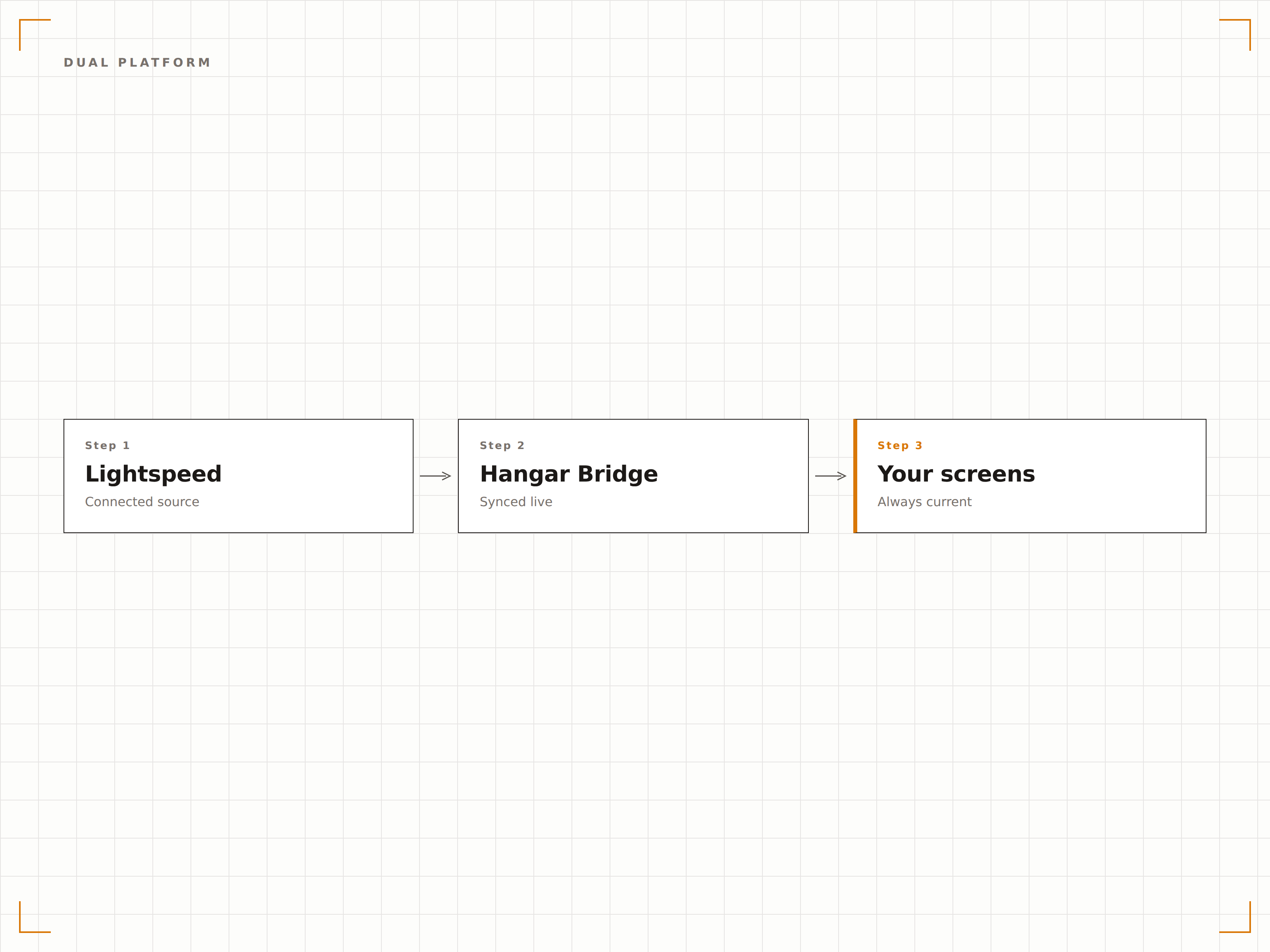
Dados de estoque reais na tela
Para unidades de varejo, exiba contagens de inventário em tempo real nas telas voltadas para a equipe ou indicadores de disponibilidade nas telas voltadas para clientes. Quando os níveis de estoque caem abaixo do limite definido, as telas podem acionar lembretes de reposição para a equipe ou alternar para campanhas de produtos alternativos para os clientes.
As telas para a equipe mostram as quantidades em estoque, e as telas voltadas para clientes ocultam qualquer item com estoque zero.
Exibição de contagem de estoque em tempo real nas telas para a equipe
Indicadores de disponibilidade nas telas voltadas para clientes
Gatilhos de limite de estoque baixo para alterações de conteúdo
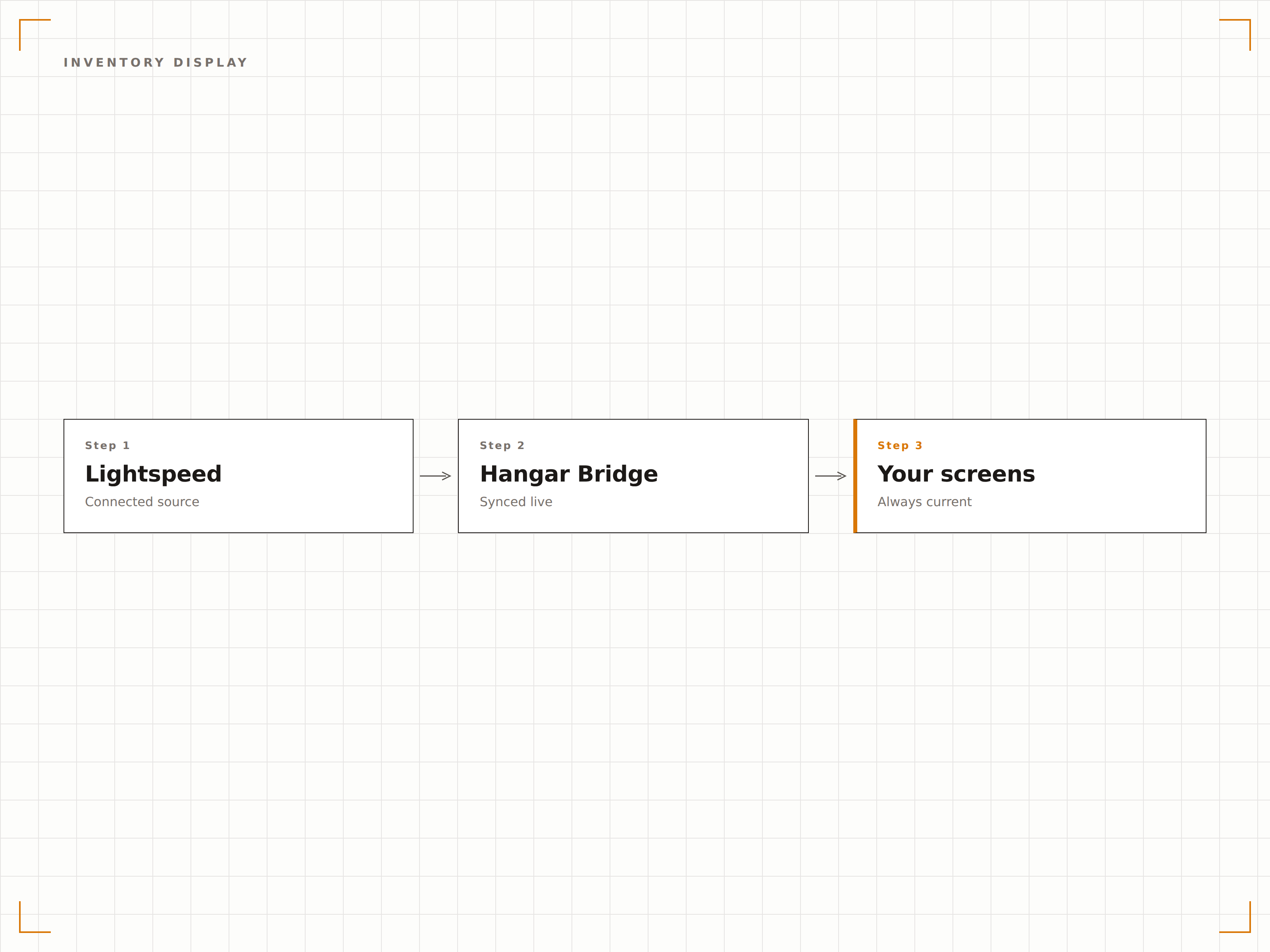
Organize as telas por departamento
Mapeie categorias, departamentos ou tipos de produtos do Lightspeed para zonas ou telas específicas. Uma loja de roupas pode exibir moda masculina em uma tela e moda feminina em outra, cada uma puxando automaticamente do departamento correspondente no Lightspeed.
A tela de cada departamento exibe apenas os seus próprios produtos do Lightspeed. A configuração levou 10 minutos.
Mapeamento de departamento para zona de tela
Filtragem por categoria em cada ponto de exibição
Posicionamento automático de novos produtos com base na categoria atribuída
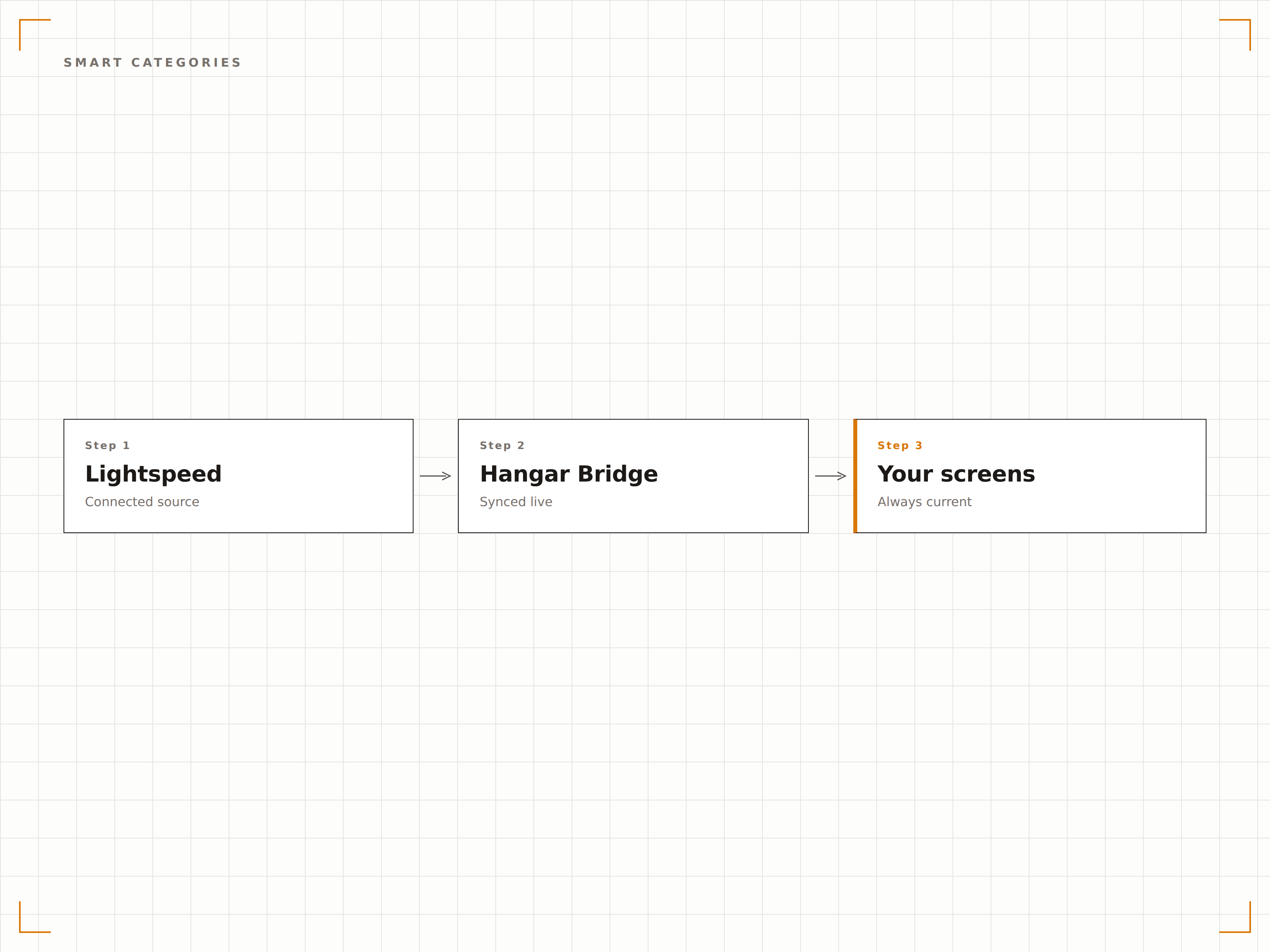
Quatro etapas para telas conectadas.
Da configuração ao conteúdo ao vivo em minutos, não dias.
Conecte sua conta Lightspeed
Autorize o Hangar.Media a acessar sua conta do Lightspeed Restaurant ou Retail via OAuth. O sistema identifica automaticamente qual plataforma você utiliza.
Configure o mapeamento de dados
Mapeie categorias, departamentos ou grupos de cardápio do Lightspeed para as zonas de layout das telas. Defina regras de filtragem para determinar quais itens aparecem em cada display.
Crie seus templates de exibição
Escolha templates de cardápio digital para dados de restaurante ou templates de exibição de produtos para dados de varejo. Personalize a identidade visual e o layout.
Ative a sincronização ao vivo
Ative a conexão e as telas começam a exibir seus dados do Lightspeed. As alterações feitas no Lightspeed são propagadas para as telas automaticamente a cada ciclo de sincronização.
Feito para cada setor.
Veja como diferentes segmentos utilizam esta integração para gerar resultados.
Listas de vinhos digitais para restaurantes sofisticados
Restaurantes que utilizam o Lightspeed Restaurant exibem listas de vinhos digitais e pratos especiais em telas de mesa ou de área de bar, que se atualizam quando as safras mudam ou as garrafas esgotam.
VarejoExibição de produtos em lojas de moda
Varejistas de moda que utilizam o Lightspeed Retail exibem coleções em destaque, preços e disponibilidade de tamanhos em telas de provadores e departamentos, alimentadas diretamente pelos dados do POS.
BelezaCardápios de serviços e produtos para spas
Spas e centros de bem-estar que utilizam o Lightspeed exibem cardápios de tratamentos e preços de produtos de varejo em telas de recepção, com disponibilidade em tempo real e atualizações de promoções sazonais.
EsportesExibição de mercadorias em lojas de artigos esportivos
Clubes de golfe e instalações esportivas que utilizam o Lightspeed Retail exibem mercadorias da loja, preços de equipamentos e disponibilidade em telas próximas à entrada da loja.
Perguntas frequentes. Respostas diretas respostas.
Isso funciona com o Lightspeed Restaurant e o Lightspeed Retail?
Sim. O Hangar.Media é compatível com ambas as plataformas. Durante a configuração, o sistema identifica qual produto Lightspeed você utiliza e configura a sincronização de dados automaticamente. Você pode até conectar os dois, caso opere um restaurante e uma loja de varejo juntos.
Com que frequência os dados de inventário são atualizados?
Os dados de inventário são sincronizados em intervalos ajustáveis, geralmente a cada 5 a 15 minutos. Para itens de alta rotatividade, você pode ativar atualizações de estoque em tempo quase real usando as notificações de webhook do Lightspeed.
Posso exibir imagens de produtos do Lightspeed nas telas?
Sim. As imagens de produtos armazenadas no catálogo do Lightspeed são importadas durante a sincronização. Para itens sem imagem, você pode fazer upload de fotos complementares diretamente na biblioteca de conteúdo do Hangar.Media.
O suporte a múltiplas unidades está incluído?
Sim. Contas Lightspeed com múltiplas unidades podem conectar todas as localidades, com dados de inventário, preços e cardápio por loja alimentando as telas de cada unidade de forma independente.
Um preço. A plataforma completa.
É assim que acreditamos que a sinalização digital deve funcionar. Editor de conteúdo, gerenciamento de telas e mais de 200 integrações de aplicativos — tudo incluído desde o primeiro dia.
14 dias grátis, até 3 telas — sem cartão.