Excel-Daten, auf dem grossen Bildschirm. der grosse Bildschirm.
Zeigen Sie Excel-Tabellendaten, Diagramme und Tabellen auf Digital Signage Bildschirmen an – mit Live-Aktualisierungen aus OneDrive oder SharePoint.
Tabellen, die alle sehen können
Excel ist nach wie vor das beliebteste Datenwerkzeug der Welt. Hangar.Media zeigt Excel-Dateien auf Signage-Bildschirmen an, sodass Schichtpläne, KPI-Tracker, Inventarlisten und Statusboards, die in Tabellen gespeichert sind, mit dem gesamten Team geteilt werden können. Verknüpfen Sie Dateien in OneDrive oder SharePoint, und der Bildschirm aktualisiert sich automatisch, sobald sich die Tabelle ändert.
Was Sie mit der grosse Bildschirm. tun können
Drei Funktionen, die diese Integration für Ihr Digital Signage-Netzwerk unverzichtbar machen.
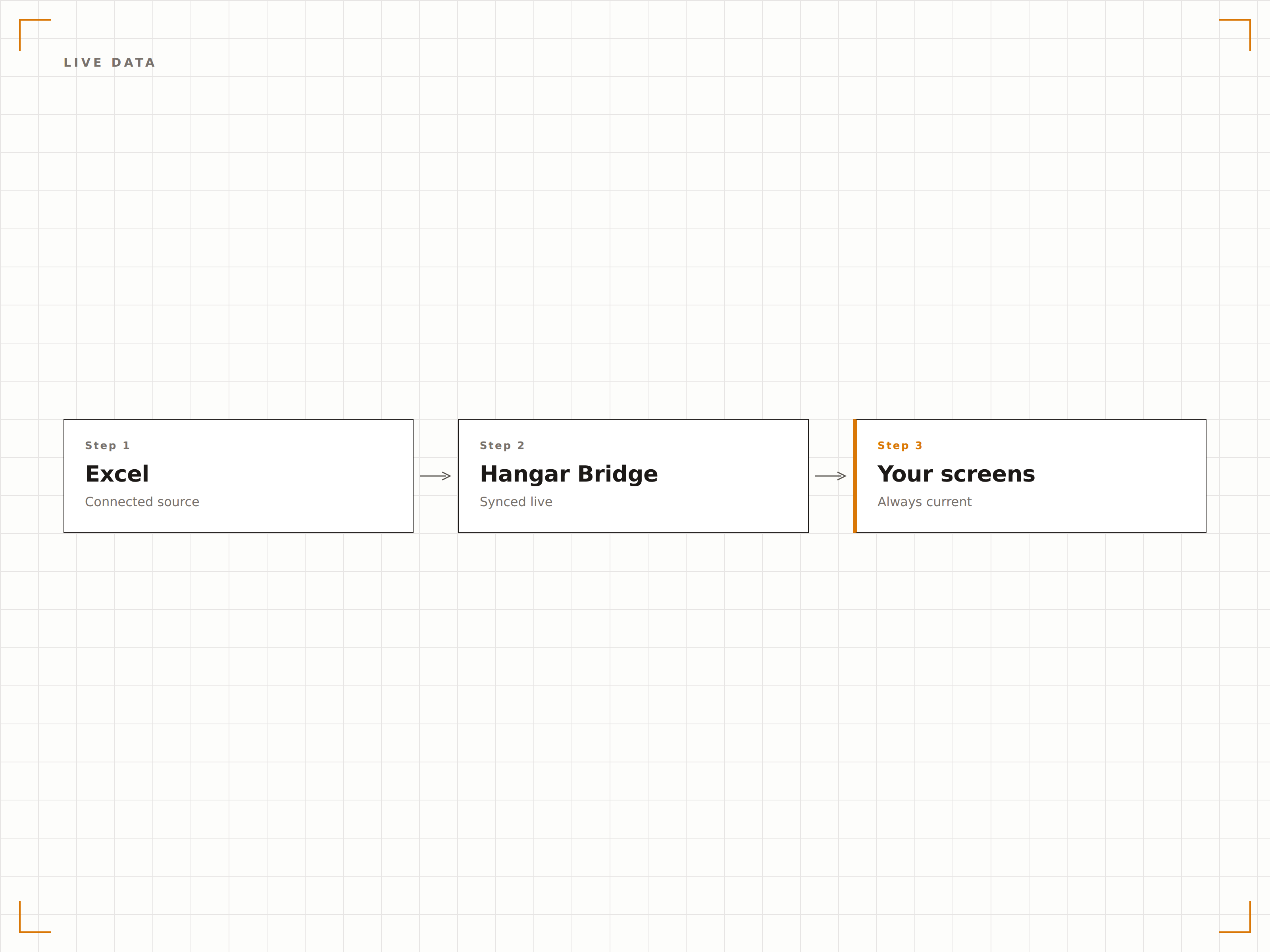
Automatisch aktualisierende Tabellen
Verknüpfen Sie eine Excel-Datei aus OneDrive oder SharePoint, und der Signage-Bildschirm aktualisiert sich, sobald die Datei geändert wird. Teammitglieder aktualisieren die Tabelle von ihrem Arbeitsplatz aus, und die Signage-Anzeige spiegelt stets die neuesten Daten wider – ganz ohne manuellen Eingriff.
Eine Zelle ändern, einen Bildschirm aktualisieren.
OneDrive- und SharePoint-Dateisynchronisation
Automatische Änderungserkennung
Bildschirmaktualisierung bei Dateiänderung
Excel-Diagramme auf dem Bildschirm
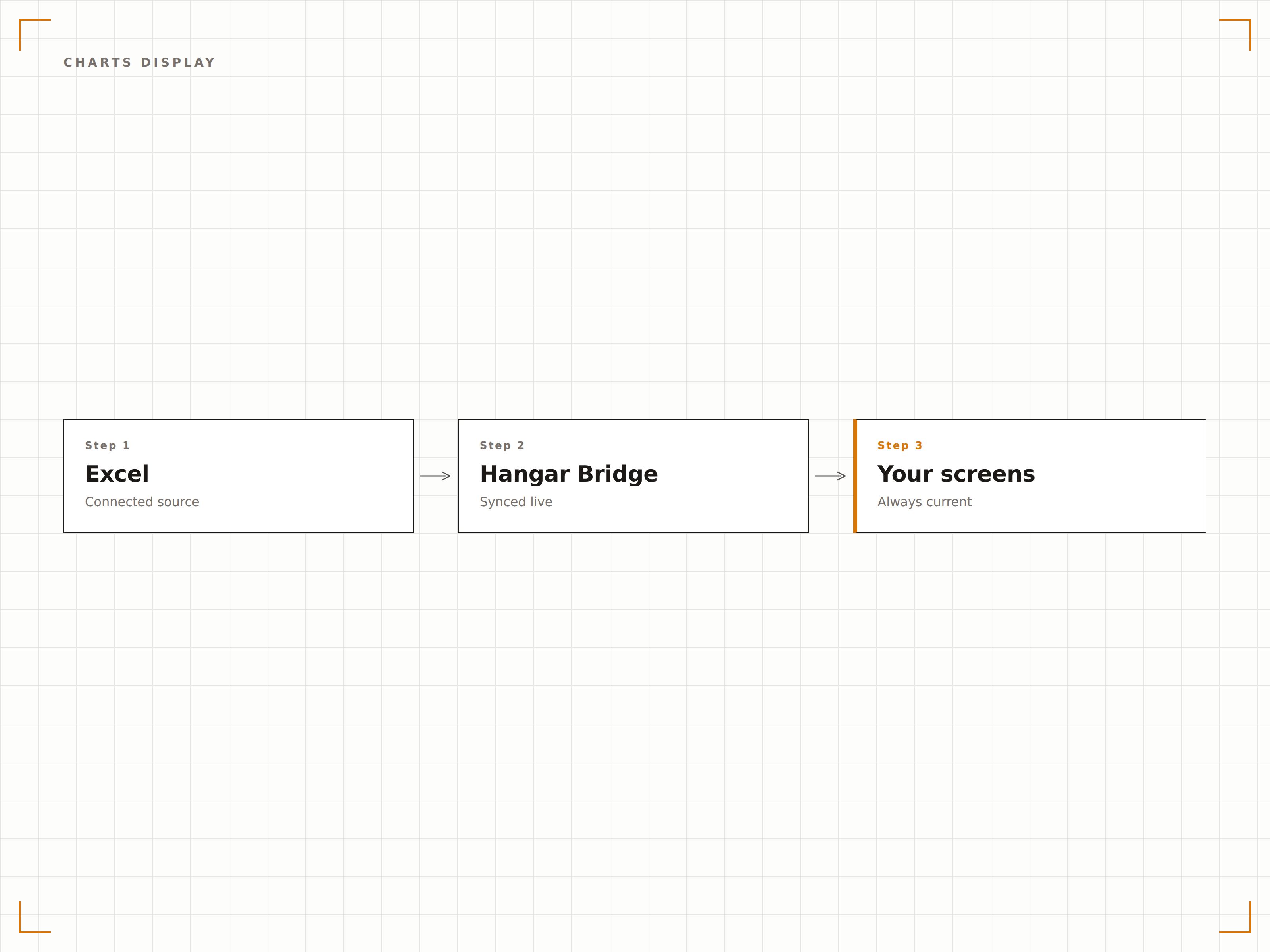
Excel-Diagramme werden auf Signage-Bildschirmen in voller Auflösung dargestellt. Balkendiagramme, Liniendiagramme, Kreisdiagramme und Streudiagramme erscheinen in derselben visuellen Qualität wie auf Ihrem Monitor – skaliert für Grossformatdisplays.
Excel-Diagramme, optimiert für die Wand.
Alle Excel-Diagrammtypen unterstützt
Diagrammdarstellung in voller Auflösung
Automatische Skalierung für die Displaygrösse
Bestimmte Zellen oder Blätter anzeigen
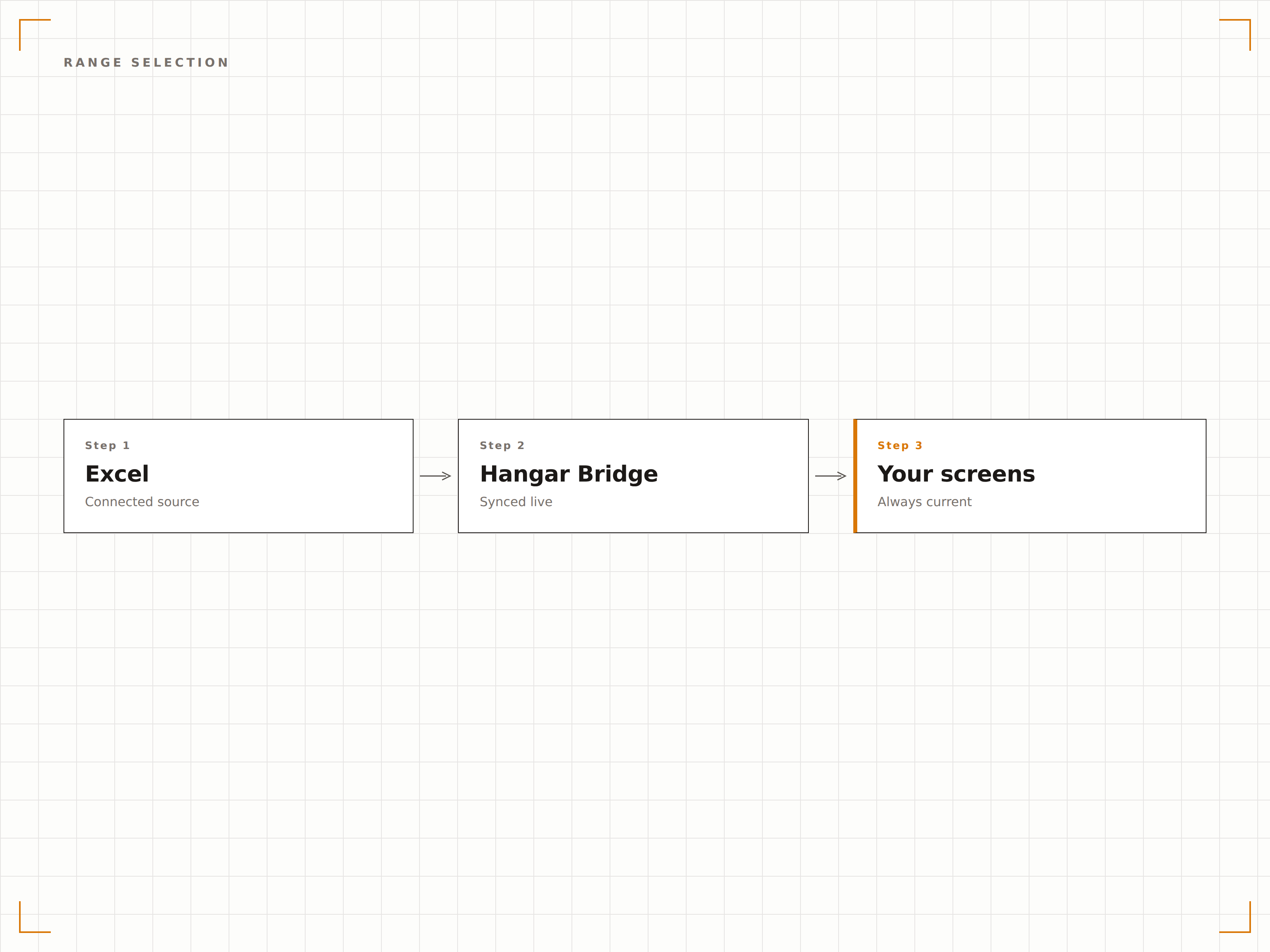
Sie müssen nicht die gesamte Tabelle anzeigen. Wählen Sie ein bestimmtes Tabellenblatt, einen benannten Bereich oder einen Zellbereich zur Anzeige auf dem Bildschirm. Zeigen Sie nur die Zusammenfassungstabelle, nur das Diagramm oder nur die wichtigsten Kennzahlen aus einer komplexen Arbeitsmappe.
Zeigen Sie genau das, was zählt – nichts mehr.
Tabellenblattauswahl
Anzeige benannter Bereiche und Zellbereiche
Sensible Spalten oder Zeilen ausblenden
Vier Schritte zu verbundene Bildschirme.
Von der Einrichtung bis zu Live-Inhalten in Minuten, nicht Tagen.
Excel-Datei verknüpfen
Verbinden Sie eine in OneDrive oder SharePoint gespeicherte Excel-Datei, oder laden Sie eine XLSX-Datei direkt hoch.
Anzeigebereich auswählen
Wählen Sie, welches Tabellenblatt, welchen Zellbereich oder welches Diagramm Sie auf Ihrem Signage-Bildschirm anzeigen möchten.
Aktualisierungsintervall festlegen
Legen Sie fest, wie häufig Hangar.Media die Quelldatei auf Änderungen prüft.
Veröffentlichen
Weisen Sie die Excel-Anzeige Ihren Bildschirmen zu – und die Tabellendaten sind sofort live.
Entwickelt für jeden Branche.
Erfahren Sie, wie verschiedene Branchen diese Integration nutzen, um Ergebnisse zu erzielen.
KPI-Tracker-Anzeige
Zeigen Sie eine KPI-Tracking-Tabelle des Teams auf einem Bildschirm im Büro an – mit Zielvorgaben, Ist-Werten und Fortschritt für jedes Teammitglied.
EinzelhandelDienstplan-Anzeige
Zeigen Sie den wöchentlichen Dienstplan aus einer Excel-Datei auf einem Bildschirm im Hinterbereich an, damit Mitarbeitende ihre Schichten einsehen können, ohne sich in ein System einzuloggen.
GesundheitswesenBelegungsboard für Betten
Zeigen Sie eine Belegungstracking-Tabelle auf Bildschirmen im Stationsmanagementbereich an – mit Bettstatus, Patientenzahlen und Kapazität.
BildungPrüfungsplan
Zeigen Sie Prüfungspläne und Raumzuweisungen aus einer Excel-Tabelle auf Bildschirmen in Aufenthaltsräumen und Eingängen zu Prüfungssälen an.
Häufige Fragen. Direkte Antworten.
Welche Excel-Dateiformate werden unterstützt?
Hangar.Media unterstützt XLSX-Dateien (Excel 2007 und höher). Für optimale Ergebnisse speichern Sie Ihre Datei in OneDrive oder SharePoint, damit Änderungen automatisch mit dem Signage-Bildschirm synchronisiert werden.
Kann ich mehrere Tabellenblätter aus derselben Arbeitsmappe anzeigen?
Ja. Sie können in Hangar.Media mehrere Inhaltselemente erstellen, die jeweils auf ein anderes Tabellenblatt oder einen anderen Bereich innerhalb derselben Arbeitsmappe verweisen. Diese können abwechselnd oder auf verschiedenen Bildschirmen angezeigt werden.
Wie schnell erscheinen Tabellenänderungen auf dem Bildschirm?
Hangar.Media prüft in dem von Ihnen gewählten Intervall – in der Regel alle 5 bis 30 Minuten – auf Dateiänderungen. Wird eine Änderung erkannt, aktualisiert sich der Bildschirm innerhalb von Sekunden und zeigt die aktuellen Daten an.
Kann ich die Tabelle speziell für die Signage-Anzeige formatieren?
Ja. Wir empfehlen, innerhalb Ihrer Arbeitsmappe ein dediziertes Anzeigeblatt zu erstellen, das Daten aus anderen Blättern per Formel bezieht. Formatieren Sie dieses Anzeigeblatt mit grossen Schriften, kräftigen Farben und übersichtlichen Layouts für optimale Lesbarkeit auf Digital Signage.
Ein Preis. Die gesamte Plattform.
So stellen wir uns Digital Signage vor. Inhaltseditor, Bildschirmverwaltung und 200+ App-Integrationen – alles von Anfang an inklusive.
14 Tage kostenlos, bis zu 3 Bildschirme – keine Kreditkarte erforderlich.