Datos de Excel, en la pantalla grande. la gran pantalla.
Muestra datos, gráficos y tablas de Excel en pantallas de señalización digital con actualizaciones en tiempo real desde OneDrive o SharePoint.
Hojas de Cálculo que Todos Pueden Ver
Excel sigue siendo la herramienta de datos más popular del mundo. Hangar.Media muestra archivos de Excel en pantallas de señalización para que los horarios de turnos, los rastreadores de KPI, los listados de inventario y los tableros de estado que viven en hojas de cálculo puedan compartirse con todo el equipo. Vincula archivos en OneDrive o SharePoint y la pantalla se actualiza automáticamente cuando cambia la hoja de cálculo.
Lo que puedes hacer con la gran pantalla.
Tres capacidades que hacen esencial esta integración para tu red de señalización digital.
Hojas de cálculo con actualización automática
Vincula un archivo Excel desde OneDrive o SharePoint y la pantalla de señalización digital se actualiza cuando el archivo cambia. Los miembros del equipo actualizan la hoja de cálculo desde sus escritorios y la pantalla de señalización digital refleja los datos más recientes sin ninguna intervención manual.
Cambia una celda, actualiza una pantalla.
Sincronización de archivos con OneDrive y SharePoint
Detección automática de cambios
Actualización de pantalla al modificar el archivo
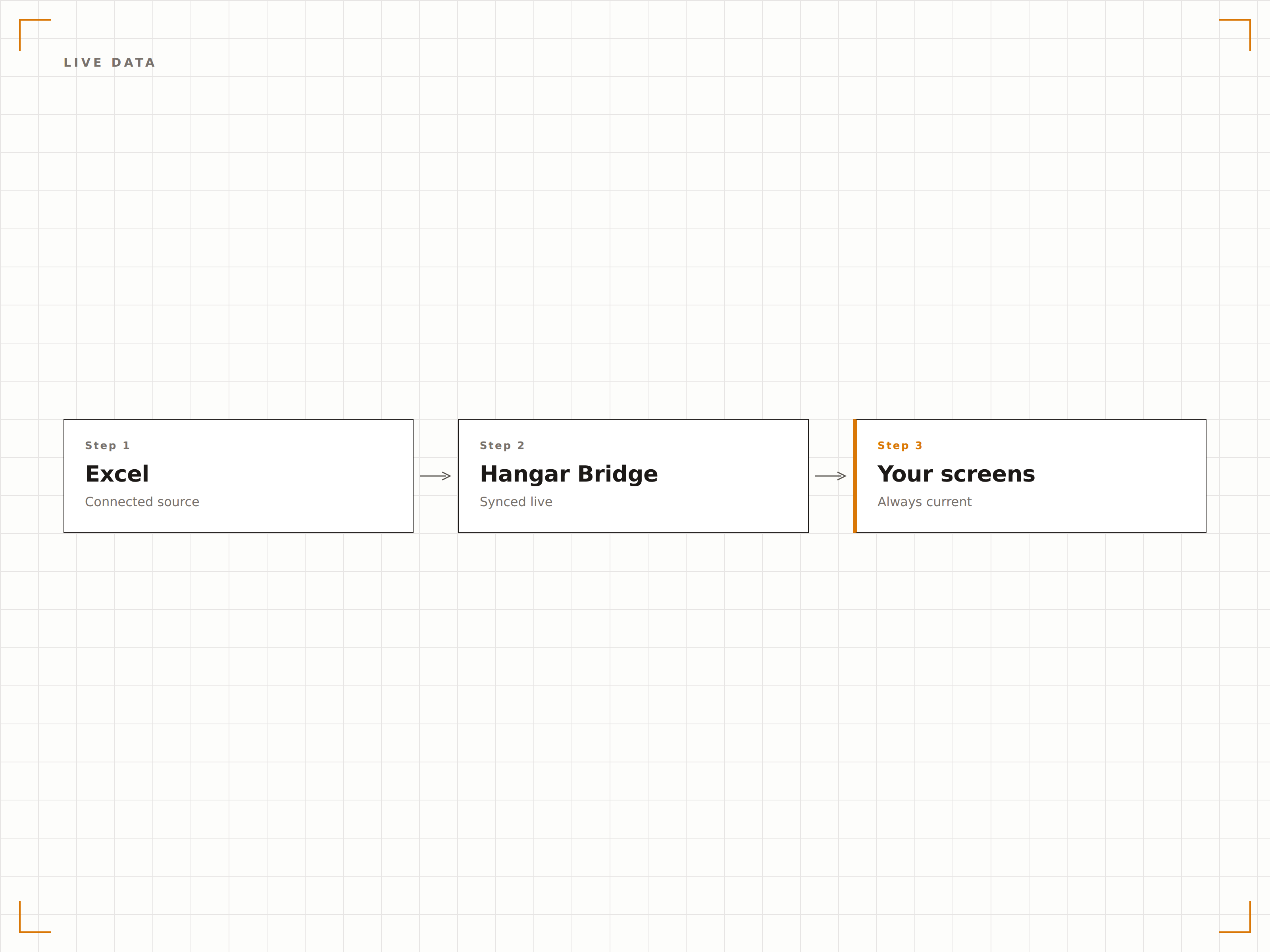
Gráficos de Excel en pantalla
Los gráficos de Excel se renderizan en alta resolución en pantallas de señalización digital. Gráficos de barras, de líneas, circulares y de dispersión se muestran con la misma calidad visual que en tu monitor, escalados para pantallas de gran formato.
Gráficos de Excel, a escala de pared.
Compatible con todos los tipos de gráficos de Excel
Renderizado de gráficos en alta resolución
Escalado automático según el tamaño de la pantalla
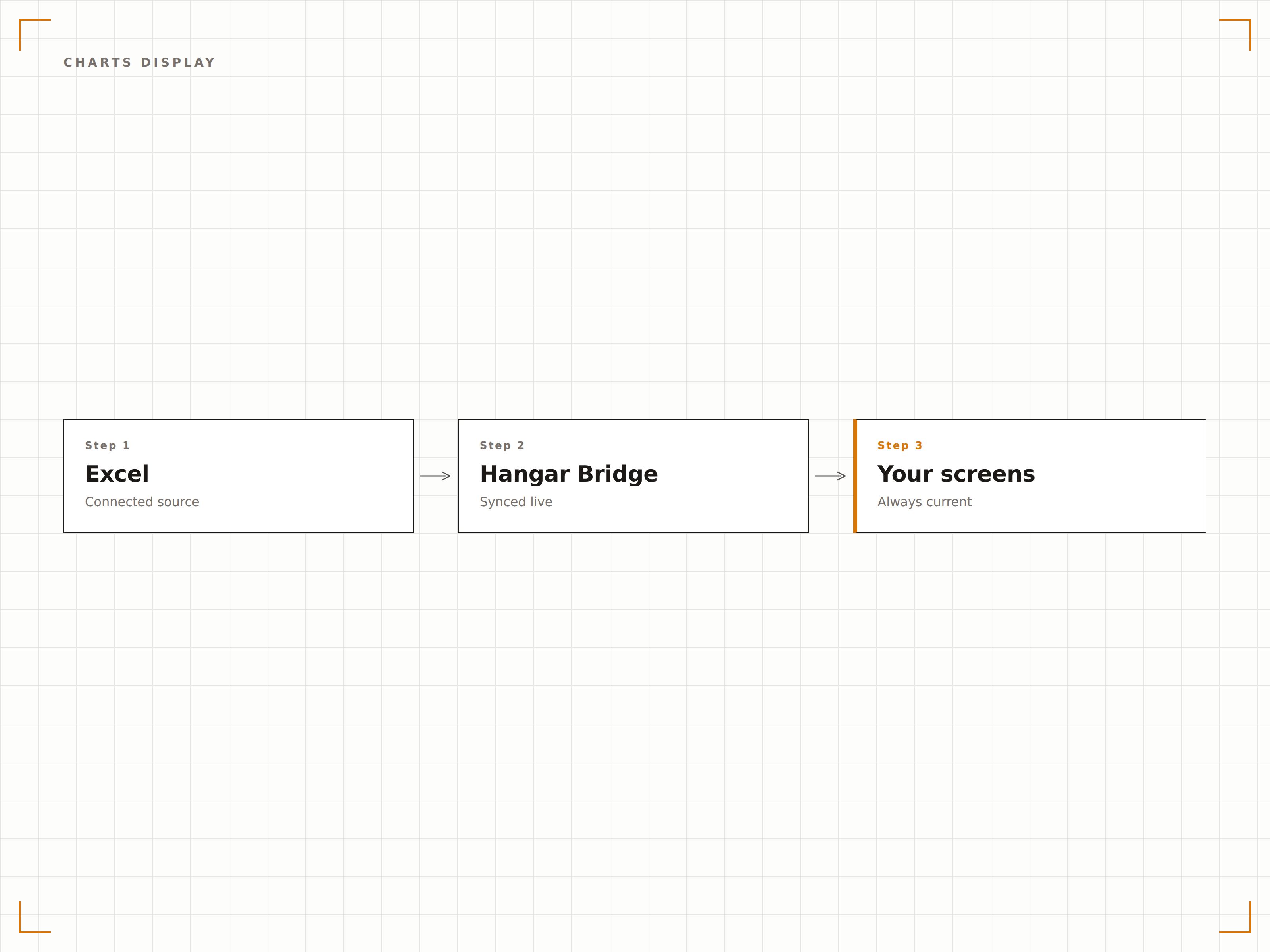
Muestra celdas o hojas específicas
No es necesario mostrar toda la hoja de cálculo. Selecciona una hoja de cálculo específica, un rango con nombre o un área de celdas para mostrar en pantalla. Muestra solo la tabla de resumen, solo el gráfico o solo las métricas clave de un libro complejo.
Muestra exactamente lo que importa, nada más.
Selección de hoja de cálculo
Visualización de rangos con nombre y rangos de celdas
Oculta columnas o filas con información sensible
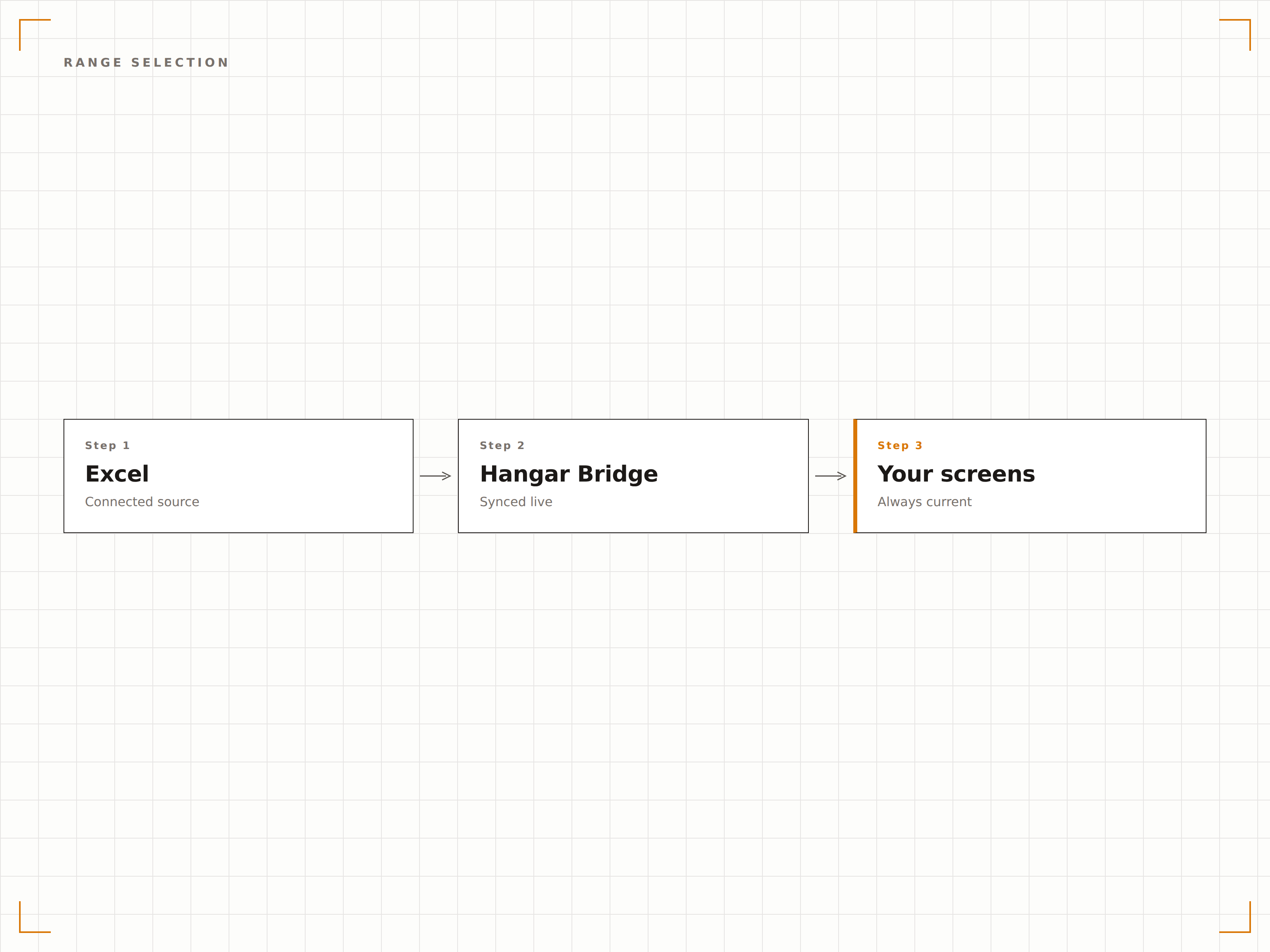
Cuatro pasos hacia pantallas conectadas.
Desde la configuración hasta contenido en vivo en minutos, no en días.
Vincular archivo Excel
Conéctate a un archivo Excel almacenado en OneDrive o SharePoint, o sube un archivo XLSX directamente.
Seleccionar rango de visualización
Elige qué hoja de cálculo, rango de celdas o gráfico mostrar en tu pantalla de señalización digital.
Configurar intervalo de actualización
Define con qué frecuencia Hangar.Media comprueba el archivo fuente en busca de actualizaciones.
Publicar
Asigna la visualización de Excel a tus pantallas y los datos de la hoja de cálculo se publican de inmediato.
Diseñado para cada sector.
Descubre cómo distintas industrias utilizan esta integración para obtener resultados.
Visualización de KPIs del equipo
Muestra una hoja de cálculo de seguimiento de KPIs del equipo en una pantalla de la oficina con los objetivos, resultados reales y el progreso de cada miembro.
RetailVisualización del turno de personal
Muestra el turno semanal del personal desde un archivo Excel en una pantalla en la zona de personal para que los empleados puedan consultar sus turnos sin necesidad de iniciar sesión en ningún sistema.
SaludPanel de ocupación de camas
Muestra una hoja de cálculo de seguimiento de ocupación de camas en pantallas del área de gestión de planta con el estado de las camas, el número de pacientes y la capacidad disponible.
EducaciónCalendario de exámenes
Muestra los horarios de exámenes y la asignación de aulas desde una hoja de cálculo Excel en pantallas de las zonas comunes para estudiantes y en las entradas de las salas de examen.
Preguntas frecuentes. Respuestas directas: respuestas.
¿Qué formatos de archivo Excel son compatibles?
Hangar.Media es compatible con archivos XLSX (Excel 2007 y versiones posteriores). Para una mejor experiencia, almacena tu archivo en OneDrive o SharePoint para que los cambios se sincronicen automáticamente con la pantalla de señalización digital.
¿Puedo mostrar varias hojas de cálculo del mismo libro?
Sí. Puedes crear varios elementos de contenido en Hangar.Media, cada uno apuntando a una hoja de cálculo o rango diferente dentro del mismo libro. Estos pueden rotar en pantalla o mostrarse en distintas pantallas.
¿Con qué rapidez aparecen los cambios de la hoja de cálculo en pantalla?
Hangar.Media comprueba si hay cambios en el archivo según el intervalo que hayas elegido, normalmente entre 5 y 30 minutos. Cuando se detecta un cambio, la pantalla se actualiza en segundos para mostrar los datos más recientes.
¿Puedo dar formato a la hoja de cálculo específicamente para su visualización en señalización digital?
Sí. Recomendamos crear una hoja de visualización dedicada dentro del libro que extraiga datos de otras hojas mediante fórmulas. Da formato a esta hoja con fuentes grandes, colores llamativos y diseños simplificados para una legibilidad óptima en señalización digital.
Un precio. La plataforma completa.
Así es como creemos que debe funcionar la señalización digital. Editor de contenido, gestión de pantallas y más de 200 integraciones de aplicaciones — todo incluido desde el primer día.
14 días gratis, hasta 3 pantallas — sin tarjeta.