Dati Excel, sul grande schermo. lo schermo grande.
Mostra dati, grafici e tabelle di Excel sulla segnaletica digitale con aggiornamenti in tempo reale da OneDrive o SharePoint.
Fogli di Calcolo Visibili a Tutti
Excel è ancora lo strumento per i dati più diffuso al mondo. Hangar.Media visualizza i file Excel sugli schermi di segnaletica, così turni di lavoro, tracker KPI, elenchi di inventario e bacheche di stato che vivono nei fogli di calcolo possono essere condivisi con l'intero team. Collega i file in OneDrive o SharePoint e lo schermo si aggiorna automaticamente ogni volta che il foglio di calcolo viene modificato.
Cosa puoi fare con lo schermo grande.
Tre funzionalità che rendono questa integrazione indispensabile per la tua rete di segnaletica digitale.
Fogli di calcolo con aggiornamento automatico
Collega un file Excel da OneDrive o SharePoint e lo schermo della segnaletica si aggiorna ogni volta che il file viene modificato. I membri del team aggiornano il foglio di calcolo dalle proprie postazioni e la visualizzazione sulla segnaletica riflette i dati più recenti senza alcun intervento manuale.
Modifica una cella, aggiorna uno schermo.
Sincronizzazione file OneDrive e SharePoint
Rilevamento automatico delle modifiche
Aggiornamento dello schermo al cambio del file
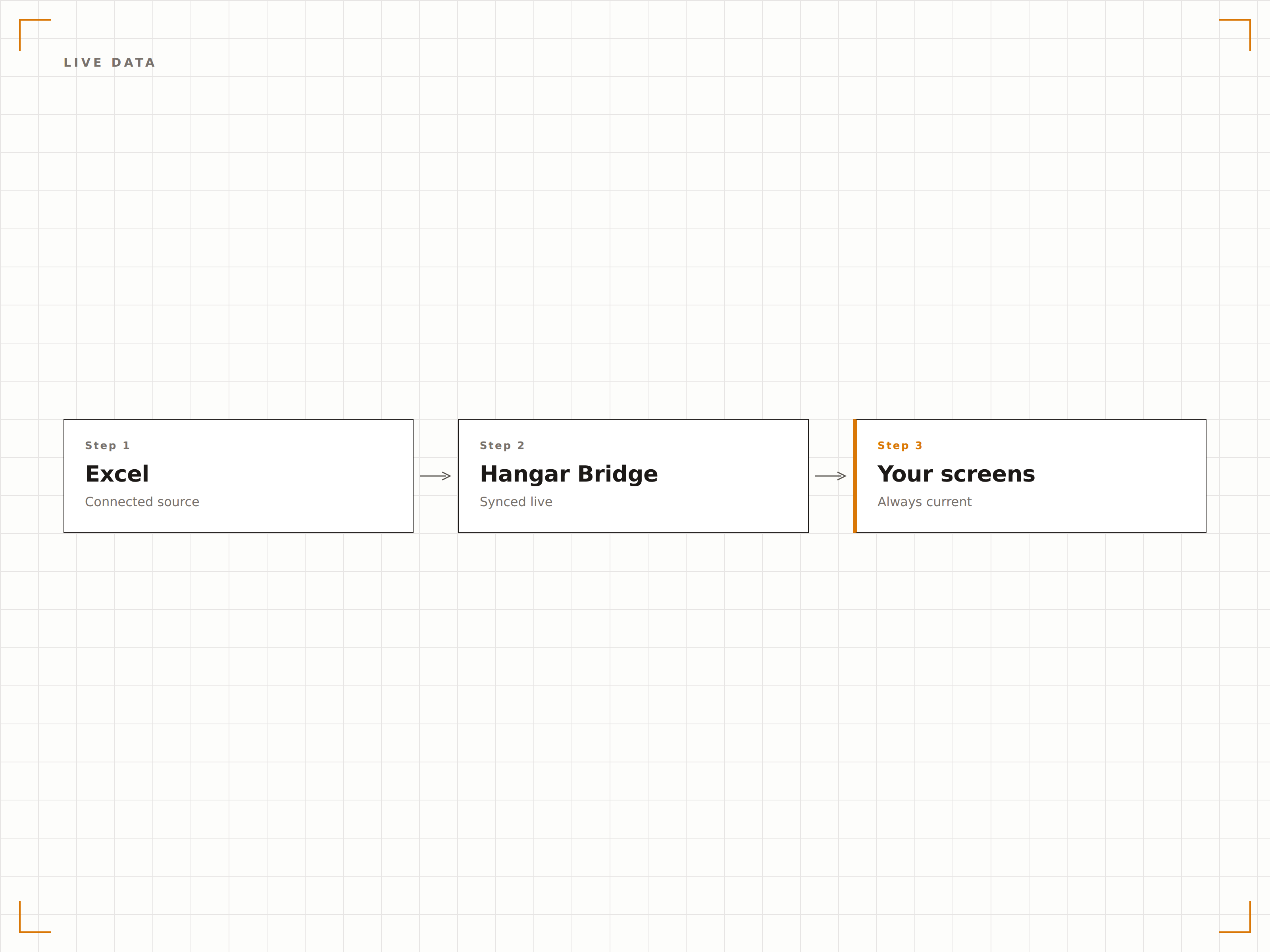
Grafici Excel sullo schermo
I grafici Excel vengono renderizzati ad alta risoluzione sugli schermi di segnaletica digitale. Grafici a barre, a linee, a torta e a dispersione vengono visualizzati con la stessa qualità visiva del tuo monitor, adattati per display di grande formato.
Grafici Excel, pensati per il grande schermo.
Tutti i tipi di grafici Excel supportati
Rendering dei grafici ad alta risoluzione
Adattamento automatico alle dimensioni dello schermo
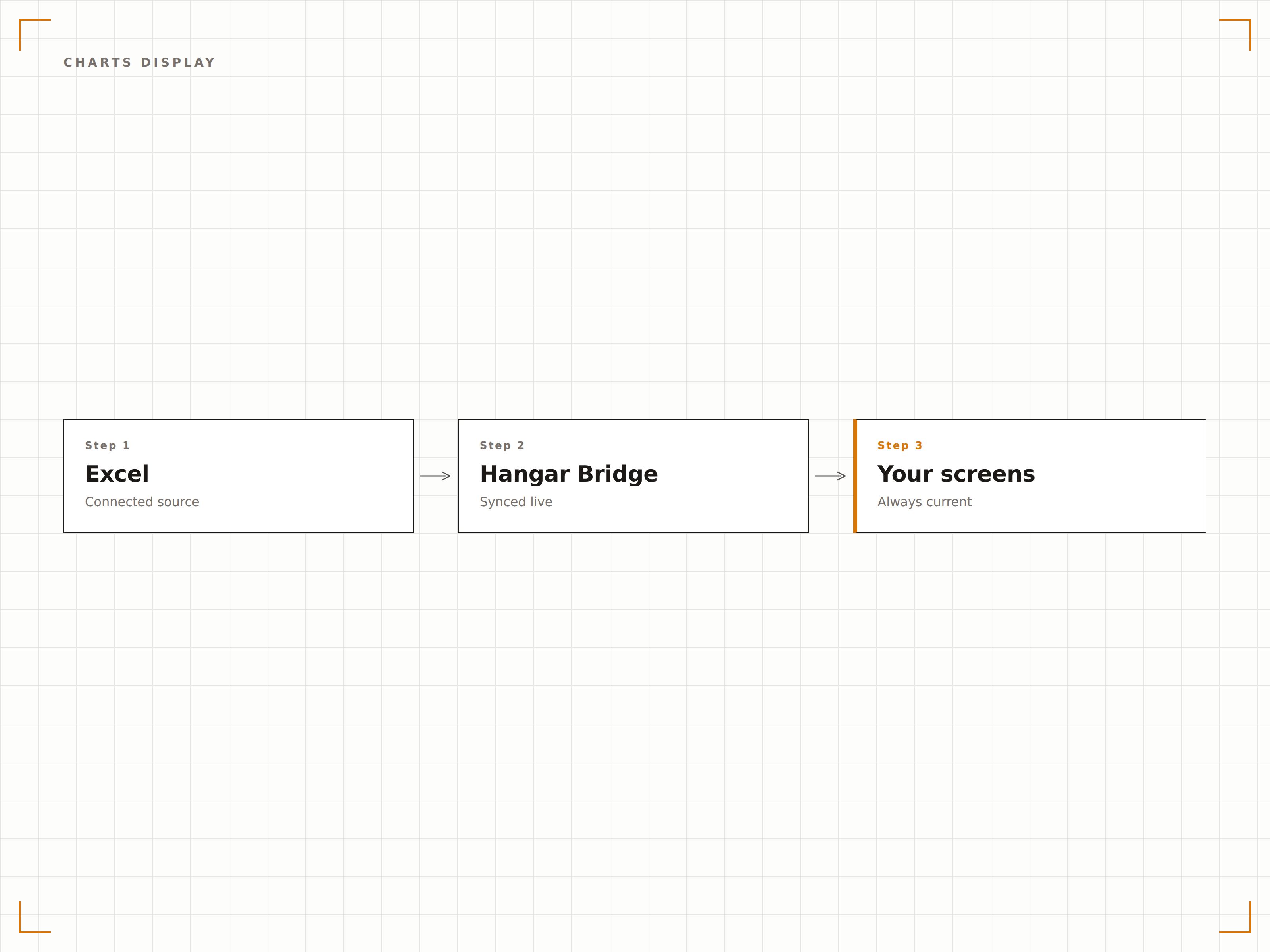
Visualizza celle o fogli specifici
Non è necessario visualizzare l'intero foglio di calcolo. Seleziona un foglio di lavoro specifico, un intervallo denominato o un'area di celle da mostrare sullo schermo. Visualizza solo la tabella di riepilogo, solo il grafico o solo le metriche chiave da una cartella di lavoro complessa.
Mostra esattamente ciò che conta, niente di più.
Selezione del foglio di lavoro
Visualizzazione di intervalli denominati e intervalli di celle
Nascondi colonne o righe sensibili
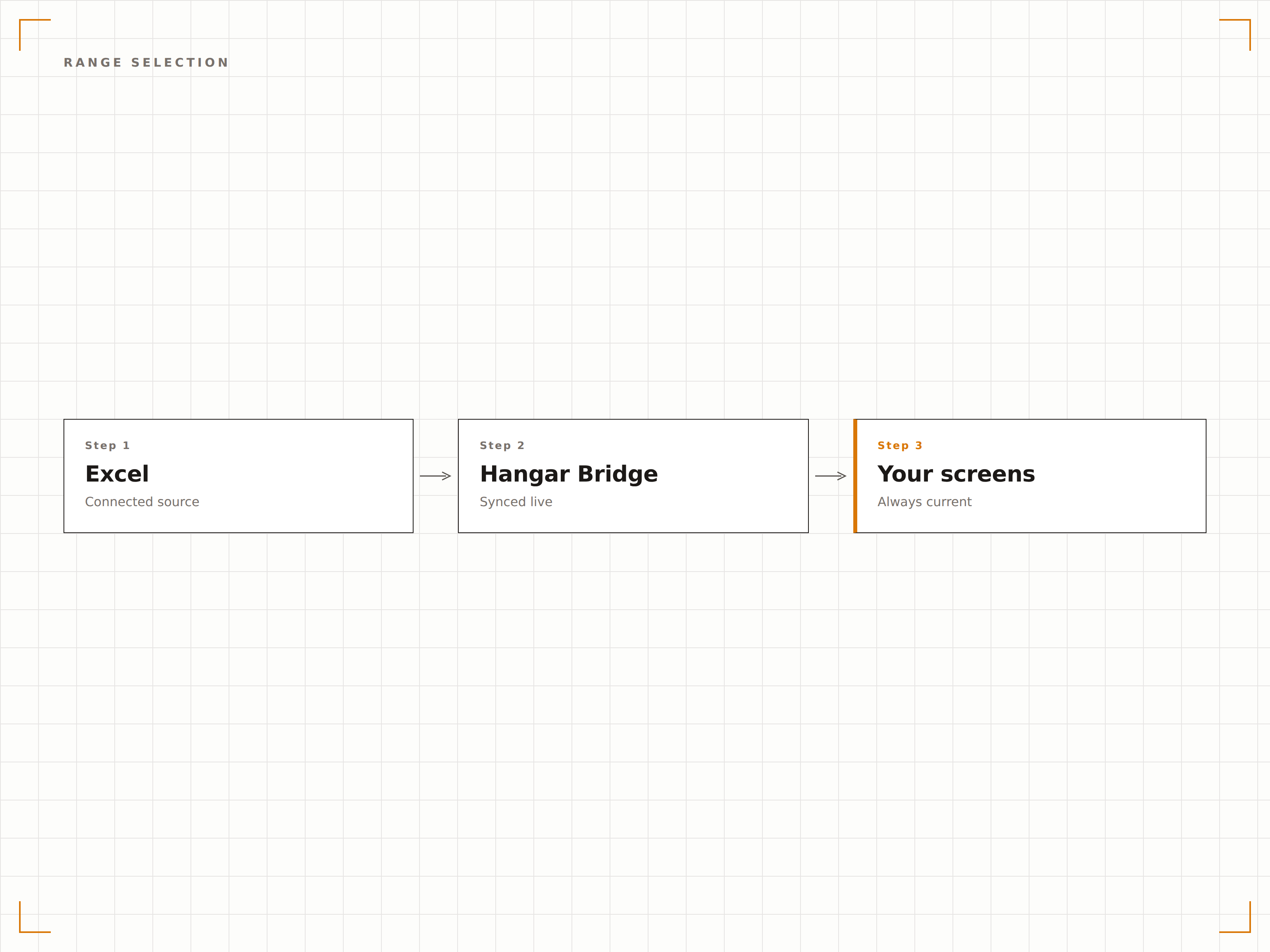
Quattro passaggi verso schermi connessi.
Dalla configurazione ai contenuti live in minuti, non giorni.
Collega il file Excel
Connettiti a un file Excel archiviato in OneDrive o SharePoint, oppure carica direttamente un file XLSX.
Seleziona l'intervallo di visualizzazione
Scegli quale foglio di lavoro, intervallo di celle o grafico mostrare sullo schermo della segnaletica.
Imposta l'intervallo di aggiornamento
Configura la frequenza con cui Hangar.Media verifica gli aggiornamenti nel file sorgente.
Pubblica
Assegna la visualizzazione Excel ai tuoi schermi e i dati del foglio di calcolo vanno in onda immediatamente.
Costruito per ogni settore.
Scopri come diversi settori utilizzano questa integrazione per ottenere risultati concreti.
Visualizzazione KPI di team
Mostra un foglio di calcolo per il monitoraggio dei KPI di team su uno schermo in ufficio, con obiettivi, risultati effettivi e progressi per ogni membro del team.
RetailVisualizzazione turni del personale
Mostra il turno settimanale del personale da un file Excel su uno schermo nel retro del negozio, così i dipendenti possono controllare i propri turni senza accedere a nessun sistema.
SanitàPannello occupazione posti letto
Visualizza un foglio di calcolo per il monitoraggio dell'occupazione dei posti letto su schermi nell'area di gestione del reparto, con lo stato dei letti, il numero di pazienti e la capacità disponibile.
IstruzioneCalendario degli esami
Mostra calendari degli esami e assegnazioni delle aule da un foglio Excel su schermi nelle aree comuni degli studenti e agli ingressi delle sale d'esame.
Domande frequenti. Risposte dirette risposte.
Quali formati di file Excel sono supportati?
Hangar.Media supporta i file XLSX (Excel 2007 e versioni successive). Per un'esperienza ottimale, archivia il file in OneDrive o SharePoint in modo che le modifiche si sincronizzino automaticamente con lo schermo della segnaletica.
Posso visualizzare più fogli di lavoro dalla stessa cartella di lavoro?
Sì. Puoi creare più elementi di contenuto in Hangar.Media, ciascuno collegato a un foglio di lavoro o a un intervallo diverso all'interno della stessa cartella di lavoro. Questi possono ruotare sullo schermo o essere visualizzati su schermi diversi.
Con quale rapidità le modifiche al foglio di calcolo appaiono sullo schermo?
Hangar.Media verifica le modifiche al file all'intervallo da te scelto, in genere ogni 5-30 minuti. Quando viene rilevata una modifica, lo schermo si aggiorna in pochi secondi per mostrare i dati aggiornati.
Posso formattare il foglio di calcolo appositamente per la visualizzazione sulla segnaletica?
Sì. Consigliamo di creare un foglio di visualizzazione dedicato all'interno della cartella di lavoro, che recuperi i dati dagli altri fogli tramite formule. Formatta questo foglio con caratteri grandi, colori vivaci e layout semplificati per una leggibilità ottimale sulla segnaletica.
Un prezzo. L'intera piattaforma.
Così pensiamo che la segnaletica digitale dovrebbe funzionare. Editor di contenuti, gestione degli schermi e oltre 200 integrazioni di app — tutto incluso fin dal primo giorno.
14 giorni gratis, fino a 3 schermi — senza carta.