Dados do Excel, na tela grande. a grande tela.
Exiba dados, gráficos e tabelas do Excel em telas de sinalização digital com atualizações em tempo real via OneDrive ou SharePoint.
Planilhas Que Todo Mundo Pode Ver
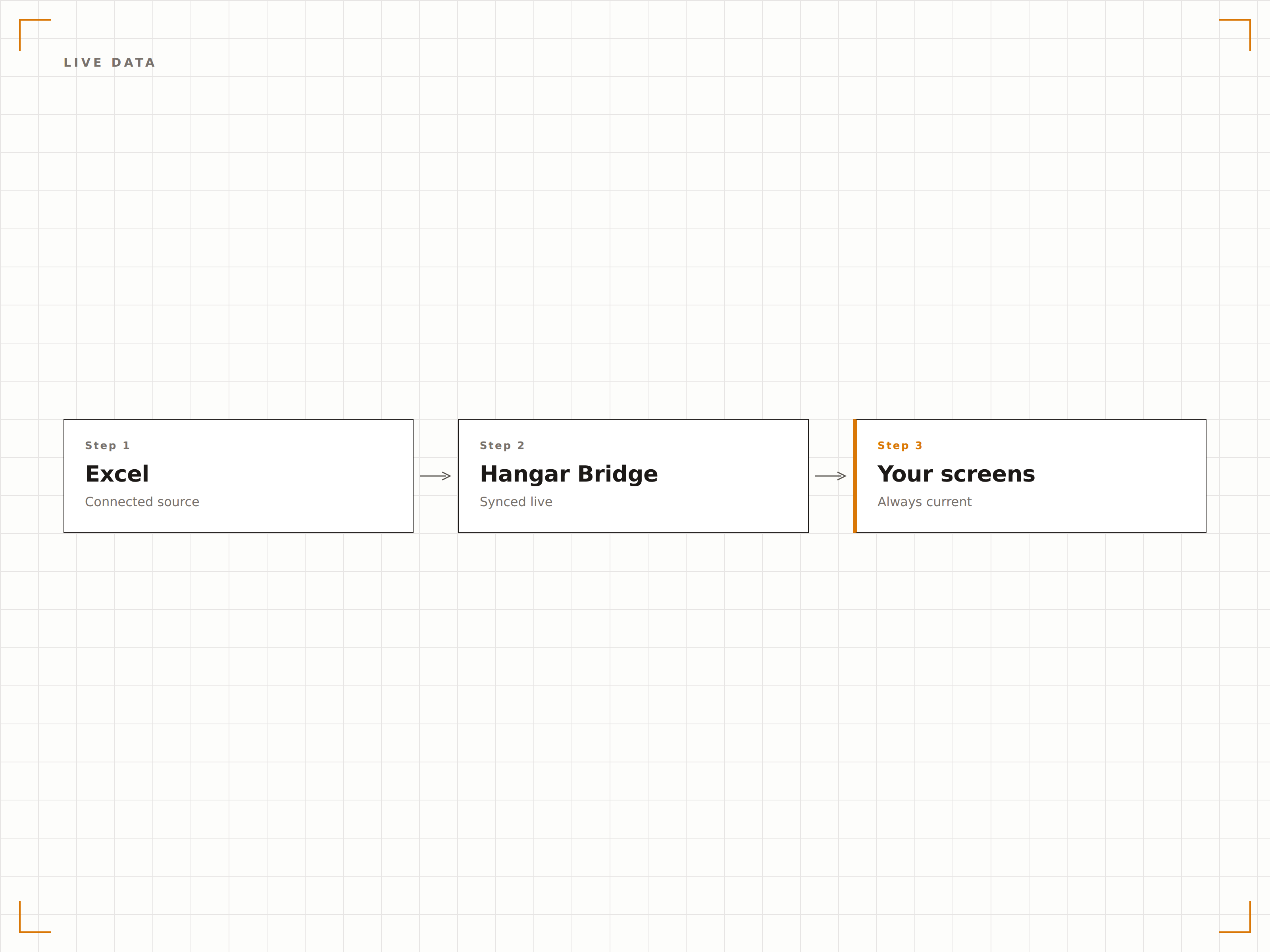
O Excel ainda é a ferramenta de dados mais popular do mundo. O Hangar.Media exibe arquivos do Excel em telas de sinalização para que escalas de turno, painéis de KPI, listas de estoque e quadros de status que vivem em planilhas possam ser compartilhados com toda a equipe. Vincule arquivos no OneDrive ou SharePoint e a tela é atualizada automaticamente sempre que a planilha for alterada.
O que você pode fazer com a grande tela.
Três capacidades que tornam esta integração essencial para a sua rede de sinalização digital.
Planilhas com Atualização Automática
Vincule um arquivo Excel do OneDrive ou SharePoint e a tela de sinalização digital é atualizada sempre que o arquivo for alterado. Os membros da equipe atualizam a planilha de suas mesas e a exibição na sinalização digital reflete os dados mais recentes sem nenhuma intervenção manual.
Altere uma célula, atualize uma tela.
Sincronização de arquivos com OneDrive e SharePoint
Detecção automática de alterações
Atualização da tela ao modificar o arquivo
Gráficos do Excel na Tela
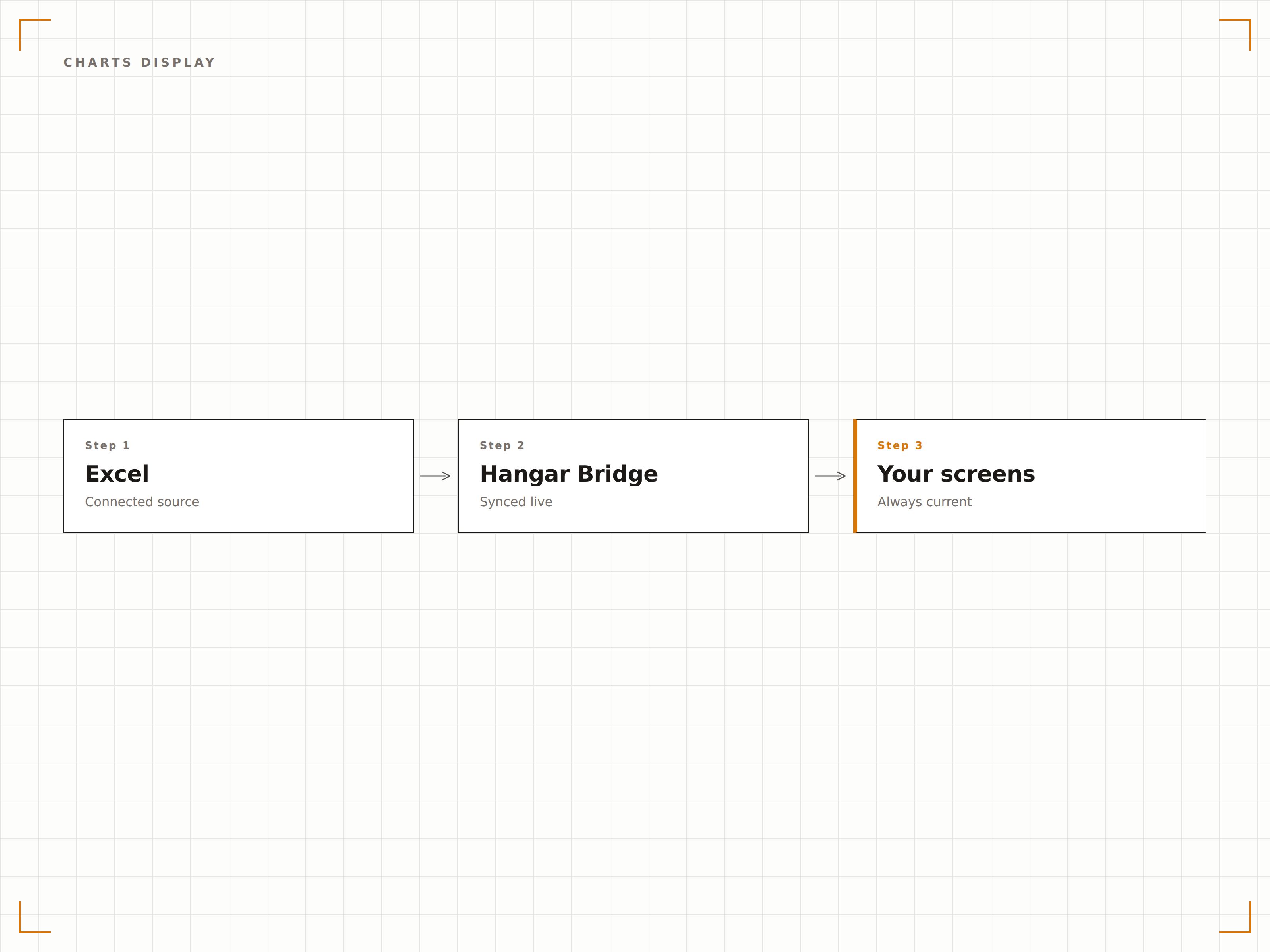
Os gráficos do Excel são renderizados em resolução total nas telas de sinalização digital. Gráficos de barras, linhas, pizza e dispersão são exibidos com a mesma qualidade visual que no seu monitor, dimensionados para telas de grande formato.
Gráficos do Excel, no tamanho da parede.
Todos os tipos de gráficos do Excel são suportados
Renderização de gráficos em resolução total
Escalonamento automático para o tamanho da tela
Exibir Células ou Planilhas Específicas
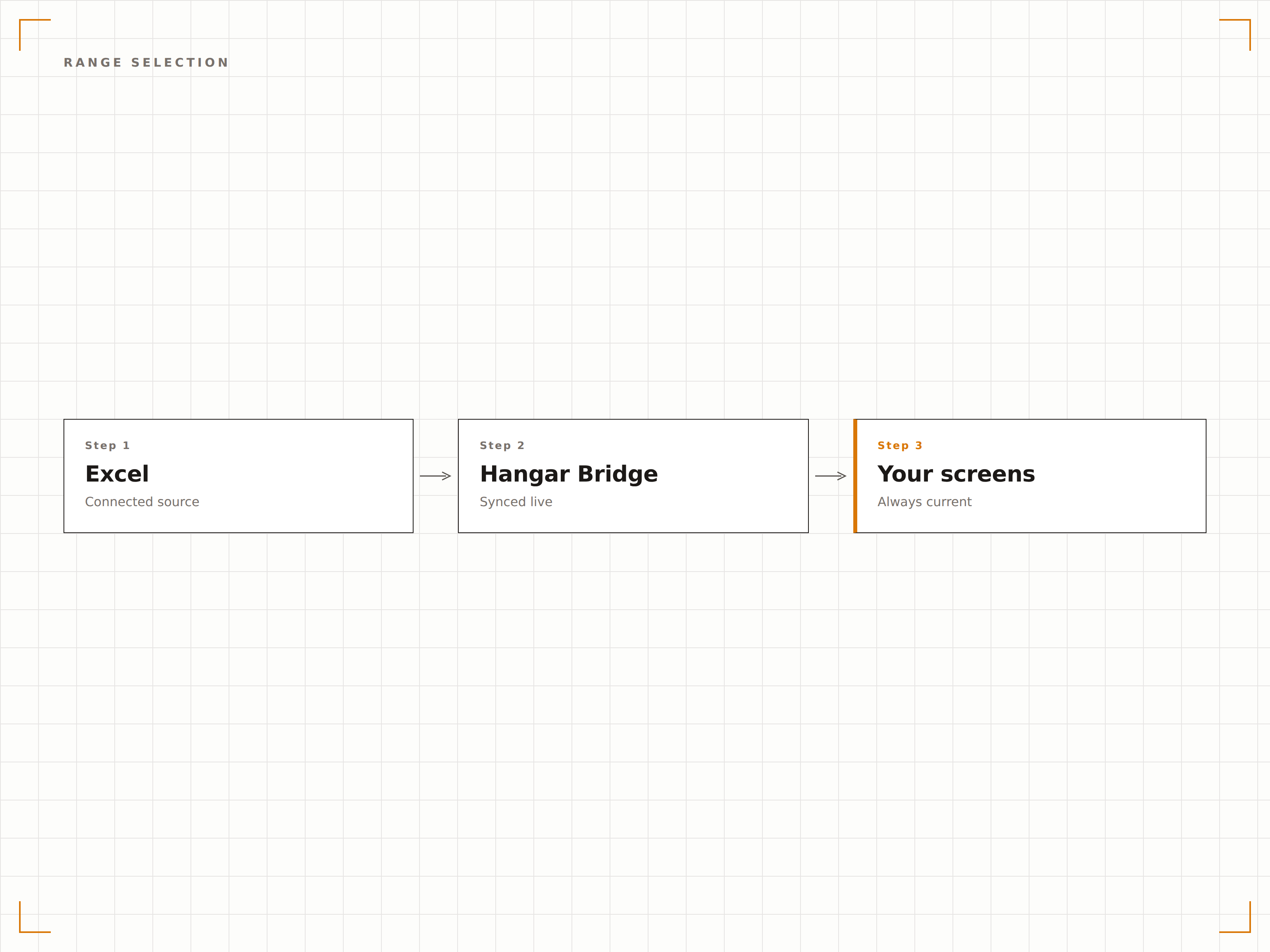
Você não precisa exibir a planilha inteira. Selecione uma planilha específica, um intervalo nomeado ou uma área de células para exibir na tela. Mostre apenas a tabela de resumo, apenas o gráfico ou apenas as métricas principais de uma pasta de trabalho complexa.
Mostre exatamente o que importa, nada mais.
Seleção de planilha
Exibição de intervalos nomeados e intervalos de células
Ocultar colunas ou linhas sensíveis
Quatro etapas para telas conectadas.
Da configuração ao conteúdo ao vivo em minutos, não dias.
Vincular Arquivo Excel
Conecte-se a um arquivo Excel armazenado no OneDrive ou SharePoint, ou faça upload de um arquivo XLSX diretamente.
Selecionar Intervalo de Exibição
Escolha qual planilha, intervalo de células ou gráfico exibir na sua tela de sinalização digital.
Definir Intervalo de Atualização
Configure com que frequência o Hangar.Media verifica o arquivo de origem em busca de atualizações.
Publicar
Atribua a exibição do Excel às suas telas e os dados da planilha entram no ar imediatamente.
Feito para cada setor.
Veja como diferentes segmentos utilizam esta integração para gerar resultados.
Exibição de Rastreador de KPIs
Exiba uma planilha de acompanhamento de KPIs da equipe em uma tela no escritório, mostrando metas, resultados reais e o progresso de cada membro da equipe.
VarejoExibição de Escala de Funcionários
Mostre a escala semanal de funcionários a partir de um arquivo Excel em uma tela na área interna da loja, para que os colaboradores possam verificar seus turnos sem precisar acessar nenhum sistema.
SaúdePainel de Ocupação de Leitos
Exiba uma planilha de acompanhamento de ocupação de leitos em telas na área de gestão da enfermaria, mostrando o status dos leitos, a contagem de pacientes e a capacidade disponível.
EducaçãoCalendário de Provas
Mostre cronogramas de provas e atribuições de salas a partir de uma planilha Excel em telas nas áreas comuns dos alunos e nas entradas dos salões de exame.
Perguntas frequentes. Respostas diretas respostas.
Quais formatos de arquivo Excel são suportados?
O Hangar.Media suporta arquivos XLSX (Excel 2007 e versões posteriores). Para a melhor experiência, armazene seu arquivo no OneDrive ou SharePoint para que as alterações sejam sincronizadas automaticamente com a tela de sinalização digital.
Posso exibir várias planilhas da mesma pasta de trabalho?
Sim. Você pode criar vários itens de conteúdo no Hangar.Media, cada um apontando para uma planilha ou intervalo diferente dentro da mesma pasta de trabalho. Eles podem se alternar na tela ou ser exibidos em telas diferentes.
Com que rapidez as alterações na planilha aparecem na tela?
O Hangar.Media verifica alterações no arquivo no intervalo escolhido por você, normalmente a cada 5 a 30 minutos. Quando uma alteração é detectada, a tela é atualizada em segundos para exibir os dados mais recentes.
Posso formatar a planilha especificamente para exibição em sinalização digital?
Sim. Recomendamos criar uma planilha de exibição dedicada dentro da sua pasta de trabalho, que busca dados de outras planilhas usando fórmulas. Formate essa planilha com fontes grandes, cores marcantes e layouts simplificados para uma leitura ideal na sinalização digital.
Um preço. A plataforma completa.
É assim que acreditamos que a sinalização digital deve funcionar. Editor de conteúdo, gerenciamento de telas e mais de 200 integrações de aplicativos — tudo incluído desde o primeiro dia.
14 dias grátis, até 3 telas — sem cartão.