Vos données Excel, sur grand écran. le grand écran.
Affichez des données Excel, des graphiques et des tableaux sur des écrans d'affichage dynamique avec des mises à jour en direct depuis OneDrive ou SharePoint.
Des Tableurs Visibles par Tous
Excel reste l'outil de données le plus utilisé au monde. Hangar.Media affiche les fichiers Excel sur des écrans Signage, permettant ainsi de partager avec toute l'équipe les plannings d'équipe, les tableaux de bord KPI, les listes de stocks et les tableaux de statut qui vivent dans des tableurs. Liez vos fichiers OneDrive ou SharePoint et l'écran se met à jour automatiquement dès que le tableur est modifié.
Ce que vous pouvez faire avec le grand écran.
Trois fonctionnalités qui rendent cette intégration indispensable pour votre réseau d'affichage dynamique.
Feuilles de calcul à mise à jour automatique
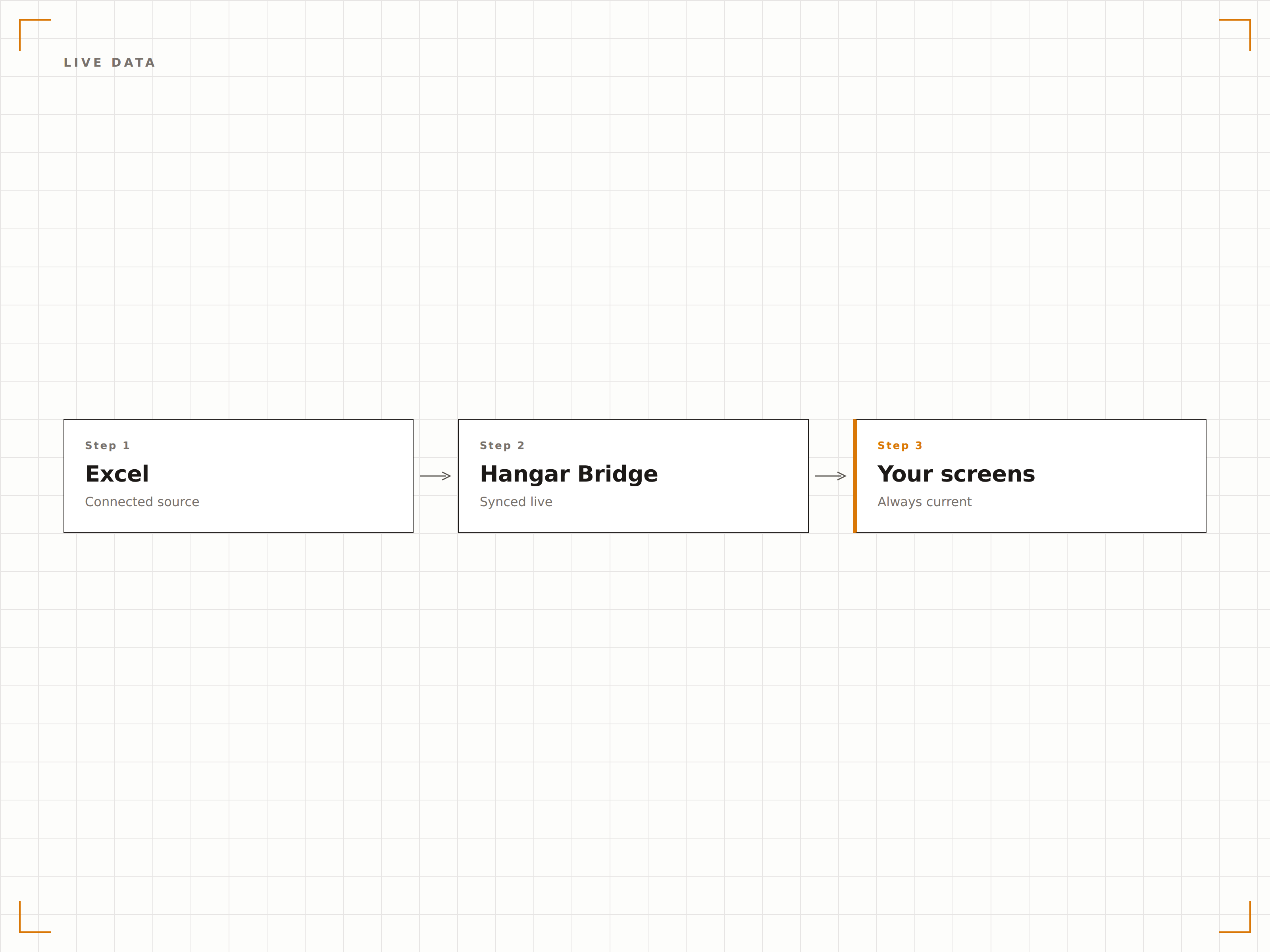
Liez un fichier Excel depuis OneDrive ou SharePoint et l'écran d'affichage dynamique se met à jour dès que le fichier est modifié. Les membres de l'équipe mettent à jour la feuille de calcul depuis leur poste de travail, et l'affichage dynamique reflète les dernières données sans aucune intervention manuelle.
Modifiez une cellule, mettez à jour un écran.
Synchronisation de fichiers OneDrive et SharePoint
Détection automatique des modifications
Rafraîchissement de l'écran à la mise à jour du fichier
Graphiques Excel sur écran
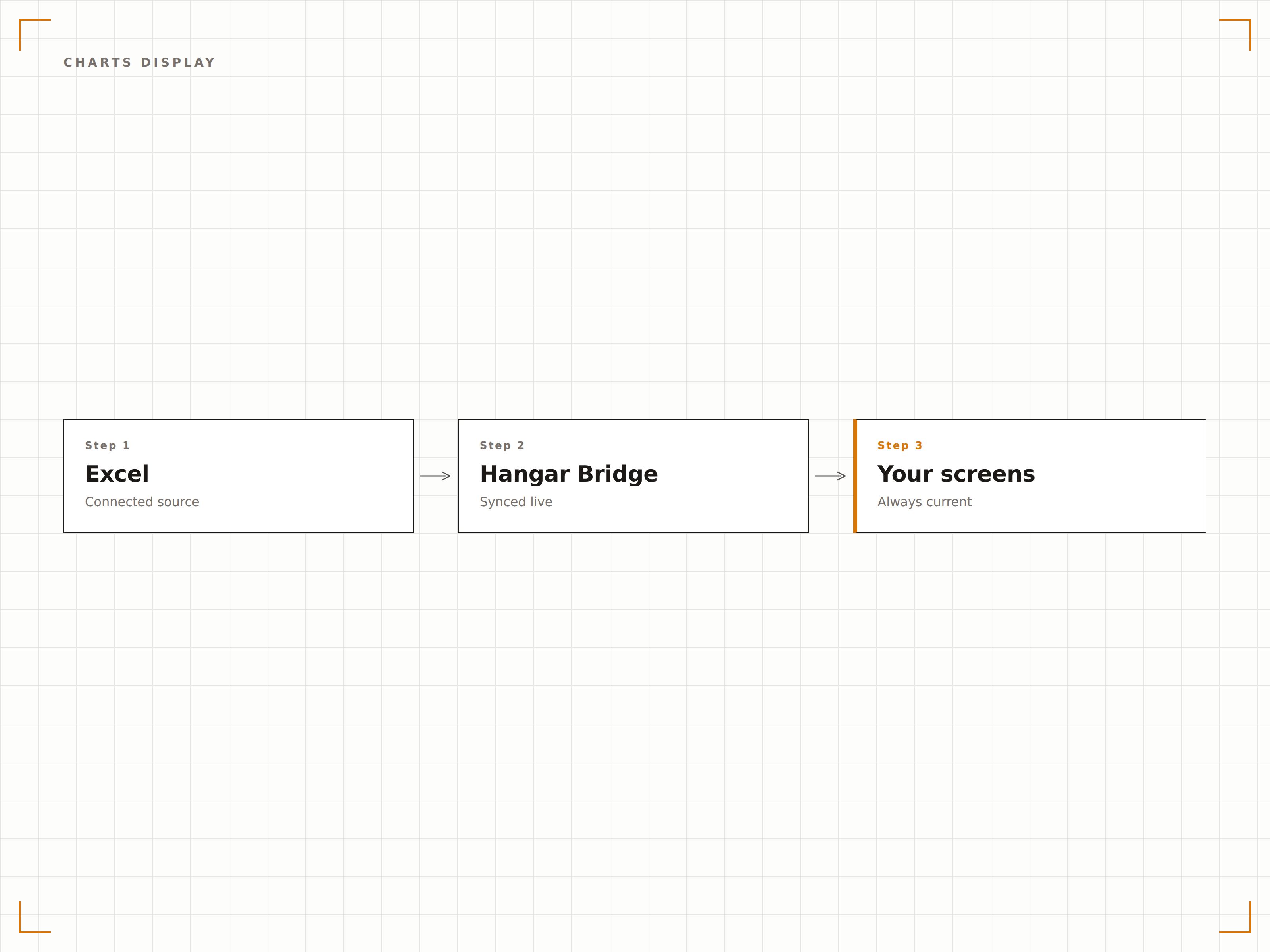
Les graphiques Excel s'affichent en pleine résolution sur les écrans d'affichage dynamique. Histogrammes, courbes, camemberts et nuages de points s'affichent avec la même qualité visuelle que sur votre moniteur, mis à l'échelle pour les grands formats.
Des graphiques Excel taillés pour le grand écran.
Tous les types de graphiques Excel pris en charge
Rendu des graphiques en pleine résolution
Mise à l'échelle automatique selon la taille d'affichage
Afficher des cellules ou des feuilles spécifiques
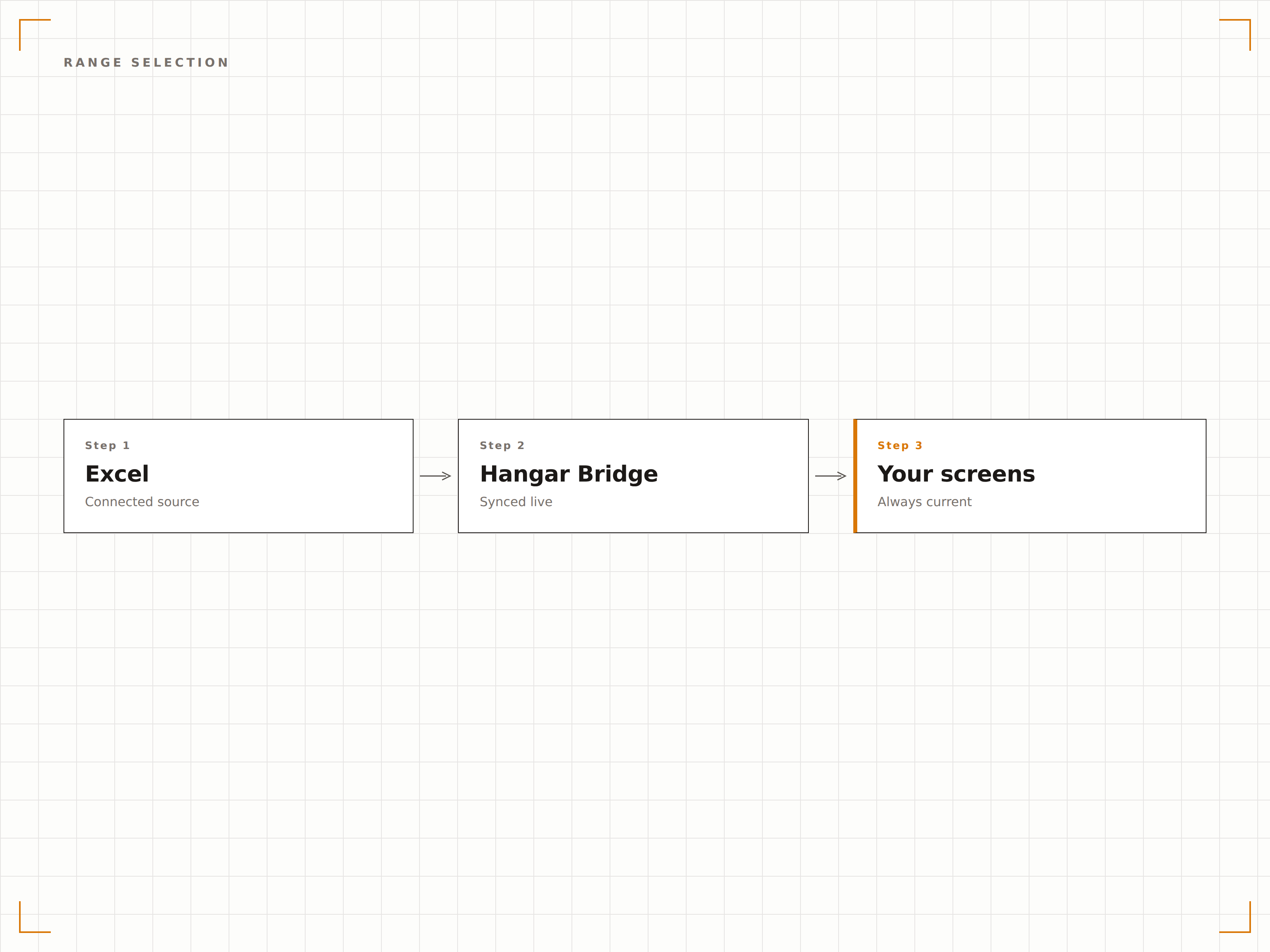
Vous n'êtes pas obligé d'afficher l'intégralité de la feuille de calcul. Sélectionnez une feuille de calcul spécifique, une plage nommée ou une zone de cellules à afficher sur l'écran. Affichez uniquement le tableau récapitulatif, uniquement le graphique, ou uniquement les indicateurs clés d'un classeur complexe.
Affichez exactement ce qui compte, rien de plus.
Sélection de feuille de calcul
Affichage de plages nommées et de plages de cellules
Masquer les colonnes ou lignes sensibles
Quatre étapes vers écrans connectés.
De la configuration au contenu en direct en quelques minutes, pas en jours.
Lier le fichier Excel
Connectez-vous à un fichier Excel stocké dans OneDrive ou SharePoint, ou importez directement un fichier XLSX.
Sélectionner la plage d'affichage
Choisissez la feuille de calcul, la plage de cellules ou le graphique à afficher sur votre écran d'affichage dynamique.
Définir l'intervalle de rafraîchissement
Configurez la fréquence à laquelle Hangar.Media vérifie les mises à jour dans le fichier source.
Publier
Associez l'affichage Excel à vos écrans et les données de la feuille de calcul sont diffusées en direct immédiatement.
Conçu pour chaque secteur.
Découvrez comment différents secteurs utilisent cette intégration pour obtenir des résultats.
Affichage de suivi des KPI
Affichez une feuille de calcul de suivi des KPI d'équipe sur un écran au bureau, indiquant les objectifs, les résultats réels et la progression de chaque membre de l'équipe.
CommerceAffichage des plannings du personnel
Affichez le planning hebdomadaire du personnel issu d'un fichier Excel sur un écran en arrière-boutique, afin que les employés puissent consulter leurs horaires sans se connecter à un système.
SantéTableau d'occupation des lits
Affichez une feuille de calcul de suivi de l'occupation des lits sur les écrans de la zone de gestion du service, indiquant le statut des lits, le nombre de patients et la capacité disponible.
ÉducationCalendrier des examens
Affichez les calendriers d'examens et les affectations de salles issus d'une feuille de calcul Excel sur les écrans des espaces communs étudiants et aux entrées des salles d'examen.
Questions fréquentes. Réponses directes : réponses.
Quels formats de fichiers Excel sont pris en charge ?
Hangar.Media prend en charge les fichiers XLSX (Excel 2007 et versions ultérieures). Pour une expérience optimale, stockez votre fichier dans OneDrive ou SharePoint afin que les modifications se synchronisent automatiquement avec l'écran d'affichage dynamique.
Puis-je afficher plusieurs feuilles de calcul d'un même classeur ?
Oui. Vous pouvez créer plusieurs éléments de contenu dans Hangar.Media, chacun pointant vers une feuille de calcul ou une plage différente au sein du même classeur. Ils peuvent défiler en rotation sur un écran ou s'afficher sur des écrans distincts.
À quelle vitesse les modifications de la feuille de calcul apparaissent-elles sur l'écran ?
Hangar.Media vérifie les modifications du fichier à l'intervalle de votre choix, généralement toutes les 5 à 30 minutes. Lorsqu'une modification est détectée, l'écran se rafraîchit en quelques secondes pour afficher les données mises à jour.
Puis-je mettre en forme la feuille de calcul spécifiquement pour l'affichage dynamique ?
Oui. Nous recommandons de créer une feuille d'affichage dédiée dans votre classeur, qui récupère les données des autres feuilles via des formules. Mettez en forme cette feuille avec des polices de grande taille, des couleurs vives et des mises en page simplifiées pour une lisibilité optimale sur l'affichage dynamique.
Un seul tarif. La plateforme complète.
C'est ainsi que nous pensons que l'affichage dynamique devrait fonctionner. Éditeur de contenu, gestion des écrans et plus de 200 intégrations d'applications — tout inclus dès le premier jour.
14 jours gratuits, jusqu'à 3 écrans — sans carte bancaire.