OneDrive-Inhalte, auf Ihren Bildschirmen. Ihre Bildschirme.
Streamen Sie Bilder, Videos und Dokumente aus OneDrive-Ordnern direkt auf Digital Signage Bildschirme – mit automatischer Synchronisierung bei Dateiänderungen.
Ihre Cloud-Dateien auf jedem Bildschirm
OneDrive ist der Ort, an dem Ihre Teams Bilder, Videos und Dokumente ablegen. Hangar.Media verbindet sich mit OneDrive-Ordnern und zeigt deren Inhalte auf Signage-Bildschirmen als Diashows, Video-Playlists oder Dokument-Karussells an. Fügen Sie Dateien von einem beliebigen Gerät zum verknüpften Ordner hinzu, und sie erscheinen automatisch auf dem Bildschirm. Entfernen Sie Dateien, und sie verschwinden. Ihr OneDrive-Ordner wird zur Inhaltsquelle für Ihr Signage.
Was Sie mit Ihre Bildschirme. tun können
Drei Funktionen, die diese Integration für Ihr Digital Signage-Netzwerk unverzichtbar machen.
Automatische Inhaltsaktualisierungen
Verknüpfen Sie einen OneDrive-Ordner mit Ihrem Signage-Bildschirm. Sobald jemand ein Bild oder Video in diesen Ordner legt, erscheint es beim nächsten Synchronisierungszyklus auf dem Signage-Display. Wird eine Datei entfernt, verschwindet sie vom Bildschirm. Der Ordner ist der Content-Manager.
Dateien in OneDrive ablegen – sofort auf dem Bildschirm sehen.
Automatische Dateierkennung und Anzeige
Dateien hinzufügen, um Inhalte sofort zu aktualisieren
Dateien entfernen, um sie vom Bildschirm zu löschen
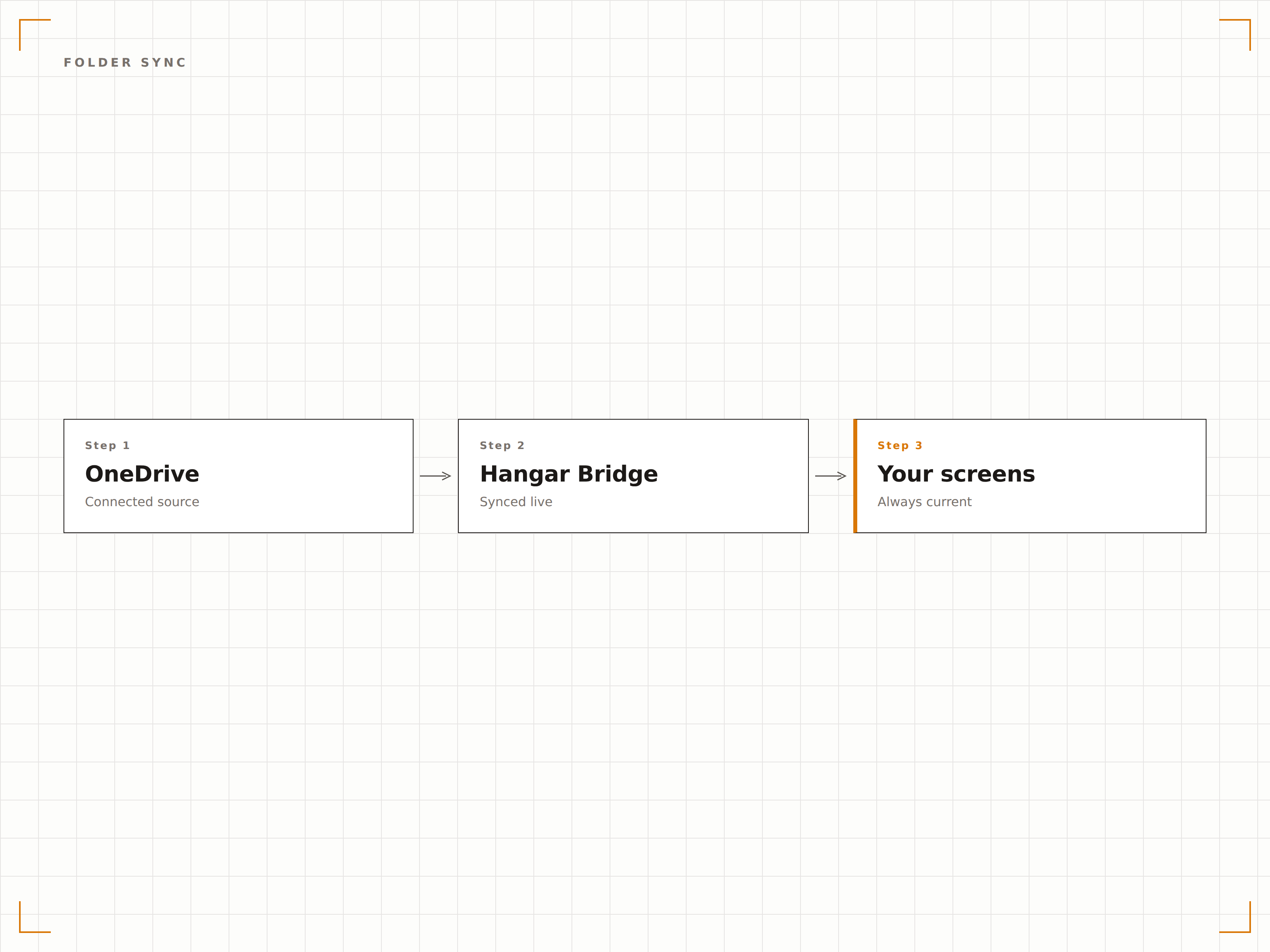
Bild-Diashow aus OneDrive
Zeigen Sie Bilder aus einem OneDrive-Ordner als Diashow mit weichen Übergängen, einstellbaren Anzeigedauern und zufälliger oder sequenzieller Wiedergabe an. Ideal für Fotogalerien, Veranstaltungsfotos und Anzeigen zur Teamfeier.
Eine Fotogalerie, die sich selbst aktualisiert.
Weiche Überblendungsübergänge
Zufällige oder sequenzielle Wiedergabe
Einstellbare Anzeigedauer pro Bild
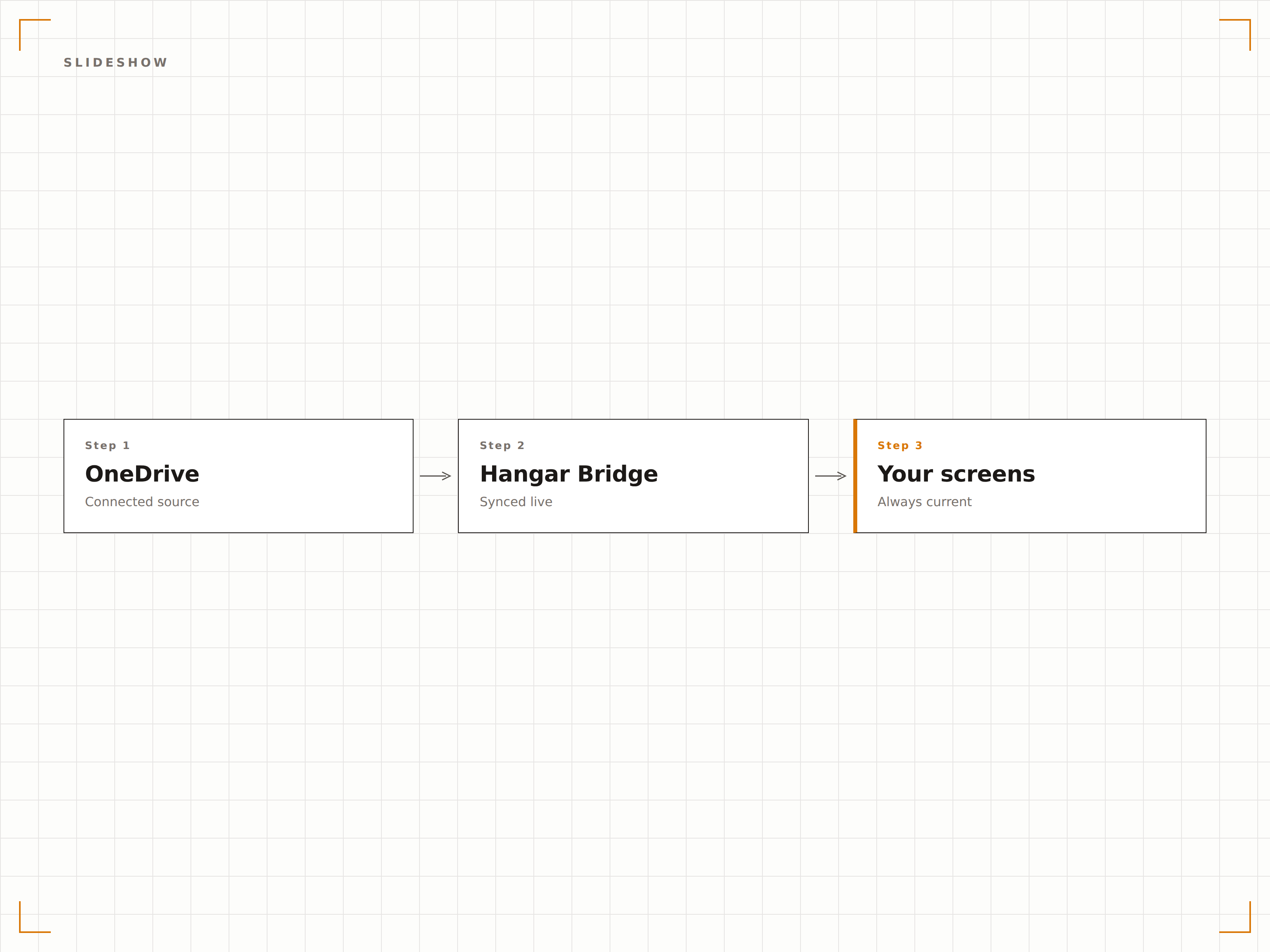
Videoinhalte aus der Cloud
Spielen Sie in OneDrive gespeicherte Videodateien auf Ihren Signage-Bildschirmen ab. Laden Sie Werbevideos, Schulungsinhalte oder Veranstaltungsaufzeichnungen in OneDrive hoch – sie werden automatisch als Teil Ihrer Inhaltsrotation auf dem Bildschirm abgespielt.
In OneDrive hochladen, auf dem grossen Bildschirm abspielen.
Unterstützung der Formate MP4, MOV und AVI
Automatische Videowiedergabe
Weicher Übergang zwischen Videos und Bildern
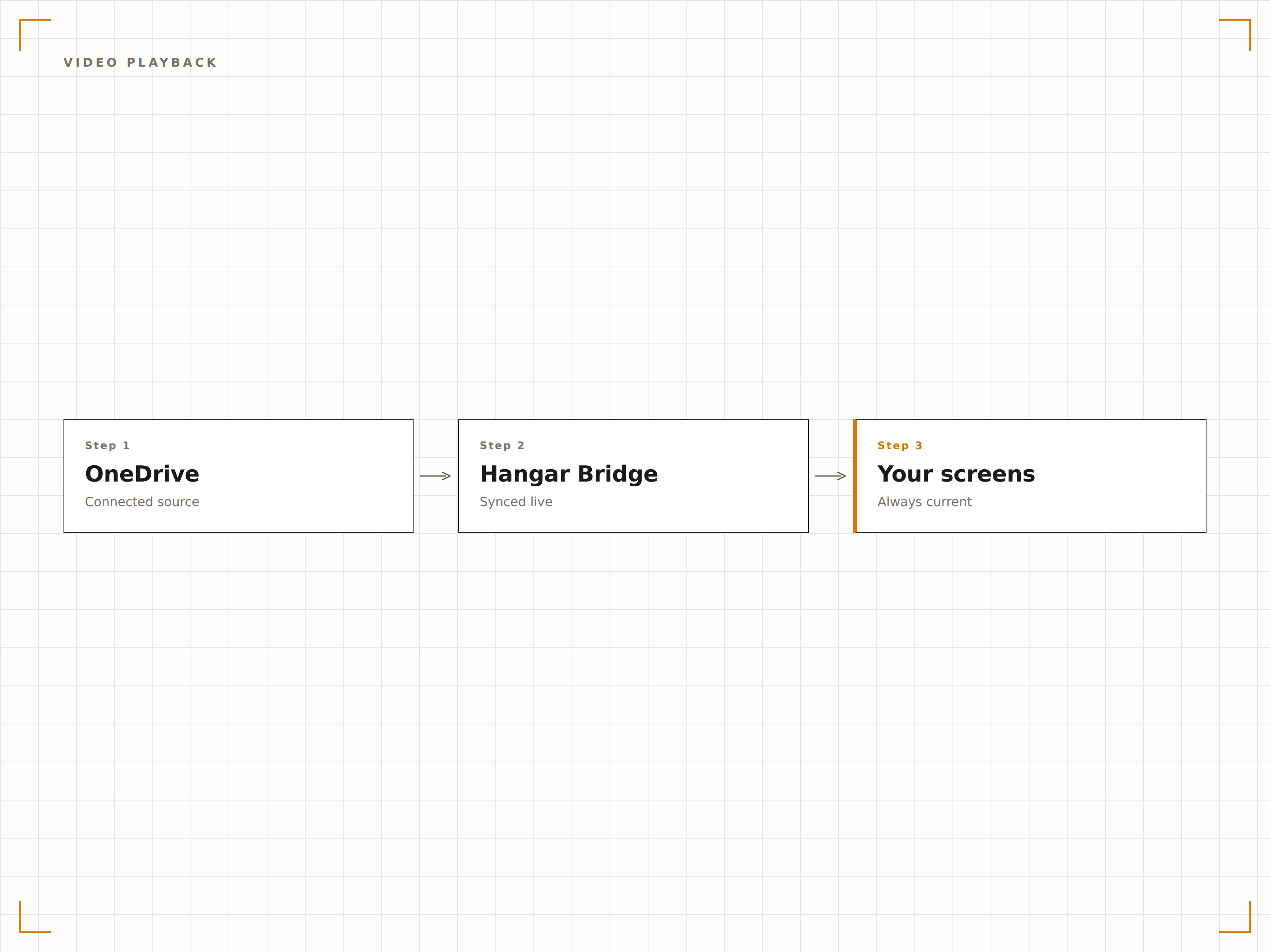
Vier Schritte zu verbundene Bildschirme.
Von der Einrichtung bis zu Live-Inhalten in Minuten, nicht Tagen.
OneDrive verbinden
Authentifizieren Sie sich mit Microsoft 365 und erteilen Sie Hangar.Media Lesezugriff auf Ihr OneDrive-Konto.
Ordner auswählen
Wählen Sie, welche OneDrive-Ordner als Inhaltsquellen für Ihre Signage-Bildschirme verwendet werden sollen.
Anzeige einrichten
Legen Sie Diashow-Übergänge, Anzeigedauern, Wiedergabereihenfolge und Videoanzeige-Einstellungen fest.
Bildschirmen zuweisen
Verknüpfen Sie den OneDrive-Ordnerinhalt mit Ihren Zielbildschirmen und veröffentlichen Sie ihn.
Entwickelt für jeden Branche.
Erfahren Sie, wie verschiedene Branchen diese Integration nutzen, um Ergebnisse zu erzielen.
Mitarbeiter-Fotowand
Erstellen Sie einen OneDrive-Ordner für Teamfotos und Veranstaltungsbilder. Der Signage-Bildschirm in der Lobby zeigt eine automatisch aktualisierte Diashow der Unternehmenskultur.
BildungCampus-Fotogalerie
Zeigen Sie Campus-Veranstaltungsfotos, Schüler- und Studierendenleistungen sowie Abschlussbilder aus einem OneDrive-Ordner auf Bildschirmen im gesamten Universitätscampus an.
EinzelhandelMarketing-Asset-Anzeige
Legen Sie Werbebilder und Marken-Assets in einen OneDrive-Ordner und lassen Sie sie sofort auf den Signage-Bildschirmen im Geschäft anzeigen.
GastgewerbeVeranstaltungsfoto-Anzeige
Laden Sie Veranstaltungs- und Hochzeitsfotos während der Events in OneDrive hoch und zeigen Sie sie auf Bildschirmen im Veranstaltungsort als Live-Fotowand für Ihre Gäste an.
Häufige Fragen. Direkte Antworten.
Kann ich OneDrive for Business und ein persönliches OneDrive verwenden?
Hangar.Media unterstützt OneDrive for Business (Microsoft 365) über Azure AD-Authentifizierung. Persönliche OneDrive-Konten können über die Microsoft-Konto-Authentifizierung verbunden werden.
Welche Dateitypen werden zur Anzeige unterstützt?
Bilder (JPG, PNG, BMP, GIF), Videos (MP4, MOV, AVI, WMV) und Dokumente (PDF, PPTX, DOCX) werden unterstützt. Der häufigste Anwendungsfall sind Bild-Diashows und Videowiedergabe aus OneDrive-Ordnern.
Wie schnell erscheinen neue Dateien auf dem Bildschirm?
Hangar.Media prüft den verknüpften OneDrive-Ordner in dem von Ihnen gewählten Intervall – in der Regel alle 5 bis 15 Minuten – auf Änderungen. Neue Dateien erscheinen beim nächsten Synchronisierungszyklus auf dem Signage-Bildschirm.
Kann ich mehrere OneDrive-Ordner mit verschiedenen Bildschirmen verknüpfen?
Ja. Sie können verschiedene OneDrive-Ordner mit verschiedenen Bildschirmen oder Bildschirmgruppen verknüpfen. Jeder Bildschirm kann eine eigene Inhaltsquelle haben, oder mehrere Bildschirme können denselben OneDrive-Ordner gemeinsam nutzen.
Ein Preis. Die gesamte Plattform.
So stellen wir uns Digital Signage vor. Inhaltseditor, Bildschirmverwaltung und 200+ App-Integrationen – alles von Anfang an inklusive.
14 Tage kostenlos, bis zu 3 Bildschirme – keine Kreditkarte erforderlich.