Conteúdo do OneDrive, nas suas telas.
Transmita imagens, vídeos e documentos de pastas do OneDrive diretamente para telas de sinalização digital com sincronização automática quando os arquivos forem alterados.
Seus Arquivos na Nuvem em Cada Tela
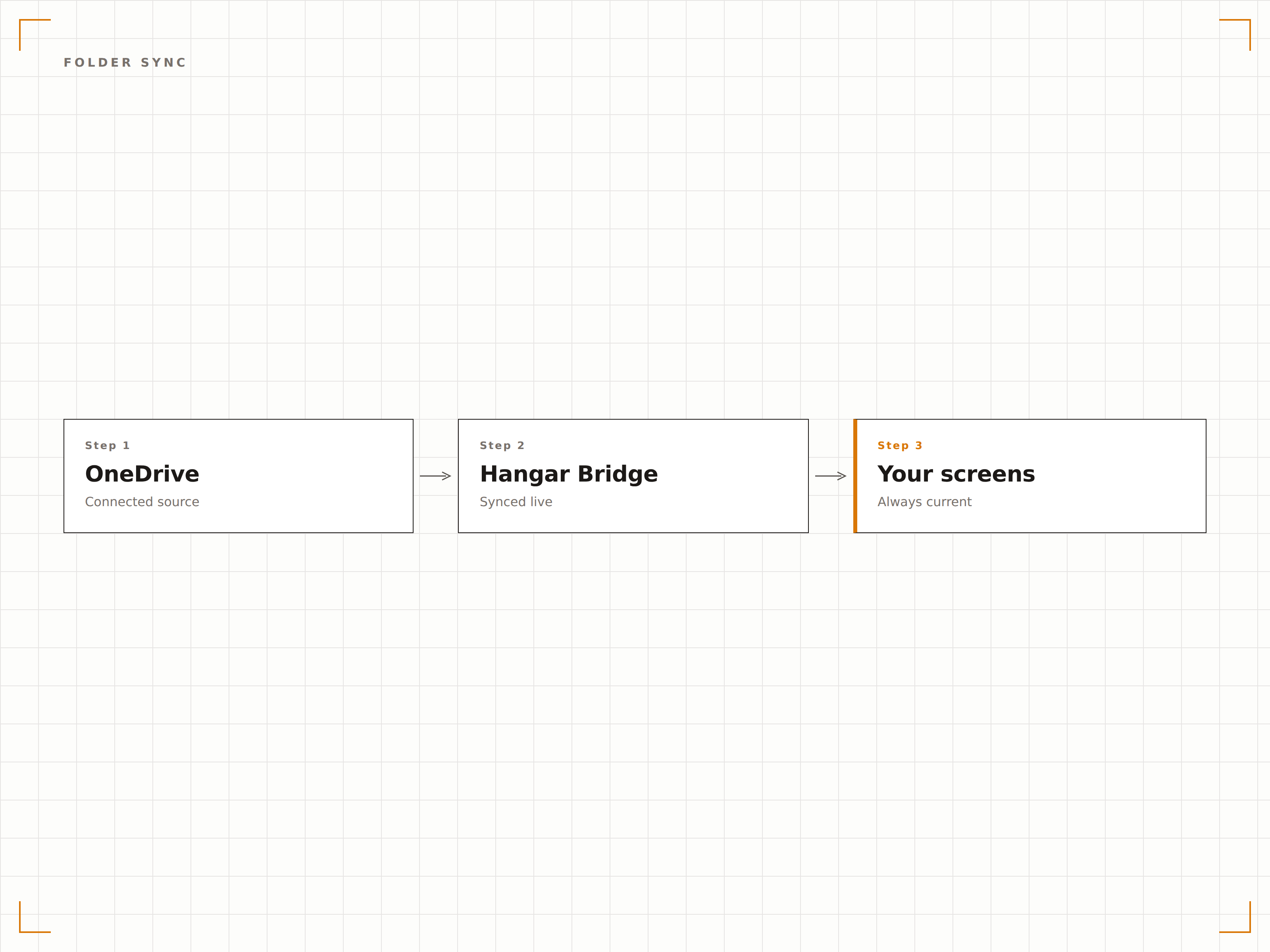
O OneDrive é onde suas equipes armazenam imagens, vídeos e documentos. O Hangar.Media se conecta a pastas do OneDrive e exibe seus conteúdos em telas de sinalização como slideshows, playlists de vídeo ou carrosséis de documentos. Adicione arquivos à pasta vinculada de qualquer dispositivo e eles aparecem na tela automaticamente. Remova os arquivos e eles desaparecem. Sua pasta do OneDrive se torna a fonte de conteúdo para sua sinalização.
O que você pode fazer com suas telas.
Três capacidades que tornam esta integração essencial para a sua rede de sinalização digital.
Atualização Automática de Conteúdo
Vincule uma pasta do OneDrive à sua tela de sinalização digital. Quando alguém adiciona uma imagem ou vídeo a essa pasta, ela aparece na exibição de sinalização digital na próxima sincronização. Quando um arquivo é removido, ele desaparece da tela. A pasta é o gerenciador de conteúdo.
Arraste arquivos para o OneDrive e veja-os na tela.
Detecção e exibição automática de arquivos
Adicione arquivos para atualizar o conteúdo instantaneamente
Remova arquivos para retirá-los da tela
Slideshow de Imagens do OneDrive
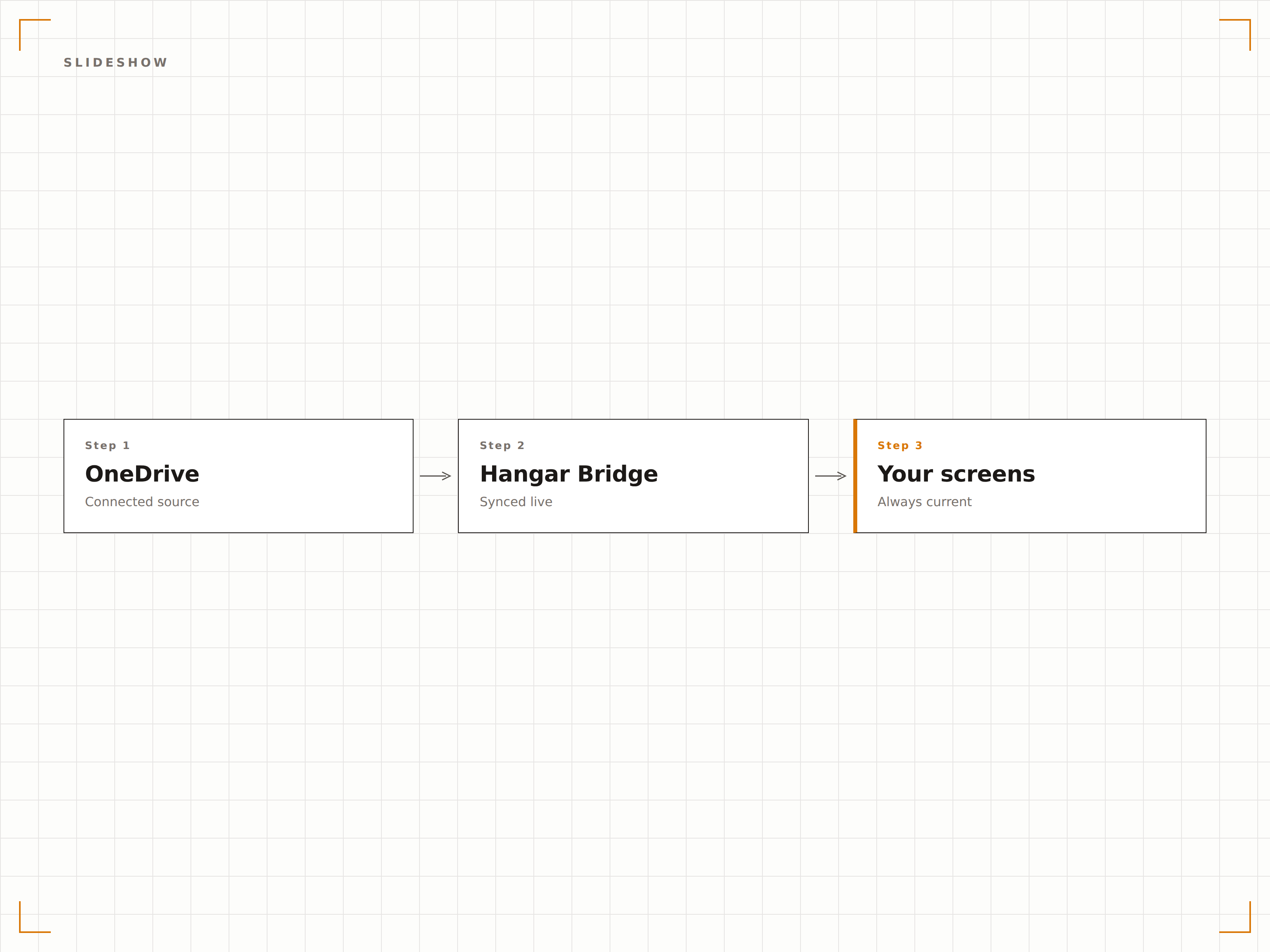
Exiba imagens de uma pasta do OneDrive como um slideshow com transições suaves, tempos de exibição ajustáveis e reprodução aleatória ou sequencial. Ideal para galerias de fotos, registros de eventos e murais de celebração da equipe.
Uma galeria de fotos que se atualiza sozinha.
Transições suaves de crossfade
Reprodução aleatória ou sequencial
Duração de exibição ajustável por imagem
Conteúdo em Vídeo a partir da Nuvem
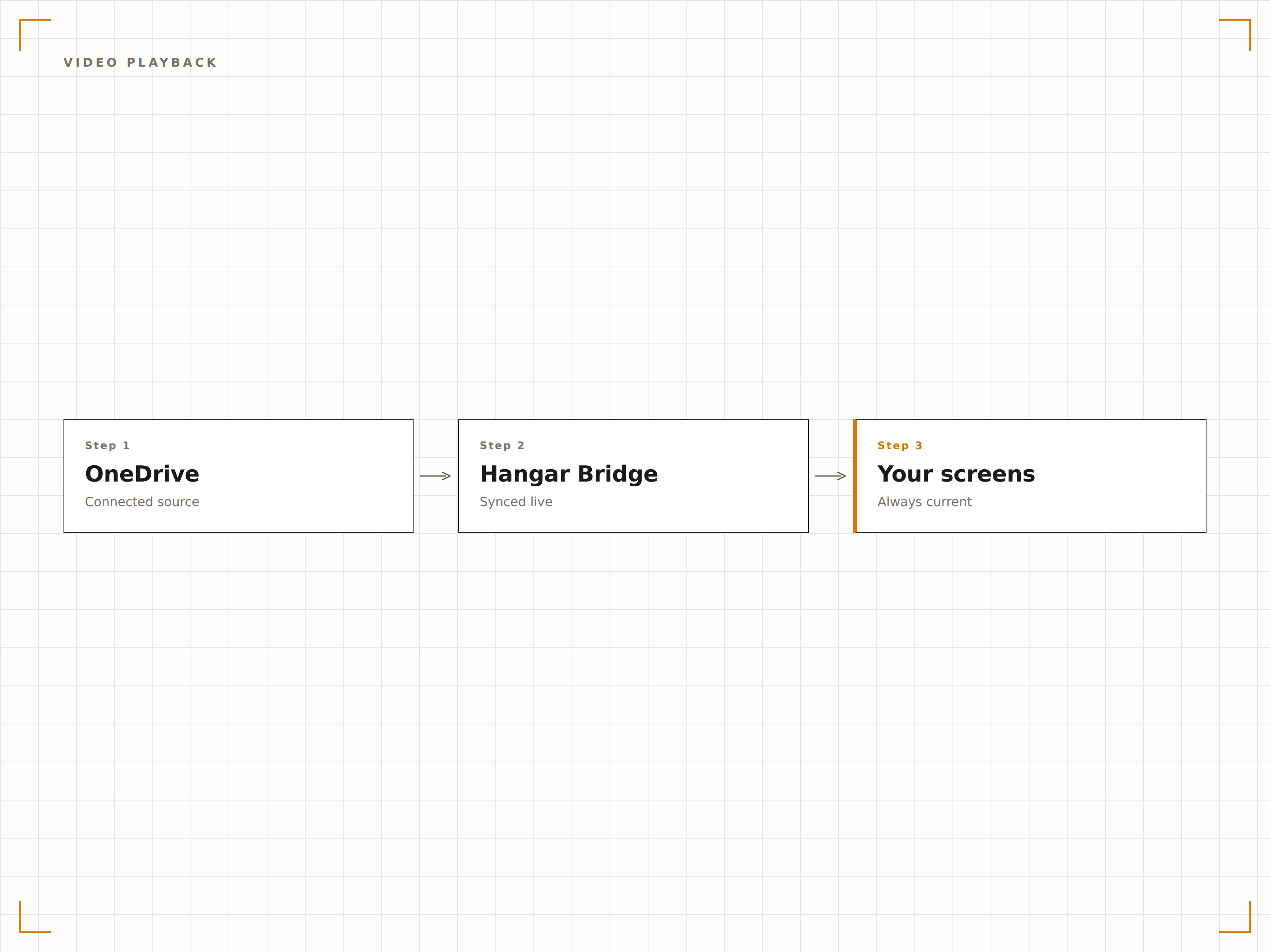
Reproduza arquivos de vídeo armazenados no OneDrive nas suas telas de sinalização digital. Faça upload de vídeos promocionais, conteúdos de treinamento ou gravações de eventos para o OneDrive e eles serão reproduzidos na tela automaticamente como parte da sua rotação de conteúdo.
Faça upload para o OneDrive e reproduza na tela grande.
Suporte aos formatos MP4, MOV e AVI
Reprodução automática de vídeos
Transição suave entre vídeos e imagens
Quatro etapas para telas conectadas.
Da configuração ao conteúdo ao vivo em minutos, não dias.
Conectar o OneDrive
Autentique-se com o Microsoft 365 e conceda ao Hangar.Media acesso de leitura à sua conta do OneDrive.
Selecionar Pastas
Escolha quais pastas do OneDrive usar como fontes de conteúdo para suas telas de sinalização digital.
Configurar Exibição
Defina transições de slideshow, tempos de exibição, ordem de reprodução e configurações de exibição de vídeo.
Atribuir às Telas
Vincule o conteúdo da pasta do OneDrive às telas de destino e publique.
Feito para cada setor.
Veja como diferentes segmentos utilizam esta integração para gerar resultados.
Mural de Fotos de Colaboradores
Crie uma pasta no OneDrive para fotos da equipe e registros de eventos. A tela de sinalização digital no lobby exibe um slideshow com atualização automática da cultura da empresa.
EducaçãoGaleria de Fotos do Campus
Exiba fotos de eventos do campus, conquistas de alunos e imagens de formatura a partir de uma pasta do OneDrive em telas distribuídas pelo campus universitário.
VarejoExibição de Ativos de Marketing
Adicione imagens promocionais e ativos de marca a uma pasta do OneDrive e faça com que sejam exibidos imediatamente nas telas de sinalização digital da loja.
HotelariaExibição de Fotos de Eventos
Faça upload de fotos de eventos e casamentos para o OneDrive durante os eventos e exiba-as nas telas do local como um mural de fotos ao vivo para os convidados.
Perguntas frequentes. Respostas diretas respostas.
Posso usar o OneDrive for Business e o OneDrive pessoal?
O Hangar.Media é compatível com o OneDrive for Business (Microsoft 365) por meio de autenticação via Azure AD. Contas pessoais do OneDrive podem ser conectadas por meio da autenticação com Conta Microsoft.
Quais tipos de arquivo são suportados para exibição?
Imagens (JPG, PNG, BMP, GIF), vídeos (MP4, MOV, AVI, WMV) e documentos (PDF, PPTX, DOCX) são suportados. O caso de uso mais comum é a exibição de slideshows de imagens e reprodução de vídeos a partir de pastas do OneDrive.
Com que rapidez os novos arquivos aparecem na tela?
O Hangar.Media verifica a pasta do OneDrive vinculada em busca de alterações no intervalo escolhido por você, geralmente a cada 5 a 15 minutos. Novos arquivos aparecem na tela de sinalização digital no próximo ciclo de sincronização.
Posso vincular várias pastas do OneDrive a diferentes telas?
Sim. Você pode vincular diferentes pastas do OneDrive a diferentes telas ou grupos de telas. Cada tela pode ter sua própria fonte de conteúdo, ou várias telas podem compartilhar a mesma pasta do OneDrive.
Um preço. A plataforma completa.
É assim que acreditamos que a sinalização digital deve funcionar. Editor de conteúdo, gerenciamento de telas e mais de 200 integrações de aplicativos — tudo incluído desde o primeiro dia.
14 dias grátis, até 3 telas — sem cartão.