I tuoi contenuti OneDrive, su i tuoi schermi.
Trasmetti immagini, video e documenti dalle cartelle OneDrive direttamente agli schermi di segnaletica digitale, con sincronizzazione automatica ad ogni modifica dei file.
I Tuoi File Cloud su Ogni Schermo
OneDrive è il luogo in cui i tuoi team archiviano immagini, video e documenti. Hangar.Media si connette alle cartelle OneDrive e ne visualizza il contenuto sugli schermi di segnaletica come slideshow, playlist video o caroselli di documenti. Aggiungi file alla cartella collegata da qualsiasi dispositivo e compariranno automaticamente sullo schermo. Rimuovili e spariranno. La tua cartella OneDrive diventa la sorgente di contenuto per la tua segnaletica.
Cosa puoi fare con i tuoi schermi.
Tre funzionalità che rendono questa integrazione indispensabile per la tua rete di segnaletica digitale.
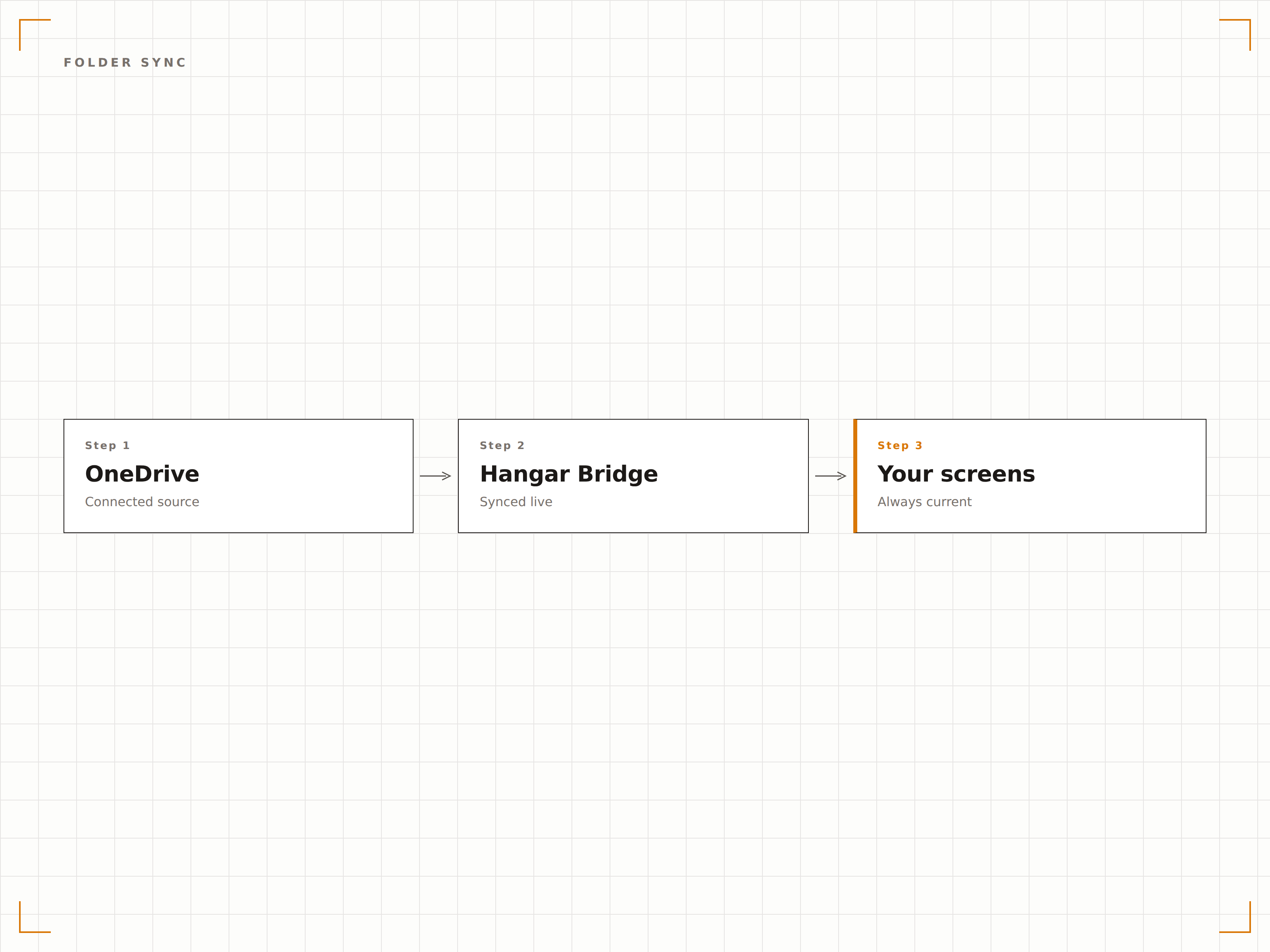
Aggiornamento automatico dei contenuti
Collega una cartella OneDrive al tuo schermo di segnaletica digitale. Quando qualcuno aggiunge un'immagine o un video a quella cartella, il contenuto appare sul display al successivo ciclo di sincronizzazione. Quando rimuove un file, questo scompare dallo schermo. La cartella è il gestore dei contenuti.
Trascina i file su OneDrive, visualizzali sullo schermo.
Rilevamento e visualizzazione automatica dei file
Aggiungi file per aggiornare i contenuti all'istante
Rimuovi file per eliminarli dallo schermo
Presentazione di immagini da OneDrive
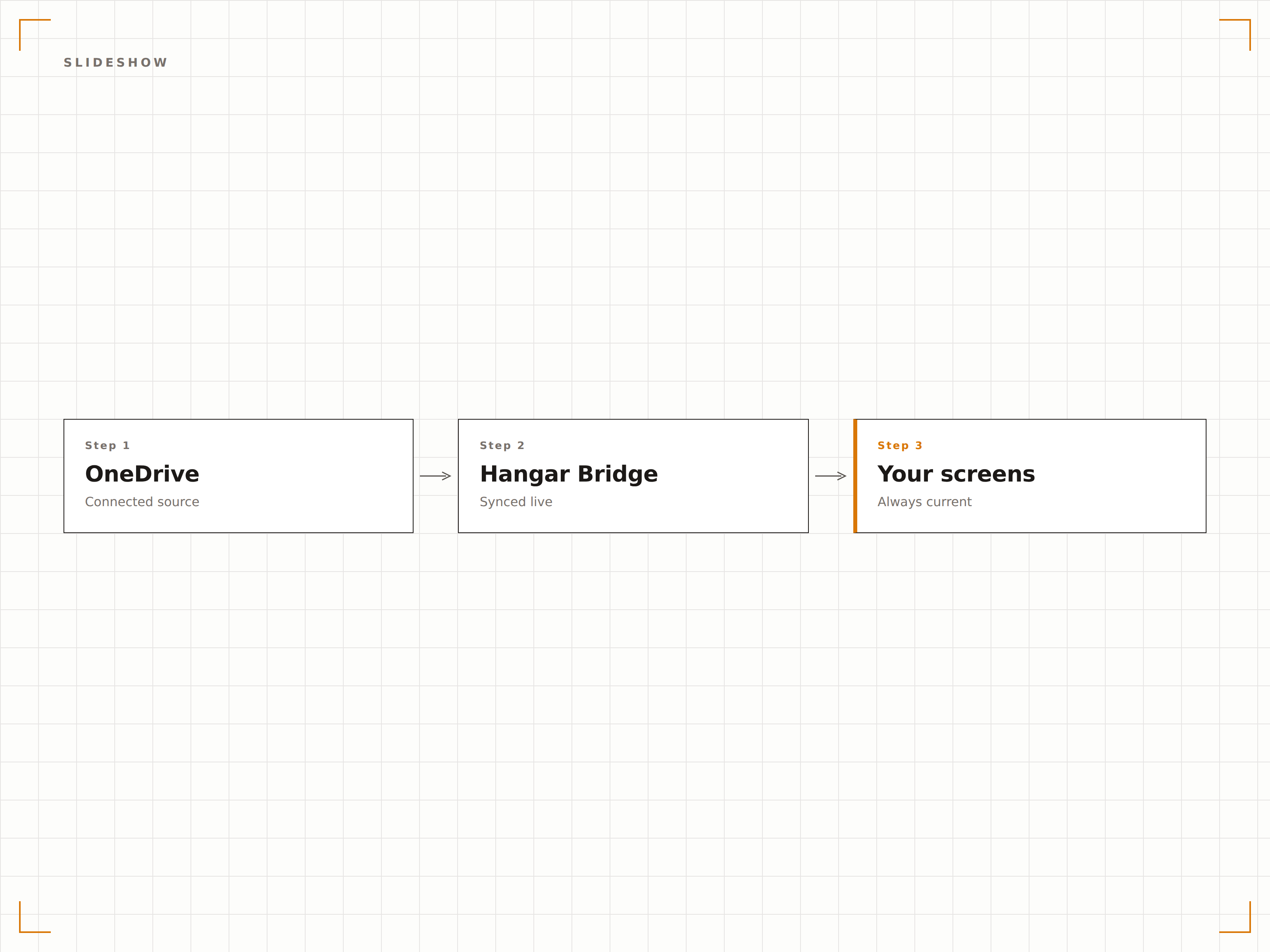
Visualizza le immagini da una cartella OneDrive come una presentazione con transizioni fluide, tempi di visualizzazione personalizzabili e riproduzione casuale o sequenziale. Perfetto per gallerie fotografiche, foto di eventi e display celebrativi del team.
Una galleria fotografica che si aggiorna da sola.
Transizioni con dissolvenza incrociata fluida
Riproduzione casuale o sequenziale
Durata di visualizzazione regolabile per ogni immagine
Contenuti video dal cloud
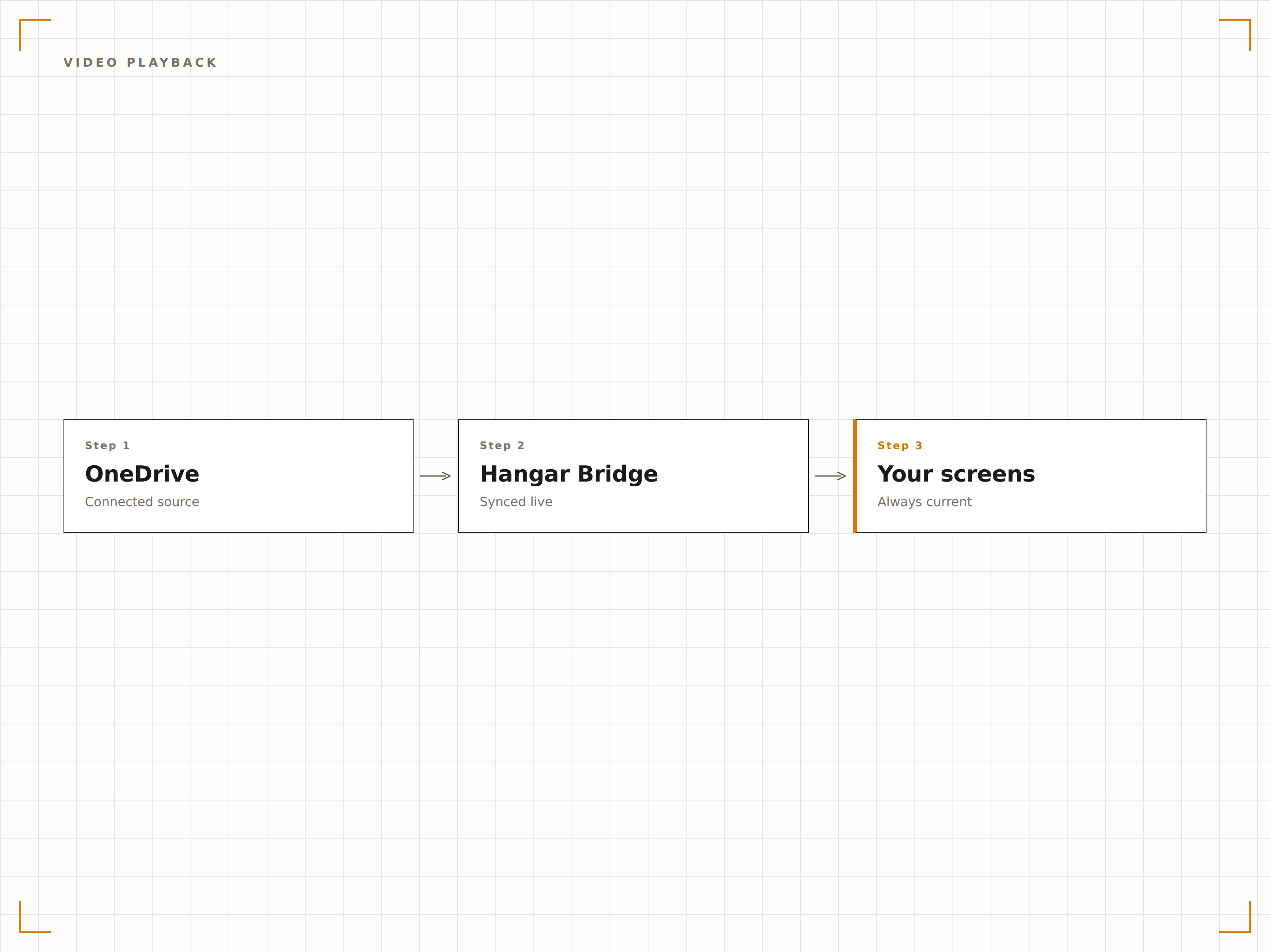
Riproduci i file video archiviati in OneDrive sui tuoi schermi di segnaletica digitale. Carica video promozionali, contenuti formativi o registrazioni di eventi su OneDrive e verranno riprodotti automaticamente sullo schermo come parte della tua rotazione di contenuti.
Carica su OneDrive, riproduci sul grande schermo.
Supporto per i formati MP4, MOV e AVI
Riproduzione video automatica
Transizione fluida tra video e immagini
Quattro passaggi verso schermi connessi.
Dalla configurazione ai contenuti live in minuti, non giorni.
Connetti OneDrive
Autenticati con Microsoft 365 e concedi a Hangar.Media l'accesso in lettura al tuo account OneDrive.
Seleziona le cartelle
Scegli quali cartelle OneDrive utilizzare come sorgenti di contenuto per i tuoi schermi di segnaletica digitale.
Configura la visualizzazione
Imposta le transizioni della presentazione, i tempi di visualizzazione, l'ordine di riproduzione e le impostazioni video.
Assegna agli schermi
Collega il contenuto della cartella OneDrive agli schermi di destinazione e pubblica.
Costruito per ogni settore.
Scopri come diversi settori utilizzano questa integrazione per ottenere risultati concreti.
Galleria fotografica del team
Crea una cartella OneDrive per le foto del team e le immagini degli eventi. Lo schermo di segnaletica digitale nella hall mostra una presentazione in aggiornamento automatico della cultura aziendale.
IstruzioneGalleria fotografica del campus
Visualizza foto di eventi del campus, risultati degli studenti e immagini delle cerimonie di laurea da una cartella OneDrive sugli schermi dell'università.
RetailVisualizzazione di asset di marketing
Inserisci immagini promozionali e asset del brand in una cartella OneDrive e visualizzali immediatamente sugli schermi di segnaletica digitale in negozio.
HospitalityVisualizzazione foto eventi
Carica foto di eventi e matrimoni su OneDrive durante gli eventi e visualizzale sugli schermi della location come un photo wall in tempo reale per gli ospiti.
Domande frequenti. Risposte dirette risposte.
Posso usare sia OneDrive for Business che OneDrive personale?
Hangar.Media supporta OneDrive for Business (Microsoft 365) tramite autenticazione Azure AD. Gli account OneDrive personali possono essere collegati tramite autenticazione con account Microsoft.
Quali tipi di file sono supportati per la visualizzazione?
Sono supportati immagini (JPG, PNG, BMP, GIF), video (MP4, MOV, AVI, WMV) e documenti (PDF, PPTX, DOCX). Il caso d'uso più comune è la presentazione di immagini e la riproduzione di video da cartelle OneDrive.
Con quale rapidità i nuovi file appaiono sullo schermo?
Hangar.Media verifica la presenza di modifiche nella cartella OneDrive collegata all'intervallo da te scelto, in genere ogni 5-15 minuti. I nuovi file vengono visualizzati sullo schermo della segnaletica digitale al successivo ciclo di sincronizzazione.
Posso collegare più cartelle OneDrive a schermi diversi?
Sì. Puoi collegare diverse cartelle OneDrive a schermi o gruppi di schermi differenti. Ogni schermo può avere la propria sorgente di contenuto, oppure più schermi possono condividere la stessa cartella OneDrive.
Un prezzo. L'intera piattaforma.
Così pensiamo che la segnaletica digitale dovrebbe funzionare. Editor di contenuti, gestione degli schermi e oltre 200 integrazioni di app — tutto incluso fin dal primo giorno.
14 giorni gratis, fino a 3 schermi — senza carta.