Contenido de OneDrive, en tus pantallas.
Transmite imágenes, videos y documentos desde carpetas de OneDrive directamente a pantallas de señalización digital con sincronización automática cuando los archivos cambian.
Tus archivos en la nube en cada pantalla
OneDrive es donde tus equipos almacenan imágenes, videos y documentos. Hangar.Media se conecta a carpetas de OneDrive y muestra su contenido en pantallas de señalización como presentaciones, listas de reproducción de video o carruseles de documentos. Agrega archivos a la carpeta vinculada desde cualquier dispositivo y aparecerán en pantalla automáticamente. Elimina archivos y desaparecerán. Tu carpeta de OneDrive se convierte en la fuente de contenido para tu señalización.
Lo que puedes hacer con tus pantallas.
Tres capacidades que hacen esencial esta integración para tu red de señalización digital.
Actualizaciones de contenido automáticas
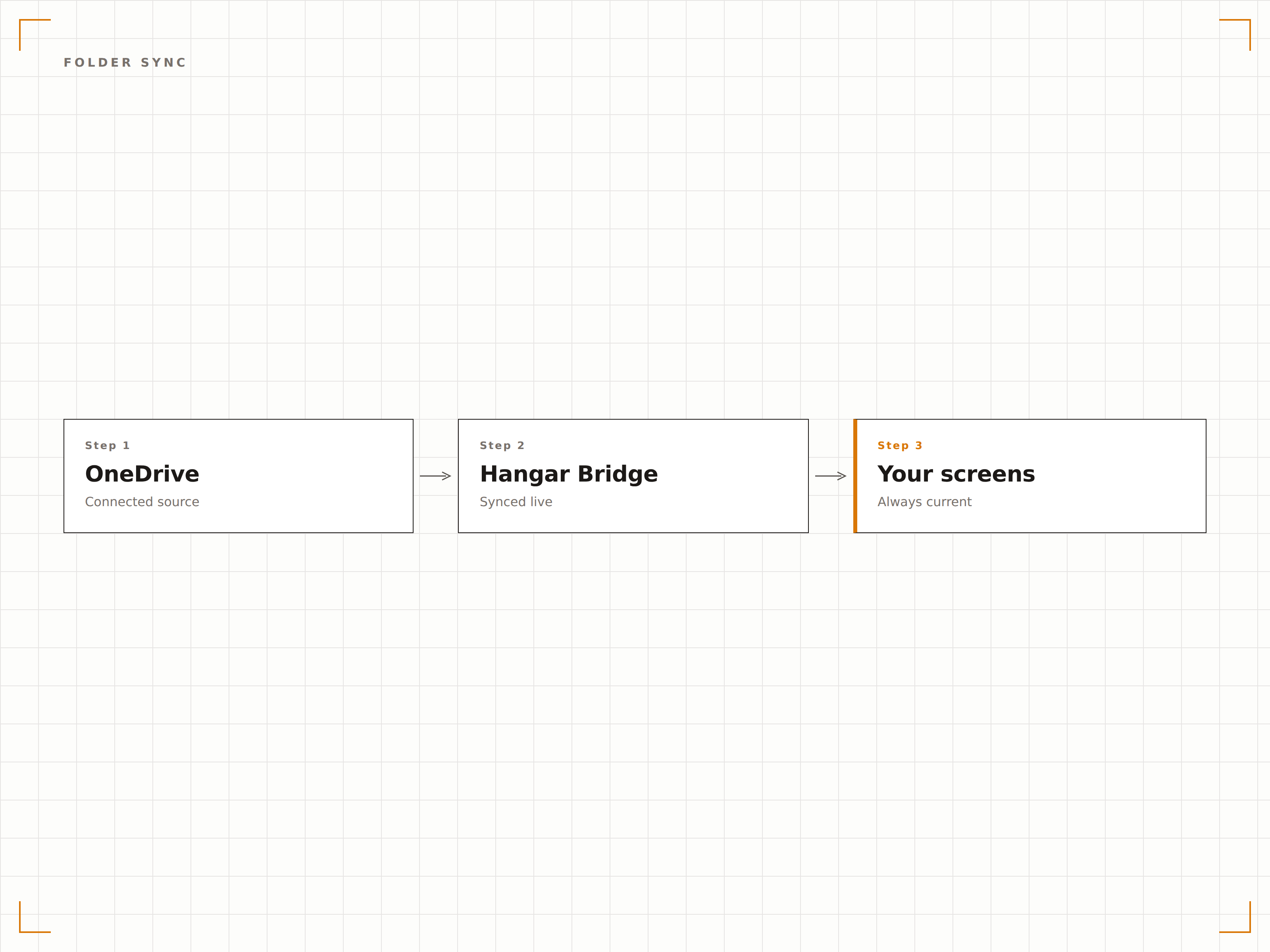
Vincula una carpeta de OneDrive a tu pantalla de señalización digital. Cuando alguien añade una imagen o un vídeo a esa carpeta, aparece en la pantalla de señalización digital en el siguiente ciclo de sincronización. Cuando elimina un archivo, desaparece de la pantalla. La carpeta es el gestor de contenido.
Arrastra archivos a OneDrive y vélos en pantalla.
Detección y visualización automática de archivos
Añade archivos para actualizar el contenido al instante
Elimina archivos para quitarlos de la pantalla
Presentación de imágenes desde OneDrive
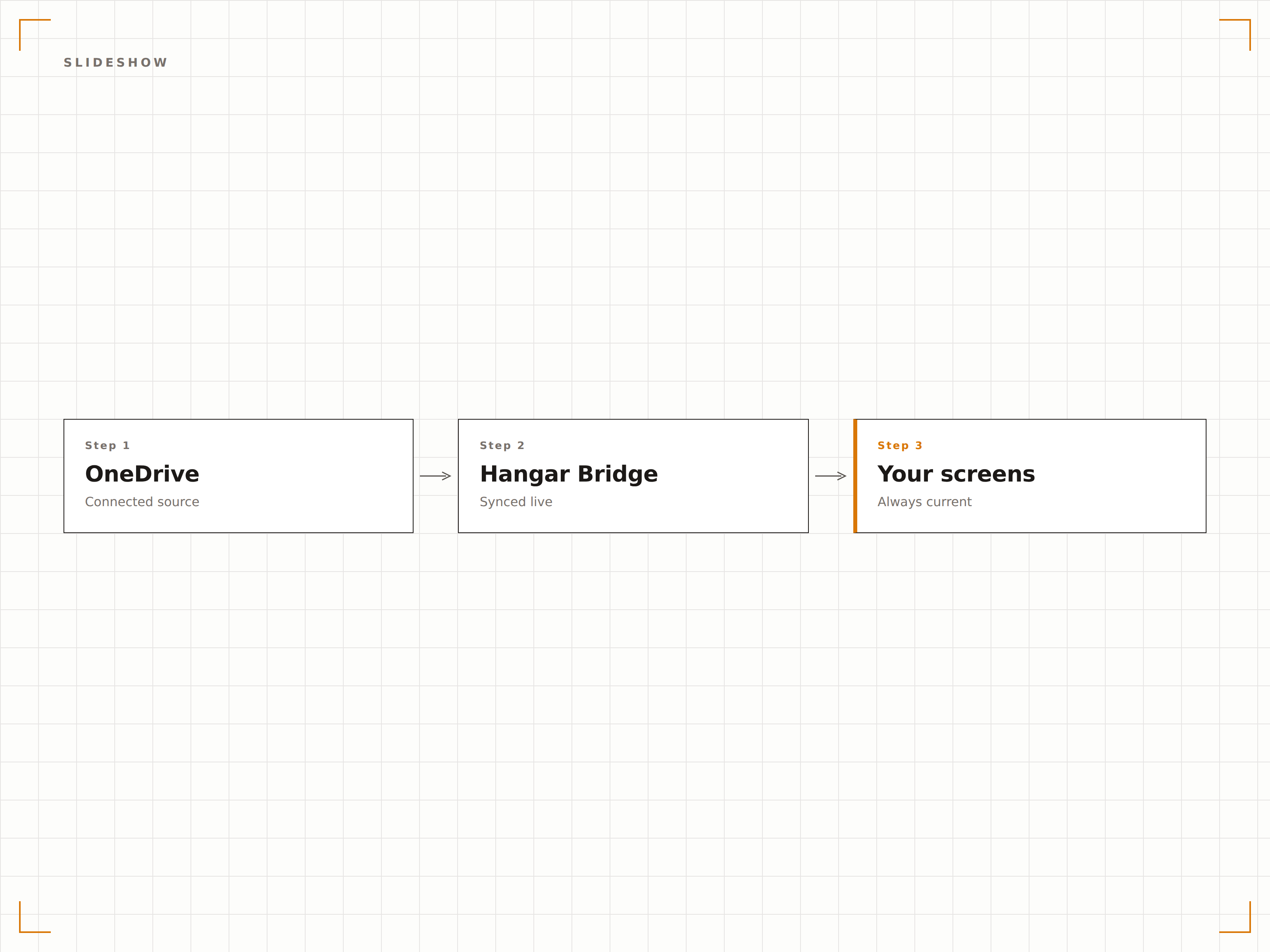
Muestra imágenes de una carpeta de OneDrive como una presentación con transiciones suaves, tiempos de permanencia ajustables y reproducción aleatoria o secuencial. Ideal para galerías de fotos, imágenes de eventos y pantallas de celebración del equipo.
Una galería de fotos que se actualiza sola.
Transiciones suaves de fundido cruzado
Reproducción aleatoria o secuencial
Duración de visualización ajustable por imagen
Contenido de vídeo desde la nube
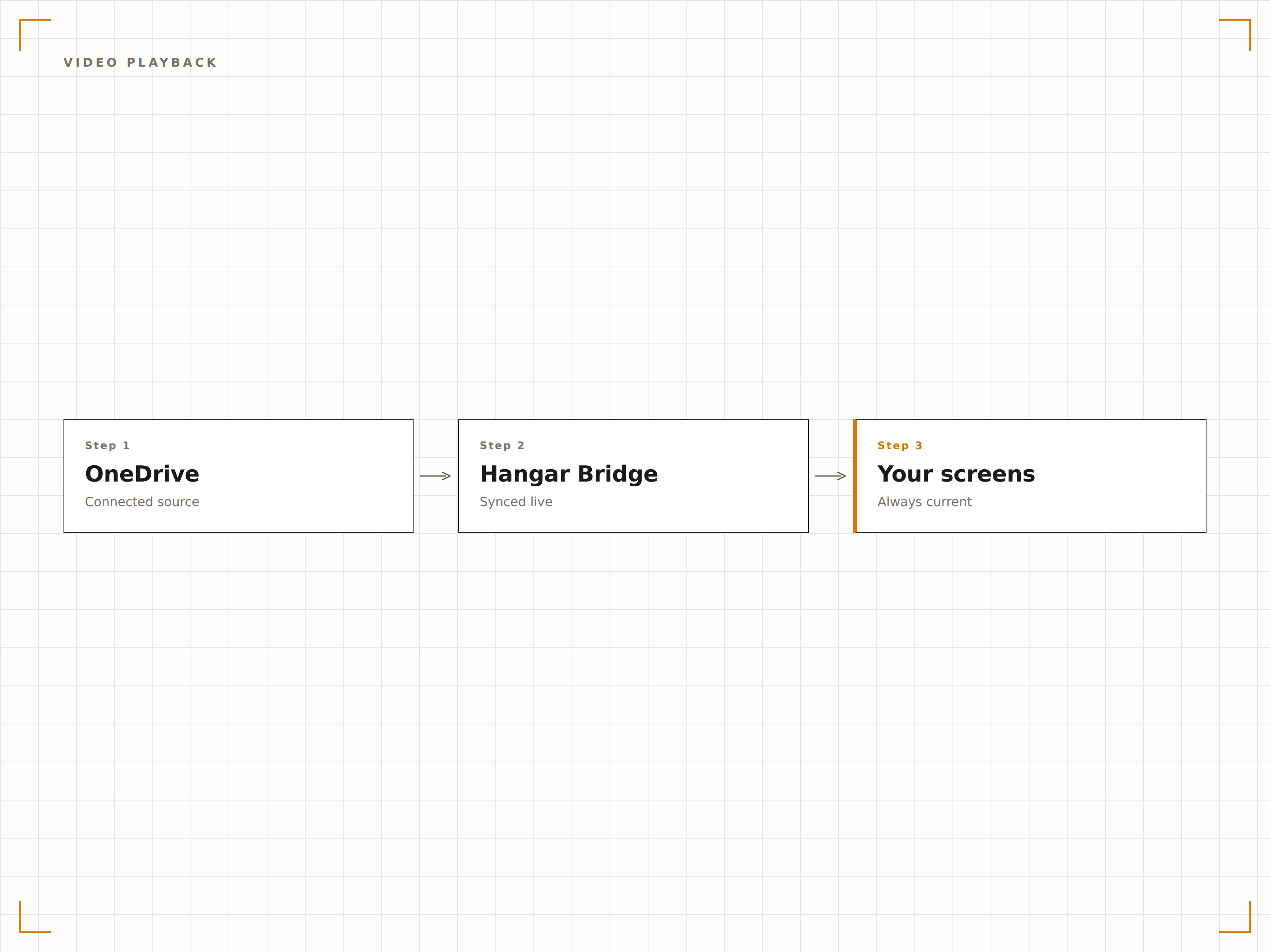
Reproduce archivos de vídeo almacenados en OneDrive en tus pantallas de señalización digital. Sube vídeos promocionales, contenido de formación o grabaciones de eventos a OneDrive y se reproducirán en pantalla automáticamente como parte de tu rotación de contenido.
Sube a OneDrive y reproduce en la pantalla grande.
Compatibilidad con formatos MP4, MOV y AVI
Reproducción automática de vídeo
Transición fluida entre vídeos e imágenes
Cuatro pasos hacia pantallas conectadas.
Desde la configuración hasta contenido en vivo en minutos, no en días.
Conectar OneDrive
Autentícate con Microsoft 365 y otorga a Hangar.Media acceso de lectura a tu cuenta de OneDrive.
Seleccionar carpetas
Elige qué carpetas de OneDrive usar como fuentes de contenido para tus pantallas de señalización digital.
Configurar la visualización
Define las transiciones de la lista de reproducción, los tiempos de permanencia, el orden de reproducción y los ajustes de visualización de vídeo.
Asignar a pantallas
Vincula el contenido de la carpeta de OneDrive a tus pantallas de destino y publícalo.
Diseñado para cada sector.
Descubre cómo distintas industrias utilizan esta integración para obtener resultados.
Muro de fotos del equipo
Crea una carpeta de OneDrive para fotos del equipo e imágenes de eventos. La pantalla de señalización digital del vestíbulo muestra una presentación de la cultura empresarial que se actualiza automáticamente.
EducaciónGalería fotográfica del campus
Muestra fotos de eventos del campus, logros de estudiantes e imágenes de graduación desde una carpeta de OneDrive en pantallas distribuidas por todo el campus universitario.
RetailExhibición de activos de marketing
Añade imágenes promocionales y recursos de marca a una carpeta de OneDrive y muéstralos de inmediato en las pantallas de señalización digital de la tienda.
HosteleríaExhibición de fotos de eventos
Sube fotos de eventos y bodas a OneDrive durante los eventos y muéstralas en las pantallas del recinto como un muro de fotos en vivo para los invitados.
Preguntas frecuentes. Respuestas directas: respuestas.
¿Puedo usar OneDrive para Empresas y OneDrive personal?
Hangar.Media es compatible con OneDrive para Empresas (Microsoft 365) mediante autenticación con Azure AD. Las cuentas personales de OneDrive pueden conectarse a través de la autenticación con cuenta Microsoft.
¿Qué tipos de archivo se pueden mostrar?
Se admiten imágenes (JPG, PNG, BMP, GIF), vídeos (MP4, MOV, AVI, WMV) y documentos (PDF, PPTX, DOCX). El caso de uso más habitual es la presentación de imágenes y la reproducción de vídeo desde carpetas de OneDrive.
¿Con qué rapidez aparecen los nuevos archivos en pantalla?
Hangar.Media comprueba los cambios en la carpeta de OneDrive vinculada según el intervalo que elijas, normalmente cada 5 a 15 minutos. Los nuevos archivos aparecen en la pantalla de señalización digital en el siguiente ciclo de sincronización.
¿Puedo vincular varias carpetas de OneDrive a diferentes pantallas?
Sí. Puedes vincular diferentes carpetas de OneDrive a distintas pantallas o grupos de pantallas. Cada pantalla puede tener su propia fuente de contenido, o varias pantallas pueden compartir la misma carpeta de OneDrive.
Un precio. La plataforma completa.
Así es como creemos que debe funcionar la señalización digital. Editor de contenido, gestión de pantallas y más de 200 integraciones de aplicaciones — todo incluido desde el primer día.
14 días gratis, hasta 3 pantallas — sin tarjeta.