Le contenu OneDrive, sur vos écrans.
Diffusez images, vidéos et documents depuis vos dossiers OneDrive directement sur vos écrans d'affichage dynamique, avec synchronisation automatique à chaque modification de fichier.
Vos fichiers cloud sur chaque écran
OneDrive est l'endroit où vos équipes stockent images, vidéos et documents. Hangar.Media se connecte à vos dossiers OneDrive et affiche leur contenu sur vos écrans d'affichage dynamique sous forme de diaporamas, de playlists vidéo ou de carrousels de documents. Ajoutez des fichiers dans le dossier connecté depuis n'importe quel appareil, et ils apparaissent automatiquement à l'écran. Supprimez-les, et ils disparaissent. Votre dossier OneDrive devient la source de contenu de votre affichage dynamique.
Ce que vous pouvez faire avec vos écrans.
Trois fonctionnalités qui rendent cette intégration indispensable pour votre réseau d'affichage dynamique.
Mises à jour de contenu automatiques
Associez un dossier OneDrive à votre écran d'affichage dynamique. Lorsqu'un utilisateur ajoute une image ou une vidéo à ce dossier, elle apparaît sur l'affichage dynamique au prochain cycle de synchronisation. Lorsqu'il supprime un fichier, celui-ci disparaît de l'écran. Le dossier est le gestionnaire de contenu.
Déposez des fichiers dans OneDrive, voyez-les apparaître à l'écran.
Détection et affichage automatiques des fichiers
Ajoutez des fichiers pour mettre à jour le contenu instantanément
Supprimez des fichiers pour les retirer de l'écran
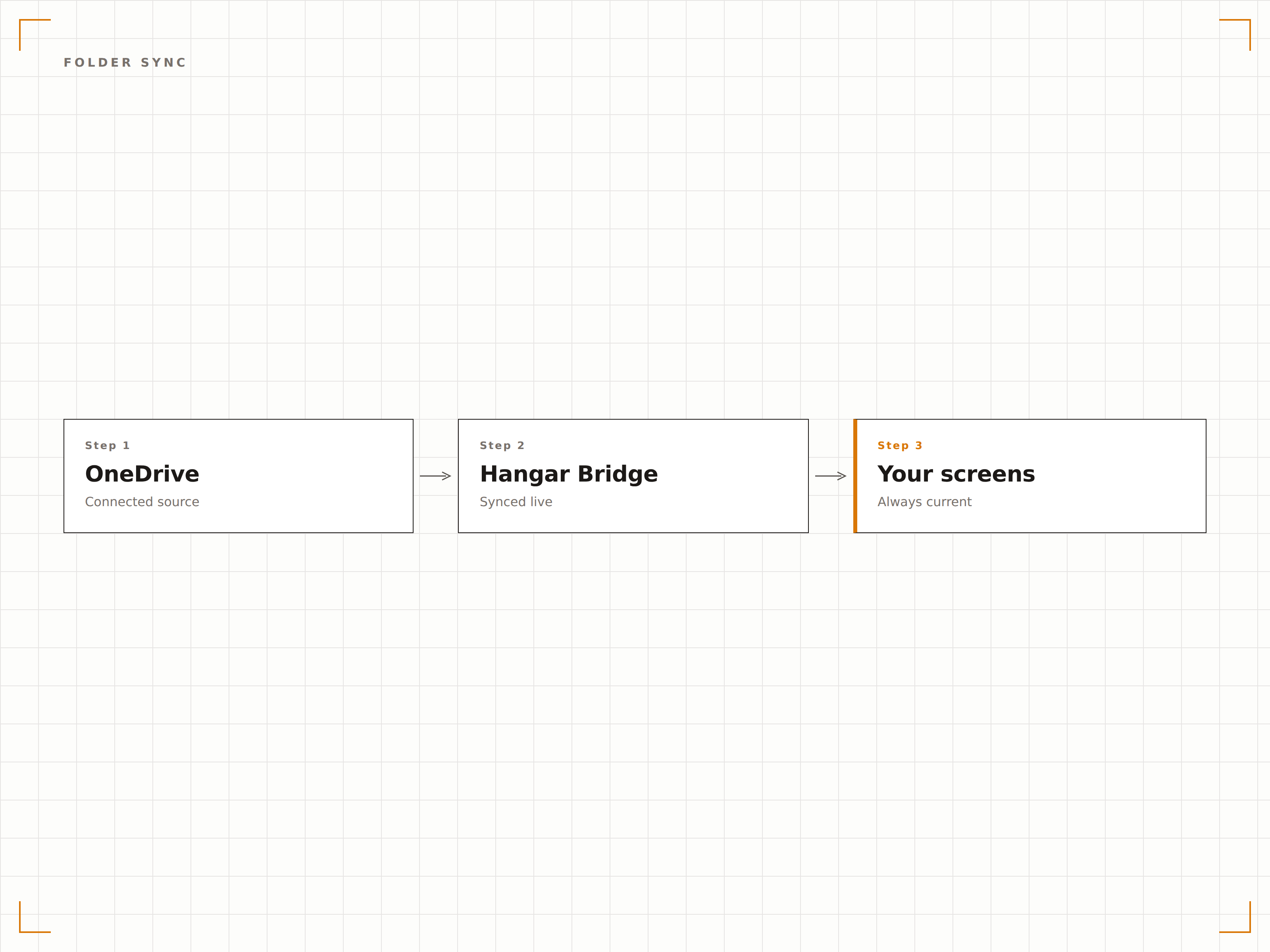
Diaporama d'images depuis OneDrive
Affichez les images d'un dossier OneDrive sous forme de diaporama avec des transitions fluides, des durées d'affichage ajustables et une lecture aléatoire ou séquentielle. Idéal pour les galeries photos, les photos d'événements et les affichages de célébration d'équipe.
Une galerie photos qui se met à jour toute seule.
Transitions en fondu enchaîné fluides
Lecture aléatoire ou séquentielle
Durée d'affichage réglable par image
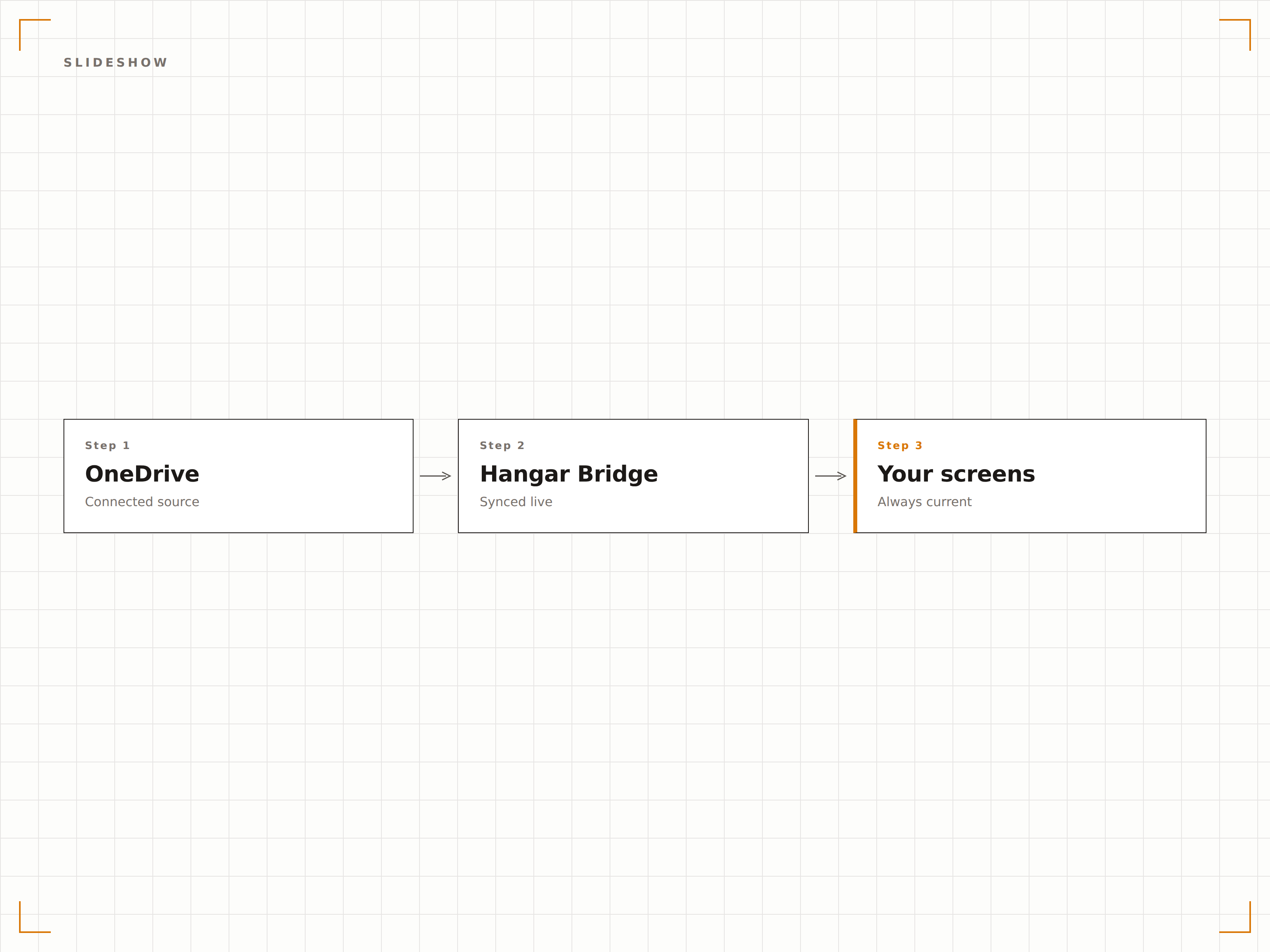
Contenu vidéo depuis le cloud
Diffusez des fichiers vidéo stockés dans OneDrive sur vos écrans d'affichage dynamique. Importez des vidéos promotionnelles, des contenus de formation ou des enregistrements d'événements dans OneDrive et ils sont lus automatiquement à l'écran dans le cadre de votre rotation de contenu.
Importez dans OneDrive, diffusez sur grand écran.
Prise en charge des formats MP4, MOV et AVI
Lecture vidéo automatique
Transition fluide entre vidéos et images
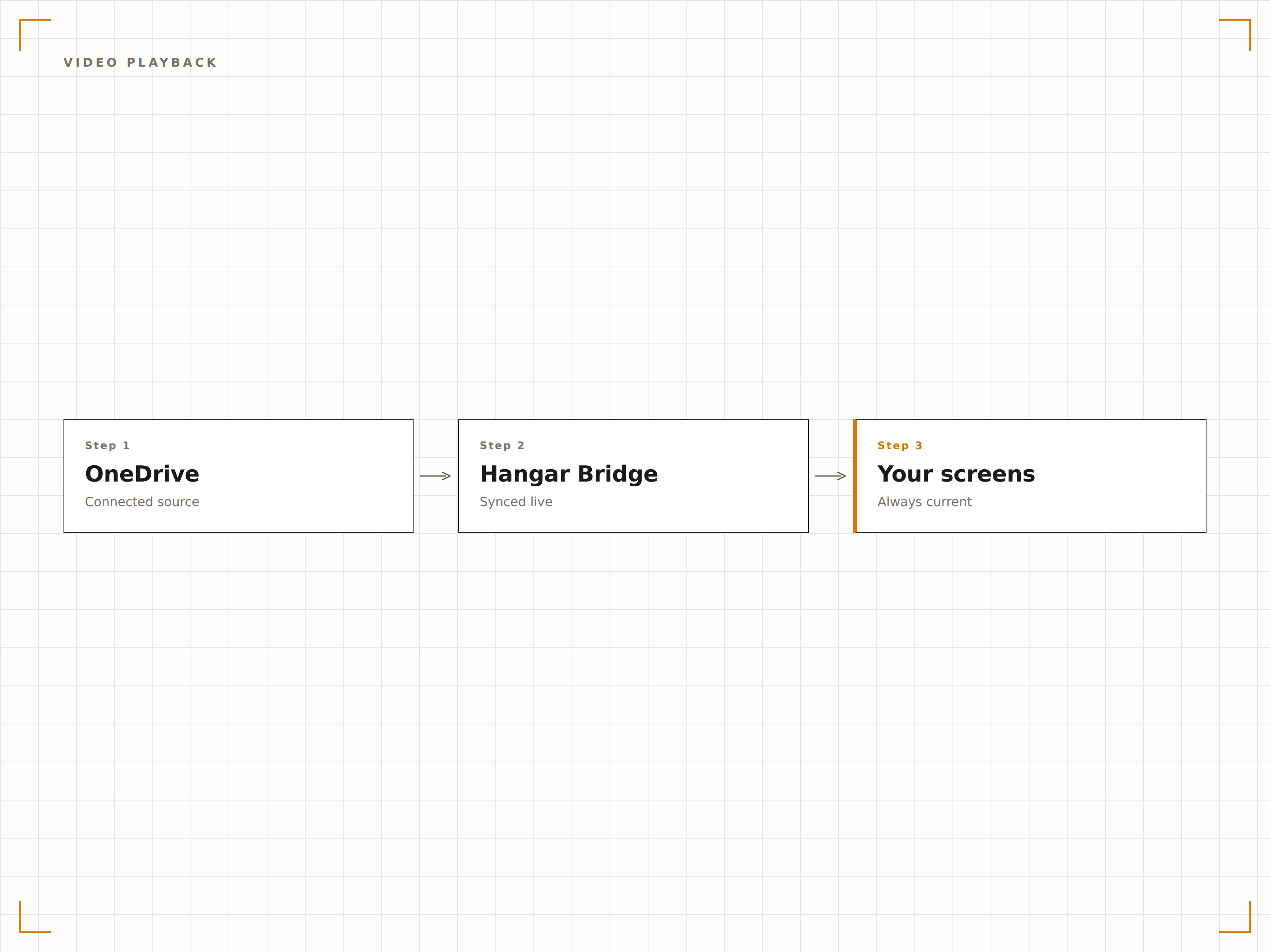
Quatre étapes vers écrans connectés.
De la configuration au contenu en direct en quelques minutes, pas en jours.
Connecter OneDrive
Authentifiez-vous avec Microsoft 365 et accordez à Hangar.Media un accès en lecture à votre compte OneDrive.
Sélectionner les dossiers
Choisissez les dossiers OneDrive à utiliser comme sources de contenu pour vos écrans d'affichage dynamique.
Configurer l'affichage
Définissez les transitions du diaporama, les durées d'affichage, l'ordre de lecture et les paramètres d'affichage vidéo.
Assigner aux écrans
Associez le contenu du dossier OneDrive à vos écrans cibles et publiez.
Conçu pour chaque secteur.
Découvrez comment différents secteurs utilisent cette intégration pour obtenir des résultats.
Mur de photos des collaborateurs
Créez un dossier OneDrive pour les photos d'équipe et les photos d'événements. L'écran d'affichage dynamique dans le hall affiche un diaporama mis à jour automatiquement de la culture d'entreprise.
ÉducationGalerie photos du campus
Affichez les photos d'événements du campus, les réussites des étudiants et les photos de remise de diplômes depuis un dossier OneDrive sur les écrans répartis à travers le campus universitaire.
CommerceAffichage des ressources marketing
Déposez des images promotionnelles et des ressources de marque dans un dossier OneDrive et faites-les apparaître immédiatement sur les écrans d'affichage dynamique en magasin.
HôtellerieAffichage de photos d'événements
Importez des photos d'événements et de mariages dans OneDrive pendant les événements et affichez-les sur les écrans de la salle comme un mur de photos en direct pour les invités.
Questions fréquentes. Réponses directes : réponses.
Puis-je utiliser OneDrive for Business et OneDrive personnel ?
Hangar.Media prend en charge OneDrive for Business (Microsoft 365) via l'authentification Azure AD. Les comptes OneDrive personnels peuvent être connectés via l'authentification par compte Microsoft.
Quels types de fichiers sont pris en charge pour l'affichage ?
Les images (JPG, PNG, BMP, GIF), les vidéos (MP4, MOV, AVI, WMV) et les documents (PDF, PPTX, DOCX) sont pris en charge. Le cas d'usage le plus courant est le diaporama d'images et la lecture de vidéos depuis des dossiers OneDrive.
À quelle vitesse les nouveaux fichiers apparaissent-ils à l'écran ?
Hangar.Media vérifie les modifications dans le dossier OneDrive lié à l'intervalle de votre choix, généralement toutes les 5 à 15 minutes. Les nouveaux fichiers apparaissent sur l'écran d'affichage dynamique au prochain cycle de synchronisation.
Puis-je associer plusieurs dossiers OneDrive à différents écrans ?
Oui. Vous pouvez associer différents dossiers OneDrive à différents écrans ou groupes d'écrans. Chaque écran peut avoir sa propre source de contenu, ou plusieurs écrans peuvent partager le même dossier OneDrive.
Un seul tarif. La plateforme complète.
C'est ainsi que nous pensons que l'affichage dynamique devrait fonctionner. Éditeur de contenu, gestion des écrans et plus de 200 intégrations d'applications — tout inclus dès le premier jour.
14 jours gratuits, jusqu'à 3 écrans — sans carte bancaire.