Outlook Calendar an jeder Tür. jede Tür.
Zeigen Sie Outlook-Kalender-Raumbuchungen, Besprechungspläne und Veranstaltungsübersichten auf Digital Signage-Bildschirmen ausserhalb von Meetingräumen und in gemeinsamen Bürobereichen an.
Meetingräume, visuell verwaltet
Outlook Calendar ist das Planungs-Rückgrat der meisten Organisationen. Hangar.Media zeigt Raumkalenderdaten auf Signage-Bildschirmen, die ausserhalb von Meetingräumen montiert sind – mit aktueller Belegung, bevorstehenden Buchungen und dem Verfügbarkeitsstatus auf einen Blick. Mitarbeitende sehen sofort, welche Räume frei sind, ohne ihr Telefon oder ihren Laptop zu konsultieren. Dieselbe Integration versorgt auch Lobby-Veranstaltungstafeln und tägliche Zeitplananzeigen.
Was Sie mit jede Tür. tun können
Drei Funktionen, die diese Integration für Ihr Digital Signage-Netzwerk unverzichtbar machen.
Raumverfügbarkeit in Echtzeit
Montieren Sie einen Signage-Bildschirm ausserhalb jedes Besprechungsraums, der dessen Outlook Calendar anzeigt. Der Bildschirm zeigt einen grünen (verfügbar) oder roten (belegt) Indikator, die aktuellen Besprechungsdetails sowie die nächste geplante Buchung. Mitarbeitende erkennen den Raumstatus bereits aus mehreren Metern Entfernung.
Grün heisst frei, rot heisst gebucht. Ganz einfach.
Farbcodierte Verfügbarkeitsindikatoren
Details zur aktuellen Besprechung und Organisator
Verbleibende Zeit in der aktuellen Buchung
Raumübersichtstafel
Zeigen Sie alle Besprechungsraumstatus auf einem einzigen Bildschirm in der Lobby oder im Gemeinschaftsbereich an. Jeder Raum zeigt seine Verfügbarkeit, die aktuelle Besprechung und die nächste Buchung in einer Rasteransicht. Mitarbeitende finden auf einen Blick einen freien Raum.
Alle Räume im Gebäude – ein Bildschirm, ein Blick.
Rasteransicht aller Räume
Echtzeit-Status für jeden Raum
Ansichten nach Etage oder Gebäude
Tagesplan-Anzeige
Erstellen Sie eine tägliche Veranstaltungstafel aus dem Outlook Calendar, die alle geplanten Besprechungen, Veranstaltungen und Besucher des Tages anzeigt. In der Lobby aufgestellt, begrüsst sie Besucher und leitet sie in den richtigen Raum.
Ein professionelles Willkommensdisplay – gespeist aus Outlook.
Tägliche Veranstaltungsliste mit Zeiten und Räumen
Willkommensnachrichten für Besucher
Automatische Aktualisierung bei neuen oder geänderten Terminen
Vier Schritte zu verbundene Bildschirme.
Von der Einrichtung bis zu Live-Inhalten in Minuten, nicht Tagen.
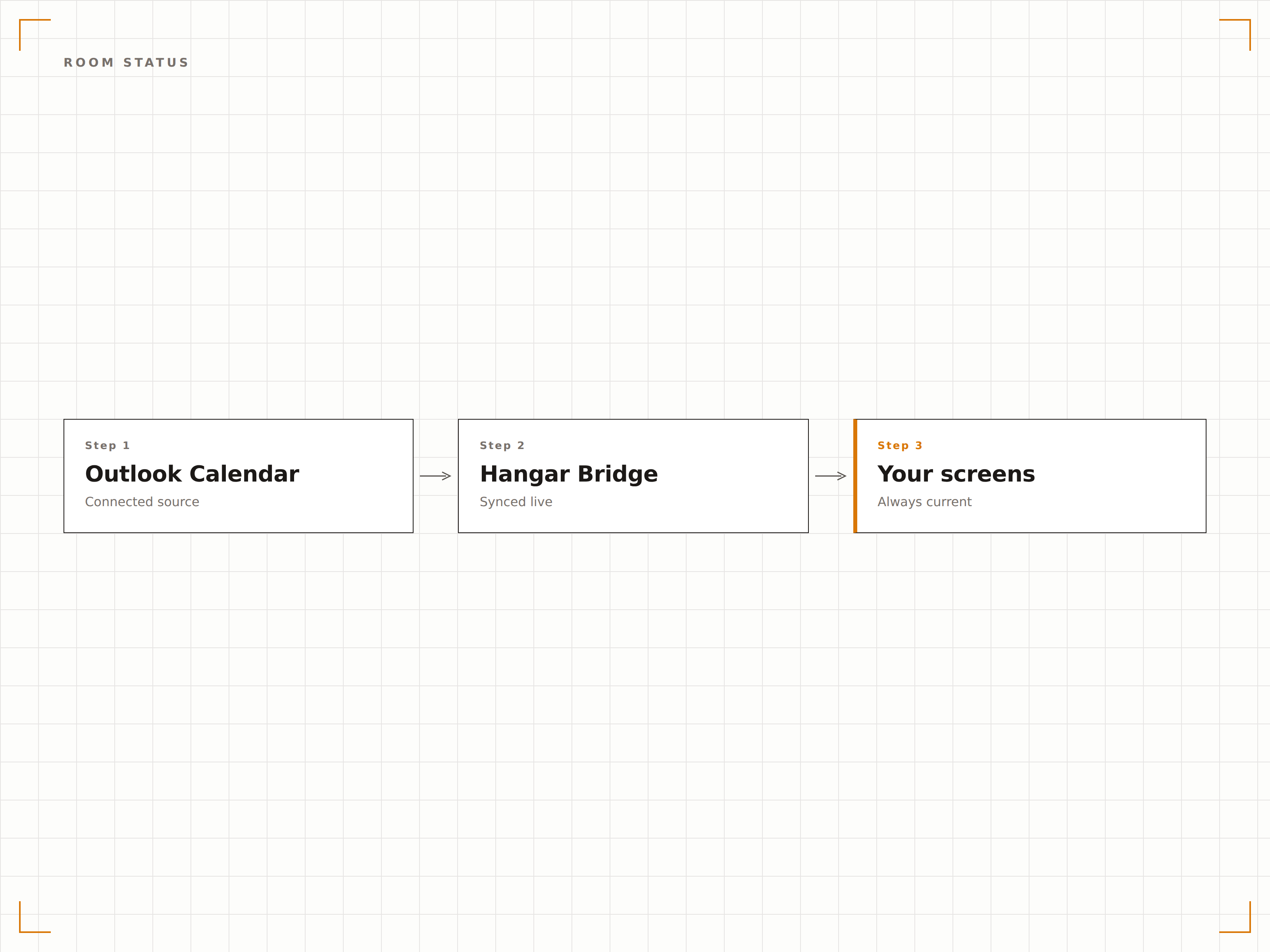
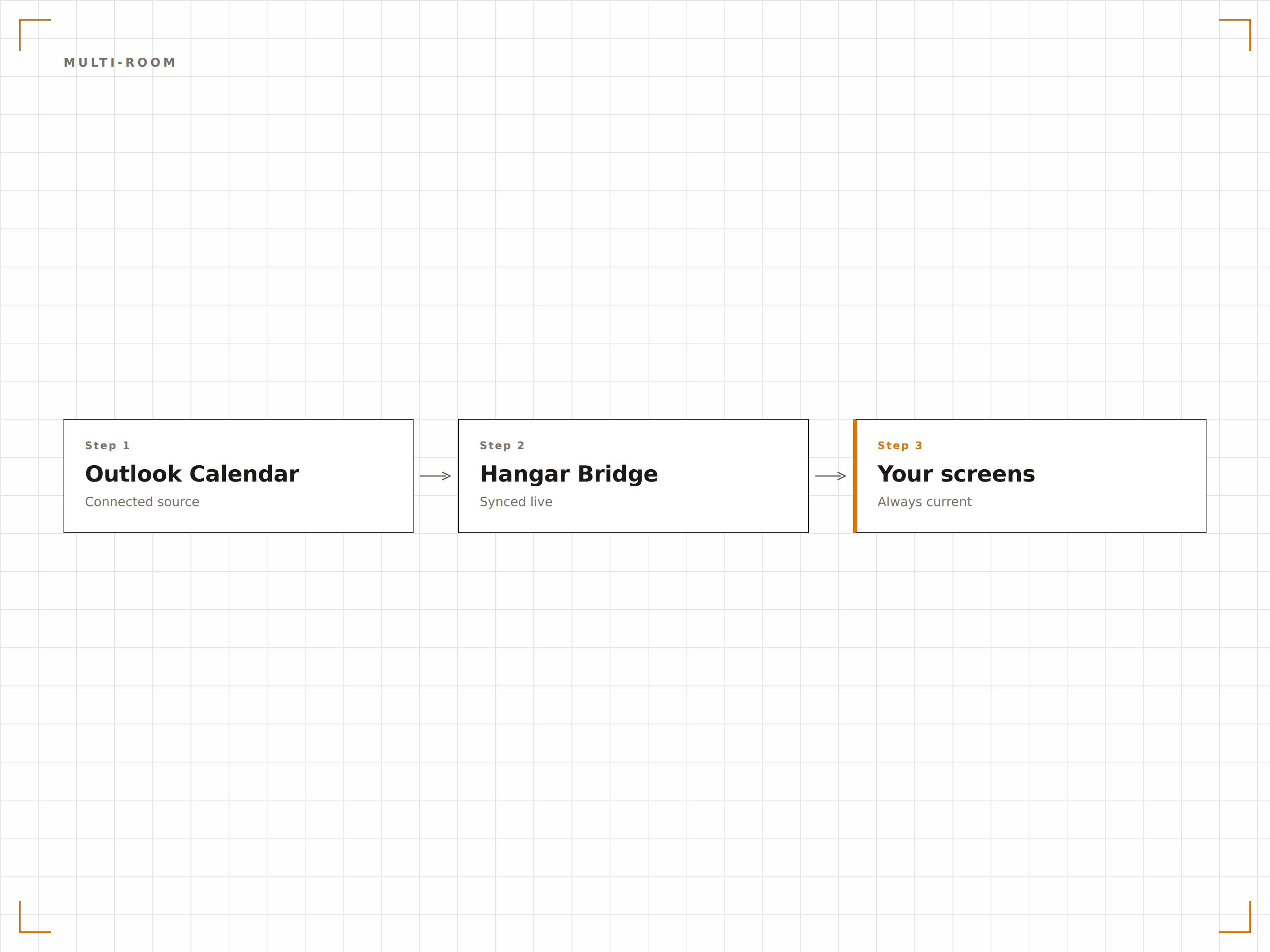
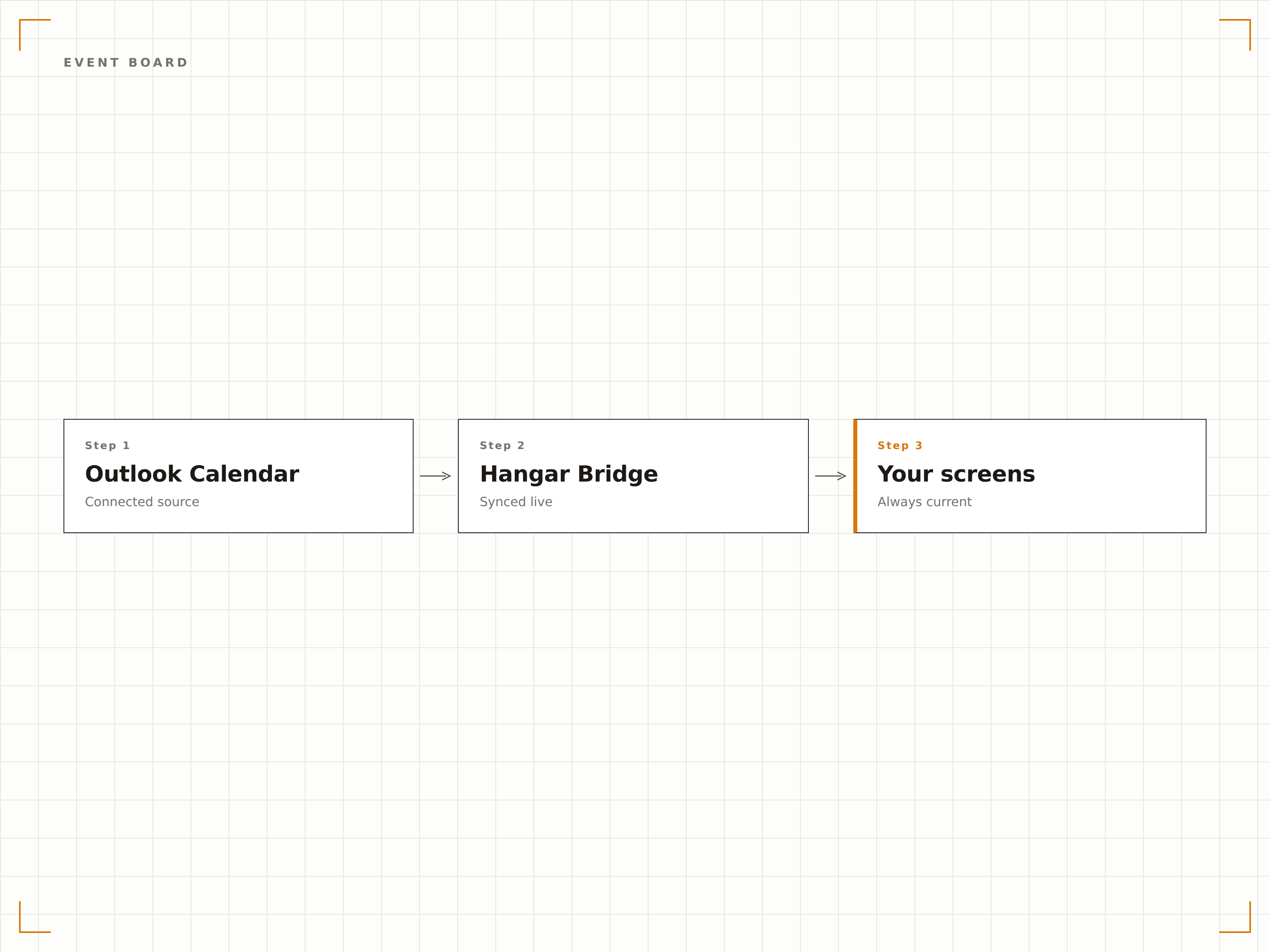
Outlook verbinden
Authentifizieren Sie sich mit Microsoft 365 und erteilen Sie Hangar.Media Lesezugriff auf Raumkalender und Ressourcenpostfächer.
Kalender auswählen
Wählen Sie aus, welche Raumkalender, Ressourcenpostfächer oder persönlichen Kalender auf den Signage-Bildschirmen angezeigt werden sollen.
Layout wählen
Wählen Sie zwischen einer Einzelraum-Statusanzeige, einer Mehrraum-Übersichtstafel oder einem Tagesplan-Layout.
Veröffentlichen
Montieren Sie Bildschirme ausserhalb von Besprechungsräumen oder in Lobbys und veröffentlichen Sie Ihre Kalenderanzeigen.
Entwickelt für jeden Branche.
Erfahren Sie, wie verschiedene Branchen diese Integration nutzen, um Ergebnisse zu erzielen.
Besprechungsraum-Signage
Montieren Sie Bildschirme ausserhalb jedes Besprechungsraums, die Verfügbarkeitsstatus, aktuelle Besprechung und nächste Buchung aus dem Outlook Calendar anzeigen.
BildungHörsaal-Stundenpläne
Zeigen Sie Vorlesungs- und Seminarraumpläne aus Outlook ausserhalb jedes Unterrichtsraums auf dem Campus an – für Studierende und Lehrpersonal.
GesundheitswesenKlinikraum-Buchung
Zeigen Sie die Verfügbarkeit von Klinikräumen und Terminpläne auf Bildschirmen ausserhalb von Konsultations- und Behandlungsräumen an.
GastgewerbeKonferenzraum-Anzeige
Zeigen Sie Konferenz- und Veranstaltungsraumbuchungen auf Bildschirmen in Hotel-Business-Centern und Kongressbereichen an – für Gäste und Veranstaltungsorganisatoren.
Häufige Fragen. Direkte Antworten.
Kann ich Raumkalender anzeigen, ohne Besprechungsdetails zu zeigen?
Ja. Sie können die Anzeige so konfigurieren, dass nur der Verfügbarkeitsstatus (verfügbar oder belegt) sowie die verbleibende Zeit angezeigt werden – ohne Besprechungstitel, Namen der Organisatoren oder Teilnehmerdetails, um die Privatsphäre zu wahren.
Funktioniert dies mit Microsoft 365-Ressourcenpostfächern?
Ja. Hangar.Media verbindet sich mit Microsoft 365-Ressourcenpostfächern, dem Standardverfahren für die Konfiguration von Besprechungsräumen in Exchange Online. Raumkalender, Gerätekalender und freigegebene Kalender werden alle unterstützt.
Können Mitarbeitende einen Raum direkt über den Signage-Bildschirm buchen?
Auf touchfähigen Bildschirmen kann Hangar.Media optional eine Buchungsschaltfläche anzeigen, über die direkt am Bildschirm ausserhalb des Besprechungsraums eine Reservierung im Outlook Calendar erstellt werden kann.
Wie schnell aktualisiert sich der Bildschirm, wenn eine Besprechung beginnt oder endet?
Hangar.Media fragt die Outlook Calendar API in dem von Ihnen gewählten Intervall ab – in der Regel alle 1 bis 2 Minuten. Die Raumstatusanzeige wird innerhalb weniger Minuten aktualisiert, sobald eine Buchung erstellt, geändert oder beendet wird.
Ein Preis. Die gesamte Plattform.
So stellen wir uns Digital Signage vor. Inhaltseditor, Bildschirmverwaltung und 200+ App-Integrationen – alles von Anfang an inklusive.
14 Tage kostenlos, bis zu 3 Bildschirme – keine Kreditkarte erforderlich.