Outlook Calendar en cada puerta.
Muestra reservas de salas del Calendario de Outlook, horarios de reuniones y listados de eventos en pantallas de señalización digital fuera de las salas de reuniones y en las áreas comunes de la oficina.
Salas de Reuniones, Gestionadas Visualmente
El Calendario de Outlook es la columna vertebral de la planificación para la mayoría de las organizaciones. Hangar.Media muestra los datos del calendario de salas en pantallas de señalización digital instaladas fuera de las salas de reuniones, mostrando la ocupación actual, las próximas reservas y la disponibilidad de un vistazo. Los empleados pueden ver qué salas están libres sin necesidad de consultar su teléfono o portátil. La misma integración impulsa los paneles de eventos en el lobby y las pantallas de horarios diarios.
Lo que puedes hacer con cada puerta.
Tres capacidades que hacen esencial esta integración para tu red de señalización digital.
Disponibilidad de salas en tiempo real
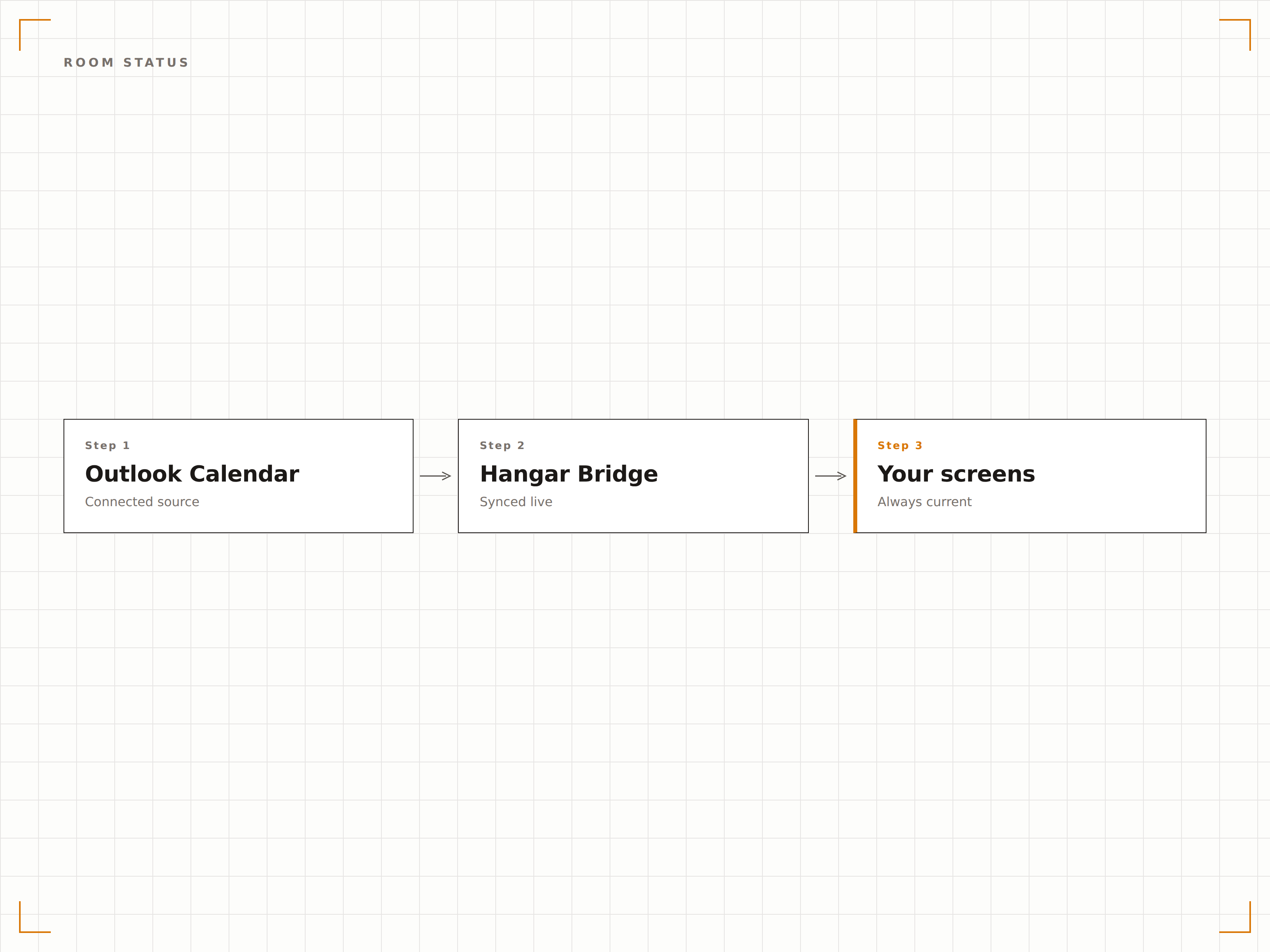
Instala una pantalla de señalización fuera de cada sala de reuniones para mostrar su Outlook Calendar. La pantalla muestra un indicador verde de disponible o rojo de ocupada, los detalles de la reunión en curso y la próxima reserva programada. Los empleados pueden ver el estado de la sala desde varios metros de distancia.
Verde significa libre, rojo significa ocupada. Así de simple.
Indicadores de disponibilidad con código de colores
Detalles de la reunión actual y organizador
Tiempo restante en la reserva actual
Panel de resumen de salas
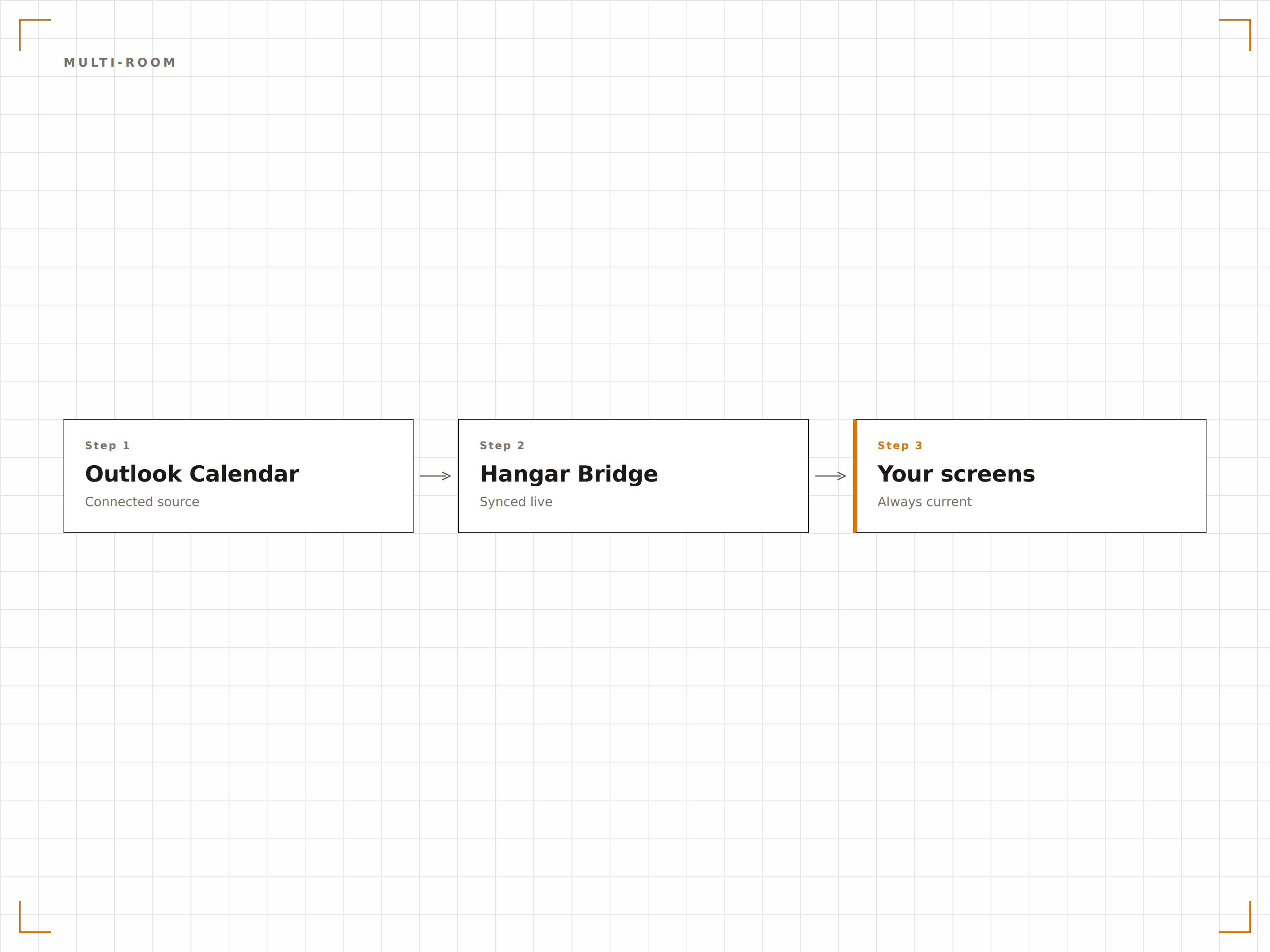
Muestra el estado de todas las salas de reuniones en una sola pantalla en el vestíbulo o área común. Cada sala muestra su disponibilidad, la reunión en curso y la próxima reserva en un diseño de cuadrícula. Los empleados pueden encontrar una sala libre de un vistazo.
Todas las salas del edificio, una sola pantalla, un vistazo.
Diseño en cuadrícula con todas las salas
Estado en tiempo real de cada sala
Vistas por planta o por edificio
Visualización de agenda diaria
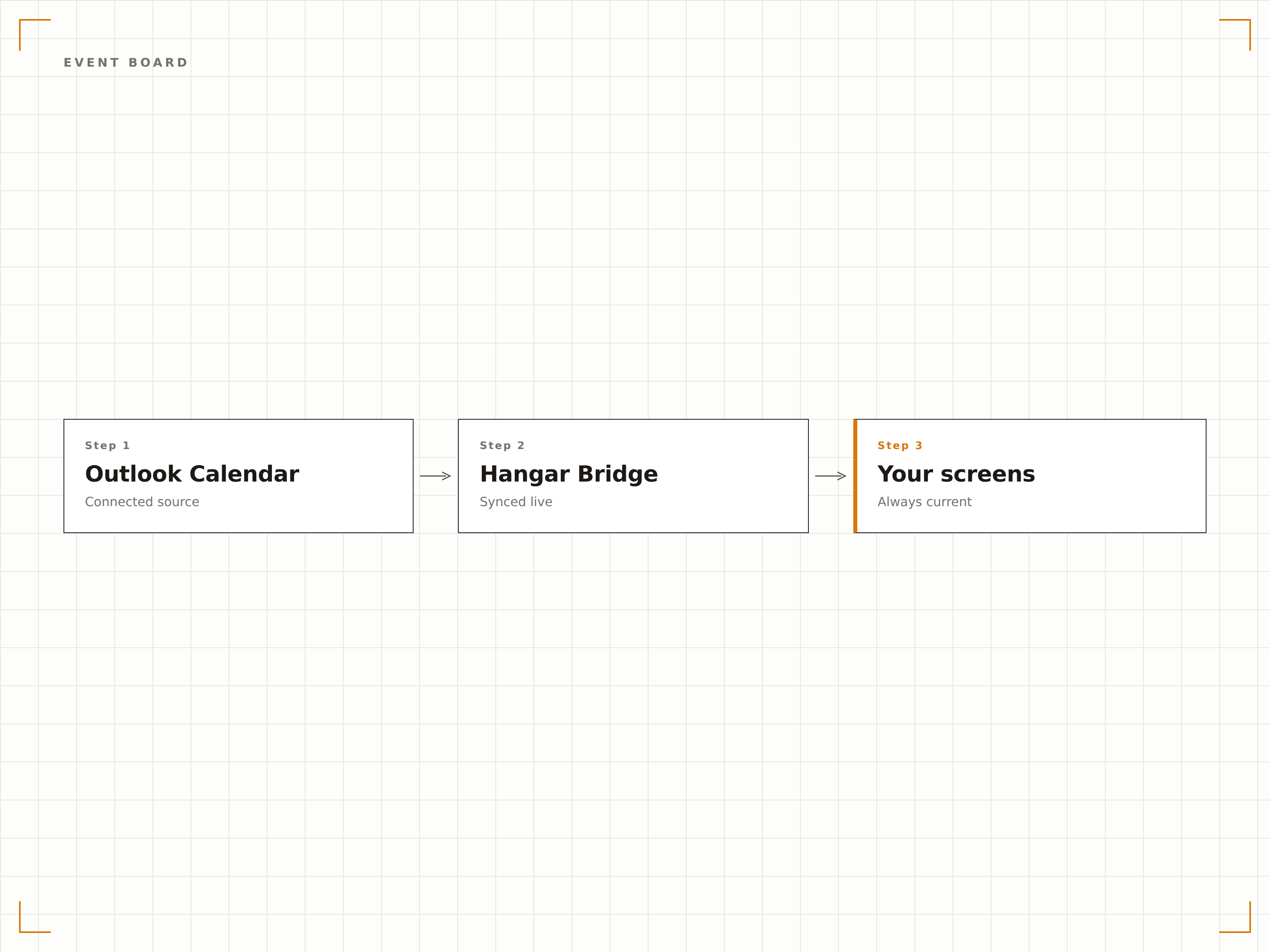
Crea un panel de eventos diario desde Outlook Calendar con todas las reuniones, eventos y visitas programados para el día. Muéstralo en el vestíbulo para dar la bienvenida a los visitantes y guiarlos a la sala correcta.
Un panel de bienvenida profesional, impulsado por Outlook.
Listado diario de eventos con horarios y salas
Mensajes de bienvenida para visitantes
Actualización automática al agregar o modificar eventos
Cuatro pasos hacia pantallas conectadas.
Desde la configuración hasta contenido en vivo en minutos, no en días.
Conectar Outlook
Autentícate con Microsoft 365 y otorga a Hangar.Media acceso de lectura a los calendarios de salas y buzones de recursos.
Seleccionar calendarios
Elige qué calendarios de salas, buzones de recursos o calendarios personales mostrar en las pantallas de señalización.
Elegir diseño
Selecciona un diseño de estado para una sola sala, un panel de resumen multisala o un diseño de agenda diaria.
Publicar
Instala pantallas fuera de las salas de reuniones o en los vestíbulos y publica tus visualizaciones de calendario.
Diseñado para cada sector.
Descubre cómo distintas industrias utilizan esta integración para obtener resultados.
Señalización para salas de reuniones
Instala pantallas fuera de cada sala de reuniones para mostrar el estado de disponibilidad, la reunión actual y la próxima reserva desde Outlook Calendar.
EducaciónHorarios de aulas de conferencias
Muestra los horarios de aulas y salas de seminarios desde Outlook fuera de cada espacio de enseñanza en el campus, para estudiantes y personal docente.
SaludReserva de consultorios
Muestra la disponibilidad de consultorios y los horarios de citas en pantallas fuera de las salas de consulta y áreas de tratamiento.
HospitalidadPantalla para salas de conferencias
Muestra las reservas de salas de conferencias y eventos en pantallas en los centros de negocios de hoteles y áreas de convenciones, para huéspedes y organizadores de eventos.
Preguntas frecuentes. Respuestas directas: respuestas.
¿Puedo mostrar calendarios de salas sin revelar los detalles de las reuniones?
Sí. Puedes configurar la pantalla para mostrar únicamente el estado de disponibilidad (disponible u ocupada) y el tiempo restante, sin mostrar títulos de reuniones, nombres de organizadores ni detalles de asistentes, para proteger la privacidad.
¿Funciona con los buzones de recursos de Microsoft 365?
Sí. Hangar.Media se conecta a los buzones de recursos de Microsoft 365, que es la forma estándar en que se configuran las salas de reuniones en Exchange Online. Se admiten calendarios de salas, calendarios de equipos y calendarios compartidos.
¿Pueden los empleados reservar una sala desde la pantalla de señalización?
En pantallas táctiles, Hangar.Media puede mostrar opcionalmente un botón de reserva que crea una reservación en Outlook Calendar directamente desde la pantalla ubicada fuera de la sala de reuniones.
¿Con qué rapidez se actualiza la pantalla cuando una reunión comienza o termina?
Hangar.Media consulta la API de Outlook Calendar en el intervalo que elijas, normalmente cada 1 o 2 minutos. La pantalla de estado de la sala se actualiza en minutos tras crearse, modificarse o finalizar una reserva.
Un precio. La plataforma completa.
Así es como creemos que debe funcionar la señalización digital. Editor de contenido, gestión de pantallas y más de 200 integraciones de aplicaciones — todo incluido desde el primer día.
14 días gratis, hasta 3 pantallas — sin tarjeta.