Outlook Calendar sur chaque porte.
Affichez les réservations de salles Outlook Calendar, les plannings de réunions et les listes d'événements sur des écrans d'affichage dynamique à l'extérieur des salles de réunion et dans les espaces communs de vos bureaux.
Salles de réunion, gérées visuellement
Outlook Calendar est l'épine dorsale de la planification dans la plupart des organisations. Hangar.Media affiche les données du calendrier des salles sur des écrans de signalétique installés à l'extérieur des salles de réunion, indiquant l'occupation en cours, les prochaines réservations et la disponibilité en un coup d'œil. Les collaborateurs peuvent voir quelles salles sont libres sans consulter leur téléphone ou leur ordinateur. La même intégration alimente les tableaux d'événements en réception et les affichages de planning journalier.
Ce que vous pouvez faire avec chaque porte.
Trois fonctionnalités qui rendent cette intégration indispensable pour votre réseau d'affichage dynamique.
Disponibilité des salles en temps réel
Installez un écran d'affichage dynamique devant chaque salle de réunion pour afficher son Outlook Calendar. L'écran indique un voyant vert (disponible) ou rouge (occupé), les détails de la réunion en cours et la prochaine réservation planifiée. Les collaborateurs peuvent voir le statut de la salle à plusieurs mètres de distance.
Vert, c'est libre. Rouge, c'est pris. Simple.
Indicateurs de disponibilité avec code couleur
Détails de la réunion en cours et organisateur
Temps restant dans la réservation en cours
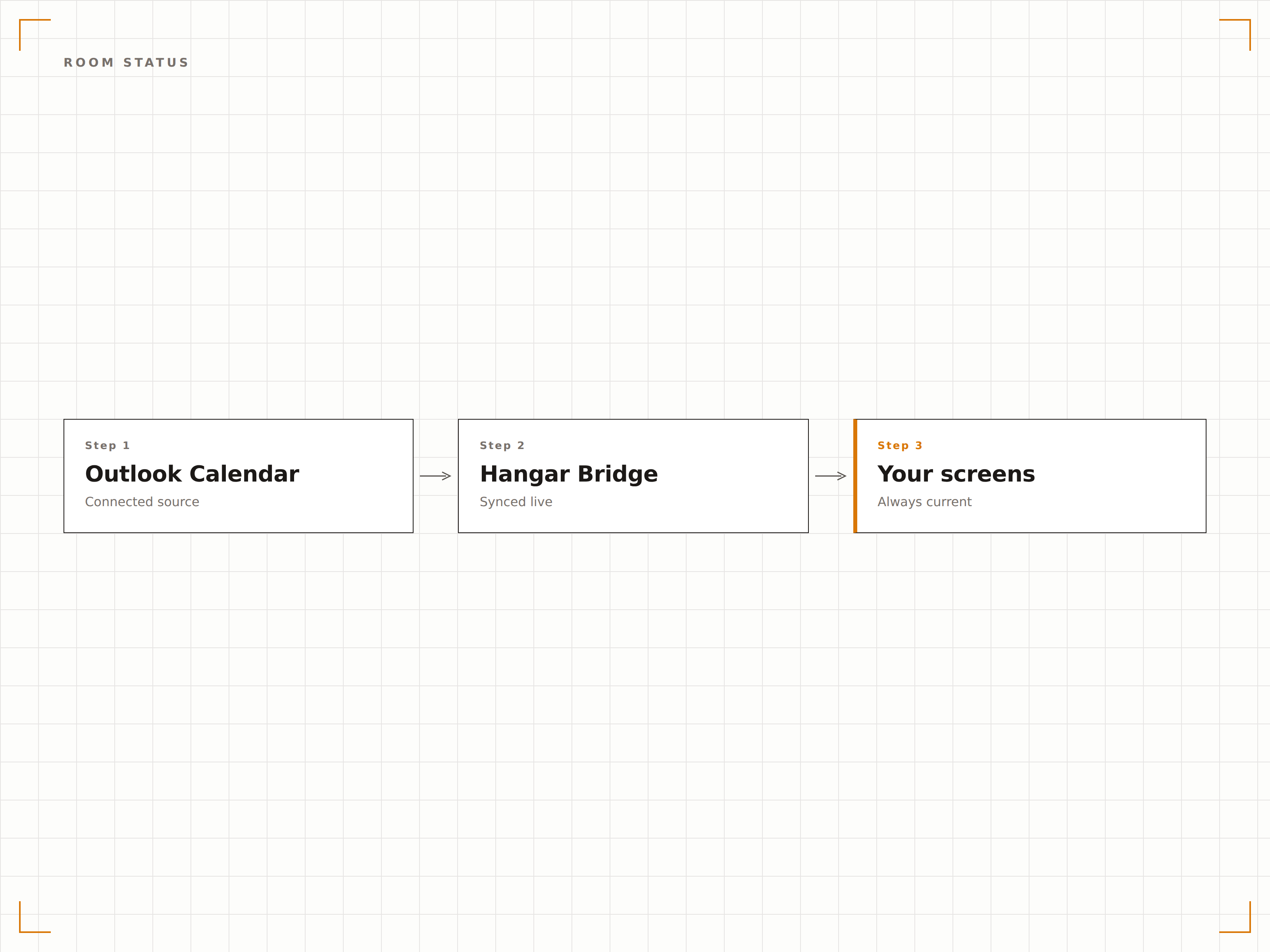
Tableau de vue d'ensemble des salles
Affichez le statut de toutes les salles de réunion sur un seul écran dans le hall ou les espaces communs. Chaque salle indique sa disponibilité, la réunion en cours et la prochaine réservation dans une disposition en grille. Les collaborateurs peuvent trouver une salle libre en un coup d'œil.
Toutes les salles du bâtiment, un seul écran, un seul coup d'œil.
Disposition en grille affichant toutes les salles
Statut en temps réel pour chaque salle
Vues par étage ou par bâtiment
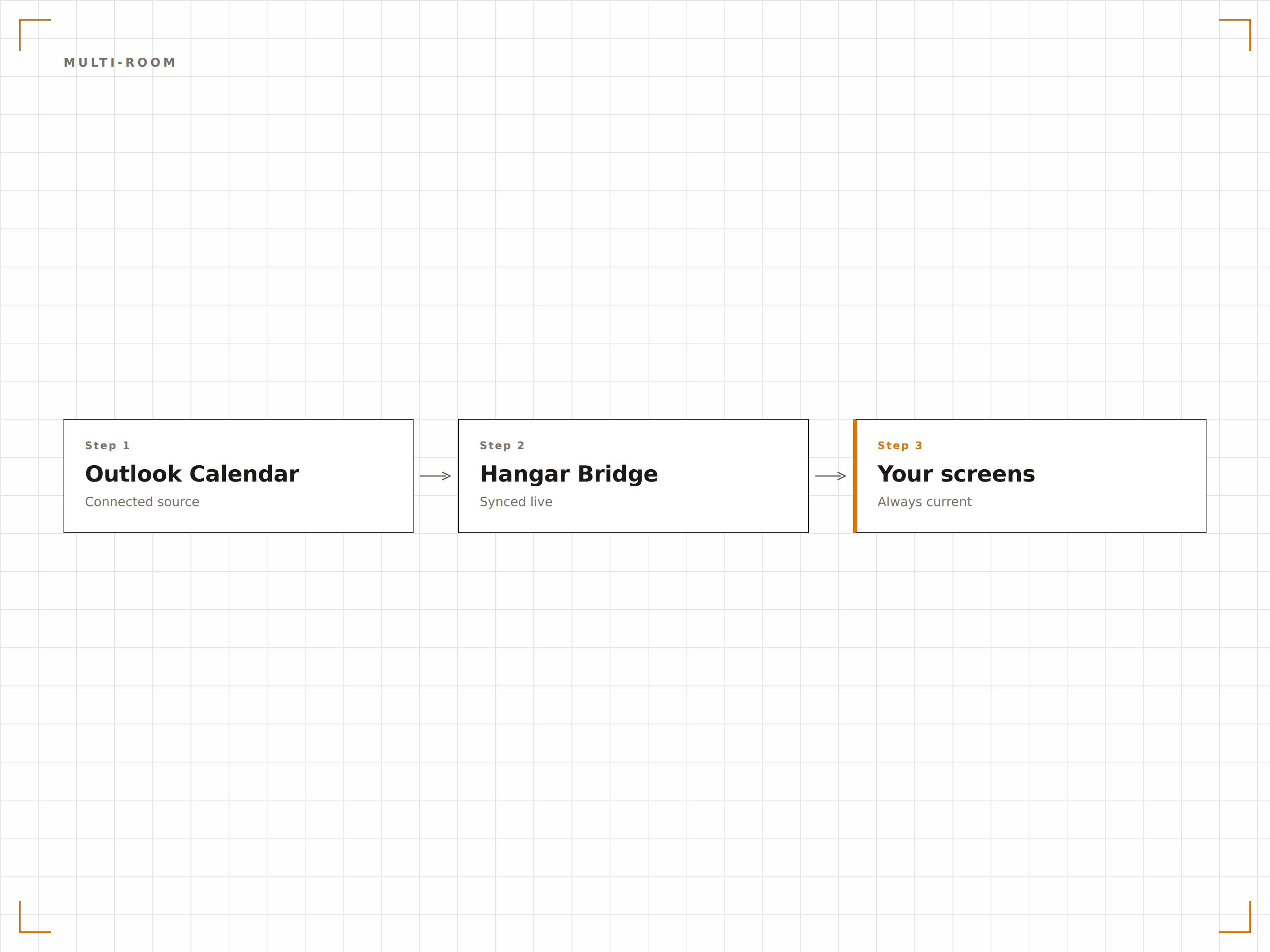
Affichage du planning journalier
Créez un tableau d'événements journalier depuis Outlook Calendar affichant toutes les réunions, événements et visites prévus dans la journée. Affichez-le dans le hall pour accueillir les visiteurs et les orienter vers la bonne salle.
Un tableau d'accueil professionnel, propulsé par Outlook.
Liste des événements du jour avec horaires et salles
Messages d'accueil pour les visiteurs
Mise à jour automatique à l'ajout ou à la modification d'événements
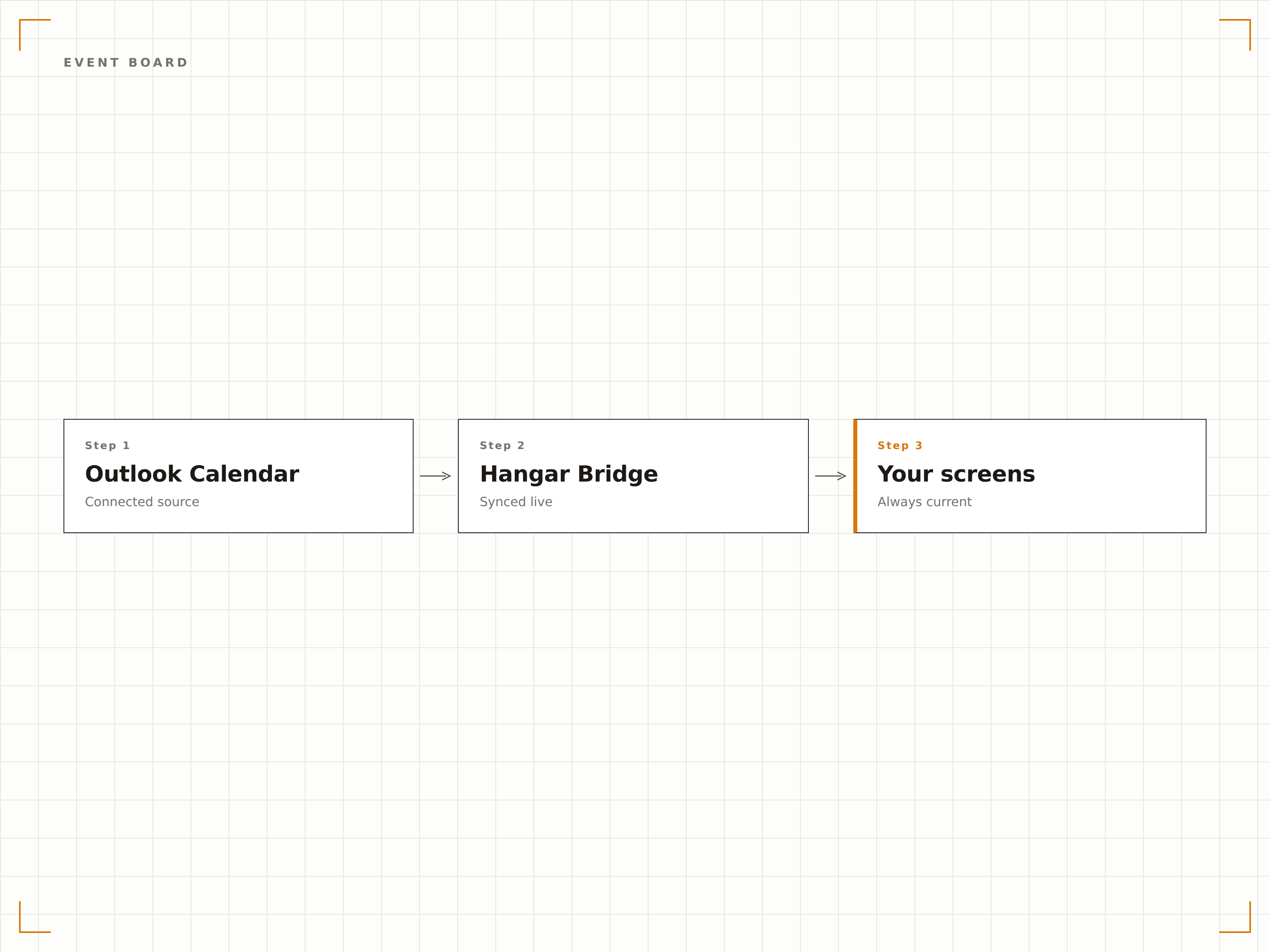
Quatre étapes vers écrans connectés.
De la configuration au contenu en direct en quelques minutes, pas en jours.
Connecter Outlook
Authentifiez-vous avec Microsoft 365 et accordez à Hangar.Media un accès en lecture aux calendriers de salles et aux boîtes aux lettres de ressources.
Sélectionner les calendriers
Choisissez les calendriers de salles, les boîtes aux lettres de ressources ou les calendriers personnels à afficher sur vos écrans d'affichage dynamique.
Choisir une mise en page
Sélectionnez un affichage de statut pour une salle unique, un tableau récapitulatif multi-salles ou une mise en page de planning journalier.
Publier
Installez les écrans devant les salles de réunion ou dans les halls d'accueil, puis publiez vos affichages de calendrier.
Conçu pour chaque secteur.
Découvrez comment différents secteurs utilisent cette intégration pour obtenir des résultats.
Affichage dynamique pour salles de réunion
Installez des écrans devant chaque salle de réunion pour afficher le statut de disponibilité, la réunion en cours et la prochaine réservation depuis Outlook Calendar.
ÉducationPlannings de salles de cours
Affichez les plannings des salles de cours et de séminaires depuis Outlook devant chaque salle d'enseignement sur le campus, à destination des étudiants et du corps enseignant.
SantéRéservation de salles de consultation
Affichez la disponibilité des salles et les plannings de rendez-vous sur des écrans devant les salles de consultation et les espaces de soins.
HôtellerieAffichage des salles de conférence
Affichez les réservations des salles de conférence et d'événements sur des écrans dans les centres d'affaires des hôtels et les espaces de convention, à destination des clients et des organisateurs d'événements.
Questions fréquentes. Réponses directes : réponses.
Puis-je afficher les calendriers de salles sans révéler les détails des réunions ?
Oui. Vous pouvez configurer l'affichage pour ne montrer que le statut de disponibilité (disponible ou occupé) et le temps restant, sans afficher les titres de réunion, les noms des organisateurs ni les détails des participants, pour des raisons de confidentialité.
Cette solution fonctionne-t-elle avec les boîtes aux lettres de ressources Microsoft 365 ?
Oui. Hangar.Media se connecte aux boîtes aux lettres de ressources Microsoft 365, qui est la méthode standard de configuration des salles de réunion dans Exchange Online. Les calendriers de salles, les calendriers d'équipements et les calendriers partagés sont tous pris en charge.
Les collaborateurs peuvent-ils réserver une salle depuis l'écran d'affichage dynamique ?
Sur les écrans tactiles, Hangar.Media peut afficher en option un bouton de réservation permettant de créer une réservation directement dans Outlook Calendar depuis l'écran situé devant la salle de réunion.
En combien de temps l'écran se met-il à jour lorsqu'une réunion commence ou se termine ?
Hangar.Media interroge l'API Outlook Calendar à l'intervalle de votre choix, généralement toutes les 1 à 2 minutes. L'affichage du statut de la salle se met à jour en quelques minutes dès qu'une réservation est créée, modifiée ou terminée.
Un seul tarif. La plateforme complète.
C'est ainsi que nous pensons que l'affichage dynamique devrait fonctionner. Éditeur de contenu, gestion des écrans et plus de 200 intégrations d'applications — tout inclus dès le premier jour.
14 jours gratuits, jusqu'à 3 écrans — sans carte bancaire.