Outlook Calendar em cada porta.
Exiba reservas de salas do Outlook Calendar, agendas de reuniões e listas de eventos em telas de sinalização digital do lado de fora das salas de reunião e nas áreas comuns do escritório.
Salas de Reunião, Gerenciadas Visualmente
O Outlook Calendar é a espinha dorsal de agendamento da maioria das organizações. O Hangar.Media exibe dados do calendário de salas em telas de sinalização digital instaladas do lado de fora das salas de reunião, mostrando a ocupação atual, as próximas reservas e a disponibilidade de forma imediata. Os colaboradores podem ver quais salas estão livres sem precisar consultar o celular ou o computador. A mesma integração alimenta os painéis de eventos no lobby e as exibições de agenda diária.
O que você pode fazer com cada porta.
Três capacidades que tornam esta integração essencial para a sua rede de sinalização digital.
Disponibilidade de Salas em Tempo Real
Instale uma tela de sinalização fora de cada sala de reunião exibindo seu Outlook Calendar. A tela mostra um indicador verde para disponível ou vermelho para ocupada, os detalhes da reunião em andamento e a próxima reserva agendada. Os colaboradores conseguem ver o status da sala a metros de distância.
Verde é livre, vermelho é ocupado. Simples assim.
Indicadores de disponibilidade com código de cores
Detalhes da reunião atual e organizador
Tempo restante na reserva atual
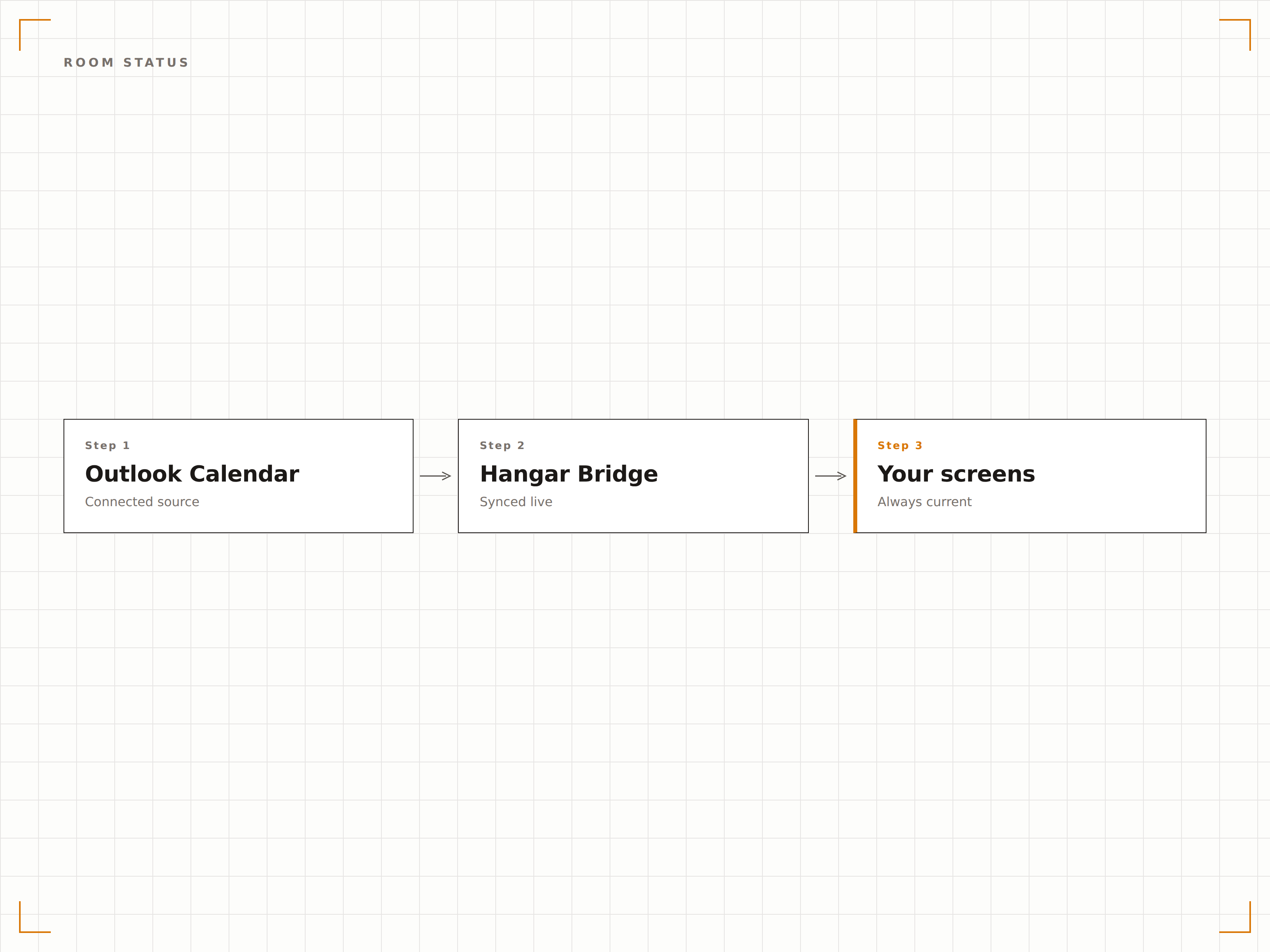
Painel de Visão Geral de Salas
Exiba o status de todas as salas de reunião em uma única tela no lobby ou área comum. Cada sala mostra sua disponibilidade, reunião atual e próxima reserva em um layout de grade. Os colaboradores encontram uma sala livre de relance.
Todas as salas do prédio, uma tela, uma olhada.
Layout em grade exibindo todas as salas
Status em tempo real de cada sala
Visualizações por andar ou por prédio
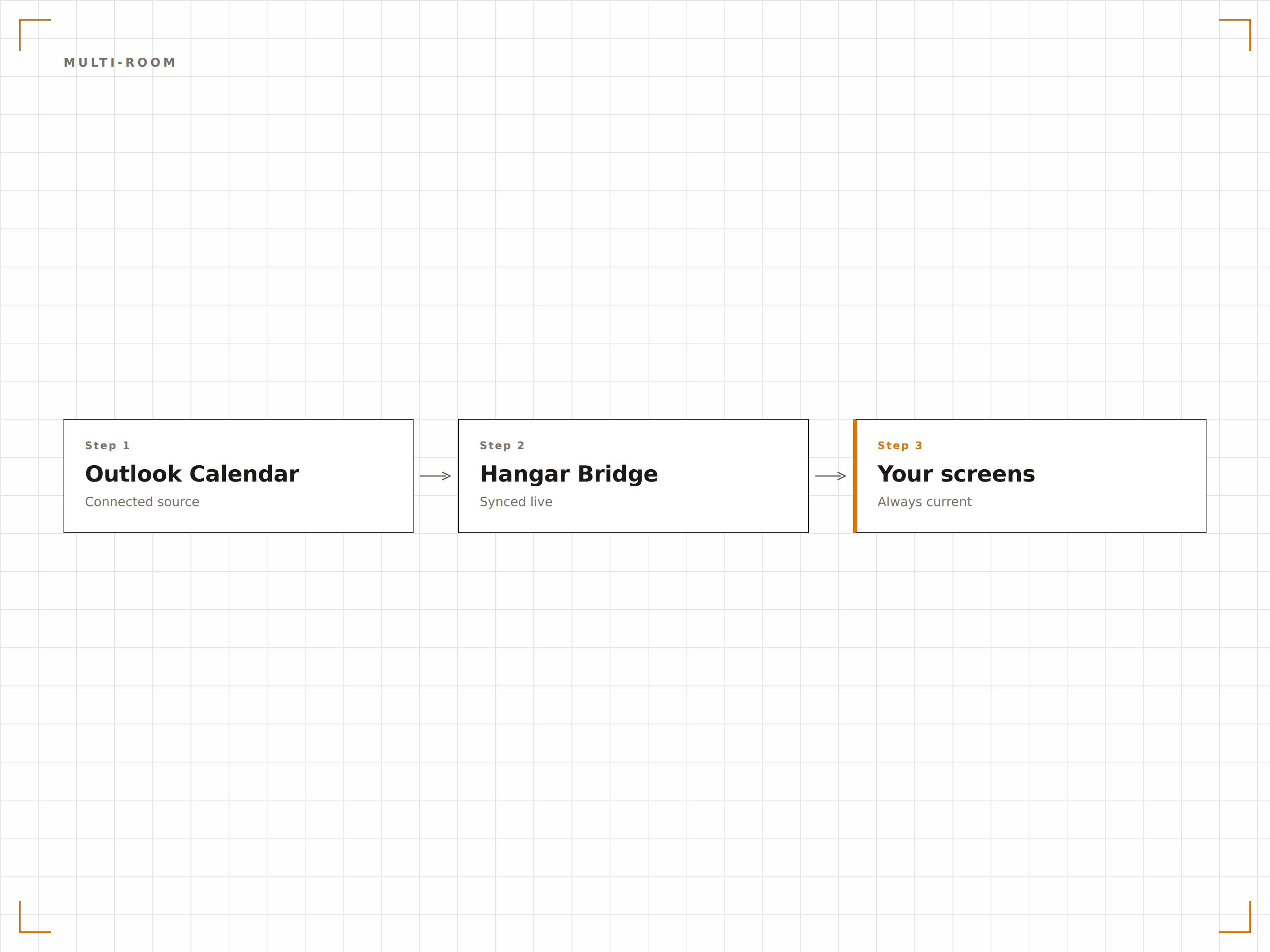
Exibição de Agenda Diária
Crie um painel de eventos diários a partir do Outlook Calendar exibindo todas as reuniões, eventos e visitantes agendados para o dia. Exiba no lobby para recepcionar visitantes e orientá-los até a sala correta.
Um painel de boas-vindas profissional, alimentado pelo Outlook.
Listagem diária de eventos com horários e salas
Mensagens de boas-vindas para visitantes
Atualização automática conforme eventos são adicionados ou alterados
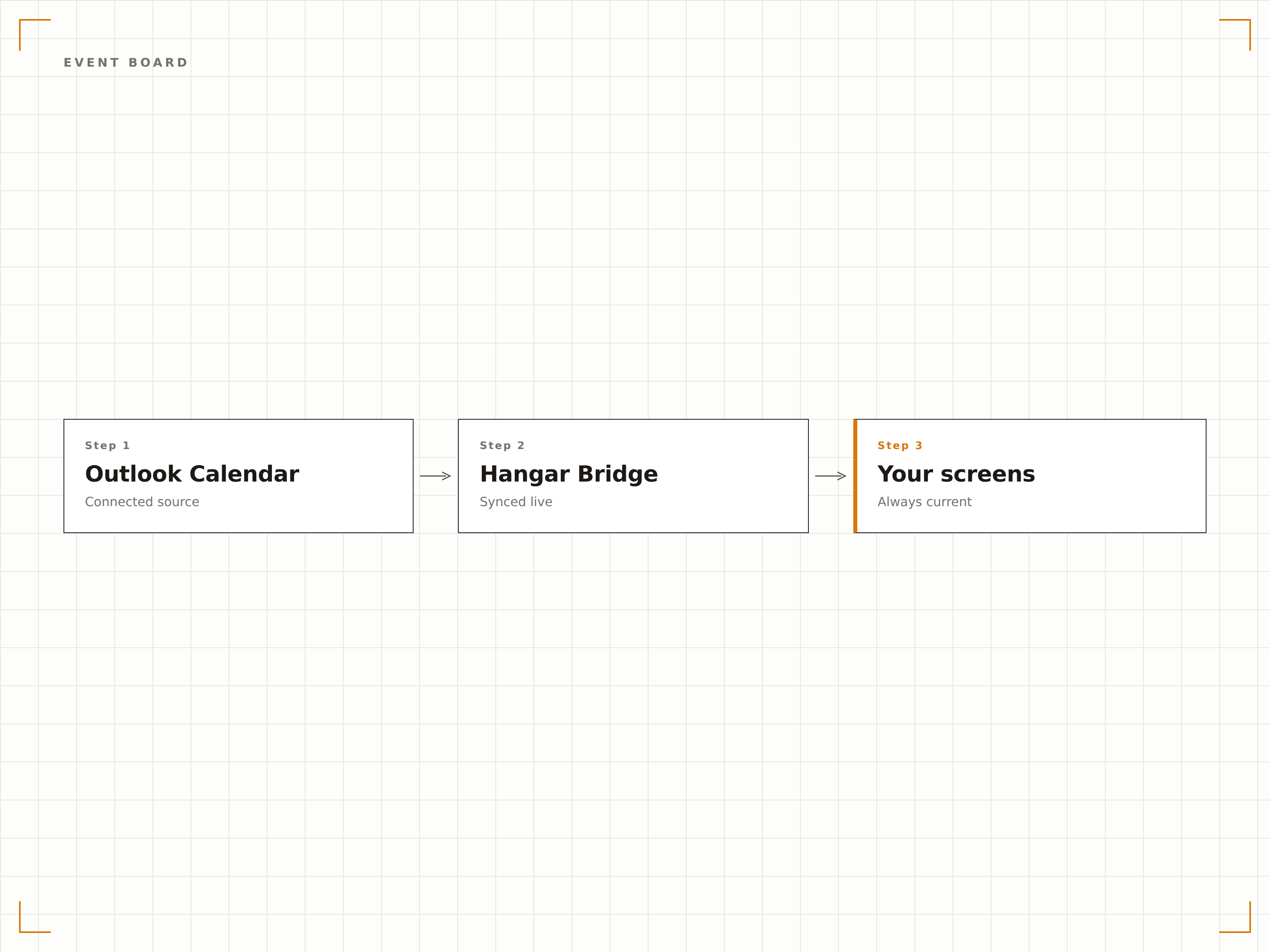
Quatro etapas para telas conectadas.
Da configuração ao conteúdo ao vivo em minutos, não dias.
Conectar ao Outlook
Autentique-se no Microsoft 365 e conceda ao Hangar.Media acesso de leitura aos calendários de salas e caixas de correio de recursos.
Selecionar Calendários
Escolha quais calendários de salas, caixas de correio de recursos ou calendários pessoais exibir nas telas de sinalização.
Escolher Layout
Selecione um painel de status de sala individual, um painel de visão geral de múltiplas salas ou um layout de agenda diária.
Publicar
Instale telas fora das salas de reunião ou nos lobbies e publique seus painéis de calendário.
Feito para cada setor.
Veja como diferentes segmentos utilizam esta integração para gerar resultados.
Sinalização de Salas de Reunião
Instale telas fora de cada sala de reunião exibindo o status de disponibilidade, a reunião atual e a próxima reserva do Outlook Calendar.
EducaçãoAgendas de Salas de Aula
Exiba as agendas de salas de aula e seminários do Outlook fora de cada sala de ensino no campus para alunos e professores.
SaúdeReserva de Consultórios
Mostre a disponibilidade de consultórios e agendas de atendimento em telas fora das salas de consulta e áreas de tratamento.
HotelariaExibição de Salas de Conferência
Exiba as reservas de salas de conferência e eventos em telas nos centros de negócios de hotéis e áreas de convenções para hóspedes e organizadores de eventos.
Perguntas frequentes. Respostas diretas respostas.
Posso exibir calendários de salas sem mostrar os detalhes das reuniões?
Sim. Você pode configurar a exibição para mostrar apenas o status de disponibilidade (disponível ou ocupada) e o tempo restante, sem exibir títulos de reuniões, nomes de organizadores ou detalhes de participantes, preservando a privacidade.
Isso funciona com caixas de correio de recursos do Microsoft 365?
Sim. O Hangar.Media se conecta às caixas de correio de recursos do Microsoft 365, que é a forma padrão de configurar salas de reunião no Exchange Online. Calendários de salas, calendários de equipamentos e calendários compartilhados são todos suportados.
Os colaboradores podem reservar uma sala pela tela de sinalização?
Em telas com toque habilitado, o Hangar.Media pode exibir opcionalmente um botão de reserva que cria um agendamento no Outlook Calendar diretamente da tela fora da sala de reunião.
Com que rapidez a tela é atualizada quando uma reunião começa ou termina?
O Hangar.Media consulta a API do Outlook Calendar no intervalo definido por você, normalmente a cada 1 a 2 minutos. O status da sala é atualizado em minutos após uma reserva ser criada, modificada ou encerrada.
Um preço. A plataforma completa.
É assim que acreditamos que a sinalização digital deve funcionar. Editor de conteúdo, gerenciamento de telas e mais de 200 integrações de aplicativos — tudo incluído desde o primeiro dia.
14 dias grátis, até 3 telas — sem cartão.