Outlook Calendar su ogni porta.
Mostra le prenotazioni delle sale dal Calendario Outlook, i programmi delle riunioni e gli elenchi degli eventi su schermi di segnaletica digitale all'esterno delle sale riunioni e nelle aree comuni dell'ufficio.
Sale Riunioni, Gestite Visivamente
Outlook Calendar è la colonna portante della pianificazione per la maggior parte delle organizzazioni. Hangar.Media visualizza i dati del calendario delle sale su schermi di segnaletica digitale installati all'esterno delle sale riunioni, mostrando l'occupazione attuale, le prenotazioni imminenti e la disponibilità a colpo d'occhio. I dipendenti possono vedere quali sale sono libere senza dover controllare il telefono o il laptop. La stessa integrazione alimenta i pannelli eventi della reception e i display con il programma giornaliero.
Cosa puoi fare con ogni porta.
Tre funzionalità che rendono questa integrazione indispensabile per la tua rete di segnaletica digitale.
Disponibilità delle Sale in Tempo Reale
Installa uno schermo della segnaletica digitale all'esterno di ogni sala riunioni per mostrarne il calendario Outlook. Lo schermo visualizza un indicatore verde (disponibile) o rosso (occupato), i dettagli della riunione in corso e la prossima prenotazione programmata. I dipendenti possono vedere lo stato della sala da diversi metri di distanza.
Verde libero, rosso occupato. Semplice.
Indicatori di disponibilità con codice colore
Dettagli della riunione in corso e organizzatore
Tempo rimanente nella prenotazione corrente
Pannello Panoramico delle Sale
Visualizza lo stato di tutte le sale riunioni su un unico schermo nella hall o nelle aree comuni. Ogni sala mostra la propria disponibilità, la riunione in corso e la prossima prenotazione in un layout a griglia. I dipendenti possono trovare una sala libera in un colpo d'occhio.
Tutte le sale dell'edificio, un solo schermo, un solo sguardo.
Layout a griglia con tutte le sale
Stato in tempo reale per ogni sala
Viste per piano o per edificio
Visualizzazione del Programma Giornaliero
Crea una bacheca degli eventi giornalieri da Outlook Calendar con tutte le riunioni, gli eventi e le visite previste per la giornata. Visualizzala nella hall per accogliere i visitatori e guidarli nella sala giusta.
Una bacheca di benvenuto professionale, alimentata da Outlook.
Elenco degli eventi giornalieri con orari e sale
Messaggi di benvenuto per i visitatori
Aggiornamento automatico all'aggiunta o alla modifica degli eventi
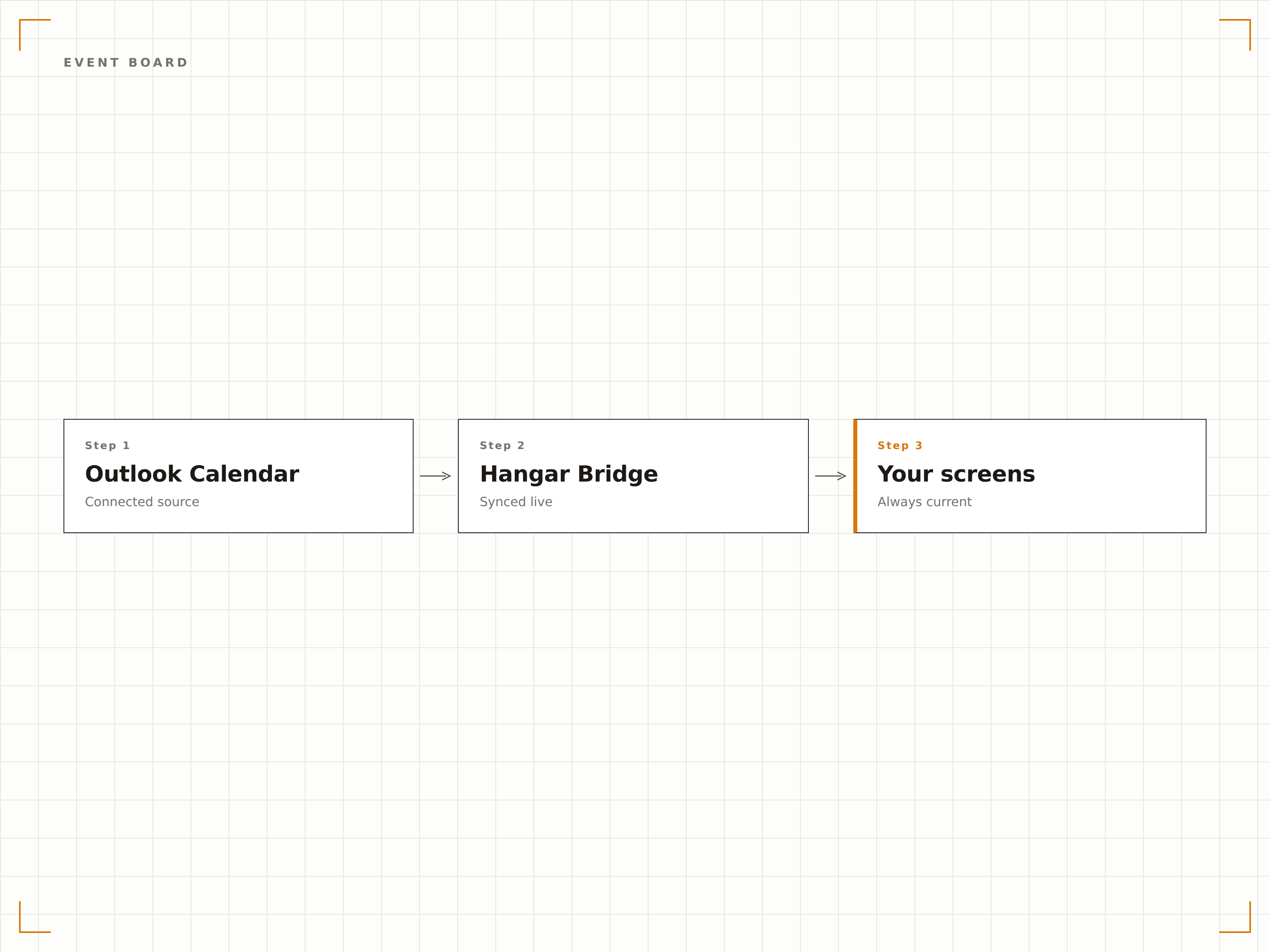
Quattro passaggi verso schermi connessi.
Dalla configurazione ai contenuti live in minuti, non giorni.
Connetti Outlook
Autenticati con Microsoft 365 e concedi a Hangar.Media l'accesso in lettura ai calendari delle sale e alle cassette postali delle risorse.
Seleziona i Calendari
Scegli quali calendari delle sale, cassette postali delle risorse o calendari personali visualizzare sugli schermi della segnaletica digitale.
Scegli il Layout
Seleziona un display per lo stato di una singola sala, una panoramica multi-sala o un layout con il programma giornaliero.
Pubblica
Installa gli schermi all'esterno delle sale riunioni o nelle aree comuni e pubblica i tuoi display del calendario.
Costruito per ogni settore.
Scopri come diversi settori utilizzano questa integrazione per ottenere risultati concreti.
Segnaletica Digitale per Sale Riunioni
Installa schermi all'esterno di ogni sala riunioni per mostrare lo stato di disponibilità, la riunione in corso e la prossima prenotazione da Outlook Calendar.
IstruzioneProgrammi delle Aule
Visualizza i programmi delle aule per lezioni e seminari da Outlook all'esterno di ogni aula del campus, per studenti e docenti.
SanitàPrenotazione delle Sale Cliniche
Mostra la disponibilità delle sale cliniche e i programmi degli appuntamenti sugli schermi all'esterno degli ambulatori e delle aree di trattamento.
HospitalityDisplay per Sale Conferenze
Visualizza le prenotazioni delle sale conferenze ed eventi sugli schermi nei business centre degli hotel e nelle aree congressuali, per gli ospiti e gli organizzatori di eventi.
Domande frequenti. Risposte dirette risposte.
Posso visualizzare i calendari delle sale senza mostrare i dettagli delle riunioni?
Sì. Puoi impostare lo schermo in modo da mostrare solo lo stato di disponibilità (disponibile o occupato) e il tempo rimanente, senza visualizzare i titoli delle riunioni, i nomi degli organizzatori o i dettagli dei partecipanti, per tutelare la privacy.
Funziona con le cassette postali delle risorse di Microsoft 365?
Sì. Hangar.Media si connette alle cassette postali delle risorse di Microsoft 365, che è il metodo standard per configurare le sale riunioni in Exchange Online. Sono supportati i calendari delle sale, i calendari delle attrezzature e i calendari condivisi.
I dipendenti possono prenotare una sala dallo schermo della segnaletica digitale?
Sugli schermi abilitati al tocco, Hangar.Media può facoltativamente mostrare un pulsante di prenotazione che crea una prenotazione direttamente in Outlook Calendar dallo schermo all'esterno della sala riunioni.
Con quale rapidità si aggiorna lo schermo quando una riunione inizia o termina?
Hangar.Media interroga l'API di Outlook Calendar all'intervallo da te scelto, in genere ogni 1-2 minuti. Lo schermo dello stato della sala si aggiorna entro pochi minuti dalla creazione, modifica o conclusione di una prenotazione.
Un prezzo. L'intera piattaforma.
Così pensiamo che la segnaletica digitale dovrebbe funzionare. Editor di contenuti, gestione degli schermi e oltre 200 integrazioni di app — tutto incluso fin dal primo giorno.
14 giorni gratis, fino a 3 schermi — senza carta.