Planner-Boards – gross auf dem Bildschirm. die grosse Leinwand.
Zeigen Sie Microsoft Planner-Aufgabenboards, Fortschrittsdiagramme und Teamzuweisungen auf Digital Signage-Bildschirmen an – für teamweite Projekttransparenz.
Projektfortschritt – für alle sichtbar
Microsoft Planner ist das in Microsoft 365 integrierte Aufgabenmanagement-Tool. Hangar.Media zeigt Planner-Boards und Fortschrittsdiagramme auf Signage-Bildschirmen an, sodass der Projektstatus für das gesamte Team sichtbar ist – ganz ohne App-Öffnung. Zeigen Sie Aufgaben-Buckets, Zuweisungsstatus und Abschlussfortschritt auf Bildschirmen in Projektbereichen, Stand-up-Meetingräumen und gemeinsamen Teambereichen.
Was Sie mit die grosse Leinwand. tun können
Drei Funktionen, die diese Integration für Ihr Digital Signage-Netzwerk unverzichtbar machen.
Kanban-Board auf dem Bildschirm
Zeigen Sie Planner-Boards als Kanban-Aufgabenspalten auf Signage-Bildschirmen an. Jeder Bucket zeigt seine Aufgaben mit Verantwortlichen, Fälligkeitsdaten und Prioritätslabels. Das visuelle Layout macht den Projektstatus sofort aus der ganzen Raumbreite erkennbar.
Ihr Kanban-Board – für alle im Raum sichtbar.
Bucket-basiertes Aufgabenspalten-Layout
Avatare der Verantwortlichen und Fälligkeitsdaten
Farbcodierung nach Priorität und Label
Aufgabenabschluss-Visualisierung
Planner-Fortschrittsdiagramme zeigen den Aufgabenabschluss nach Bucket, Priorität oder Verantwortlichem. Zeigen Sie diese Diagramme auf Signage-Bildschirmen als Kreisdiagramme, Balkendiagramme oder Fortschrittsbalken an, die einen schnellen Überblick über die Projektgesundheit geben.
Projektgesundheit auf einen Blick – für das gesamte Team.
Abschlussquote nach Bucket
Aufgabenanzahl nach Prioritätsstufe
Arbeitsauslastungsverteilung nach Verantwortlichem
Sichtbarkeit überfälliger Aufgaben
Überfällige Aufgaben und solche mit nahenden Fristen werden auf dem Signage-Display hervorgehoben. Dies schafft einen sanften Mechanismus zur Eigenverantwortung: Das Team sieht, welche Aufgaben Aufmerksamkeit erfordern, ohne dass Führungskräfte einzeln nachfassen müssen.
Überfällige Aufgaben an der Wand fördern die rechtzeitige Erledigung.
Hervorhebung überfälliger Aufgaben
Indikatoren für nahende Fristen
Verfolgung von Aufgabenalter und Aktualität
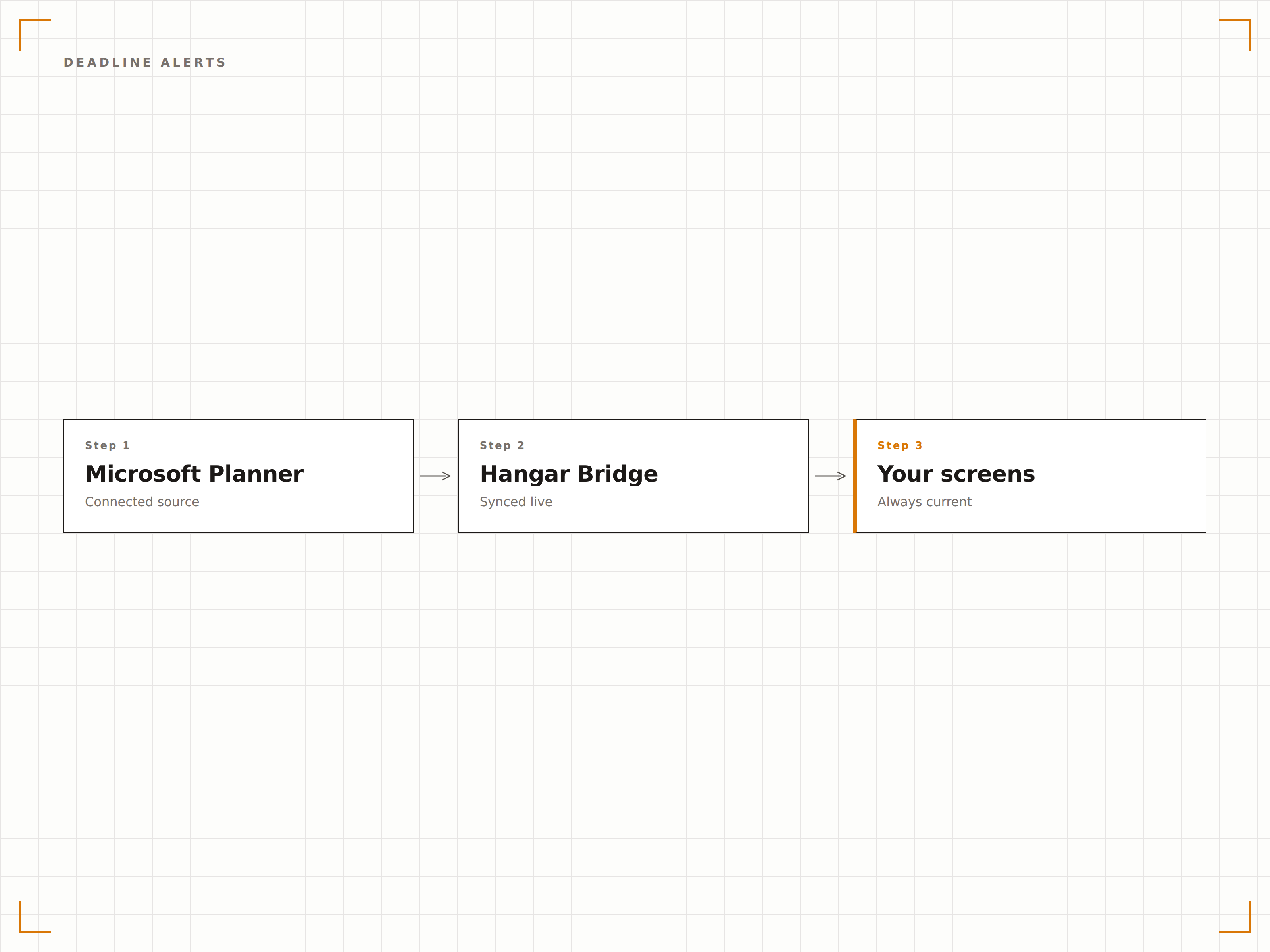
Vier Schritte zu verbundene Bildschirme.
Von der Einrichtung bis zu Live-Inhalten in Minuten, nicht Tagen.
Planner verbinden
Authentifizieren Sie sich mit Microsoft 365 und erteilen Sie Hangar.Media Lesezugriff auf Ihre Planner-Pläne.
Pläne auswählen
Wählen Sie, welche Planner-Pläne und Boards auf Ihren Signage-Bildschirmen angezeigt werden sollen.
Anzeigemodus wählen
Wählen Sie die Board-Ansicht, die Diagrammansicht oder eine Kombination davon, und passen Sie Formatierung und Aktualisierungsintervalle an.
Veröffentlichen
Weisen Sie Planner-Displays den Bildschirmen in Projektbereichen, Standup-Meetingräumen oder gemeinsamen Teambereichen zu.
Entwickelt für jeden Branche.
Erfahren Sie, wie verschiedene Branchen diese Integration nutzen, um Ergebnisse zu erzielen.
Projektteam-Display
Zeigen Sie das Projekt-Kanban-Board auf einem Bildschirm im Projektteambereich an, damit alle während der täglichen Arbeit den Aufgabenstatus und die Zuweisungen im Blick haben.
BildungAbteilungsprojekte
Zeigen Sie Abteilungs-Projektboards und Aufgabenfortschritte auf Bildschirmen in Lehr- und Verwaltungsbüros für ein kollaboratives Projekttracking an.
EinzelhandelUmbautracking für Filialen
Zeigen Sie Aufgaben-Boards für Filialumbauten und Einrichtungsprojekte auf Bildschirmen im Bereich des Retail-Operations- und Projektmanagementteams an.
GesundheitswesenQualitätsverbesserungsprojekte
Zeigen Sie Aufgaben-Boards für Qualitätsverbesserungsinitiativen auf Bildschirmen im Qualitäts- und Governance-Teambereich an, um den Projektfortschritt transparent zu machen.
Häufige Fragen. Direkte Antworten.
Kann ich mehrere Planner-Pläne auf einem Bildschirm anzeigen?
Ja. Sie können eine Rotation erstellen, die zwischen mehreren Planner-Plänen auf einem einzigen Bildschirm wechselt, oder Bildschirmzonen nutzen, um zwei Pläne nebeneinander auf einem grossen Display anzuzeigen.
Wie schnell erscheinen Aufgabenaktualisierungen auf dem Bildschirm?
Hangar.Media fragt die Planner-API in dem von Ihnen gewählten Intervall ab – in der Regel alle 5 bis 15 Minuten. Wenn ein Teammitglied eine Aufgabe in Planner aktualisiert, spiegelt der Signage-Bildschirm die Änderung beim nächsten Abfrageintervall wider.
Kann ich filtern, welche Aufgaben auf dem Signage-Bildschirm angezeigt werden?
Ja. Sie können nach Bucket, Verantwortlichem, Priorität, Fälligkeitsdatum oder Label filtern. So lassen sich fokussierte Ansichten erstellen – zum Beispiel nur Aufgaben mit hoher Priorität, nur diese Woche fällige Aufgaben oder nur Aufgaben, die einer bestimmten Person zugewiesen sind.
Funktioniert dies mit dem neuen Microsoft Planner, der To Do und Planner zusammenführt?
Hangar.Media unterstützt Planner-Pläne innerhalb von Microsoft 365-Gruppen. Da Microsoft das Planner-Produkt kontinuierlich weiterentwickelt, passt sich die Integration an die jeweils aktuellen Planner-APIs für Board- und Aufgabendaten an.
Ein Preis. Die gesamte Plattform.
So stellen wir uns Digital Signage vor. Inhaltseditor, Bildschirmverwaltung und 200+ App-Integrationen – alles von Anfang an inklusive.
14 Tage kostenlos, bis zu 3 Bildschirme – keine Kreditkarte erforderlich.