PowerPoint-Folien immer im Einsatz.
Streamen Sie PowerPoint-Präsentationen aus OneDrive oder SharePoint auf Digital Signage Bildschirme – mit automatischen Folienübergängen und vollständiger visueller Wiedergabetreue.
Präsentationen, die sich selbst steuern
PowerPoint ist das meistgenutzte Präsentationstool der Welt. Hangar.Media ermöglicht es Ihnen, PowerPoint-Dateien hochzuladen oder OneDrive- und SharePoint-Präsentationen zu verknüpfen und diese anschliessend mit automatischem Folienwechsel auf Signage Bildschirmen anzuzeigen. Niemand muss mehr an einem Computer stehen und manuell durch Folien klicken. Aktualisieren Sie einfach die Quelldatei – und der Signage Bildschirm übernimmt die Änderungen automatisch.
Was Sie mit immer im Einsatz. tun können
Drei Funktionen, die diese Integration für Ihr Digital Signage-Netzwerk unverzichtbar machen.
Automatische Folienübergänge
Präsentationen durchlaufen die Folien automatisch in Ihrem gewählten Intervall. Jede Folie erhält dedizierte Anzeigezeit, und die Übergänge verlaufen nahtlos zwischen den Folien. Kein manuelles Klicken, kein Präsentator erforderlich.
Einmal hochladen, die Folien laufen für immer.
Einstellbare Anzeigedauer pro Folie
Sanfte Übergänge zwischen den Folien
Kontinuierliche Schleifenwiedergabe
Live-Sync aus OneDrive
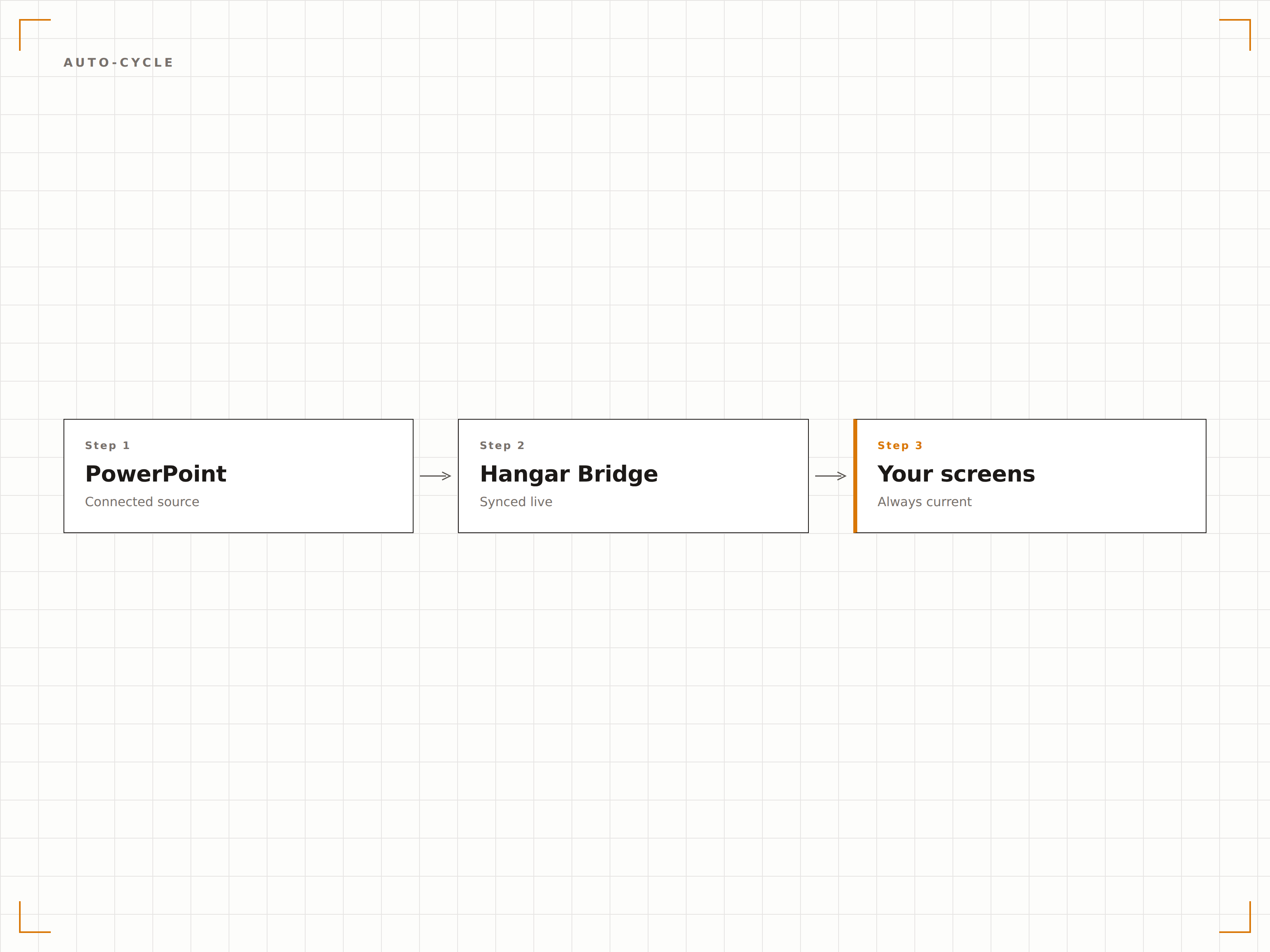
Verlinken Sie eine in OneDrive oder SharePoint gespeicherte PowerPoint-Datei. Wenn jemand die Datei aktualisiert, erkennt Hangar.Media die Änderung und aktualisiert die Präsentation automatisch auf dem Bildschirm. Aktualisieren Sie Folien von Ihrem Schreibtisch aus und sehen Sie sie innerhalb von Minuten auf dem Signage-Display.
Datei bearbeiten, Bildschirm wird aktualisiert. So einfach ist das.
OneDrive- und SharePoint-Dateisynchronisation
Automatische Änderungserkennung
Bildschirmaktualisierung bei Dateiänderung
Jedes visuelle Element erhalten
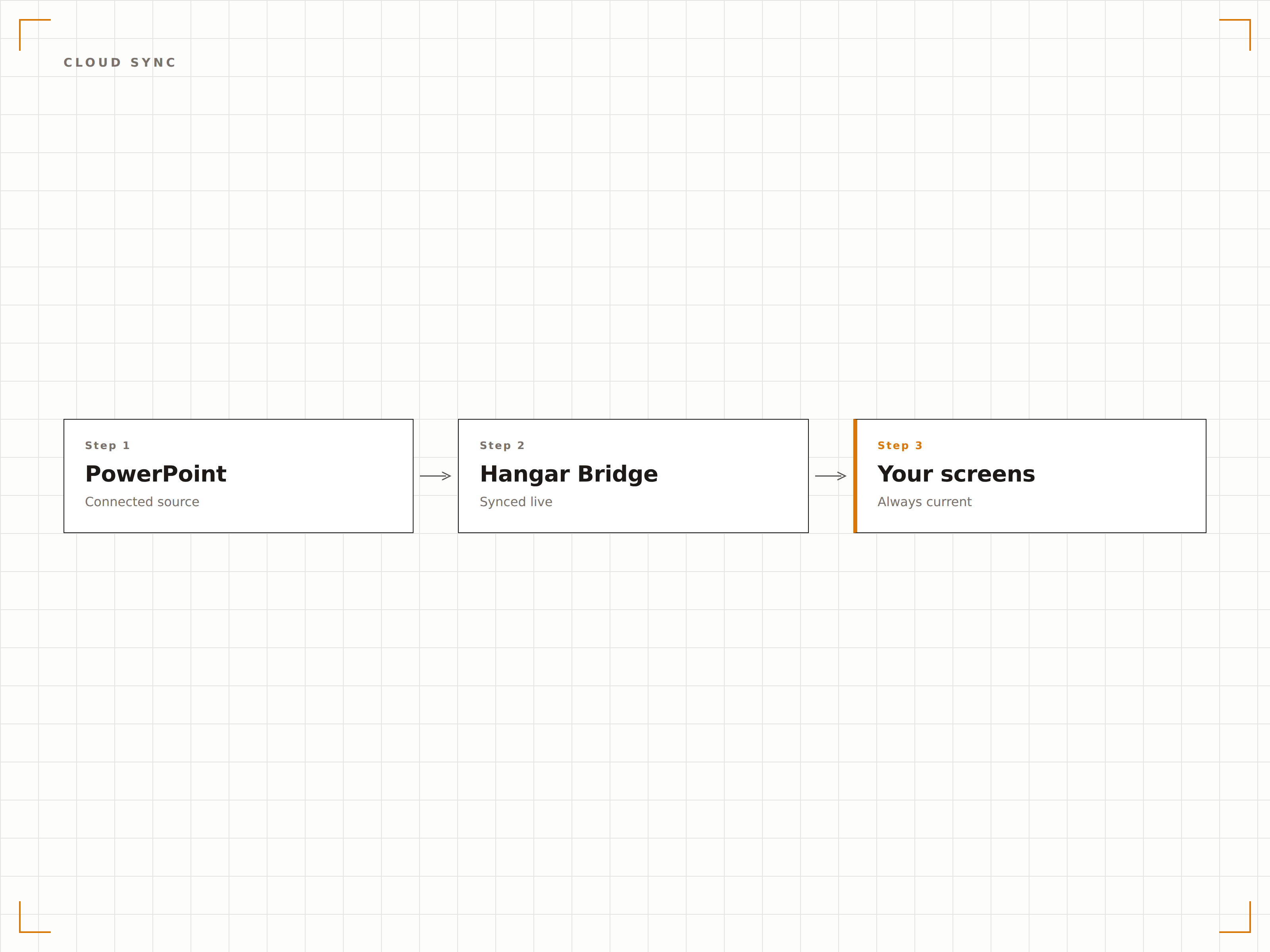
Hangar.Media rendert PowerPoint-Folien in voller Auflösung und bewahrt dabei Schriften, Farben, Animationen und eingebettete Videos. Ihre sorgfältig gestalteten Präsentationen sehen auf dem grossen Bildschirm genau so aus wie beabsichtigt.
Pixelgenaue Folien auf Bildschirmen jeder Grösse.
Schrift- und Farbgenauigkeit
Unterstützung für Animationen und Übergänge
Eingebettete Videowiedergabe
Vier Schritte zu verbundene Bildschirme.
Von der Einrichtung bis zu Live-Inhalten in Minuten, nicht Tagen.
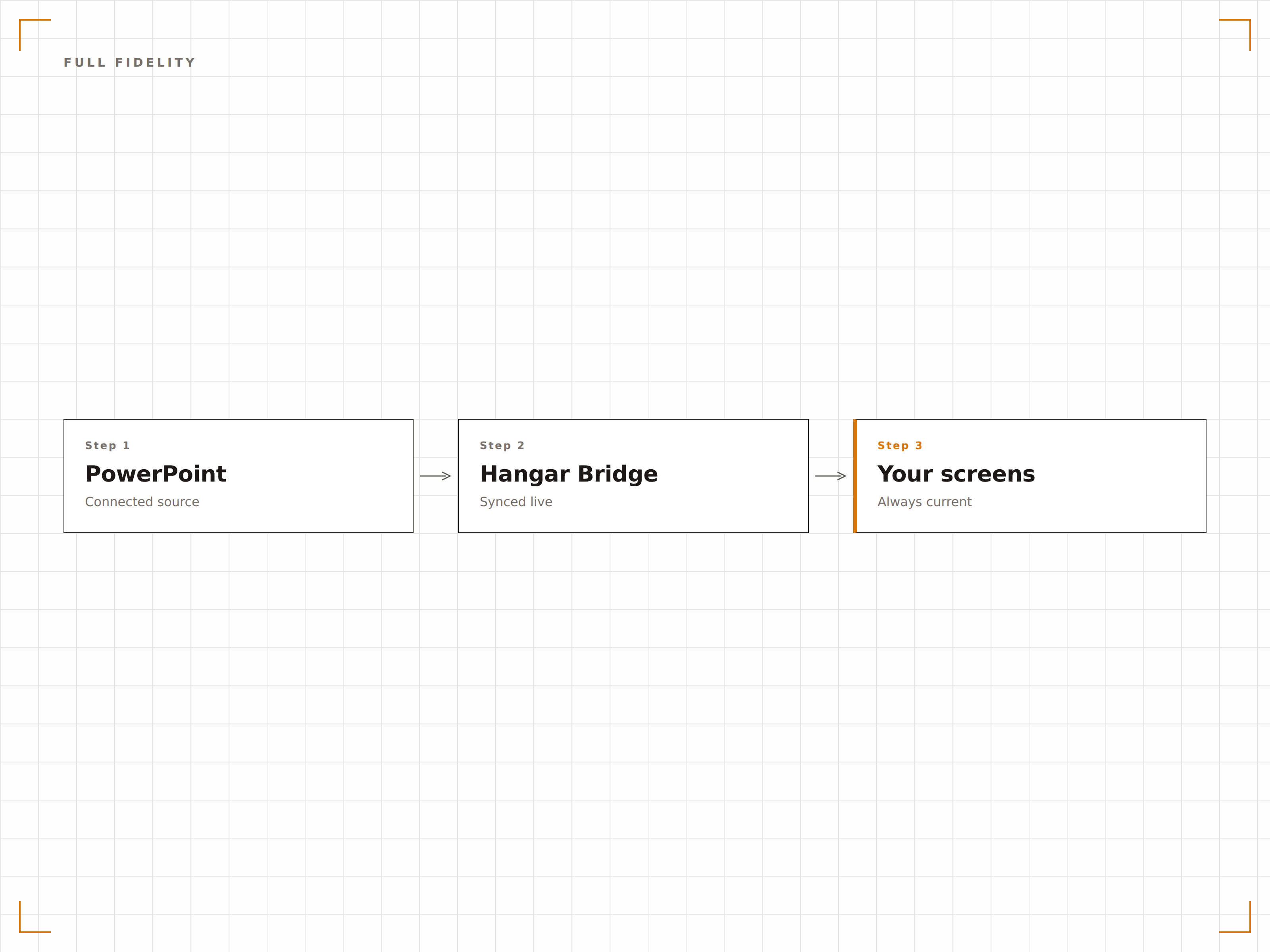
Präsentation hinzufügen
Laden Sie eine PPTX-Datei in Hangar.Media hoch oder verlinken Sie eine PowerPoint-Datei in OneDrive oder SharePoint.
Wiedergabe einrichten
Legen Sie Anzeigedauer pro Folie, Übergangseffekte und Schleifeneinstellungen für die automatische Präsentationsrotation fest.
Bildschirmen zuweisen
Wählen Sie, auf welchen Signage-Bildschirmen die Präsentation angezeigt werden soll – im Vollbild oder in einer Zone.
Veröffentlichen
Veröffentlichen Sie auf Ihren Bildschirmen, und die Präsentation beginnt automatisch zu spielen.
Entwickelt für jeden Branche.
Erfahren Sie, wie verschiedene Branchen diese Integration nutzen, um Ergebnisse zu erzielen.
Willkommensfolien in der Lobby
Zeigen Sie eine Unternehmensübersichtspräsentation auf Lobby-Bildschirmen mit Markenbotschaften, Werten und wichtigen Erfolgen, die für Besucher und Gäste rotieren.
BildungCampus-Informationsfolien
Zeigen Sie Orientierungspräsentationen, Campus-Karten und Veranstaltungsinformationen auf Bildschirmen in Studentenzentren und Gebäudeeingängen.
EinzelhandelProduktschulungsfolien
Zeigen Sie Produktpräsentationen und Schulungsmaterialien auf Bildschirmen im Hinterbereich für das kontinuierliche Lernen des Verkaufspersonals.
GesundheitswesenPatientenaufklärung
Zeigen Sie Gesundheitsaufklärungspräsentationen in Wartezimmern mit Informationen zu Erkrankungen, Behandlungen und Gesundheitstipps.
Häufige Fragen. Direkte Antworten.
Welche PowerPoint-Dateiformate werden unterstützt?
Hangar.Media unterstützt PPTX-Dateien (PowerPoint 2007 und höher). Ältere PPT-Dateien sollten in das PPTX-Format konvertiert werden. Sie können auch auf PowerPoint-Dateien verlinken, die in OneDrive oder SharePoint gespeichert sind.
Funktionieren Animationen und Übergänge auf Signage-Bildschirmen?
Ja. Hangar.Media unterstützt PowerPoint-Animationen und Folienübergänge. Folien werden mit vollständiger visueller Wiedergabetreue dargestellt – einschliesslich Eingangseffekten, Hervorhebungsanimationen und Folienübergangseffekten.
Kann ich die Präsentation aktualisieren, ohne das Signage-System zu berühren?
Ja. Verlinken Sie Ihre Präsentation aus OneDrive oder SharePoint. Wenn Sie die Quelldatei aktualisieren, erkennt Hangar.Media die Änderung und aktualisiert die Präsentation automatisch auf dem Bildschirm.
Kann ich PowerPoint neben anderen Inhalten anzeigen?
Ja. PowerPoint-Präsentationen können zu jeder Inhalts-Playlist in Hangar.Media hinzugefügt werden. Sie rotieren zusammen mit Videos, Dashboards, Social Feeds und anderen Inhaltstypen.
Ein Preis. Die gesamte Plattform.
So stellen wir uns Digital Signage vor. Inhaltseditor, Bildschirmverwaltung und 200+ App-Integrationen – alles von Anfang an inklusive.
14 Tage kostenlos, bis zu 3 Bildschirme – keine Kreditkarte erforderlich.