Slide PowerPoint sempre in primo piano.
Trasmetti presentazioni PowerPoint da OneDrive o SharePoint agli schermi di segnaletica digitale con transizioni automatiche tra le diapositive e fedeltà visiva totale.
Presentazioni che girano da sole
PowerPoint è lo strumento di presentazione più diffuso al mondo. Hangar.Media ti permette di caricare file PowerPoint o di collegarti a presentazioni su OneDrive e SharePoint, per poi visualizzarle sugli schermi di segnaletica digitale con scorrimento automatico delle diapositive. Nessuno deve stare davanti a un computer a fare clic tra una diapositiva e l'altra. Aggiorna il file sorgente e lo schermo di segnaletica digitale recepisce le modifiche in automatico.
Cosa puoi fare con sempre in primo piano.
Tre funzionalità che rendono questa integrazione indispensabile per la tua rete di segnaletica digitale.
Transizioni Automatiche tra Slide
Le presentazioni scorrono le slide automaticamente all'intervallo da te scelto. Ogni slide riceve il suo tempo di visualizzazione dedicato e le transizioni si susseguono in modo fluido. Nessun clic manuale, nessun presentatore necessario.
Carica una volta, le slide scorrono per sempre.
Tempo di visualizzazione regolabile per slide
Transizioni fluide da slide a slide
Riproduzione in loop continuo
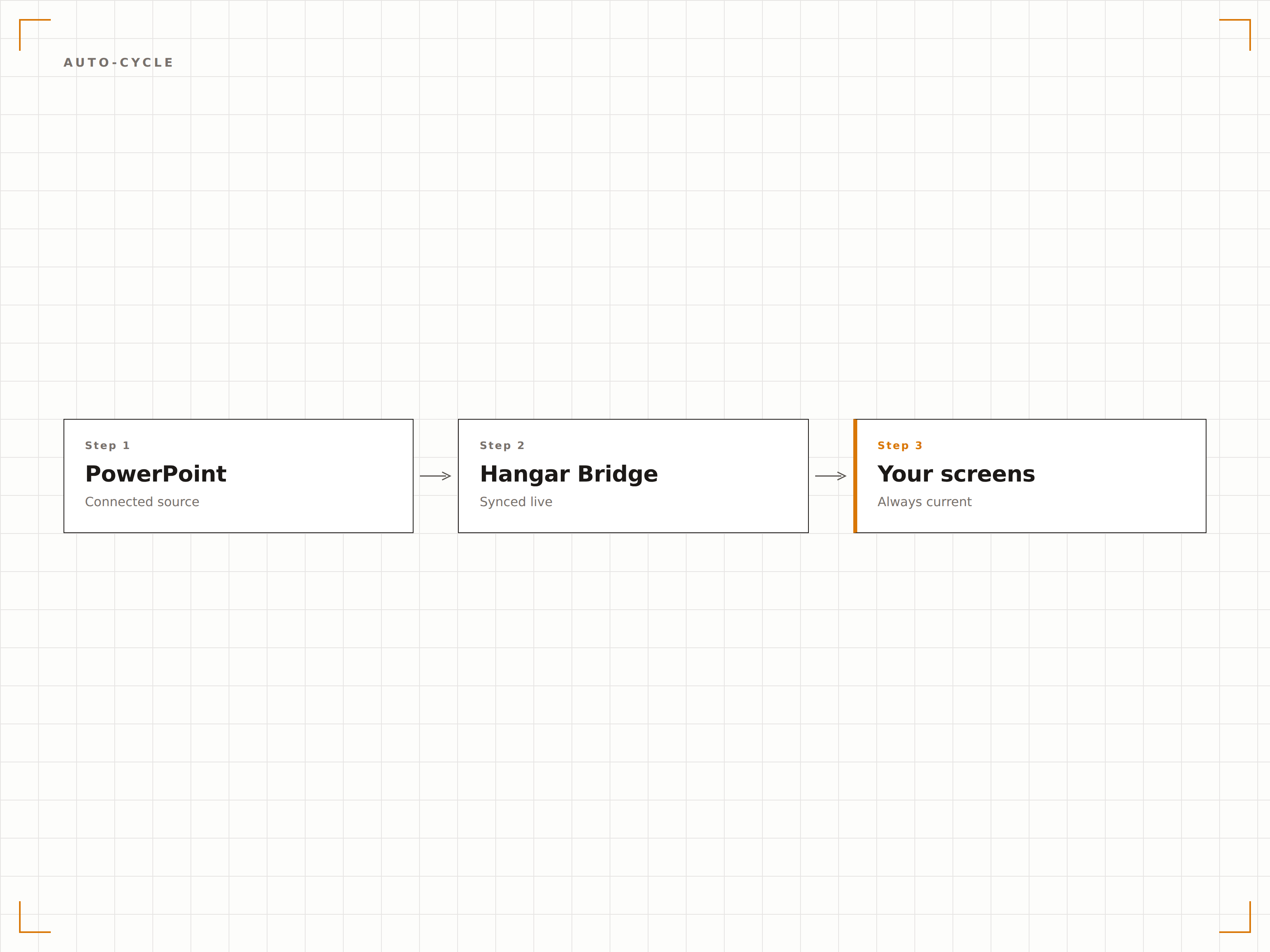
Sincronizzazione Live da OneDrive
Collega un file PowerPoint archiviato su OneDrive o SharePoint. Quando qualcuno aggiorna il file, Hangar.Media rileva la modifica e aggiorna la presentazione sullo schermo. Modifica le slide dalla tua scrivania e visualizzale sullo schermo di segnaletica digitale in pochi minuti.
Modifica il file, lo schermo si aggiorna. Così semplice.
Sincronizzazione file OneDrive e SharePoint
Rilevamento automatico delle modifiche
Aggiornamento dello schermo al cambio del file
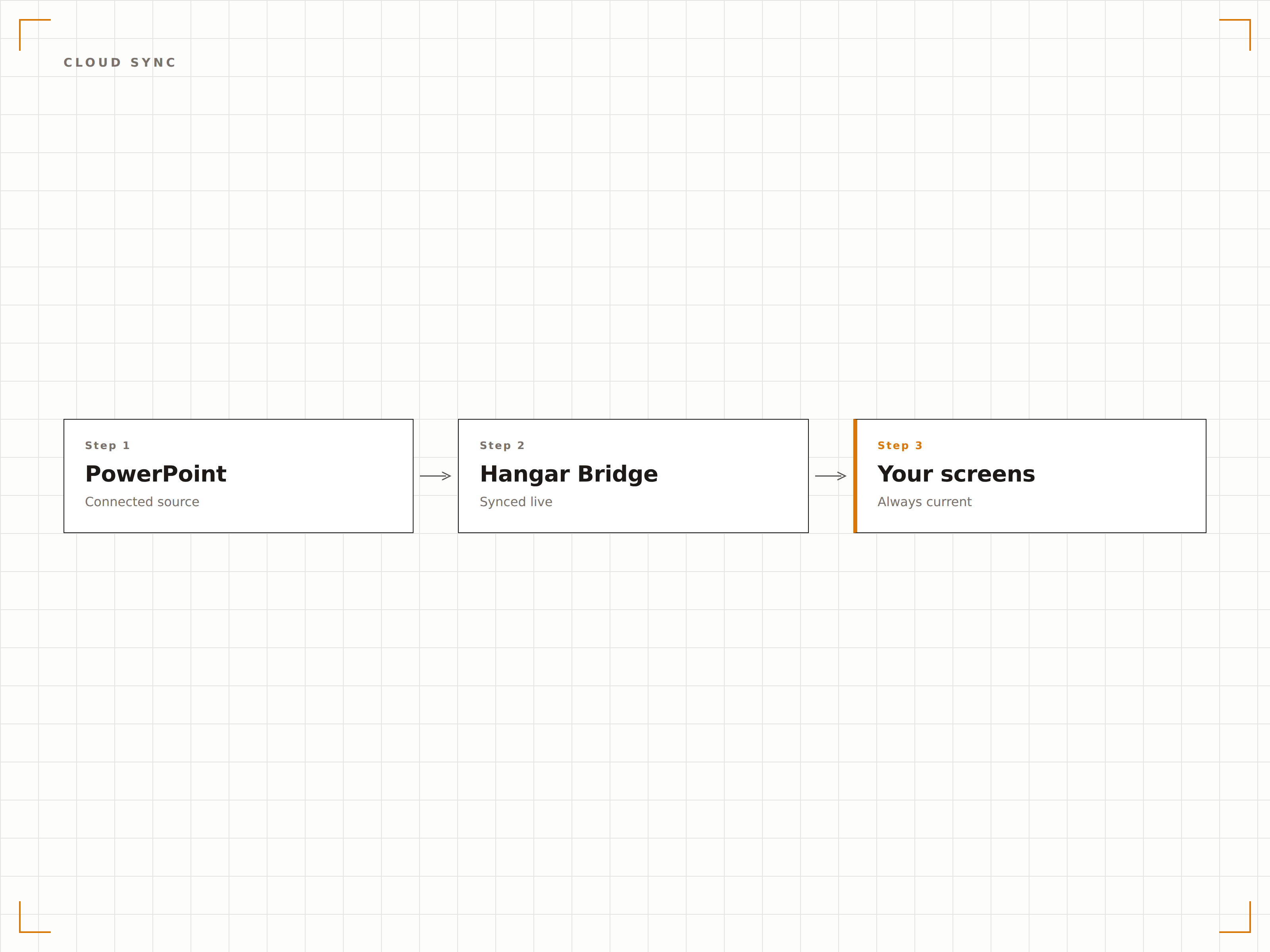
Ogni Elemento Visivo Preservato
Hangar.Media renderizza le slide PowerPoint alla massima risoluzione, preservando font, colori, animazioni e video incorporati. Le tue presentazioni, curate nei minimi dettagli, appaiono esattamente come previsto sul grande schermo.
Slide perfette al pixel su schermi di qualsiasi dimensione.
Precisione di font e colori
Supporto ad animazioni e transizioni
Riproduzione di video incorporati
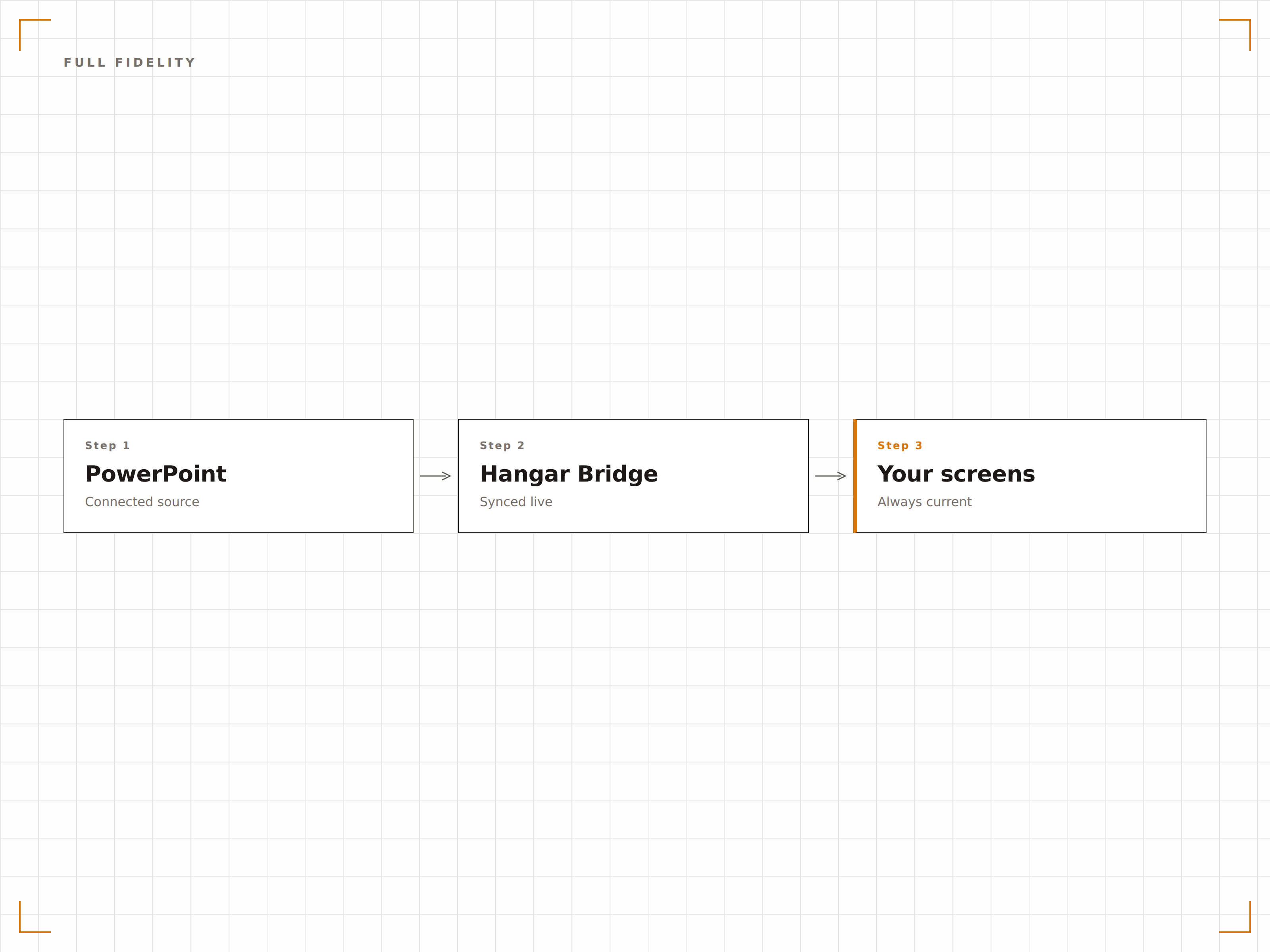
Quattro passaggi verso schermi connessi.
Dalla configurazione ai contenuti live in minuti, non giorni.
Aggiungi Presentazione
Carica un file PPTX su Hangar.Media o collega un file PowerPoint in OneDrive o SharePoint.
Configura la Riproduzione
Imposta il tempo di visualizzazione per slide, gli effetti di transizione e le impostazioni di loop per la rotazione automatica della presentazione.
Assegna agli Schermi
Scegli quali schermi di segnaletica devono visualizzare la presentazione, a schermo intero o in una zona.
Pubblica
Pubblica sui tuoi schermi e la presentazione inizia a essere riprodotta automaticamente.
Costruito per ogni settore.
Scopri come diversi settori utilizzano questa integrazione per ottenere risultati concreti.
Slide di Benvenuto in Lobby
Visualizza una presentazione di panoramica aziendale sugli schermi della lobby con messaggi di brand, valori e principali traguardi in rotazione per visitatori e ospiti.
IstruzioneSlide Informative per il Campus
Mostra presentazioni di orientamento, mappe del campus e informazioni sugli eventi sugli schermi dei centri studenteschi e degli ingressi degli edifici.
RetailSlide per la Formazione sui Prodotti
Visualizza presentazioni sulle caratteristiche dei prodotti e materiali formativi sugli schermi back-of-house per la formazione continua del personale retail.
SanitàEducazione del Paziente
Mostra presentazioni di educazione sanitaria nelle sale d'attesa con informazioni su patologie, trattamenti e consigli per il benessere.
Domande frequenti. Risposte dirette risposte.
Quali formati di file PowerPoint sono supportati?
Hangar.Media supporta i file PPTX (PowerPoint 2007 e versioni successive). I file PPT legacy devono essere convertiti in formato PPTX. È anche possibile collegare file PowerPoint ospitati su OneDrive o SharePoint.
Le animazioni e le transizioni funzionano sugli schermi di segnaletica?
Sì. Hangar.Media supporta animazioni e transizioni delle slide di PowerPoint. Le slide vengono renderizzate con piena fedeltà visiva, inclusi effetti di entrata, animazioni di enfasi ed effetti di transizione tra slide.
Posso aggiornare la presentazione senza intervenire sul sistema di segnaletica?
Sì. Collega la tua presentazione da OneDrive o SharePoint. Quando aggiorni il file sorgente, Hangar.Media rileva la modifica e aggiorna automaticamente la presentazione sullo schermo.
Posso visualizzare PowerPoint insieme ad altri contenuti?
Sì. Le presentazioni PowerPoint possono essere aggiunte a qualsiasi playlist di contenuti in Hangar.Media. Ruotano insieme a video, dashboard, feed social e altri tipi di contenuto.
Un prezzo. L'intera piattaforma.
Così pensiamo che la segnaletica digitale dovrebbe funzionare. Editor di contenuti, gestione degli schermi e oltre 200 integrazioni di app — tutto incluso fin dal primo giorno.
14 giorni gratis, fino a 3 schermi — senza carta.