Slides do PowerPoint sempre em exibição.
Transmita apresentações do PowerPoint do OneDrive ou SharePoint para telas de sinalização digital com transições automáticas de slides e total fidelidade visual.
Apresentações que Rodam Sozinhas
O PowerPoint é a ferramenta de apresentação mais utilizada no mundo. O Hangar.Media permite que você faça upload de arquivos PowerPoint ou vincule apresentações do OneDrive e SharePoint, exibindo-as em telas de sinalização com alternância automática de slides. Ninguém precisa ficar em frente ao computador clicando nos slides. Atualize o arquivo de origem e a tela de sinalização reflete as alterações automaticamente.
O que você pode fazer com sempre em exibição.
Três capacidades que tornam esta integração essencial para a sua rede de sinalização digital.
Transições Automáticas de Slides
As apresentações percorrem os slides automaticamente no intervalo que você definir. Cada slide recebe seu tempo dedicado de exibição e as transições acontecem de forma fluida. Sem cliques manuais, sem necessidade de apresentador.
Faça o upload uma vez, os slides rodam para sempre.
Tempo de exibição ajustável por slide
Transições suaves entre slides
Reprodução em loop contínuo
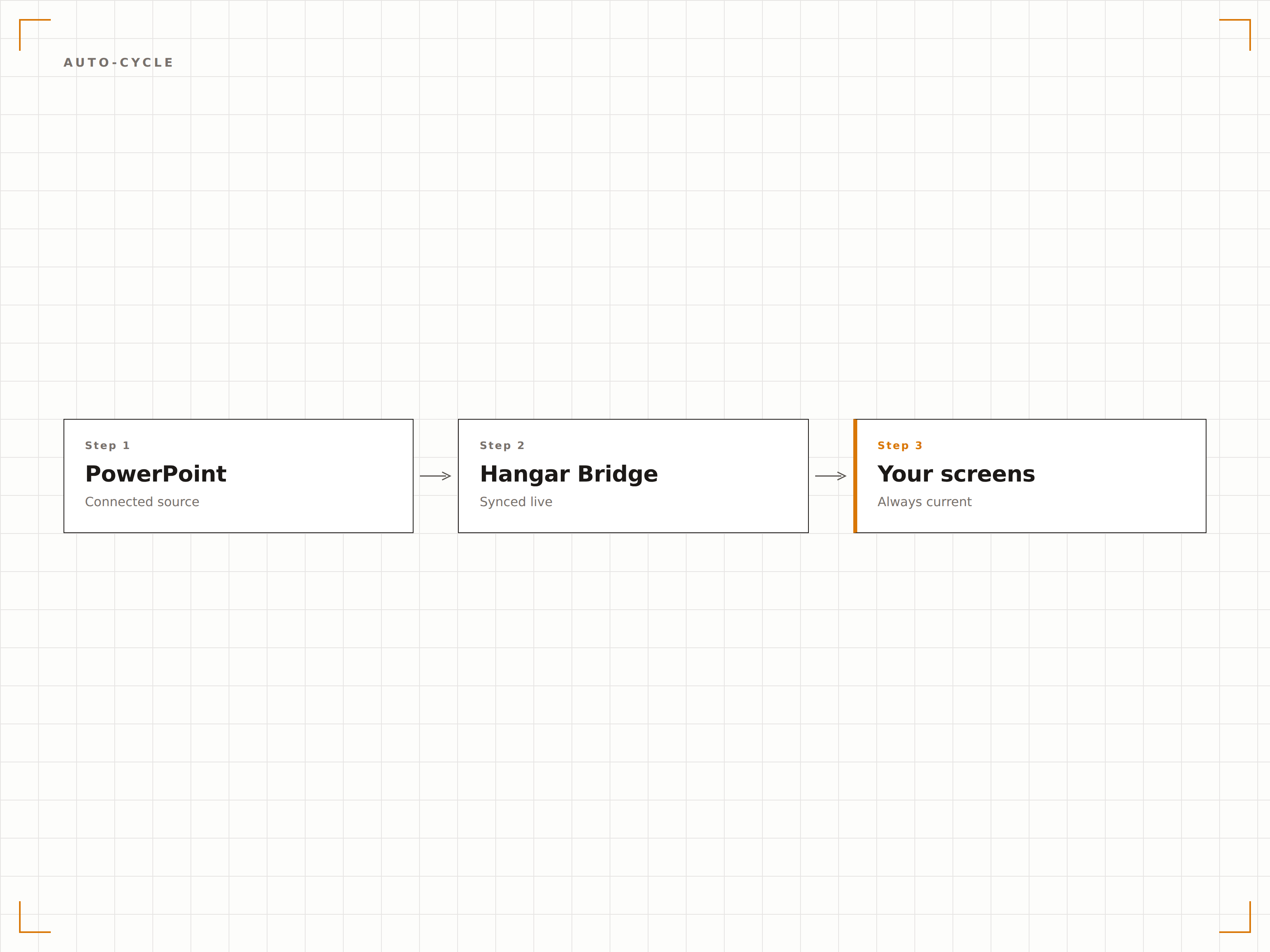
Sincronização ao Vivo pelo OneDrive
Vincule um arquivo do PowerPoint armazenado no OneDrive ou SharePoint. Quando alguém atualiza o arquivo, o Hangar.Media detecta a alteração e atualiza a apresentação na tela. Edite os slides da sua mesa e veja as mudanças na tela de sinalização em minutos.
Edite o arquivo, a tela atualiza. Simples assim.
Sincronização de arquivos via OneDrive e SharePoint
Detecção automática de alterações
Atualização da tela ao modificar o arquivo
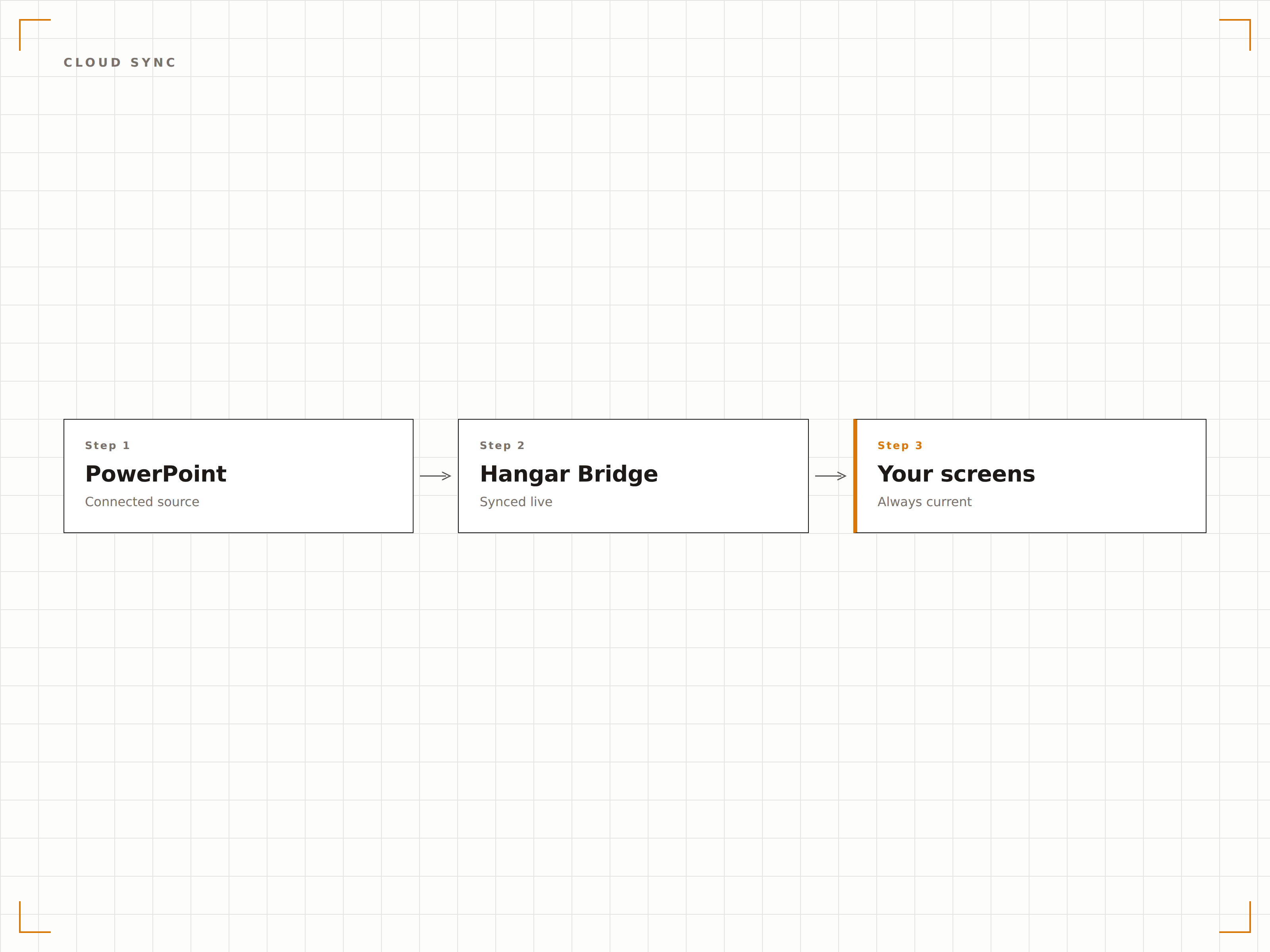
Cada Elemento Visual Preservado
O Hangar.Media renderiza slides do PowerPoint em resolução máxima, preservando fontes, cores, animações e vídeos incorporados. Suas apresentações cuidadosamente elaboradas aparecem exatamente como planejado na tela grande.
Slides perfeitos em telas de qualquer tamanho.
Precisão de fontes e cores
Suporte a animações e transições
Reprodução de vídeos incorporados
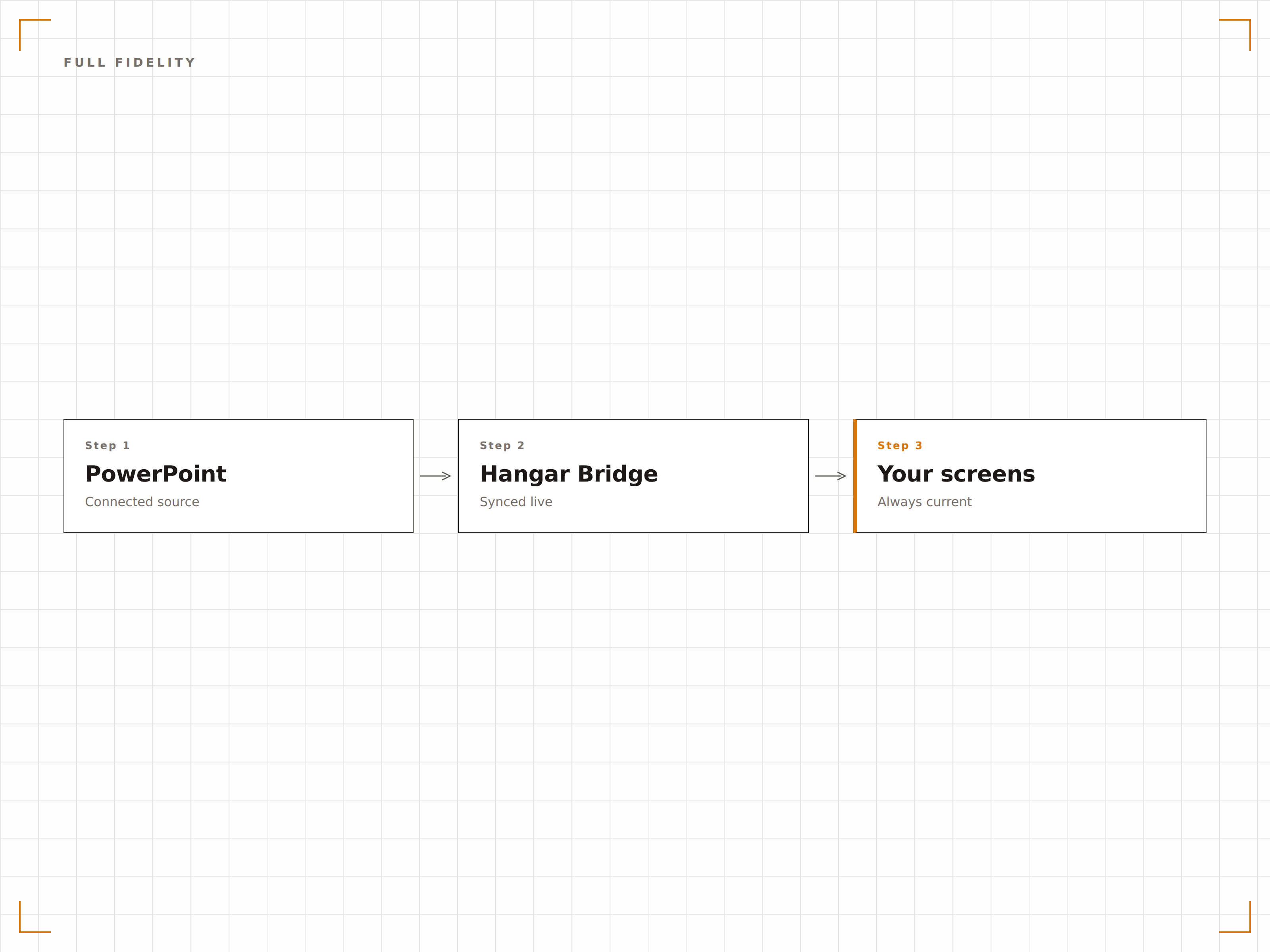
Quatro etapas para telas conectadas.
Da configuração ao conteúdo ao vivo em minutos, não dias.
Adicionar Apresentação
Faça upload de um arquivo PPTX para o Hangar.Media ou vincule um arquivo do PowerPoint no OneDrive ou SharePoint.
Configurar Reprodução
Defina o tempo de exibição por slide, efeitos de transição e configurações de loop para a rotação automática da apresentação.
Atribuir às Telas
Escolha quais telas de sinalização devem exibir a apresentação, em tela cheia ou em uma zona específica.
Publicar
Publique nas suas telas e a apresentação começa a ser reproduzida automaticamente.
Feito para cada setor.
Veja como diferentes segmentos utilizam esta integração para gerar resultados.
Slides de Boas-Vindas no Lobby
Exiba uma apresentação institucional nas telas do lobby com mensagens de marca, valores e principais conquistas em rotação para visitantes e convidados.
EducaçãoSlides de Informações do Campus
Mostre apresentações de orientação, mapas do campus e informações sobre eventos nas telas de centros estudantis e entradas de edifícios.
VarejoSlides de Treinamento de Produtos
Exiba apresentações de funcionalidades de produtos e materiais de treinamento nas telas internas para o aprendizado contínuo da equipe de varejo.
SaúdeEducação do Paciente
Exiba apresentações educativas sobre saúde nas salas de espera com informações sobre condições, tratamentos e dicas de bem-estar.
Perguntas frequentes. Respostas diretas respostas.
Quais formatos de arquivo do PowerPoint são suportados?
O Hangar.Media suporta arquivos PPTX (PowerPoint 2007 e versões posteriores). Arquivos PPT legados devem ser convertidos para o formato PPTX. Você também pode vincular arquivos do PowerPoint hospedados no OneDrive ou SharePoint.
Animações e transições funcionam nas telas de sinalização?
Sim. O Hangar.Media suporta animações e transições de slides do PowerPoint. Os slides são renderizados com total fidelidade visual, incluindo efeitos de entrada, animações de ênfase e efeitos de transição entre slides.
Posso atualizar a apresentação sem mexer no sistema de sinalização?
Sim. Vincule sua apresentação pelo OneDrive ou SharePoint. Quando você atualiza o arquivo de origem, o Hangar.Media detecta a alteração e atualiza a apresentação na tela automaticamente.
Posso exibir o PowerPoint junto com outros conteúdos?
Sim. Apresentações do PowerPoint podem ser adicionadas a qualquer playlist de conteúdo no Hangar.Media. Elas se alternam com vídeos, dashboards, feeds de redes sociais e outros tipos de conteúdo.
Um preço. A plataforma completa.
É assim que acreditamos que a sinalização digital deve funcionar. Editor de conteúdo, gerenciamento de telas e mais de 200 integrações de aplicativos — tudo incluído desde o primeiro dia.
14 dias grátis, até 3 telas — sem cartão.