Diapositivas de PowerPoint siempre en pantalla.
Transmite presentaciones de PowerPoint desde OneDrive o SharePoint a pantallas de señalización digital con transiciones de diapositivas automáticas y total fidelidad visual.
Presentaciones que se ejecutan solas
PowerPoint es la herramienta de presentaciones más utilizada en el mundo. Hangar.Media te permite subir archivos de PowerPoint o vincularlos desde OneDrive y SharePoint, y mostrarlos en pantallas de señalización con ciclo automático de diapositivas. Nadie necesita estar frente a una computadora pasando diapositivas manualmente. Actualiza el archivo fuente y la pantalla de señalización recoge los cambios de forma automática.
Lo que puedes hacer con siempre en pantalla.
Tres capacidades que hacen esencial esta integración para tu red de señalización digital.
Transiciones Automáticas de Diapositivas
Las presentaciones recorren las diapositivas automáticamente al intervalo que elijas. Cada diapositiva tiene su tiempo de visualización dedicado y las transiciones se reproducen con fluidez. Sin clics manuales, sin necesidad de presentador.
Súbelo una vez, las diapositivas se reproducen indefinidamente.
Tiempo de visualización ajustable por diapositiva
Transiciones suaves entre diapositivas
Reproducción en bucle continuo
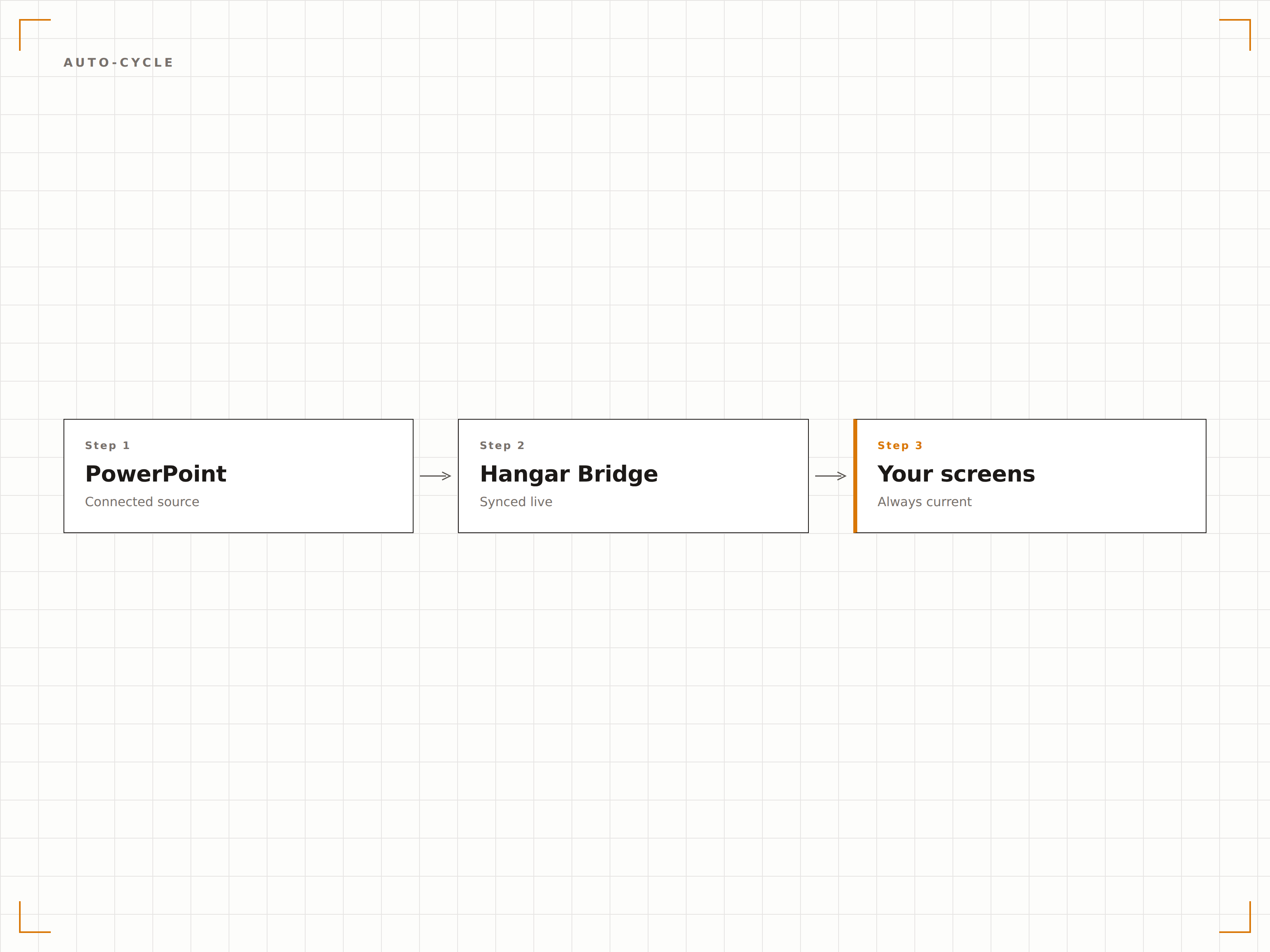
Sincronización en Vivo desde OneDrive
Vincula un archivo de PowerPoint almacenado en OneDrive o SharePoint. Cuando alguien actualiza el archivo, Hangar.Media detecta el cambio y actualiza la presentación en pantalla. Modifica las diapositivas desde tu escritorio y vélas reflejadas en la pantalla de señalización en cuestión de minutos.
Edita el archivo, la pantalla se actualiza. Así de simple.
Sincronización de archivos con OneDrive y SharePoint
Detección automática de cambios
Actualización de pantalla al modificar el archivo
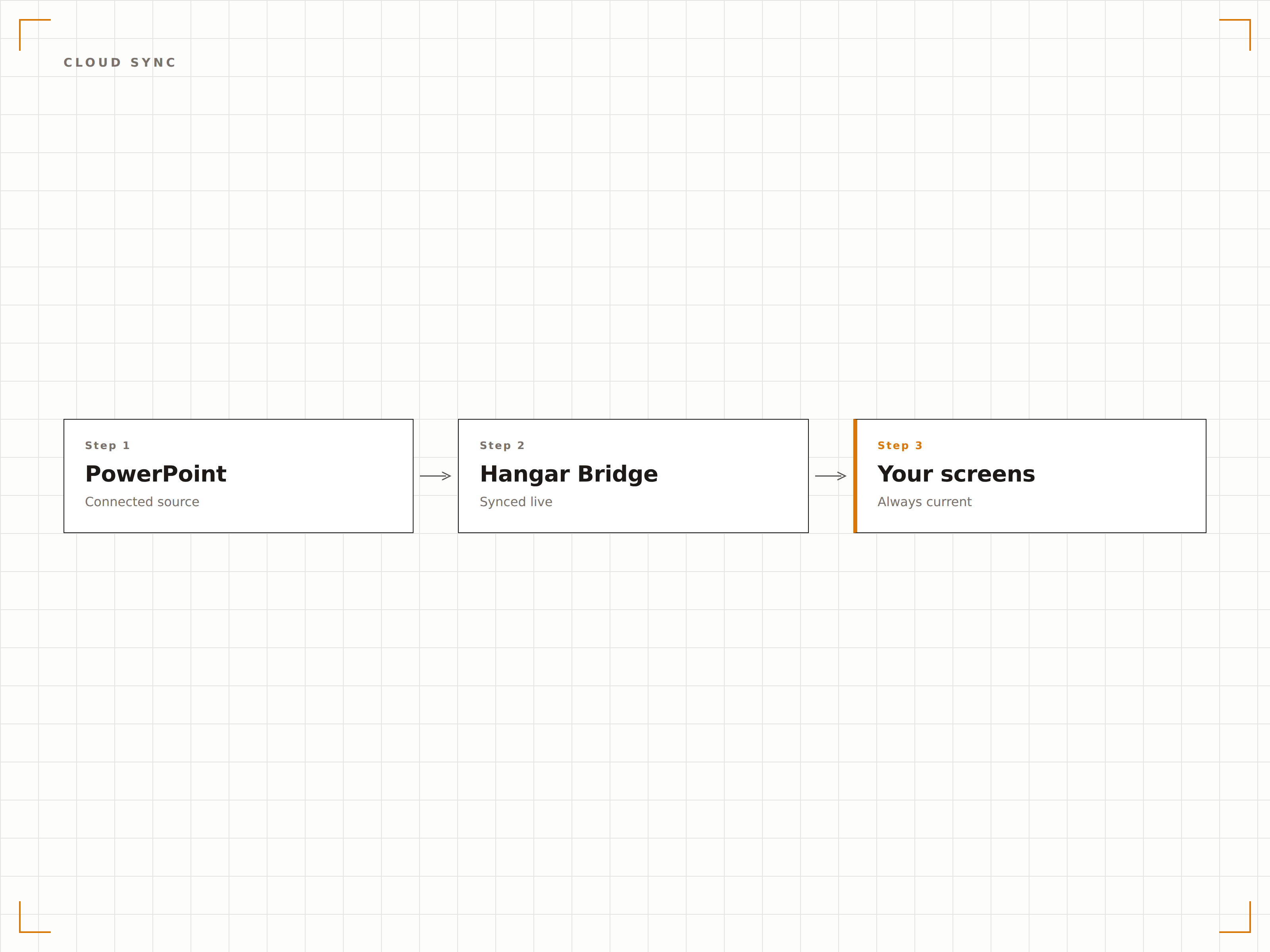
Cada Elemento Visual Preservado
Hangar.Media renderiza las diapositivas de PowerPoint en resolución completa, preservando fuentes, colores, animaciones y videos incrustados. Tus presentaciones cuidadosamente diseñadas lucen exactamente como las concebiste en la pantalla grande.
Diapositivas con precisión de píxel en pantallas de cualquier tamaño.
Precisión de fuentes y colores
Compatibilidad con animaciones y transiciones
Reproducción de video incrustado
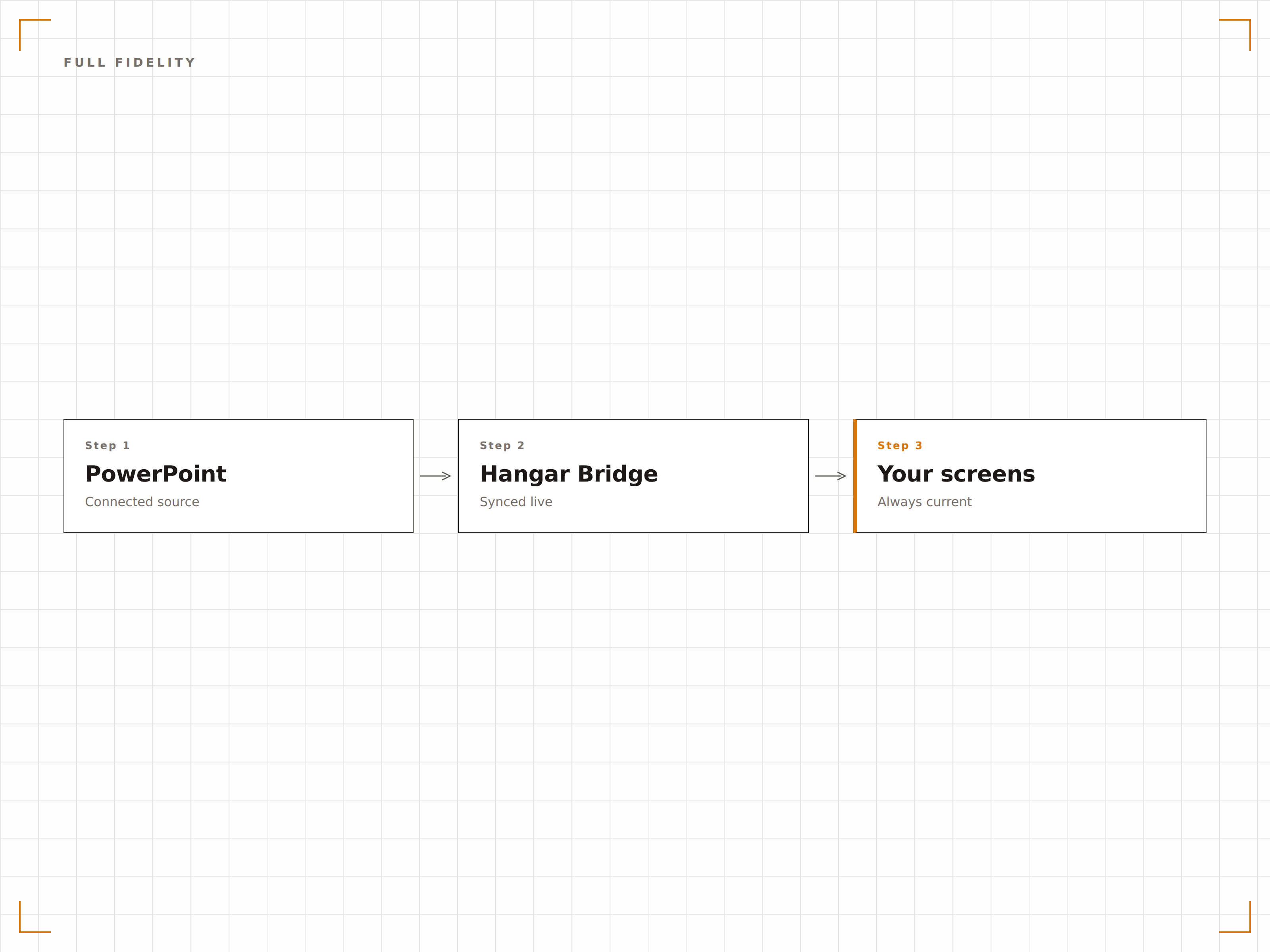
Cuatro pasos hacia pantallas conectadas.
Desde la configuración hasta contenido en vivo en minutos, no en días.
Añadir Presentación
Sube un archivo PPTX a Hangar.Media o vincula un archivo de PowerPoint en OneDrive o SharePoint.
Configurar la Reproducción
Define el tiempo de visualización por diapositiva, los efectos de transición y los ajustes de bucle para el ciclo automático de la presentación.
Asignar a Pantallas
Elige qué pantallas de señalización deben mostrar la presentación, ya sea en pantalla completa o en una zona.
Publicar
Publica en tus pantallas y la presentación comienza a reproducirse automáticamente.
Diseñado para cada sector.
Descubre cómo distintas industrias utilizan esta integración para obtener resultados.
Diapositivas de Bienvenida en el Lobby
Muestra una presentación general de la empresa en las pantallas del lobby con mensajes de marca, valores y logros clave en ciclo para visitantes e invitados.
EducaciónDiapositivas de Información del Campus
Presenta orientaciones, mapas del campus e información de eventos en pantallas de centros estudiantiles y entradas de edificios.
RetailDiapositivas de Capacitación de Productos
Muestra presentaciones de características de productos y materiales de capacitación en pantallas de áreas internas para el aprendizaje continuo del personal de retail.
SaludEducación al Paciente
Presenta diapositivas educativas sobre salud en salas de espera con información sobre condiciones, tratamientos y consejos de bienestar.
Preguntas frecuentes. Respuestas directas: respuestas.
¿Qué formatos de archivo de PowerPoint son compatibles?
Hangar.Media admite archivos PPTX (PowerPoint 2007 y versiones posteriores). Los archivos PPT heredados deben convertirse al formato PPTX. También puedes vincular archivos de PowerPoint alojados en OneDrive o SharePoint.
¿Las animaciones y transiciones funcionan en pantallas de señalización?
Sí. Hangar.Media admite animaciones y transiciones de diapositivas de PowerPoint. Las diapositivas se renderizan con total fidelidad visual, incluyendo efectos de entrada, animaciones de énfasis y efectos de transición entre diapositivas.
¿Puedo actualizar la presentación sin tocar el sistema de señalización?
Sí. Vincula tu presentación desde OneDrive o SharePoint. Cuando actualizas el archivo de origen, Hangar.Media detecta el cambio y actualiza la presentación en pantalla automáticamente.
¿Puedo mostrar PowerPoint junto con otro contenido?
Sí. Las presentaciones de PowerPoint pueden añadirse a cualquier lista de reproducción de contenido en Hangar.Media. Se alternan junto con videos, paneles, feeds de redes sociales y otros tipos de contenido.
Un precio. La plataforma completa.
Así es como creemos que debe funcionar la señalización digital. Editor de contenido, gestión de pantallas y más de 200 integraciones de aplicaciones — todo incluido desde el primer día.
14 días gratis, hasta 3 pantallas — sin tarjeta.