Des diapositives PowerPoint toujours à l'affichage.
Diffusez vos présentations PowerPoint depuis OneDrive ou SharePoint sur vos écrans d'affichage dynamique, avec défilement automatique des diapositives et rendu visuel parfait.
Des présentations qui tournent toutes seules
PowerPoint est l'outil de présentation le plus utilisé au monde. Hangar.Media vous permet d'importer des fichiers PowerPoint ou de les relier à des présentations OneDrive et SharePoint, puis de les afficher sur vos écrans d'affichage dynamique avec défilement automatique des diapositives. Plus besoin de rester devant un ordinateur à faire avancer les diapositives manuellement. Modifiez le fichier source, et l'écran d'affichage dynamique prend en compte les changements automatiquement.
Ce que vous pouvez faire avec toujours à l'affichage.
Trois fonctionnalités qui rendent cette intégration indispensable pour votre réseau d'affichage dynamique.
Transitions automatiques entre diapositives
Les présentations défilent automatiquement à l'intervalle de votre choix. Chaque diapositive bénéficie d'un temps d'affichage dédié et les transitions s'enchaînent en toute fluidité. Aucun clic manuel, aucun présentateur requis.
Importez une fois, les diapositives défilent indéfiniment.
Durée d'affichage réglable par diapositive
Transitions fluides entre les diapositives
Lecture en boucle continue
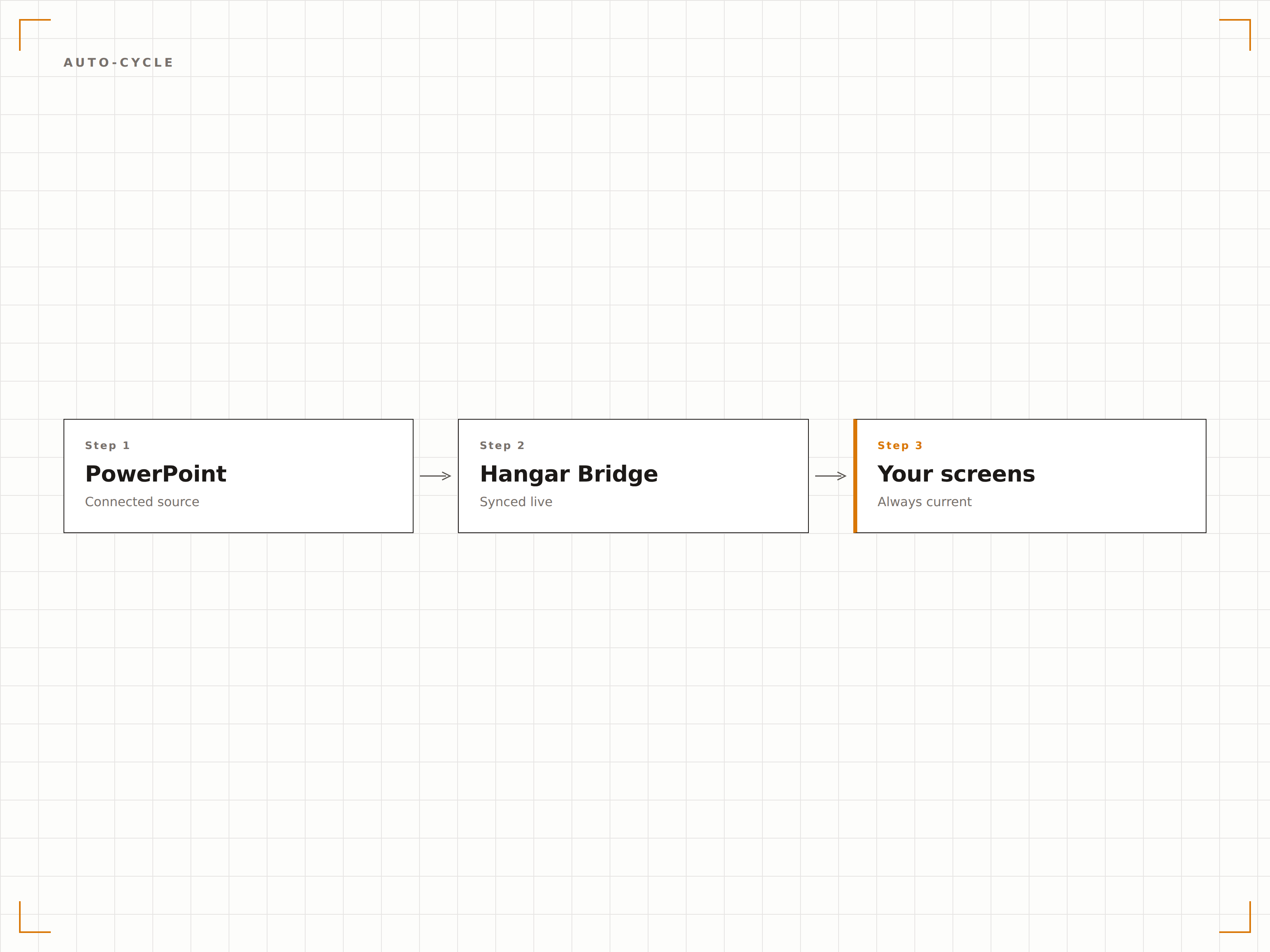
Synchronisation en direct depuis OneDrive
Liez un fichier PowerPoint stocké sur OneDrive ou SharePoint. Dès qu'une personne met à jour le fichier, Hangar.Media détecte la modification et actualise la présentation à l'écran. Modifiez vos diapositives depuis votre bureau et voyez-les apparaître sur l'écran d'affichage dynamique en quelques minutes.
Modifiez le fichier, l'écran se met à jour. Aussi simple que ça.
Synchronisation des fichiers OneDrive et SharePoint
Détection automatique des modifications
Actualisation de l'écran à la mise à jour du fichier
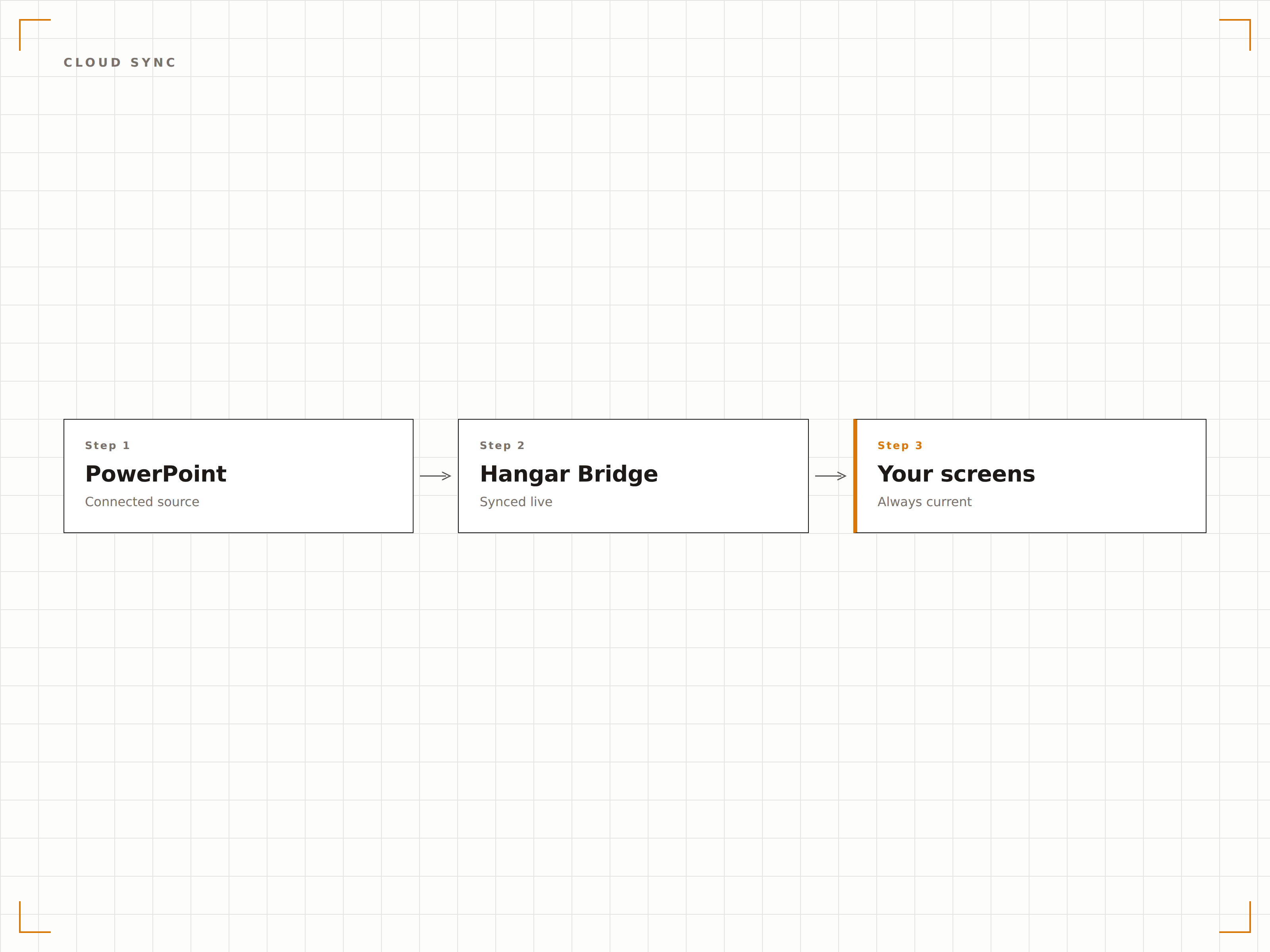
Chaque élément visuel préservé
Hangar.Media restitue les diapositives PowerPoint en pleine résolution, en préservant les polices, les couleurs, les animations et les vidéos intégrées. Vos présentations soigneusement conçues s'affichent exactement comme prévu sur grand écran.
Des diapositives pixel perfect sur des écrans de toutes tailles.
Précision des polices et des couleurs
Prise en charge des animations et transitions
Lecture des vidéos intégrées
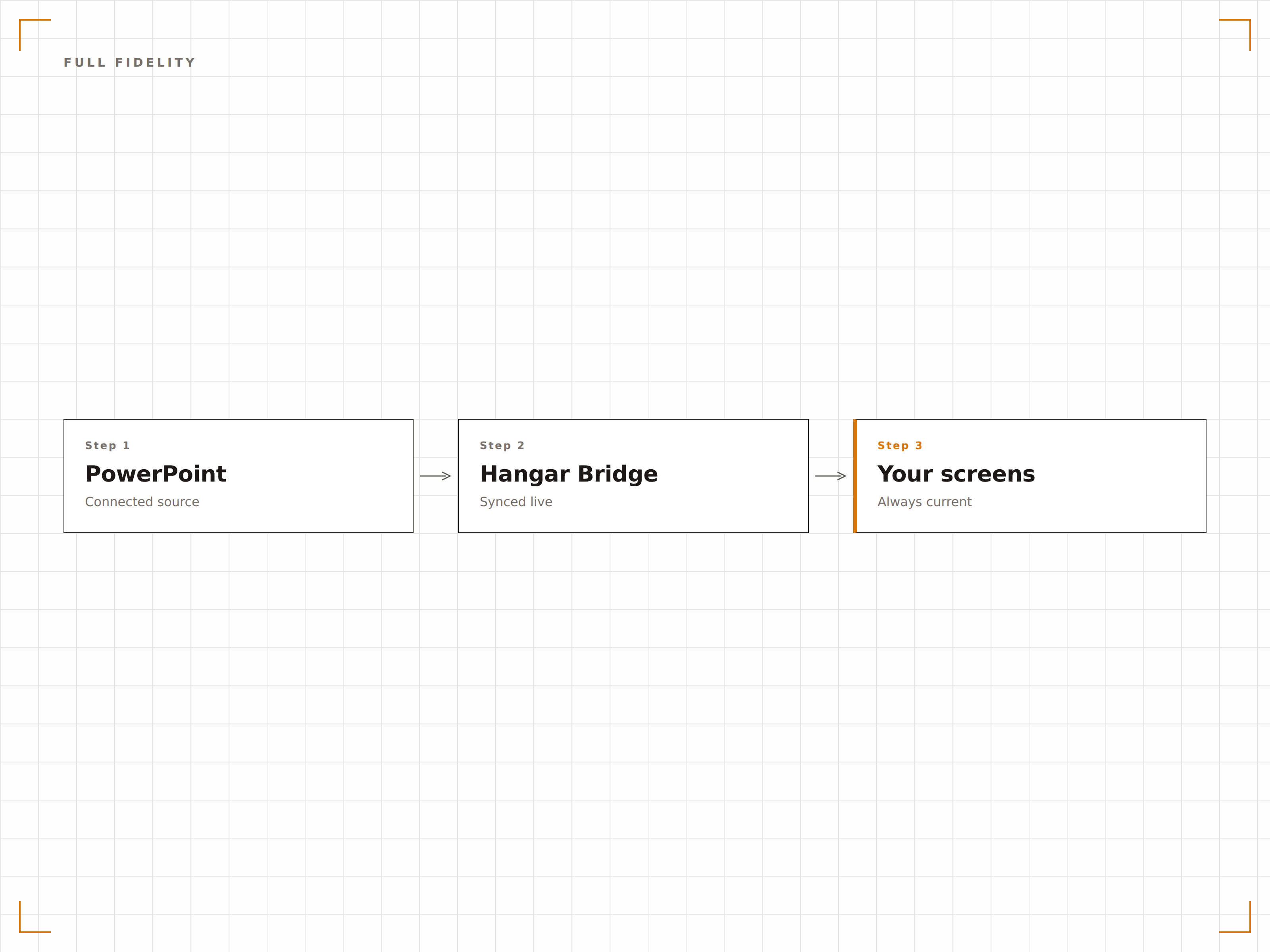
Quatre étapes vers écrans connectés.
De la configuration au contenu en direct en quelques minutes, pas en jours.
Ajouter une présentation
Importez un fichier PPTX dans Hangar.Media ou liez un fichier PowerPoint depuis OneDrive ou SharePoint.
Configurer la lecture
Définissez la durée d'affichage par diapositive, les effets de transition et les paramètres de boucle pour un défilement automatique de la présentation.
Assigner aux écrans
Choisissez les écrans d'affichage dynamique sur lesquels diffuser la présentation, en plein écran ou dans une zone dédiée.
Publier
Publiez sur vos écrans et la présentation démarre automatiquement.
Conçu pour chaque secteur.
Découvrez comment différents secteurs utilisent cette intégration pour obtenir des résultats.
Diapositives d'accueil en lobby
Affichez une présentation de l'entreprise sur les écrans du hall d'accueil avec les messages de marque, les valeurs et les réalisations clés en défilement pour les visiteurs et les invités.
ÉducationDiapositives d'information campus
Diffusez des présentations d'orientation, des plans de campus et des informations sur les événements sur les écrans des espaces étudiants et des entrées de bâtiments.
CommerceDiapositives de formation produit
Affichez des présentations sur les caractéristiques des produits et des supports de formation sur les écrans en arrière-boutique pour la formation continue du personnel.
SantéÉducation des patients
Diffusez des présentations d'éducation à la santé en salle d'attente avec des informations sur les pathologies, les traitements et les conseils bien-être.
Questions fréquentes. Réponses directes : réponses.
Quels formats de fichiers PowerPoint sont pris en charge ?
Hangar.Media prend en charge les fichiers PPTX (PowerPoint 2007 et versions ultérieures). Les fichiers PPT hérités doivent être convertis au format PPTX. Vous pouvez également lier des fichiers PowerPoint hébergés sur OneDrive ou SharePoint.
Les animations et transitions fonctionnent-elles sur les écrans d'affichage dynamique ?
Oui. Hangar.Media prend en charge les animations PowerPoint et les transitions entre diapositives. Les diapositives sont rendues avec une fidélité visuelle totale, incluant les effets d'entrée, les animations d'accentuation et les effets de transition.
Puis-je mettre à jour la présentation sans intervenir sur le système d'affichage dynamique ?
Oui. Liez votre présentation depuis OneDrive ou SharePoint. Lorsque vous mettez à jour le fichier source, Hangar.Media détecte la modification et actualise automatiquement la présentation à l'écran.
Puis-je afficher PowerPoint aux côtés d'autres contenus ?
Oui. Les présentations PowerPoint peuvent être ajoutées à n'importe quelle playlist de contenu dans Hangar.Media. Elles s'affichent en rotation avec des vidéos, des tableaux de bord, des flux sociaux et d'autres types de contenu.
Un seul tarif. La plateforme complète.
C'est ainsi que nous pensons que l'affichage dynamique devrait fonctionner. Éditeur de contenu, gestion des écrans et plus de 200 intégrations d'applications — tout inclus dès le premier jour.
14 jours gratuits, jusqu'à 3 écrans — sans carte bancaire.