Teams-Nachrichten auf jedem Bildschirm.
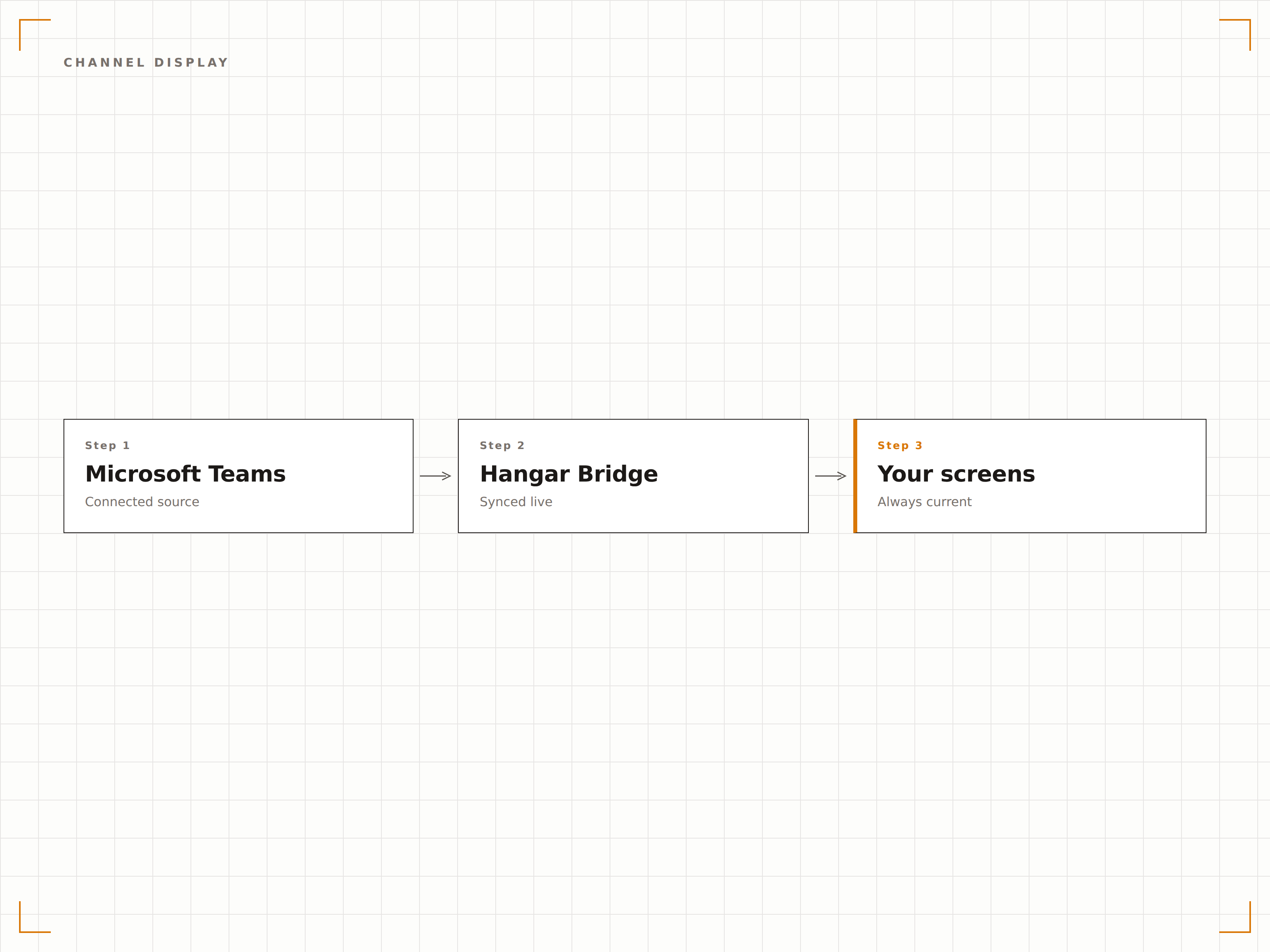
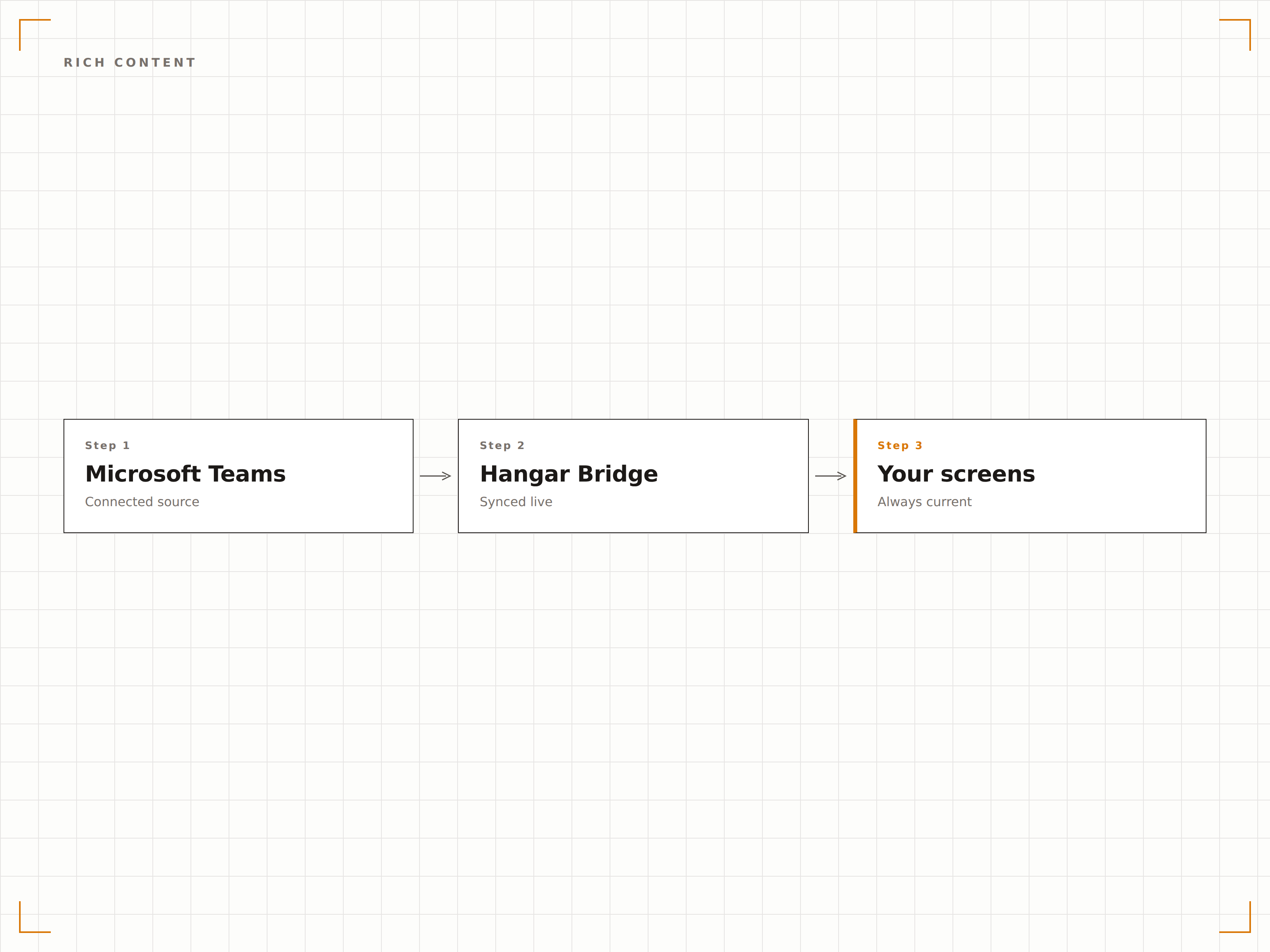
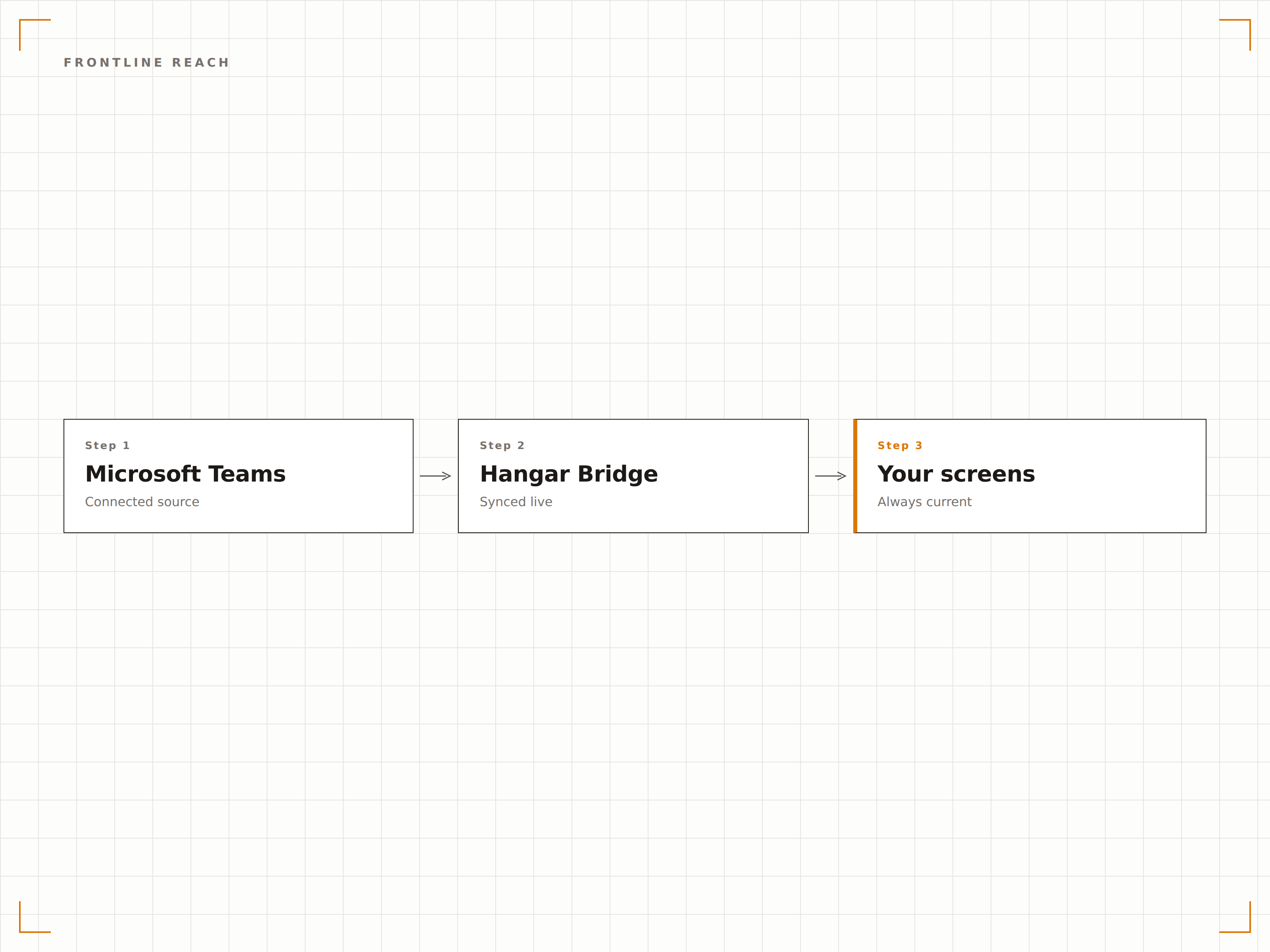
Zeigen Sie Microsoft Teams-Kanalbeiträge, Ankündigungen und wichtige Updates auf Digital Signage-Bildschirmen an – damit Sie jeden Mitarbeitenden erreichen, auch jene ohne Schreibtischzugang.
Teams-Kommunikation über den Desktop hinaus
Microsoft Teams ist die Kommunikationsplattform Ihrer Organisation – doch nicht jeder Mitarbeitende sitzt an einem Schreibtisch mit geöffnetem Teams. Hangar.Media schliesst diese Lücke, indem Teams-Kanalnachrichten, Ankündigungen und wichtige Beiträge auf Digital Signage-Bildschirmen in Lobbys, Pausenräumen, Produktionshallen und Lagerhäusern angezeigt werden. So bleiben alle informiert – unabhängig davon, ob sie über eine Teams-Lizenz verfügen oder nicht.
Was Sie mit auf jedem Bildschirm. tun können
Drei Funktionen, die diese Integration für Ihr Digital Signage-Netzwerk unverzichtbar machen.
Teams-Kanäle auf dem Bildschirm
Wählen Sie einzelne Teams-Kanäle aus und zeigen Sie deren Nachrichten auf Signage-Bildschirmen an. Nutzen Sie einen dedizierten Ankündigungskanal, um genau zu steuern, was auf dem Bildschirm erscheint – oder zeigen Sie einen Live-Feed aus Team-Kanälen für transparente Kommunikation.
Im Teams posten – an der Wand sehen.
Einzelne Kanäle zur Anzeige auswählen
Dedizierte Signage-Ankündigungskanäle
Nachrichtenfilterung nach Typ und Autor
Formatierte Nachrichten und Medien
Teams-Nachrichten mit Bildern, formatiertem Text, Erwähnungen und adaptiven Karten werden auf Signage-Bildschirmen optimal dargestellt. Hangar.Media erhält die Nachrichtenformatierung und skaliert Medieninhalte für eine optimale Anzeige auf grossen Bildschirmen.
Nachrichten, die auf dem grossen Bildschirm noch besser wirken.
Bild- und Videowiedergabe aus Teams-Beiträgen
Formatierter Text mit Überschriften und Listen
Adaptives Kartenlayout auf dem Bildschirm
Mitarbeitende ohne Schreibtisch erreichen
Produktionsmitarbeitende, Lagerpersonal, Retail-Angestellte und Beschäftigte im Gesundheitswesen verpassen häufig Teams-Nachrichten. Digital-Signage-Bildschirme in diesen Bereichen stellen sicher, dass wichtige Unternehmensupdates jede Person im Gebäude erreichen – nicht nur jene am Schreibtisch.
Unternehmensnews erreicht jeden Winkel des Gebäudes.
Bildschirme in Pausenräumen und Gemeinschaftsbereichen
Bildschirme in der Produktion und im Lager
Keine Teams-Lizenz erforderlich, um Inhalte auf Signage zu sehen
Vier Schritte zu verbundene Bildschirme.
Von der Einrichtung bis zu Live-Inhalten in Minuten, nicht Tagen.
Teams verbinden
Authentifizieren Sie sich mit Microsoft 365 und erteilen Sie Hangar.Media Lesezugriff auf Ihre ausgewählten Teams-Kanäle.
Kanäle auswählen
Wählen Sie, welche Teams-Kanäle auf Signage angezeigt werden sollen. Erstellen Sie einen dedizierten Signage-Kanal für kontrollierte Beiträge.
Anzeige einrichten
Legen Sie Anzeigedauer, Scrollgeschwindigkeit, Formatierungsoptionen und Filterregeln für die angezeigten Inhalte fest.
Auf Bildschirmen veröffentlichen
Weisen Sie Teams-Inhalte Ihren Lobby-, Pausenraum- oder Arbeitsplatz-Bildschirmen zu und veröffentlichen Sie sie.
Entwickelt für jeden Branche.
Erfahren Sie, wie verschiedene Branchen diese Integration nutzen, um Ergebnisse zu erzielen.
Unternehmensankündigungen
Unternehmensweite Ankündigungen aus Teams auf Lobby- und Pausenraum-Bildschirmen anzeigen, damit jede Mitarbeiterin und jeder Mitarbeiter wichtige Neuigkeiten sieht – unabhängig vom Arbeitsplatz.
RetailStore-Team-Updates
Tägliche Team-Nachrichten, Schichtinformationen und Ankündigungen von Vorgesetzten aus Teams auf Bildschirmen im Backoffice von Retail-Filialen anzeigen.
GesundheitswesenMitarbeiterkommunikation
Ankündigungen des klinischen Teams, Richtlinienaktualisierungen und Schichtinformationen aus Teams-Kanälen auf Bildschirmen in Personalaufenthaltsräumen und Pflegestationen anzeigen.
UnternehmenLager-Team-Board
Betriebsupdates aus dem Lager, Sicherheitshinweise und Team-Nachrichten aus Teams auf Bildschirmen im Lager und im Verladebereich anzeigen.
Häufige Fragen. Direkte Antworten.
Benötigen Signage-Betrachter eine Microsoft-Teams-Lizenz?
Nein. Der Signage-Bildschirm zeigt Teams-Nachrichten über die Hangar.Media-Integration an. Betrachter benötigen keine eigenen Teams-Lizenzen, um Inhalte auf dem Digital-Signage-Bildschirm zu sehen. Nur das verbundene Konto benötigt eine Lizenz.
Kann ich steuern, welche Nachrichten auf dem Signage-Bildschirm erscheinen?
Ja. Sie können Nachrichten nach Kanal, Nachrichtentyp, Autor oder Schlüsselwörtern filtern. Bewährt hat sich die Einrichtung eines dedizierten Teams-Kanals für Signage-Inhalte, damit nur gezielt veröffentlichte Beiträge auf dem Bildschirm erscheinen.
Wie schnell erscheinen neue Teams-Nachrichten auf dem Bildschirm?
Hangar.Media fragt den Teams-Kanal in einem von Ihnen gewählten Intervall ab – in der Regel alle 1 bis 5 Minuten. Neue Nachrichten im überwachten Kanal erscheinen beim nächsten Abfragezyklus auf dem Signage-Bildschirm.
Kann ich Teams-Nachrichten zusammen mit anderen Inhalten anzeigen?
Ja. Teams-Kanal-Feeds lassen sich zu jeder Hangar.Media-Playlist hinzufügen. Sie rotieren gemeinsam mit Videos, Dashboards, Social-Media-Feeds und anderen Inhaltstypen in Ihrem Signage-Zeitplan.
Ein Preis. Die gesamte Plattform.
So stellen wir uns Digital Signage vor. Inhaltseditor, Bildschirmverwaltung und 200+ App-Integrationen – alles von Anfang an inklusive.
14 Tage kostenlos, bis zu 3 Bildschirme – keine Kreditkarte erforderlich.