Teams Rooms trifft Digital Signage.
Verbinden Sie Microsoft Teams Rooms mit Ihrem Digital Signage-Netzwerk für einheitliche Meeting-Room-Displays, Raumbelegungsanzeigen und Wegeleitsysteme.
Meeting Rooms, vereint
Microsoft Teams Rooms verwandelt Meetingräume in intelligente Kollaborations-Hubs. Hangar.Media erweitert dies durch die Integration von Digital Signage mit Teams Rooms für ein einheitliches Meeting-Room-Erlebnis. Zeigen Sie den Raumstatus ausserhalb der Tür an, weisen Sie in Korridoren mit Wegeleitung auf verfügbare Räume hin und spielen Sie Signage-Inhalte auf Teams Rooms-Displays ab, wenn kein Meeting aktiv ist. Ein Display, zwei Zwecke.
Was Sie mit Digital Signage. tun können
Drei Funktionen, die diese Integration für Ihr Digital Signage-Netzwerk unverzichtbar machen.
Statuspanels ausserhalb von Meetingräumen
Montieren Sie einen Signage-Bildschirm oder ein Tablet ausserhalb jedes Teams Rooms, das Verfügbarkeitsstatus, aktuelle Meeting-Details und bevorstehende Buchungen anzeigt. Das Panel synchronisiert sich mit dem Teams Rooms-Kalender für Echtzeit-Genauigkeit.
Wissen Sie, ob ein Raum frei ist, bevor Sie zur Türklinke greifen.
Echtzeit-Verfügbarkeit aus dem Teams Rooms-Kalender
Farbcodierte Statusindikatoren
Details zum aktuellen und nächsten Meeting
Signage-Inhalte bei Inaktivität
Wenn ein Teams Room nicht in einem aktiven Meeting ist, kann das Raumdisplay Signage-Inhalte anzeigen — Unternehmensankündigungen, Dashboards oder Markeninhalte. Sobald ein Meeting beginnt, wechselt das Display automatisch zurück in den Teams Rooms-Modus.
Meeting-Bildschirme, die in der Zwischenzeit als Signage-Displays arbeiten.
Automatischer Wechsel zwischen Signage- und Meeting-Modus
Inhalts-Playlist während Inaktivitätsphasen
Nahtloser Übergang beim Meetingstart
Besucher zu ihrem Raum führen
Platzieren Sie Signage-Bildschirme in Fluren und Lobbys, die eine Karte verfügbarer Meetingräume mit Echtzeit-Status anzeigen. Besucher sehen, welche Räume belegt, welche frei sind und wo sich ihr gebuchter Raum befindet.
Nie mehr ziellos durch das Büro auf der Suche nach Ihrem Meetingraum.
Etagenplan mit Raumstatus-Overlay
Buchungssuche für Besucher
Direktionale Wegeleitung zu gebuchten Räumen
Vier Schritte zu verbundene Bildschirme.
Von der Einrichtung bis zu Live-Inhalten in Minuten, nicht Tagen.
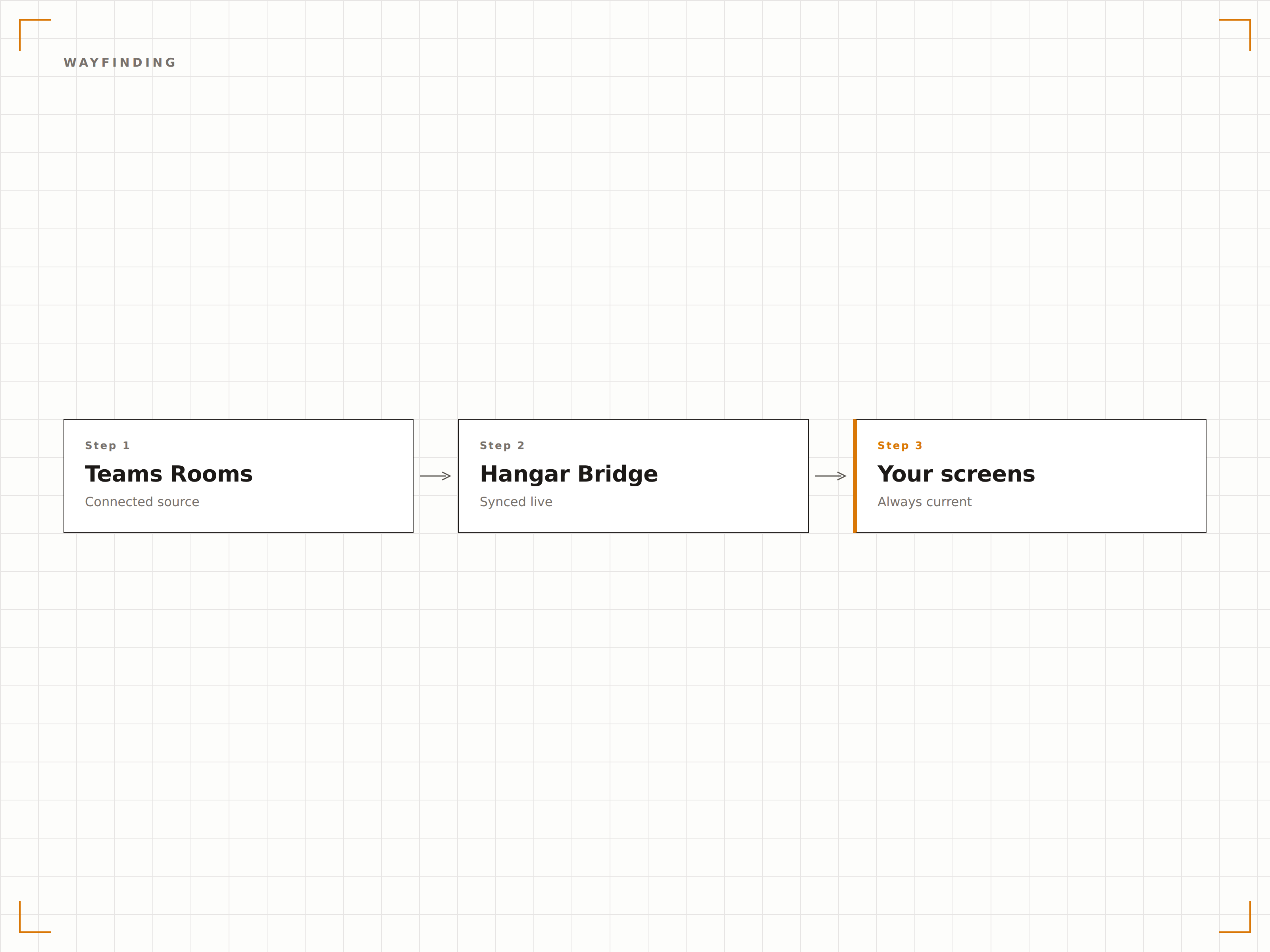
Teams Rooms verbinden
Verknüpfen Sie Ihre Microsoft Teams Rooms-Ressourcenkonten über die Azure AD-Authentifizierung mit Hangar.Media.
Raumpanels einrichten
Richten Sie Signage-Bildschirme ausserhalb von Meetingräumen als Raumstatus-Panels mit Display-Einstellungen ein.
Inhalte für Inaktivität festlegen
Wählen Sie Signage-Inhalte, die auf Teams Rooms-Bildschirmen in den Pausen zwischen Meetings angezeigt werden.
Live gehen
Veröffentlichen Sie Raumpanels, Wegeleitung-Bildschirme und Inaktivitätsinhalte in Ihrem Meetingraum-Signage-Netzwerk.
Entwickelt für jeden Branche.
Erfahren Sie, wie verschiedene Branchen diese Integration nutzen, um Ergebnisse zu erzielen.
Smarte Meetingräume
Richten Sie Statuspanels ausserhalb jedes Teams Rooms ein und zeigen Sie Unternehmensinhalte auf Raumbildschirmen zwischen Meetings — für eine vollständig genutzte Display-Investition.
BildungCampus-Raumwegeleitung
Zeigen Sie Echtzeit-Raumverfügbarkeit und Wegeleitung-Karten auf Flurbildschirmen, damit Studierende und Besucher verfügbare Lernräume und Hörsäle finden.
GesundheitswesenKonsultationsraum-Status
Zeigen Sie Raumstatus-Panels ausserhalb von Konsultationsräumen mit Verfügbarkeit, aktuellem Terminstatus und der nächsten geplanten Sitzung.
HotellerieKonferenzraum-Status
Zeigen Sie Konferenzraumstatus, Veranstaltungspläne und Wegeleitung-Informationen auf Bildschirmen im gesamten Hotel-Konferenzzentrum.
Häufige Fragen. Direkte Antworten.
Kann ich das Teams Rooms-Display für Signage nutzen, wenn keine Meetings stattfinden?
Ja. Hangar.Media erkennt, wenn ein Teams Room inaktiv ist, und überträgt Signage-Inhalte auf das Raumdisplay. Sobald ein Meeting beginnt, wechselt das Display automatisch zurück in den Teams Rooms-Modus. So maximieren Sie den Nutzen Ihrer Meetingraum-Display-Investition.
Benötige ich spezifische Teams Rooms-Hardware?
Die Raumpanel-Funktionalität funktioniert mit Standard-Signage-Bildschirmen, die ausserhalb von Meetingräumen montiert sind. Für die Signage-Anzeige auf dem Bildschirm im Raum während Inaktivität hängt die Kompatibilität von Ihrer Teams Rooms-Hardwarekonfiguration ab. Die meisten zertifizierten Teams Rooms-Geräte unterstützen diese Funktion.
Können Besucher am Raumpanel einchecken?
Auf berührungsempfindlichen Raumpanels können Besucher ihre Ankunft für ein gebuchtes Meeting bestätigen. Dadurch wird der Meeting-Organisator über Teams benachrichtigt.
Wie funktioniert die Wegeleitung in Büros mit mehreren Etagen?
Hangar.Media-Wegeleitung-Bildschirme zeigen Etagen-für-Etagen-Karten mit Echtzeit-Raumstatus. Sie können Bildschirme auf jeder Etage platzieren, die die dortigen Räume anzeigen, oder in der Hauptlobby eine Übersicht aller Etagen darstellen.
Ein Preis. Die gesamte Plattform.
So stellen wir uns Digital Signage vor. Inhaltseditor, Bildschirmverwaltung und 200+ App-Integrationen – alles von Anfang an inklusive.
14 Tage kostenlos, bis zu 3 Bildschirme – keine Kreditkarte erforderlich.