Teams Rooms encontra a sinalização digital.
Integre o Microsoft Teams Rooms à sua rede de sinalização digital para displays unificados de salas de reunião, indicadores de status de sala e wayfinding.
Salas de Reunião, Unificadas
O Microsoft Teams Rooms transforma espaços de reunião em hubs inteligentes de colaboração. O Hangar.Media vai além, integrando a sinalização digital ao Teams Rooms para uma experiência unificada de sala de reunião. Exiba o status da sala do lado de fora da porta, mostre wayfinding para salas disponíveis nos corredores e reproduza conteúdo de sinalização digital nas telas do Teams Rooms quando nenhuma reunião estiver ativa. Um display, duas finalidades.
O que você pode fazer com sinalização digital.
Três capacidades que tornam esta integração essencial para a sua rede de sinalização digital.
Painéis de Status do Lado de Fora das Salas de Reunião
Instale uma tela de sinalização ou tablet do lado de fora de cada Teams Room exibindo o status de disponibilidade, os detalhes da reunião atual e as próximas reservas. O painel sincroniza com o calendário do Teams Rooms para precisão em tempo real.
Saiba se uma sala está livre antes mesmo de tocar na maçaneta.
Disponibilidade em tempo real pelo calendário do Teams Rooms
Indicadores de status com código de cores
Detalhes da reunião atual e da próxima
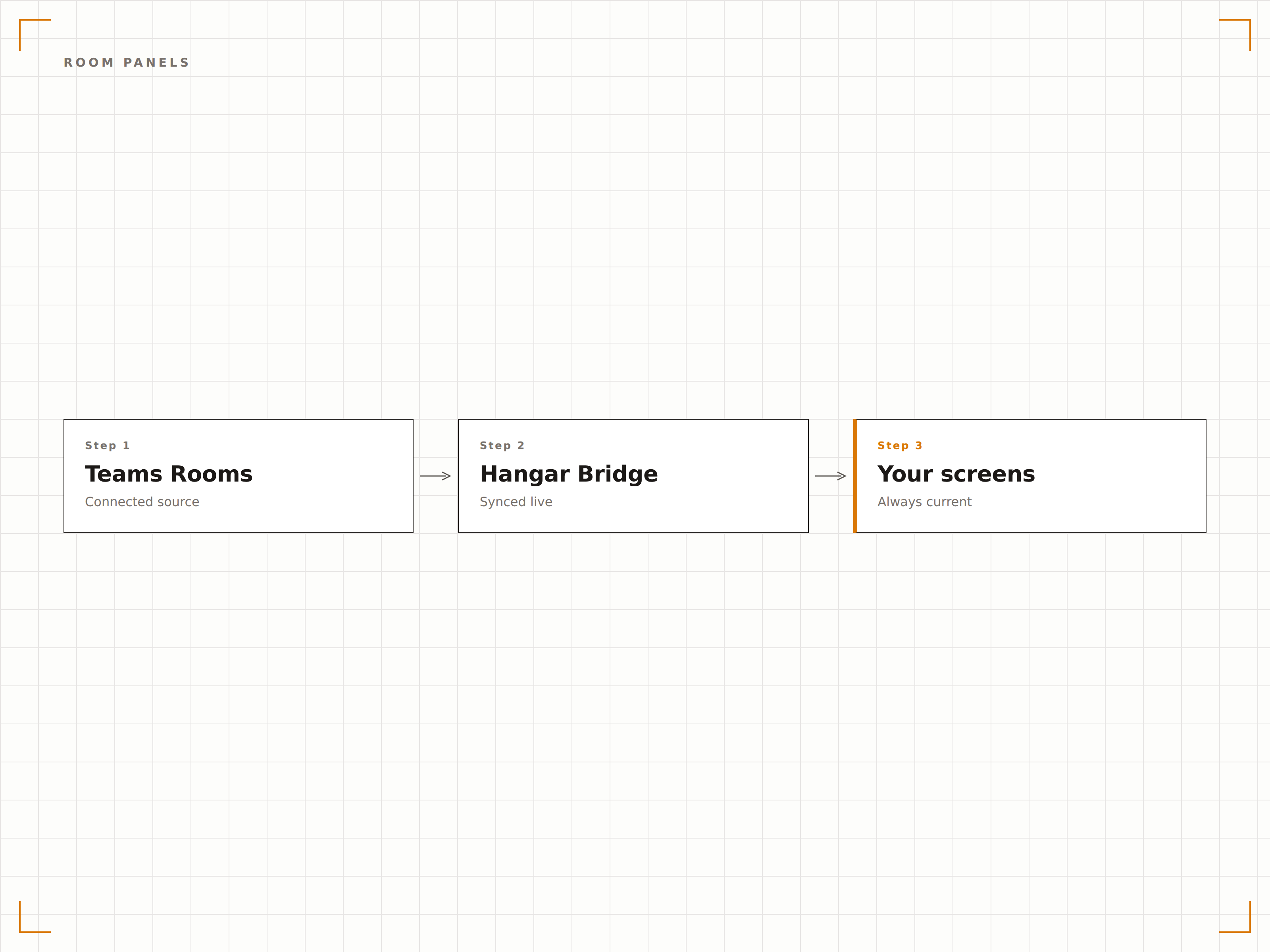
Conteúdo de Sinalização em Modo Ocioso
Quando uma Teams Room não está em uma reunião ativa, a tela da sala pode exibir conteúdo de sinalização — comunicados corporativos, dashboards ou conteúdo de marca. Quando uma reunião começa, a tela volta automaticamente ao modo Teams Rooms.
Telas de reunião que trabalham além do expediente como displays de sinalização.
Alternância automática entre sinalização e modo de reunião
Playlist de conteúdo durante os períodos ociosos
Transição suave quando as reuniões começam
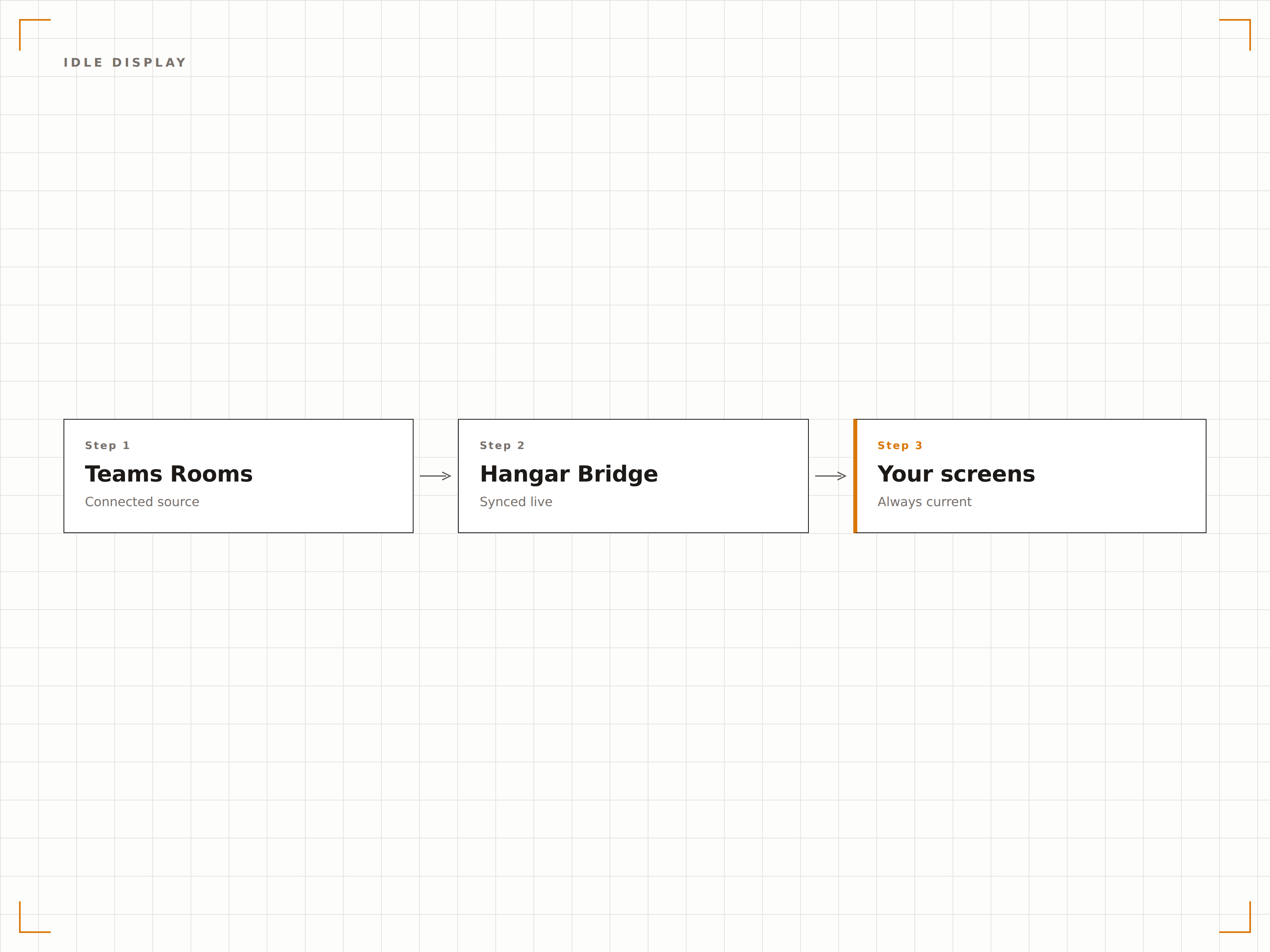
Guie os Visitantes até a Sala Deles
Posicione telas de sinalização em corredores e lobbies exibindo um mapa das salas de reunião disponíveis com status em tempo real. Os visitantes podem ver quais salas estão ocupadas, quais estão livres e onde fica a sala que reservaram.
Nunca mais fique perambulando pelo escritório à procura da sua sala de reunião.
Mapa do andar com sobreposição de status das salas
Consulta de reserva pelo visitante
Wayfinding direcional para salas reservadas
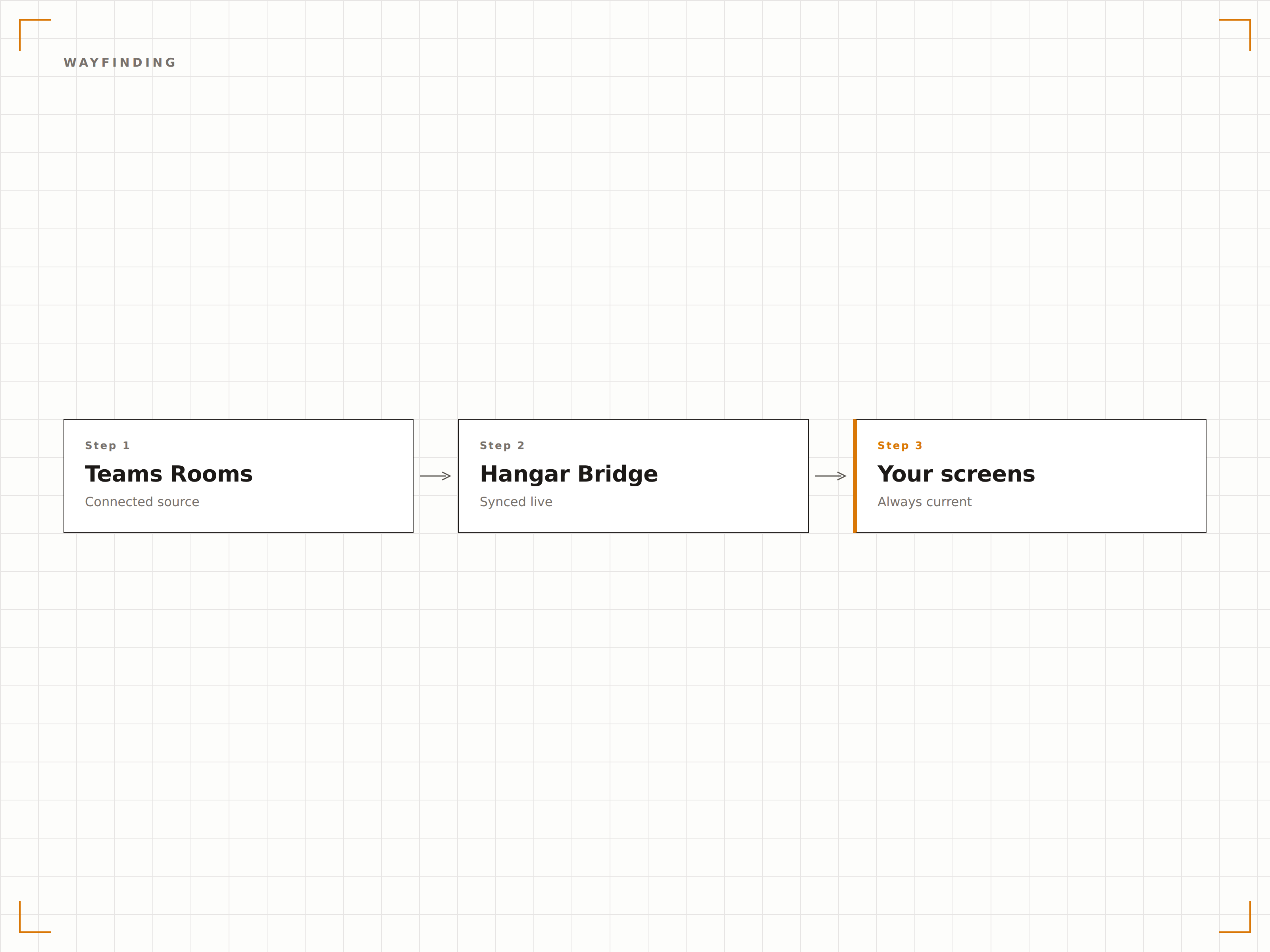
Quatro etapas para telas conectadas.
Da configuração ao conteúdo ao vivo em minutos, não dias.
Conectar o Teams Rooms
Vincule as contas de recurso do Microsoft Teams Rooms ao Hangar.Media por meio de autenticação via Azure AD.
Configurar os Painéis de Sala
Configure telas de sinalização do lado de fora das salas de reunião como painéis de status com as definições de exibição desejadas.
Definir Conteúdo para Períodos Ociosos
Escolha o conteúdo de sinalização a ser exibido nas telas do Teams Rooms durante os períodos ociosos entre as reuniões.
Publicar
Publique os painéis de sala, as telas de wayfinding e o conteúdo ocioso na sua rede de sinalização de salas de reunião.
Feito para cada setor.
Veja como diferentes segmentos utilizam esta integração para gerar resultados.
Salas de Reunião Inteligentes
Configure painéis de status do lado de fora de cada Teams Room e exiba conteúdo corporativo nas telas das salas entre as reuniões para um investimento em displays totalmente aproveitado.
EducaçãoWayfinding de Salas no Campus
Exiba disponibilidade de salas em tempo real e mapas de wayfinding nas telas dos corredores para ajudar alunos e visitantes a encontrar salas de estudo e auditórios disponíveis.
SaúdeStatus de Salas de Consulta
Exiba painéis de status do lado de fora das salas de consulta mostrando disponibilidade, status do atendimento atual e próxima sessão agendada.
HotelariaSalas de Centro de Convenções
Exiba o status das salas de conferência, programações de eventos e informações de wayfinding nas telas de todo o centro de convenções do hotel.
Perguntas frequentes. Respostas diretas respostas.
Posso usar a tela da Teams Room para sinalização quando não há reuniões ativas?
Sim. O Hangar.Media consegue detectar quando uma Teams Room está ociosa e enviar conteúdo de sinalização para a tela da sala. Quando uma reunião começa, a tela volta automaticamente ao modo Teams Rooms. Isso maximiza o retorno do seu investimento em displays de salas de reunião.
Preciso de um hardware específico para o Teams Rooms?
A funcionalidade do painel de sala é compatível com telas de sinalização padrão instaladas do lado de fora das salas de reunião. Para sinalização na tela interna durante períodos ociosos, a compatibilidade depende da configuração do hardware da sua Teams Room. A maioria dos dispositivos Teams Rooms certificados suporta esse recurso.
Os visitantes podem fazer check-in no painel da sala?
Em painéis de sala com tela touch, os visitantes podem confirmar a chegada para uma reunião agendada. Isso envia uma notificação ao organizador da reunião pelo Teams.
Como funciona o wayfinding em escritórios com vários andares?
As telas de wayfinding do Hangar.Media exibem mapas por andar com o status das salas em tempo real. Você pode posicionar telas em cada andar mostrando as salas daquele andar, ou no lobby principal com uma visão geral de todos os andares.
Um preço. A plataforma completa.
É assim que acreditamos que a sinalização digital deve funcionar. Editor de conteúdo, gerenciamento de telas e mais de 200 integrações de aplicativos — tudo incluído desde o primeiro dia.
14 dias grátis, até 3 telas — sem cartão.