Teams Rooms incontra la segnaletica digitale.
Collega Microsoft Teams Rooms alla tua rete di segnaletica digitale per display unificati nelle sale riunioni, indicatori di stato delle sale e wayfinding.
Sale Riunioni, Unificate
Microsoft Teams Rooms trasforma gli spazi riunioni in hub di collaborazione intelligenti. Hangar.Media va oltre, integrando la segnaletica digitale con Teams Rooms per un'esperienza unificata nelle sale riunioni. Mostra lo stato della sala fuori dalla porta, visualizza il wayfinding verso le sale disponibili nei corridoi e riproduci contenuti di segnaletica digitale sugli schermi Teams Rooms quando nessuna riunione è attiva. Un unico schermo, due funzioni.
Cosa puoi fare con segnaletica digitale.
Tre funzionalità che rendono questa integrazione indispensabile per la tua rete di segnaletica digitale.
Pannelli di Stato all'Esterno delle Sale Riunioni
Installa uno schermo di segnaletica o un tablet all'esterno di ogni Teams Room per mostrare lo stato di disponibilità, i dettagli della riunione in corso e le prenotazioni successive. Il pannello si sincronizza con il calendario Teams Rooms per una precisione in tempo reale.
Scopri se una sala è libera prima ancora di toccare la maniglia.
Disponibilità in tempo reale dal calendario Teams Rooms
Indicatori di stato con codice colore
Dettagli della riunione corrente e di quella successiva
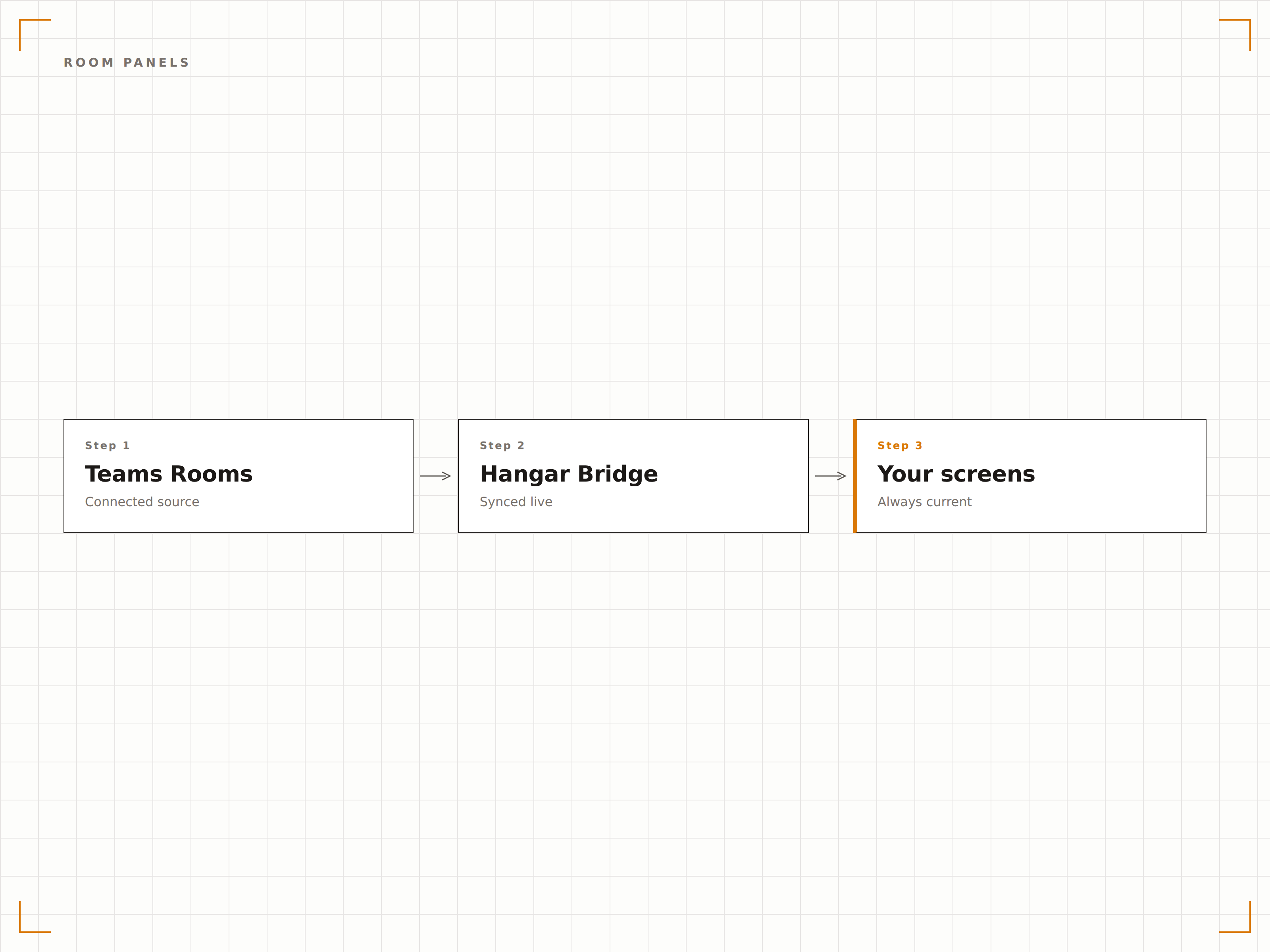
Contenuti di Segnaletica durante l'Inattività
Quando una Teams Room non è in una riunione attiva, lo schermo della sala può mostrare contenuti di segnaletica — comunicazioni aziendali, dashboard o contenuti brandizzati. All'avvio di una riunione, lo schermo torna automaticamente alla modalità Teams Rooms.
Schermi per riunioni che lavorano anche tra una sessione e l'altra come display di segnaletica.
Passaggio automatico tra modalità segnaletica e modalità riunione
Playlist di contenuti durante i periodi di inattività
Transizione fluida all'avvio delle riunioni
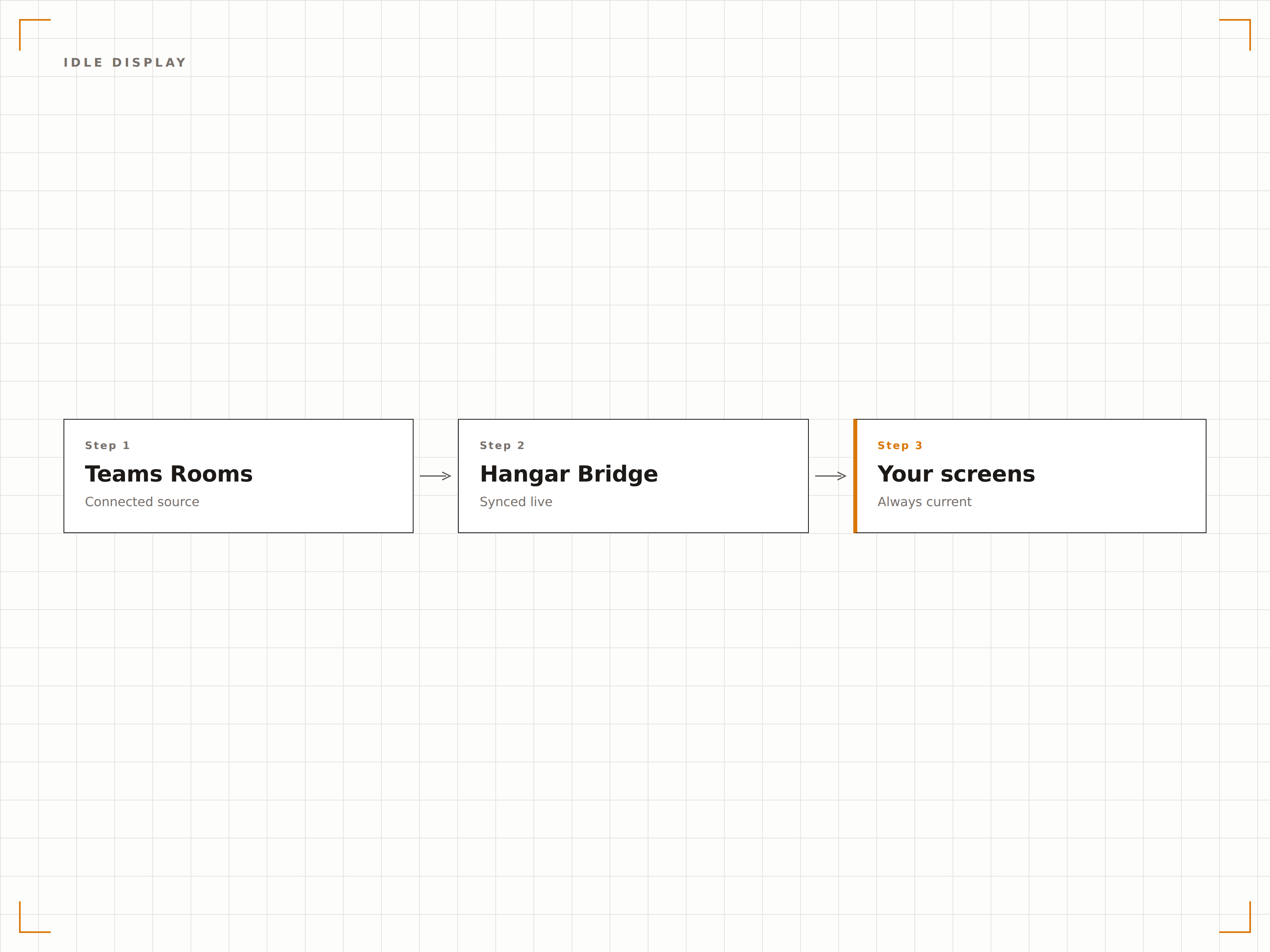
Guida i Visitatori alla Loro Sala
Posiziona schermi di segnaletica nei corridoi e nelle hall con una mappa delle sale riunioni disponibili e lo stato in tempo reale. I visitatori possono vedere quali sale sono occupate, quali sono libere e dove si trova la sala che hanno prenotato.
Non perdere più tempo a cercare la tua sala riunioni in giro per l'ufficio.
Mappa del piano con overlay dello stato delle sale
Ricerca prenotazione visitatori
Wayfinding direzionale verso le sale prenotate
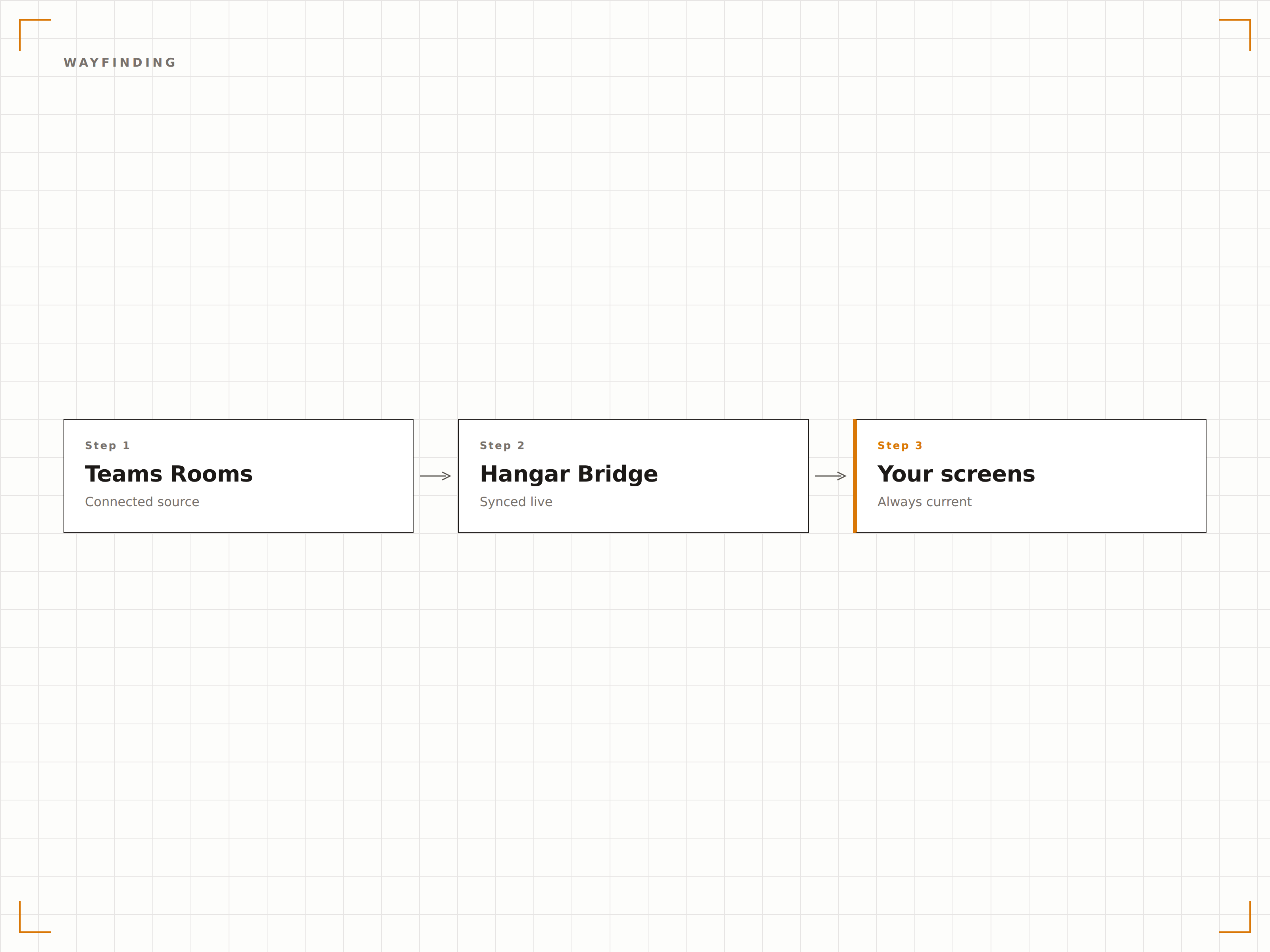
Quattro passaggi verso schermi connessi.
Dalla configurazione ai contenuti live in minuti, non giorni.
Connetti Teams Rooms
Collega gli account risorsa di Microsoft Teams Rooms a Hangar.Media tramite autenticazione Azure AD.
Configura i Pannelli Sala
Configura gli schermi di segnaletica all'esterno delle sale riunioni come pannelli di stato con le impostazioni di visualizzazione.
Imposta i Contenuti per l'Inattività
Scegli i contenuti di segnaletica da visualizzare sugli schermi Teams Rooms durante i periodi di inattività tra una riunione e l'altra.
Vai live
Pubblica i pannelli sala, gli schermi di wayfinding e i contenuti per l'inattività sulla tua rete di segnaletica per sale riunioni.
Costruito per ogni settore.
Scopri come diversi settori utilizzano questa integrazione per ottenere risultati concreti.
Sale Riunioni Smart
Configura pannelli di stato all'esterno di ogni Teams Room e mostra contenuti aziendali sugli schermi delle sale tra una riunione e l'altra, per sfruttare al massimo il tuo investimento nei display.
IstruzioneWayfinding per Aule Campus
Mostra la disponibilità delle aule in tempo reale e mappe di wayfinding sugli schermi dei corridoi per aiutare studenti e visitatori a trovare aule studio e sale conferenze disponibili.
SanitàStato delle Sale di Consultazione
Mostra pannelli di stato all'esterno delle sale di consultazione con disponibilità, stato dell'appuntamento in corso e sessione successiva programmata.
HospitalitySale del Centro Congressi
Mostra lo stato delle sale conferenze, i programmi degli eventi e le informazioni di wayfinding sugli schermi di tutto il centro congressi dell'hotel.
Domande frequenti. Risposte dirette risposte.
Posso utilizzare lo schermo della Teams Room per la segnaletica quando le riunioni non sono attive?
Sì. Hangar.Media è in grado di rilevare quando una Teams Room è inattiva e inviare contenuti di segnaletica allo schermo della sala. All'avvio di una riunione, lo schermo torna automaticamente alla modalità Teams Rooms. Questo massimizza il valore del tuo investimento negli schermi delle sale riunioni.
Ho bisogno di un hardware specifico per Teams Rooms?
La funzionalità del pannello sala è compatibile con gli schermi di segnaletica standard installati all'esterno delle sale riunioni. Per la segnaletica sullo schermo interno durante i periodi di inattività, la compatibilità dipende dalla configurazione hardware della tua Teams Room. La maggior parte dei dispositivi Teams Rooms certificati supporta questa funzionalità.
I visitatori possono effettuare il check-in al pannello sala?
Sui pannelli sala con touch screen, i visitatori possono confermare il proprio arrivo per una riunione prenotata. Questo invia una notifica all'organizzatore della riunione tramite Teams.
Come funziona il wayfinding per gli uffici su più piani?
Gli schermi di wayfinding di Hangar.Media mostrano mappe piano per piano con lo stato delle sale in tempo reale. Puoi posizionare gli schermi su ogni piano con le sale di quel piano, oppure nella hall principale con una panoramica di tutti i piani.
Un prezzo. L'intera piattaforma.
Così pensiamo che la segnaletica digitale dovrebbe funzionare. Editor di contenuti, gestione degli schermi e oltre 200 integrazioni di app — tutto incluso fin dal primo giorno.
14 giorni gratis, fino a 3 schermi — senza carta.