Viva-Engage-Beiträge – auf dem Bildschirm. auf jedem Bildschirm.
Zeigen Sie Viva Engage Community-Beiträge, Mitarbeiter-Highlights und Beiträge zur Unternehmenskultur auf Digital Signage Bildschirmen in Ihrem gesamten Unternehmen an.
Mitarbeiter-Community auf jedem Bildschirm
Viva Engage (ehemals Yammer) ist das soziale Netzwerk für Mitarbeitende innerhalb von Microsoft 365. Hangar.Media zeigt Community-Beiträge, Gespräche und Mitarbeiter-Highlights auf Signage Bildschirmen an – damit die Energie und Kultur Ihrer Organisation in jedem Büro, jedem Pausenraum und jeder Lobby spürbar wird. Feiern Sie Erfolge, teilen Sie Geschichten und halten Sie Ihre Community verbunden.
Was Sie mit auf jedem Bildschirm. tun können
Drei Funktionen, die diese Integration für Ihr Digital Signage-Netzwerk unverzichtbar machen.
Live-Community-Beiträge auf dem Bildschirm
Zeigen Sie einen Live-Feed mit Viva-Engage-Community-Beiträgen auf Signage-Bildschirmen an. Beiträge mit Bildern, Text und Reaktionen scrollen oder wechseln auf dem Display und geben dem gesamten Büro Einblick in die Gespräche, die quer durch die Organisation stattfinden.
Ihre Mitarbeiter-Community – sichtbar an jeder Wand.
Live-Feed mit Community-Beiträgen
Darstellung von Bildern und Rich Text
Reaktionszähler und Engagement-Indikatoren
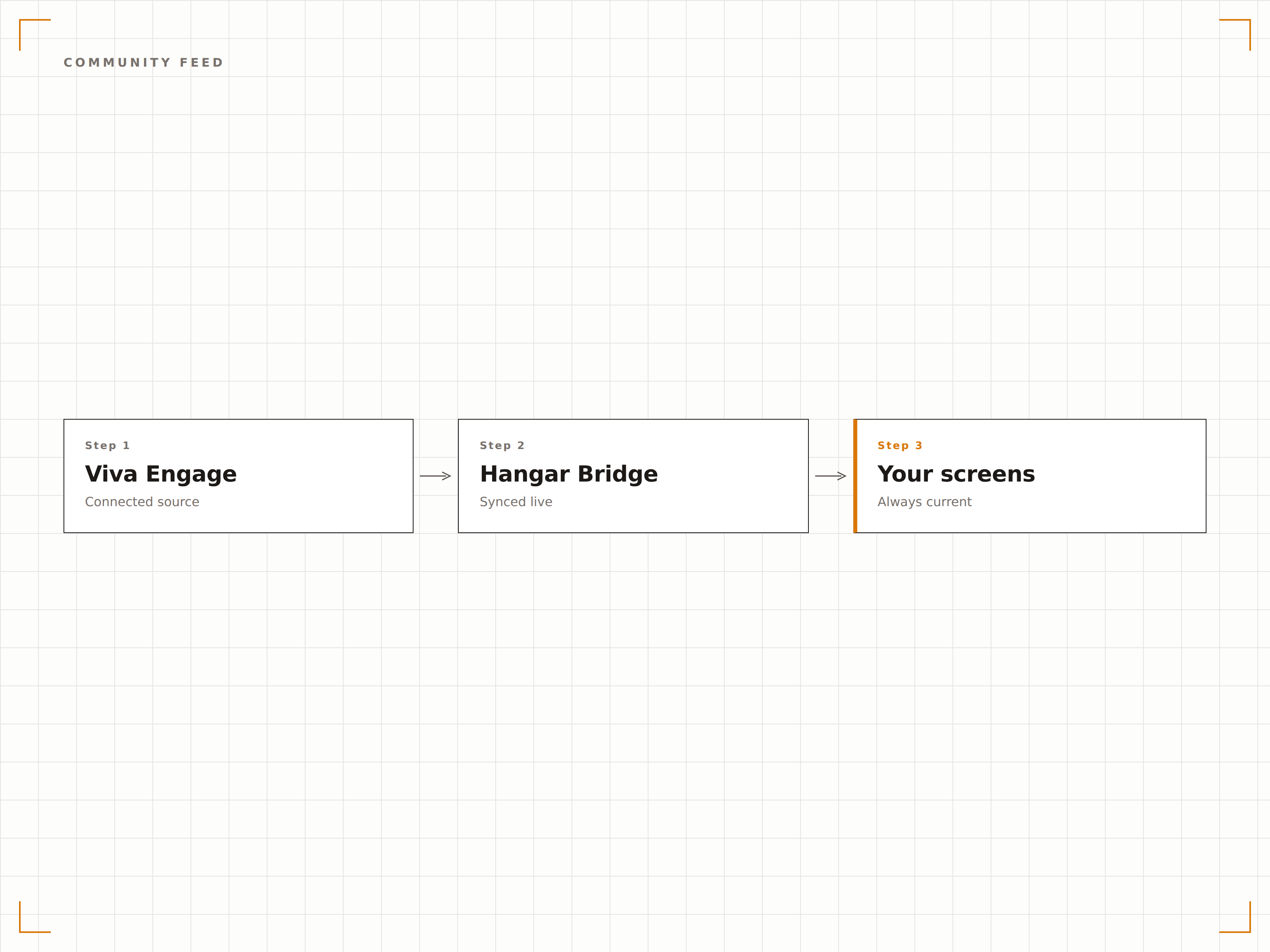
Mitarbeiter-Highlights auf dem Display
Filtern Sie Viva-Engage-Beiträge nach Anerkennungs-Hashtags oder Lob-Communities, um Mitarbeiter-Highlights auf Signage-Bildschirmen anzuzeigen. Dienstjubiläen, Teamerfolge und Shout-outs erscheinen gross auf dem Bildschirm – für das gesamte Büro sichtbar.
Mitarbeiteranerkennung gross auf dem Bildschirm in Szene gesetzt.
Filterung nach Anerkennungs-Hashtags
Highlights zu Dienstjubiläen und Meilensteinen
Anzeige von Team-Erfolgen und Shout-outs
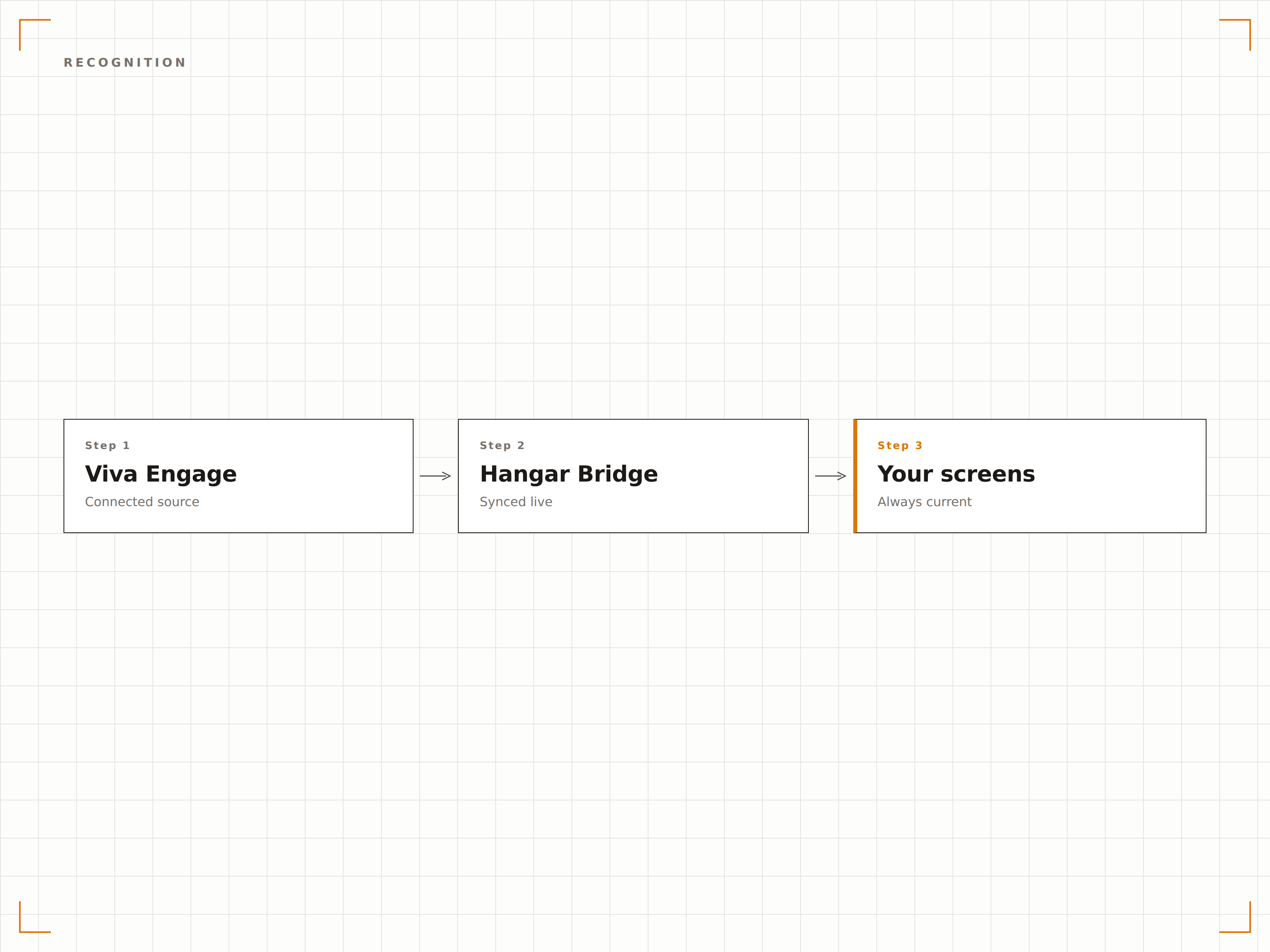
Kuratierte Community-Inhalte
Wählen Sie gezielt Viva-Engage-Communities für einzelne Signage-Bildschirme aus. Zeigen Sie die unternehmensweite Community im Empfangsbereich, die Engineering-Community auf der Tech-Etage und die Beiträge des Social-Komitees im Pausenraum. Jeder Bildschirm erhält relevante Community-Inhalte.
Die richtigen Community-Inhalte auf dem richtigen Bildschirm.
Community-Auswahl pro Bildschirm
Hashtag-basierte Inhaltsfilterung
Moderationskontrollen für Signage-Inhalte
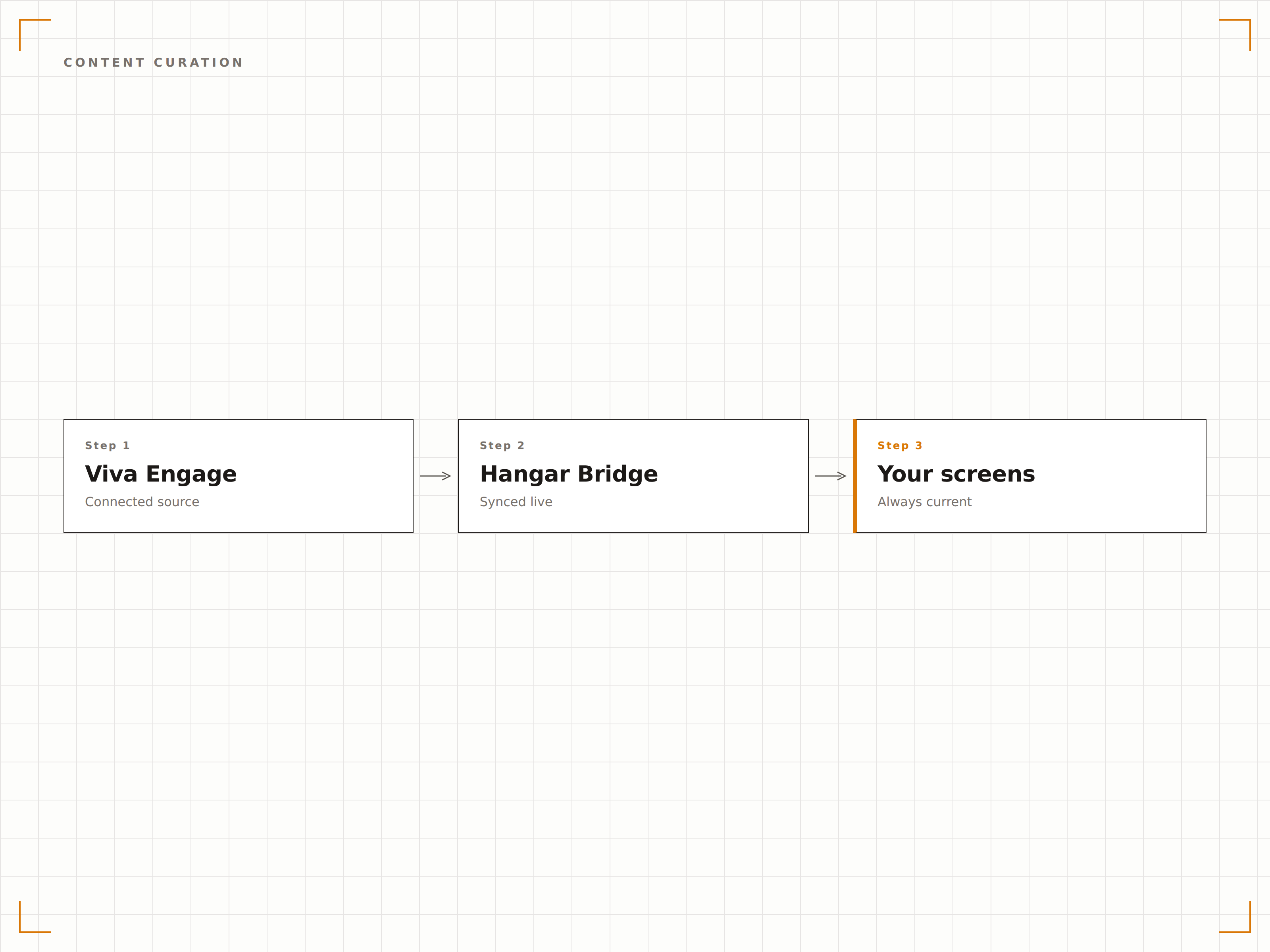
Vier Schritte zu verbundene Bildschirme.
Von der Einrichtung bis zu Live-Inhalten in Minuten, nicht Tagen.
Viva Engage verbinden
Authentifizieren Sie sich mit Microsoft 365 und erteilen Sie Hangar.Media Lesezugriff auf Ihre Viva-Engage-Communities.
Communities auswählen
Wählen Sie, welche Viva-Engage-Communities oder Hashtags auf welchem Signage-Bildschirm angezeigt werden sollen.
Anzeige einrichten
Legen Sie Anzeigedauer, Feed-Stil, Inhaltsfilter und Moderationsregeln fest.
Veröffentlichen
Weisen Sie Viva-Engage-Feeds den Bildschirmen in Empfangsbereichen, Pausenräumen und Büroflächen zu.
Entwickelt für jeden Branche.
Erfahren Sie, wie verschiedene Branchen diese Integration nutzen, um Ergebnisse zu erzielen.
Culture Wall
Zeigen Sie Viva-Engage-Community-Highlights, Mitarbeiteranerkennungen und Team-Erfolge auf einem dedizierten Culture-Wall-Bildschirm im Büroempfangsbereich an.
GesundheitswesenMitarbeiteranerkennungstafel
Zeigen Sie Anerkennungsbeiträge, Dienstjubiläen und Team-Highlights aus Viva Engage auf Bildschirmen in den Gemeinschaftsbereichen des Krankenhauspersonals an.
BildungFakultäts-Community-Feed
Zeigen Sie Fakultätsbeiträge, Forschungs-Highlights und Neuigkeiten aus den Fachbereichen aus Viva Engage auf Bildschirmen in Fakultätsräumen und Verwaltungsgebäuden an.
EinzelhandelTeam-Erfolge
Zeigen Sie standortbezogene Anerkennungsbeiträge, Verkaufsmeilensteine und Team-Fotos aus Viva Engage auf Bildschirmen im Hinterbereich von Einzelhandelsstandorten an.
Häufige Fragen. Direkte Antworten.
Ist Viva Engage dasselbe wie Yammer?
Ja. Microsoft hat Yammer 2023 im Rahmen der Microsoft Viva Employee Experience Platform in Viva Engage umbenannt. Die Hangar.Media-Integration funktioniert sowohl mit Viva Engage als auch mit bestehenden Yammer-Communities.
Kann ich steuern, welche Beiträge auf dem Signage-Bildschirm erscheinen?
Ja. Sie können Beiträge nach Community, Hashtag, Autor oder Inhaltstyp filtern. Ausserdem können Sie eine Moderationswarteschlange aktivieren, in der Beiträge vor der Anzeige auf dem Signage-Bildschirm genehmigt werden müssen.
Benötigen Betrachter eine Viva-Engage-Lizenz, um Beiträge auf dem Bildschirm zu sehen?
Nein. Der Signage-Bildschirm zeigt Viva-Engage-Inhalte über die Hangar.Media-Integration an. Alle Personen, die den Bildschirm sehen, können die Beiträge lesen – ohne eigene Microsoft-365- oder Viva-Lizenz.
Kann ich Viva Engage und Teams-Nachrichten auf demselben Bildschirm anzeigen?
Ja. Sie können sowohl Viva-Engage-Community-Feeds als auch Teams-Kanalnachrichten in derselben Hangar.Media-Playlist zusammenführen und so ein umfassendes internes Kommunikationsdisplay erstellen.
Ein Preis. Die gesamte Plattform.
So stellen wir uns Digital Signage vor. Inhaltseditor, Bildschirmverwaltung und 200+ App-Integrationen – alles von Anfang an inklusive.
14 Tage kostenlos, bis zu 3 Bildschirme – keine Kreditkarte erforderlich.